Screenshots

Explore Discrete’s Jellyfin library, player, queue and offline listening on iPhone, iPad and Mac.

iPhone

31 screenshots

Home & Discovery
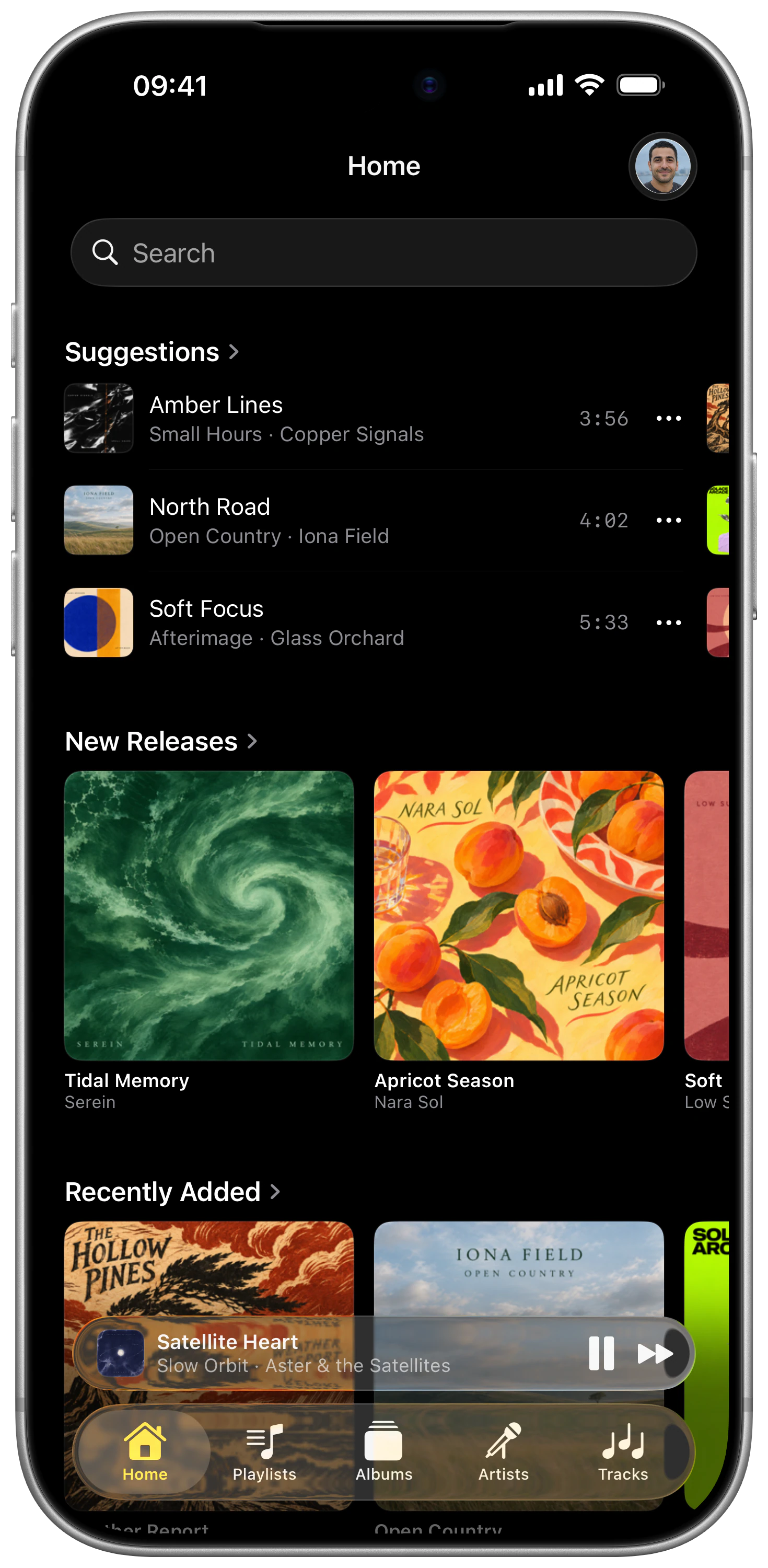
Discovery and listening shortcuts on the home tab
Home
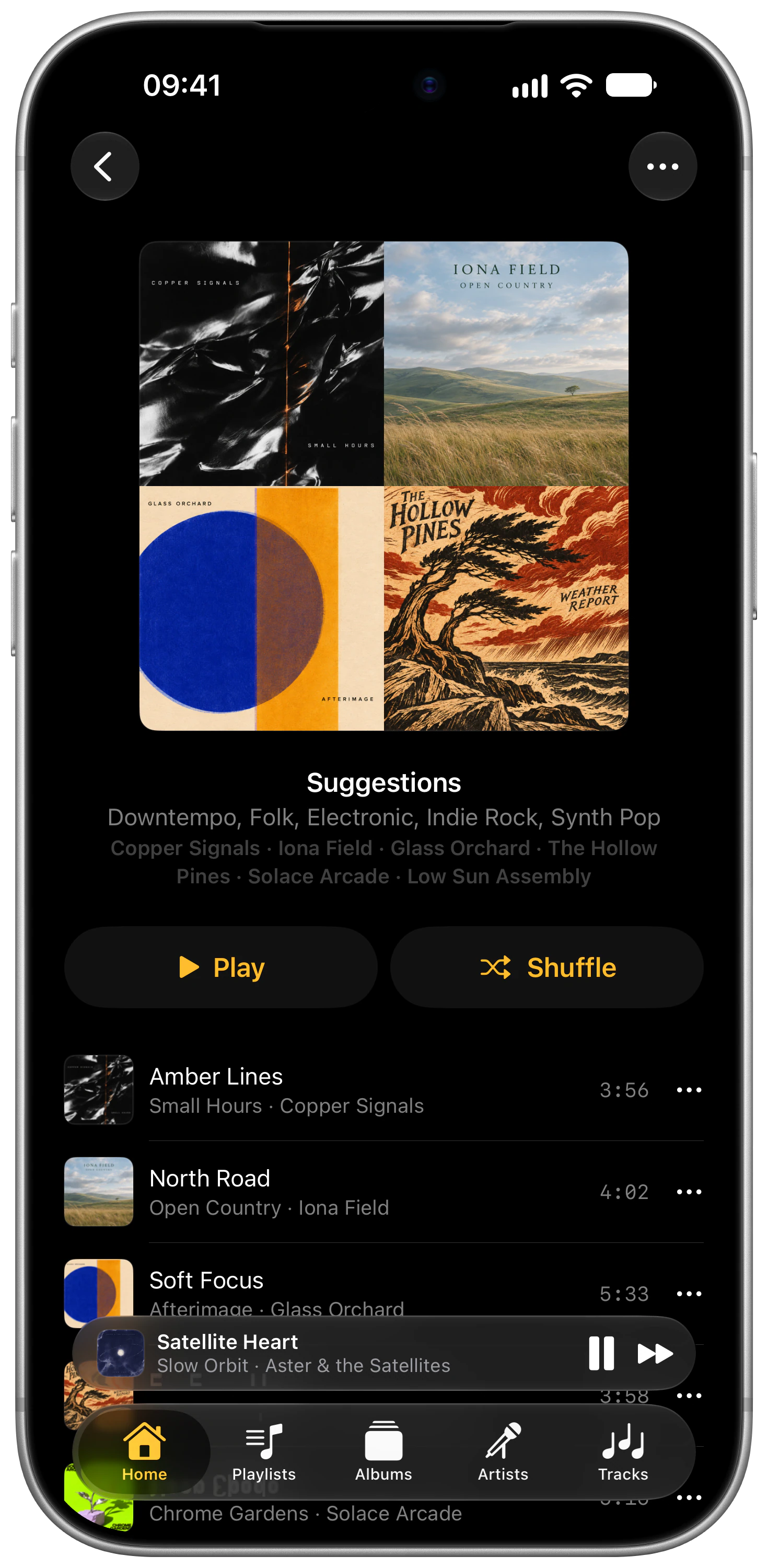
Suggested tracks on iPhone with a mosaic of artwork from the music collection.
Suggestions
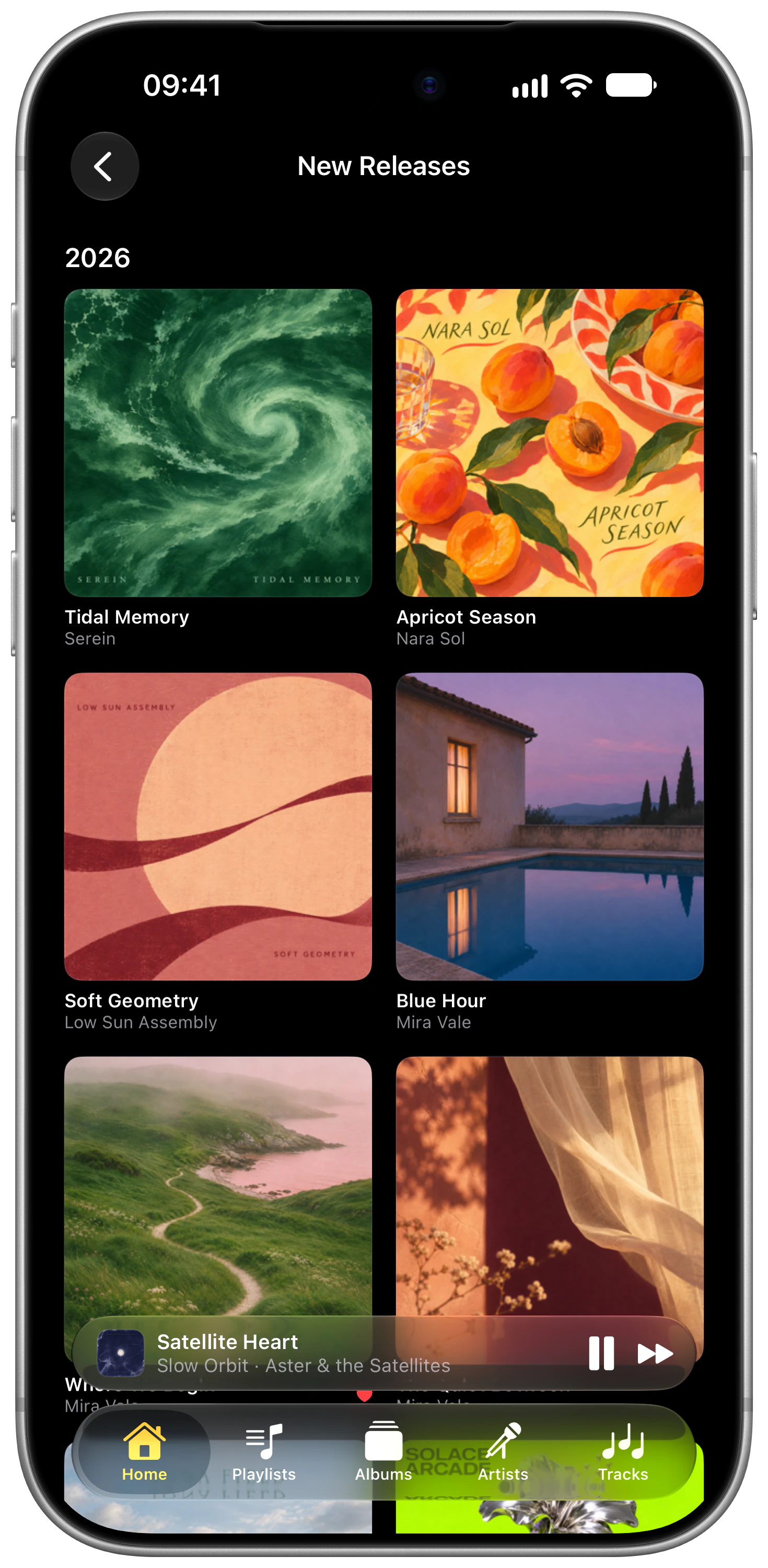
The New Releases collection sorted alphabetically, with cover art for each album.
New Releases

Albums & Tracks

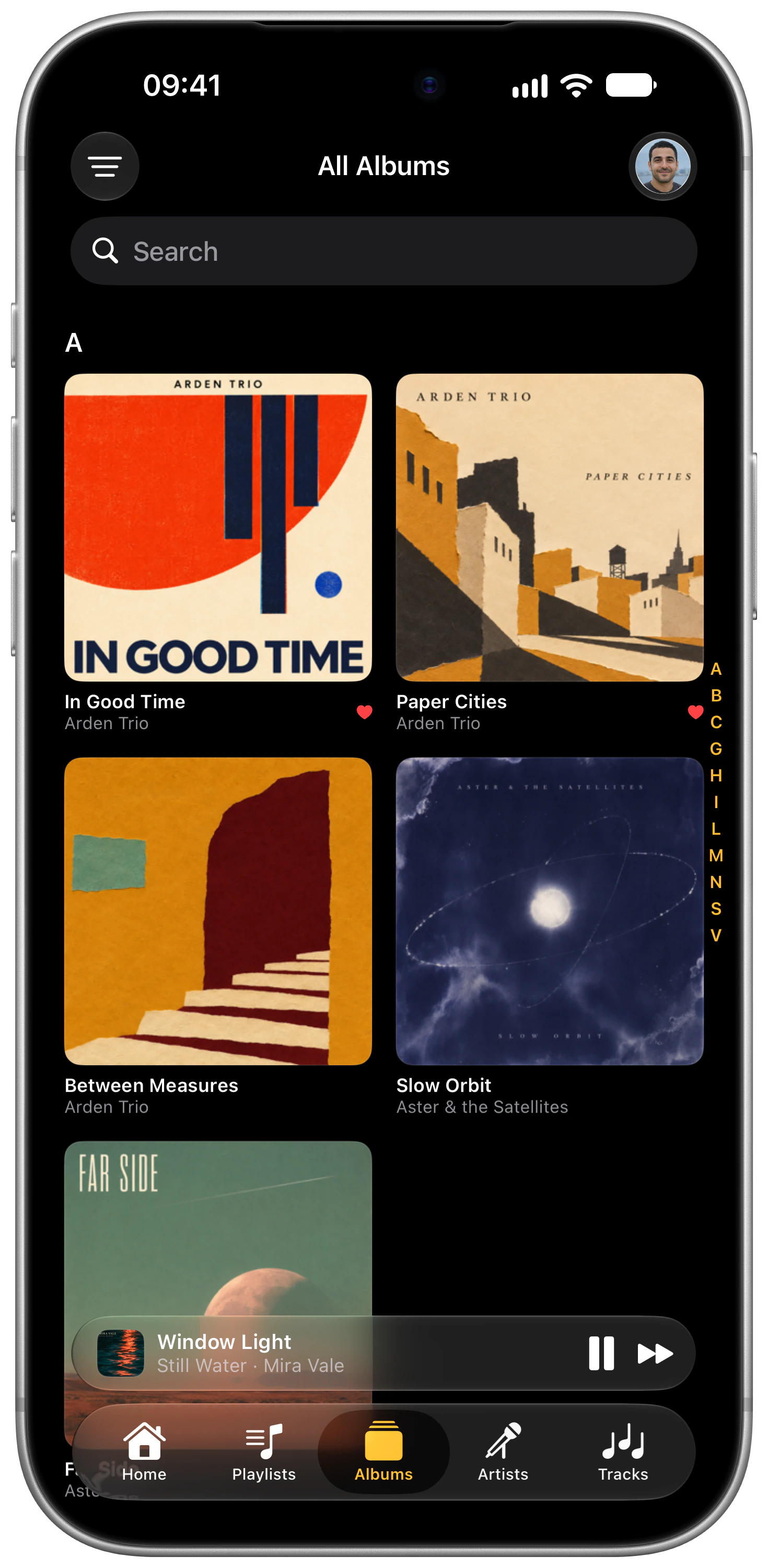
Artwork grid for the album collection
Albums
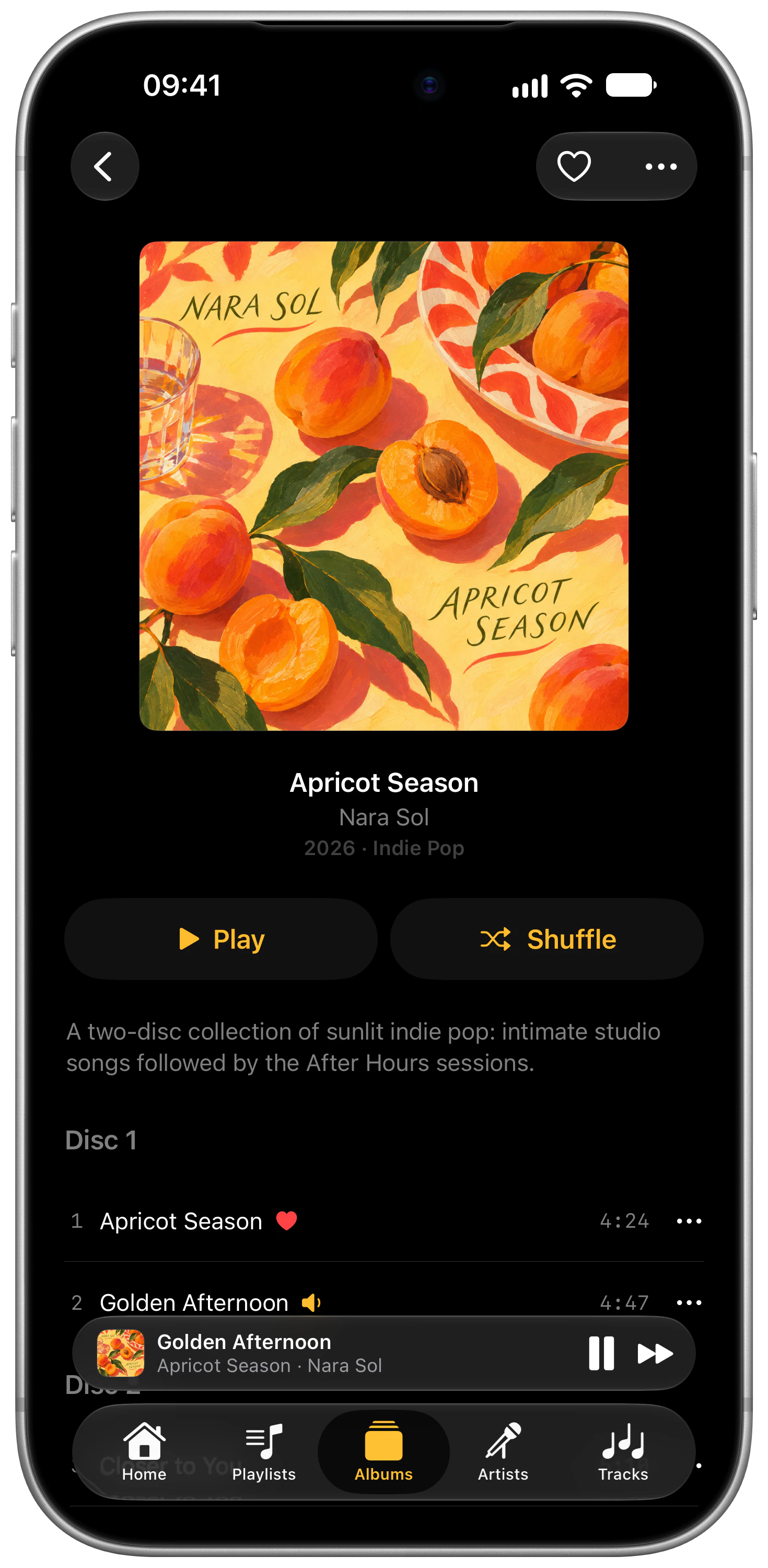
Album artwork, playback controls and the track list
Album details
Wide album details with artwork and the track listing
Album in landscape
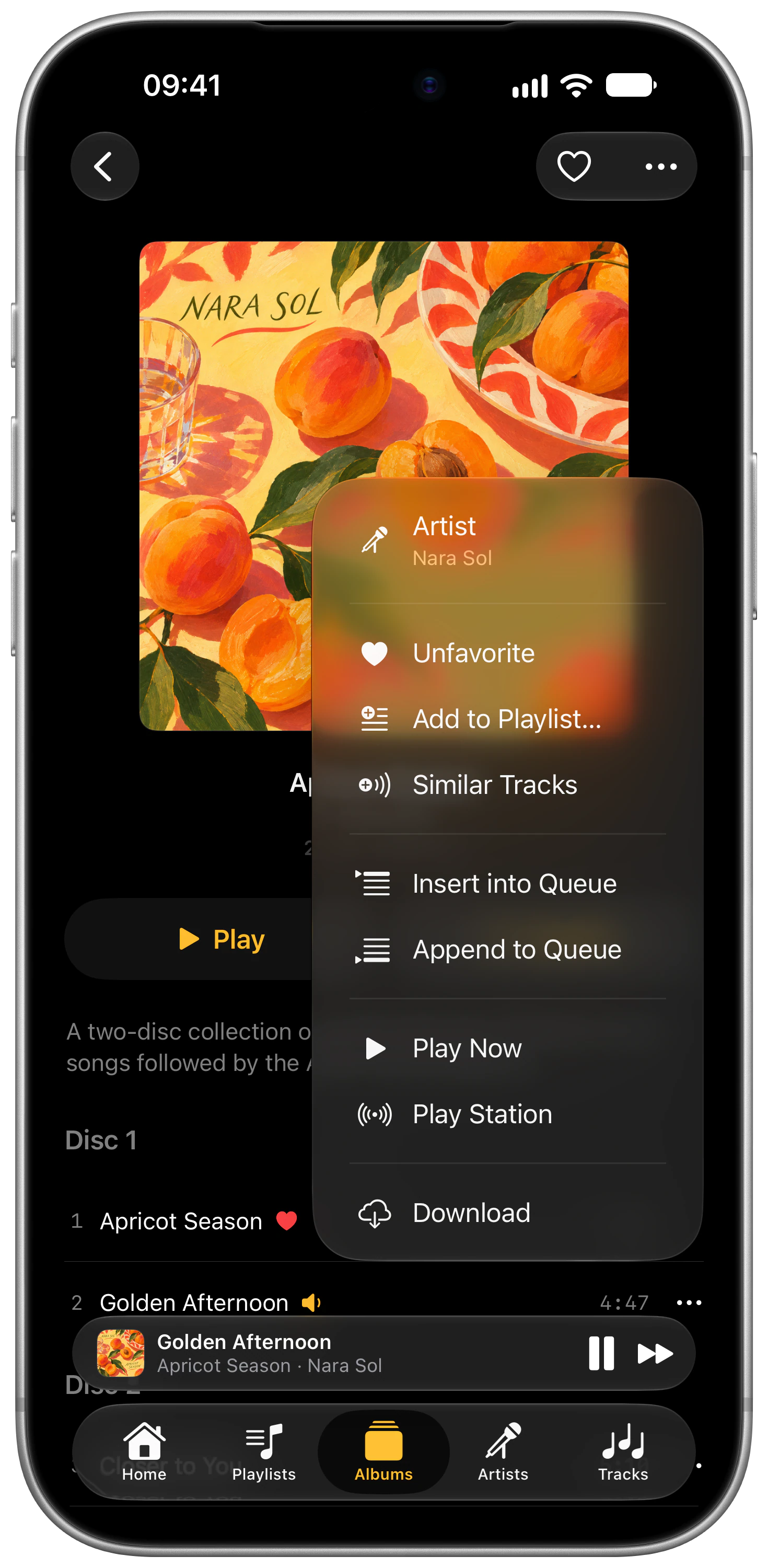
The iPhone track menu with the album and artist, favorite, Add to Playlist, Similar Tracks and queue actions.
Track actions

Artists

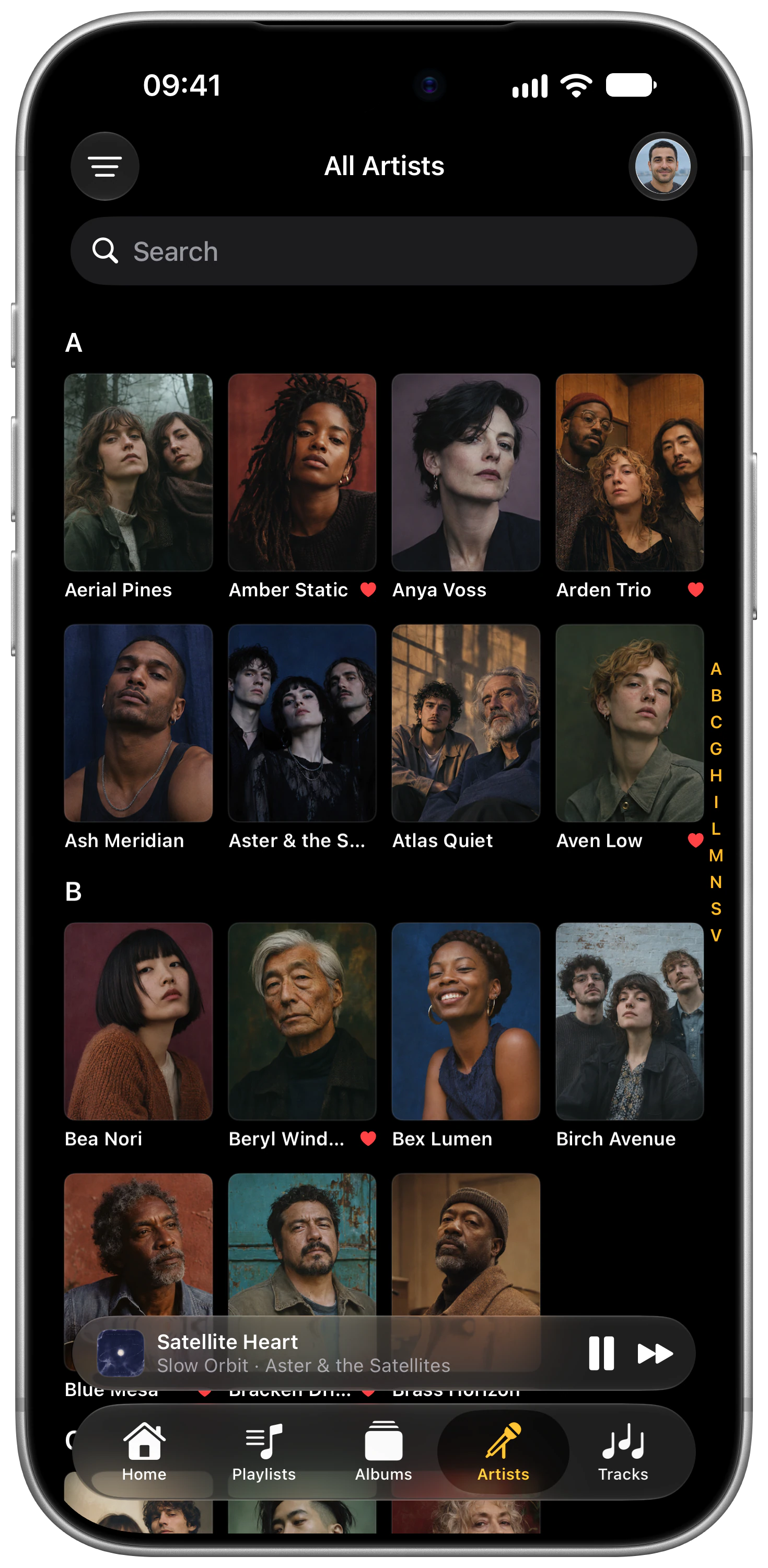
All Artists on iPhone, with an alphabetical grid of fictional artists and individual portraits.
Artist index
Artist information with tracks and releases
Artist details
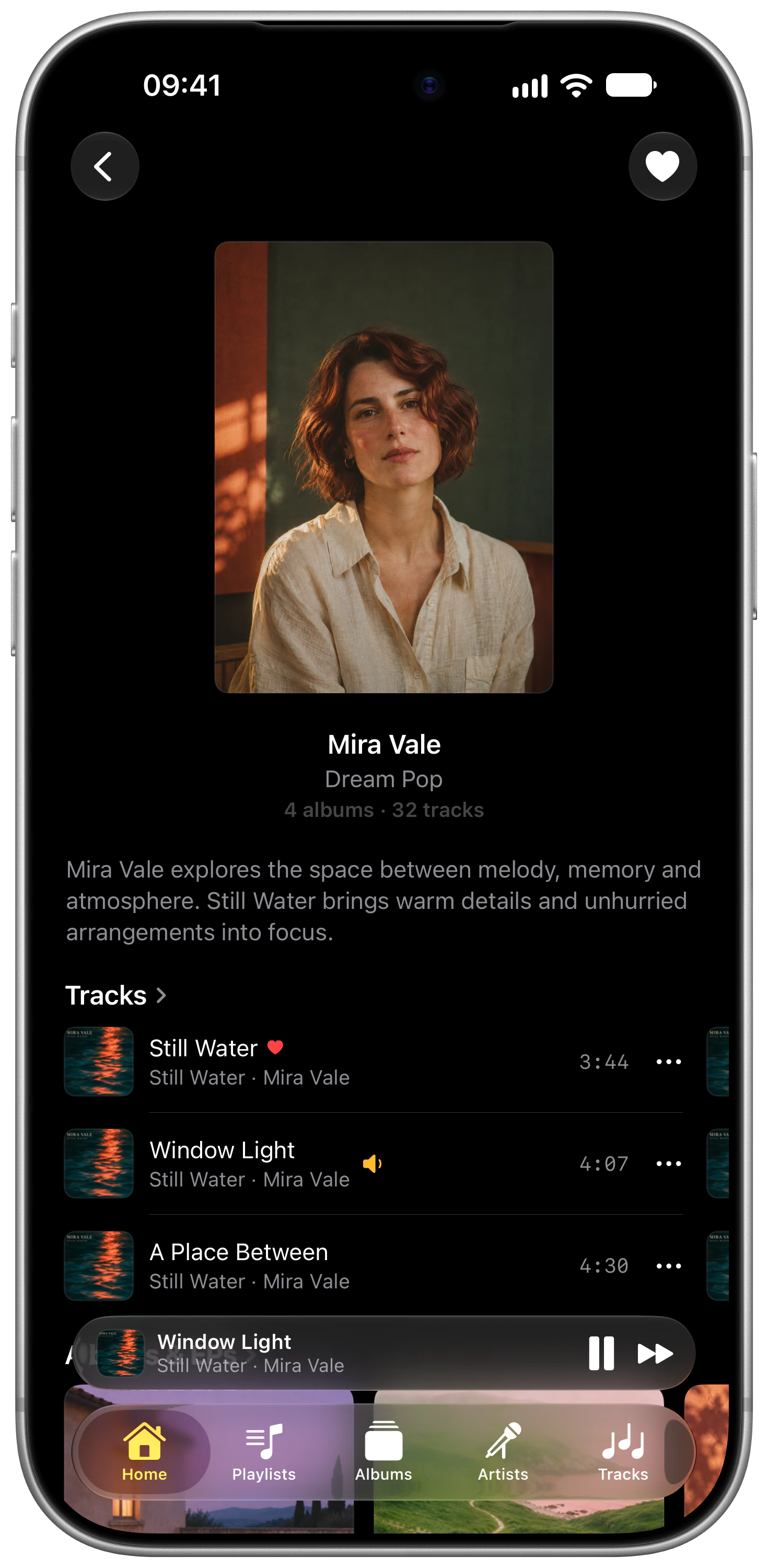
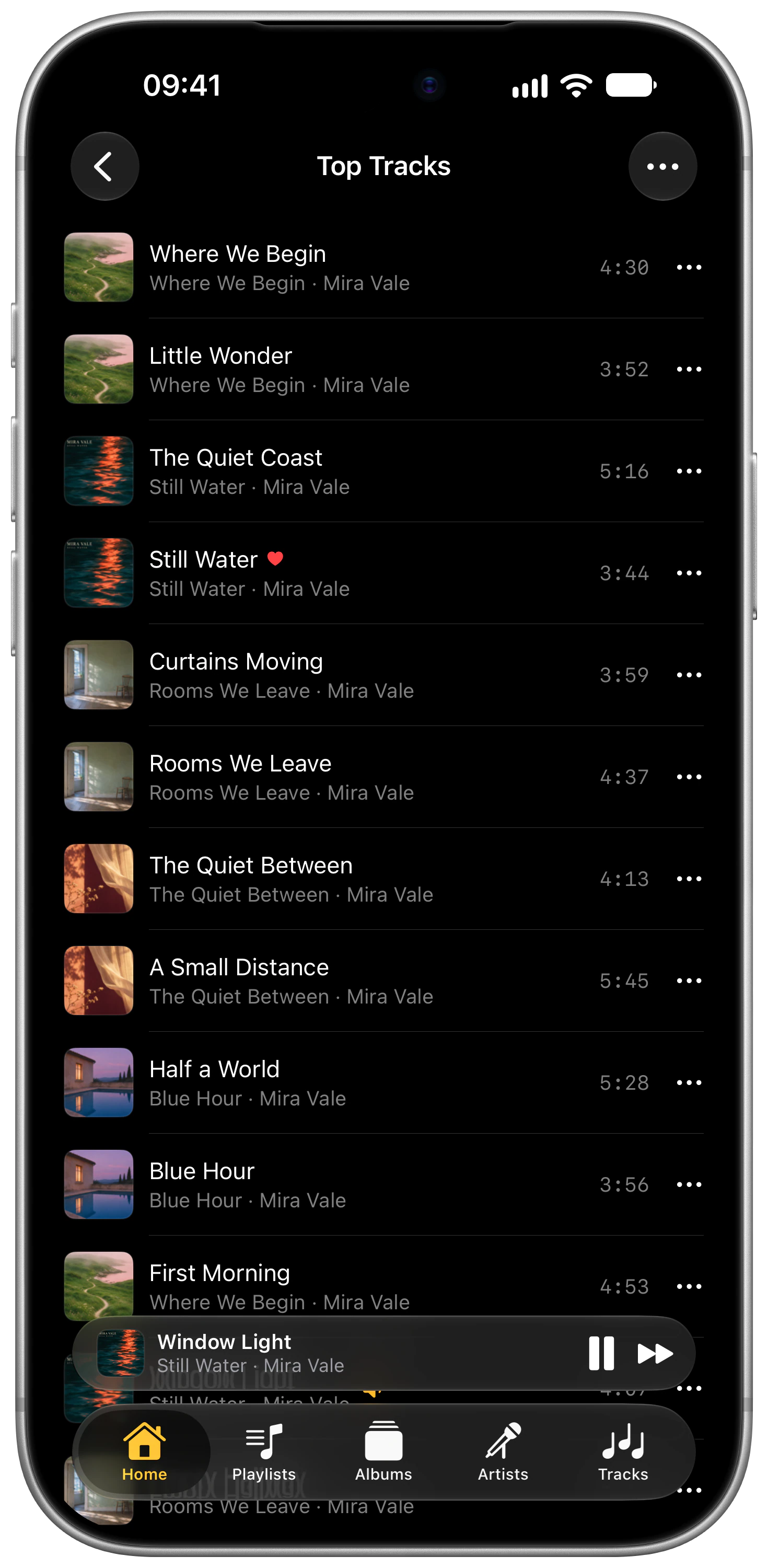
Mira Vale’s Top Tracks in the native library, showing cover art, song titles and durations.
Artist top tracks
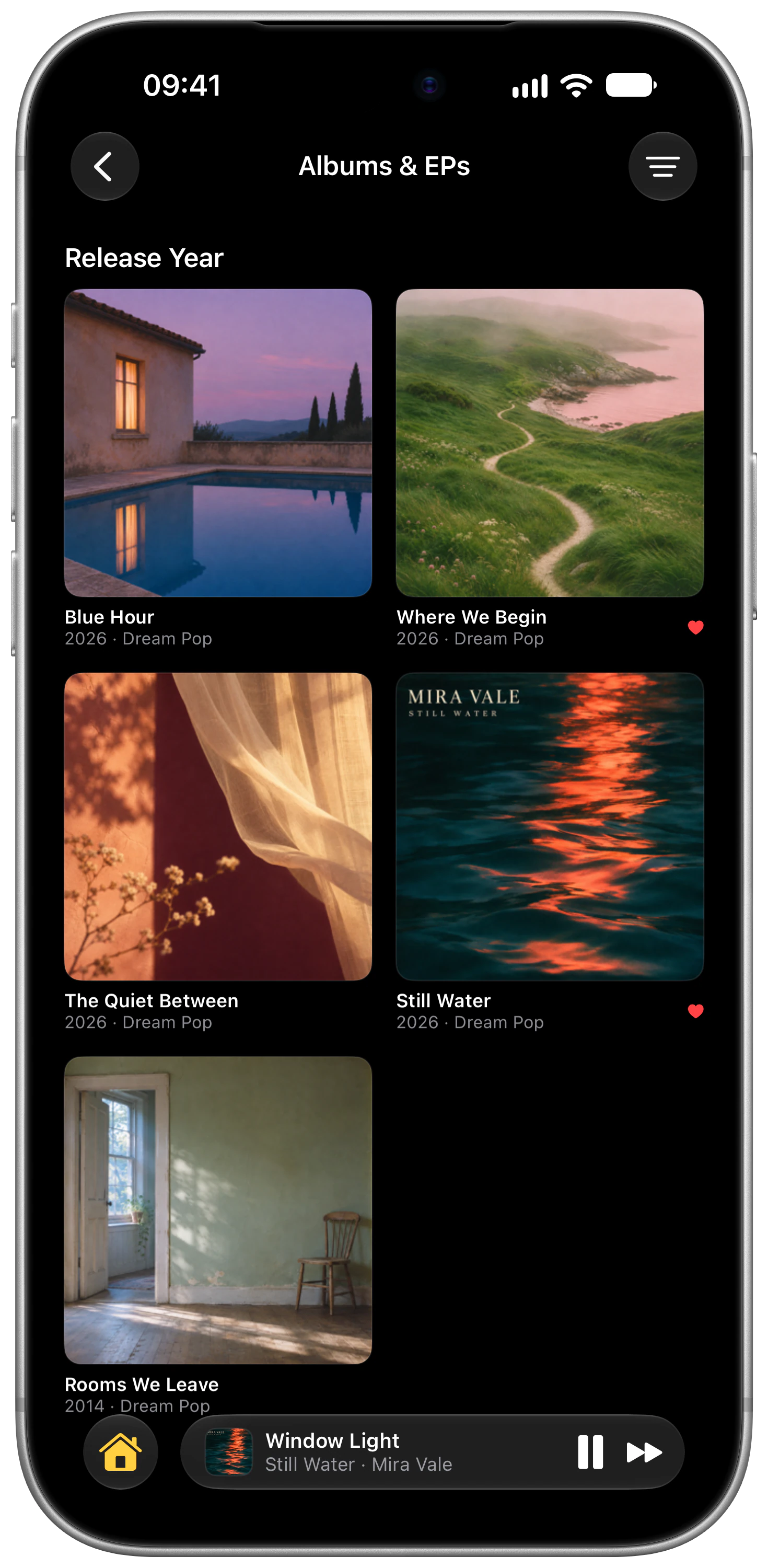
Mira Vale's releases with individual cover artwork grouped by year.
Albums and EPs by an artist

Playlists

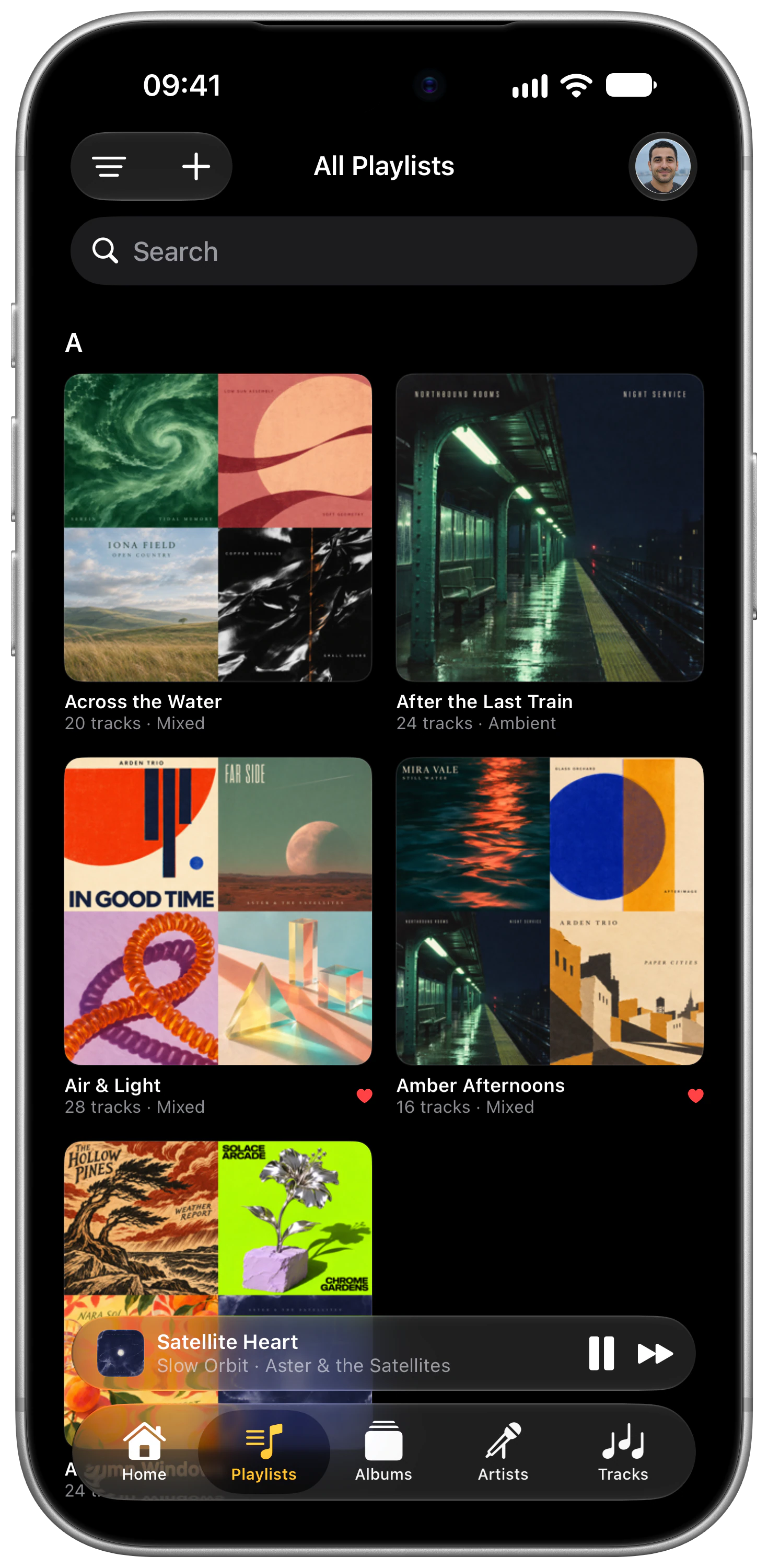
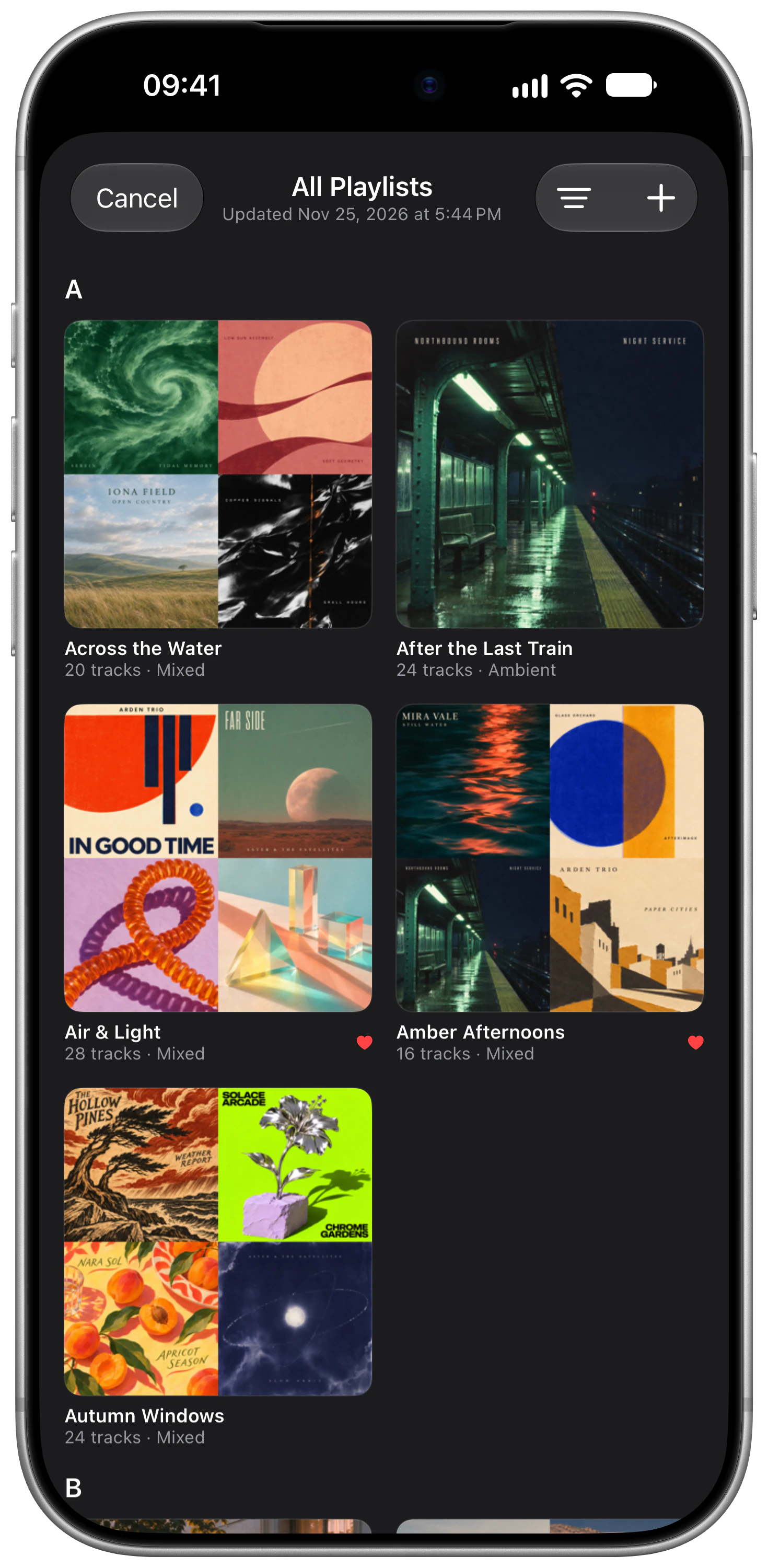
All Playlists with fully populated custom artwork and playlist collages.
Playlist library
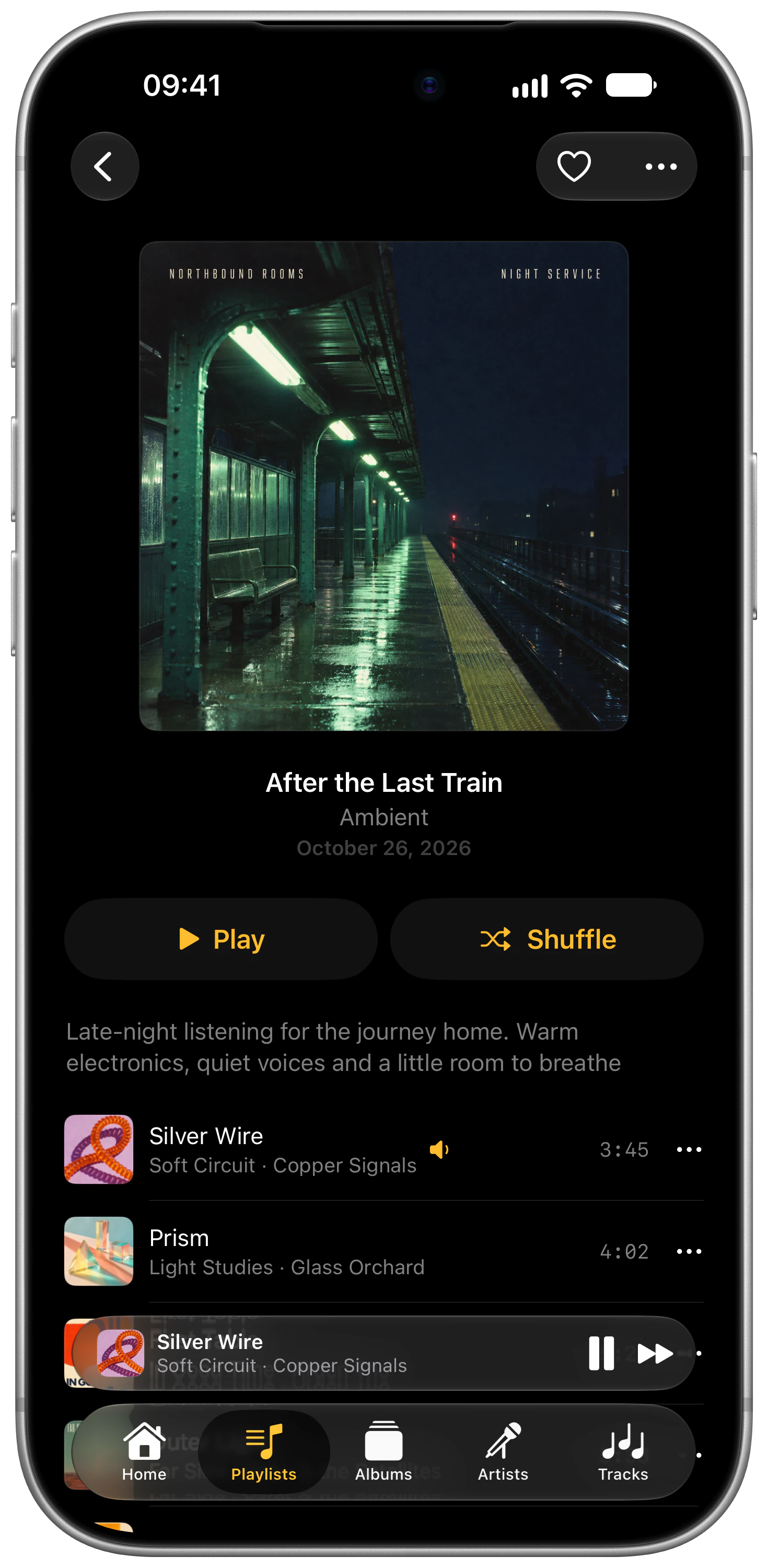
Playlist artwork and ordered tracks
Playlist details
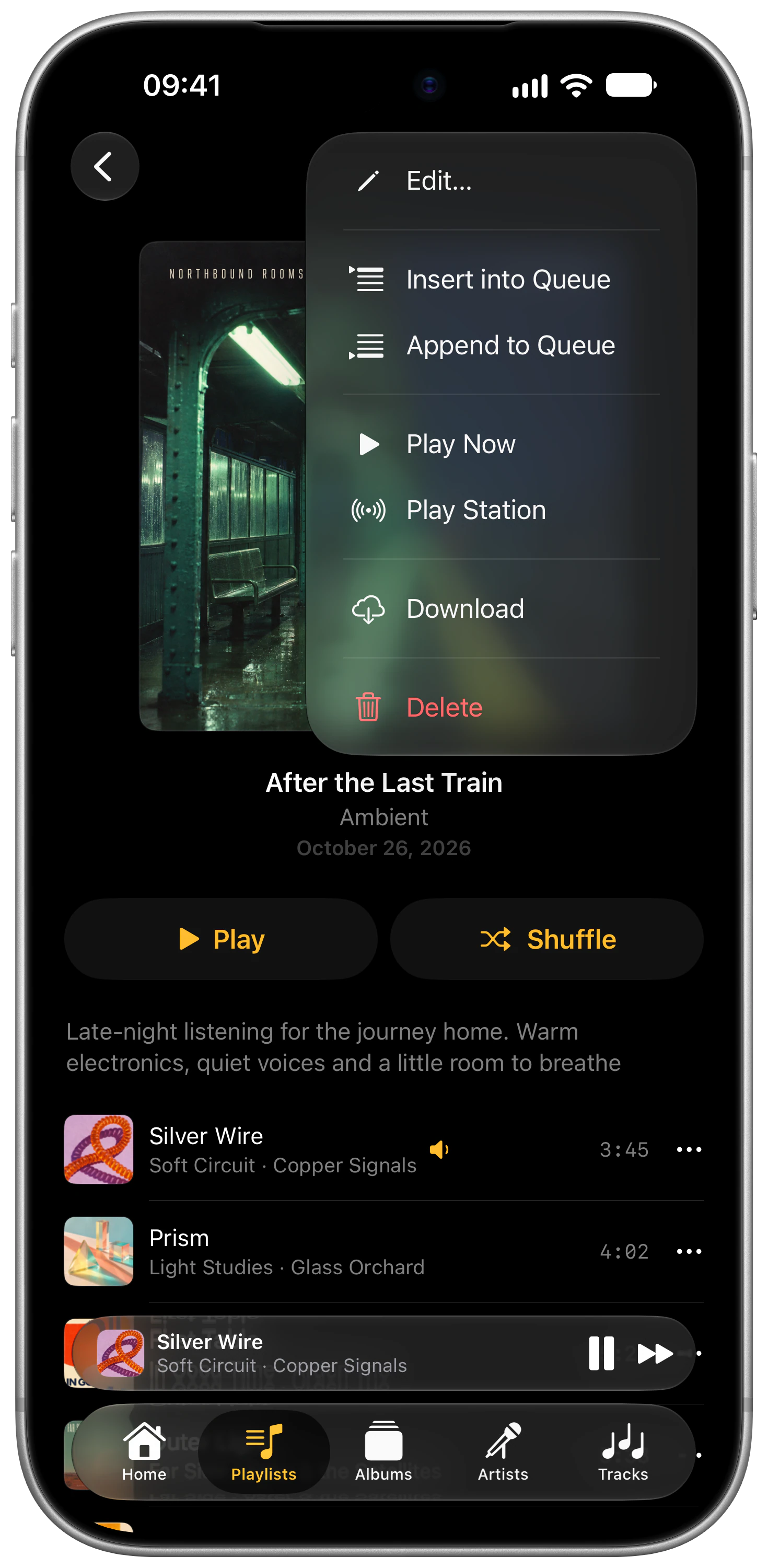
The iPhone playlist menu showing edit, queue, station and download actions.
Playlist actions
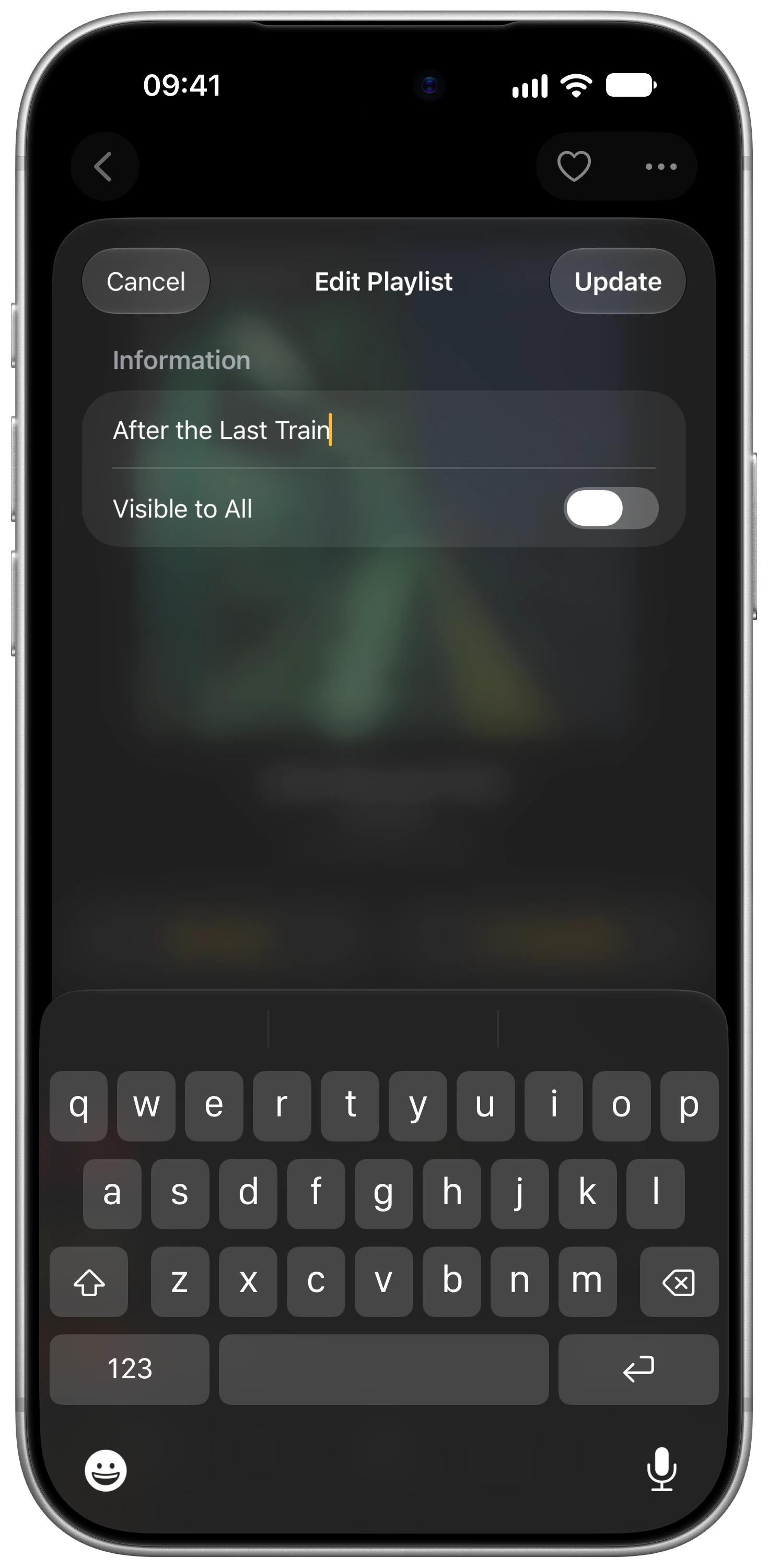
The iPhone native Edit Playlist form with the playlist name and visibility control.
Edit a playlist
The iPhone playlist picker opened from a song, with playlist artwork and the option to choose a destination.
Add to a playlist

Player, Queue & Lyrics

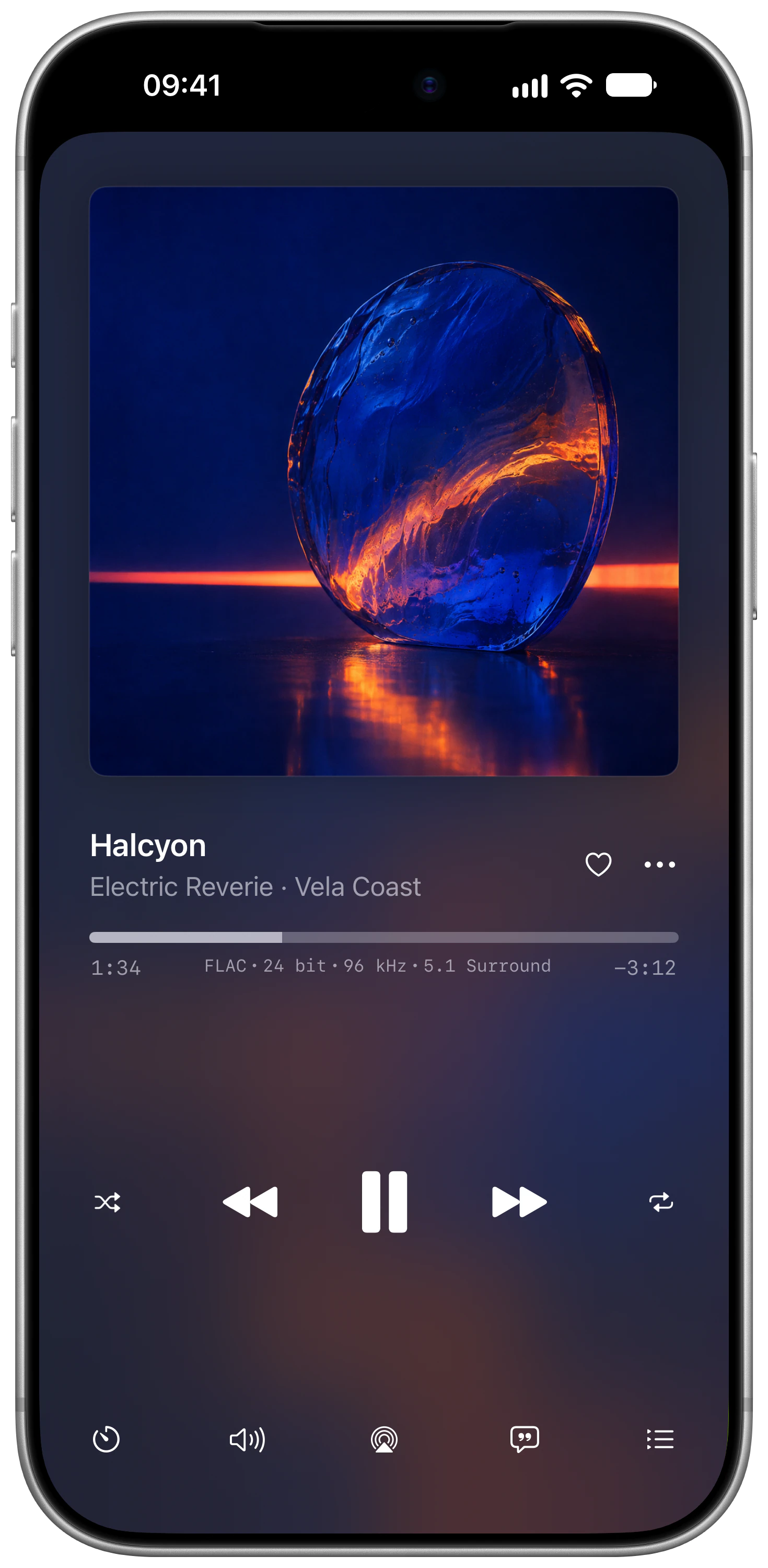
Player with large album artwork and audio format details
Now Playing
Wide player with artwork and playback controls beside it
Player in landscape
Upcoming tracks and playback history in the player queue
Queue and History
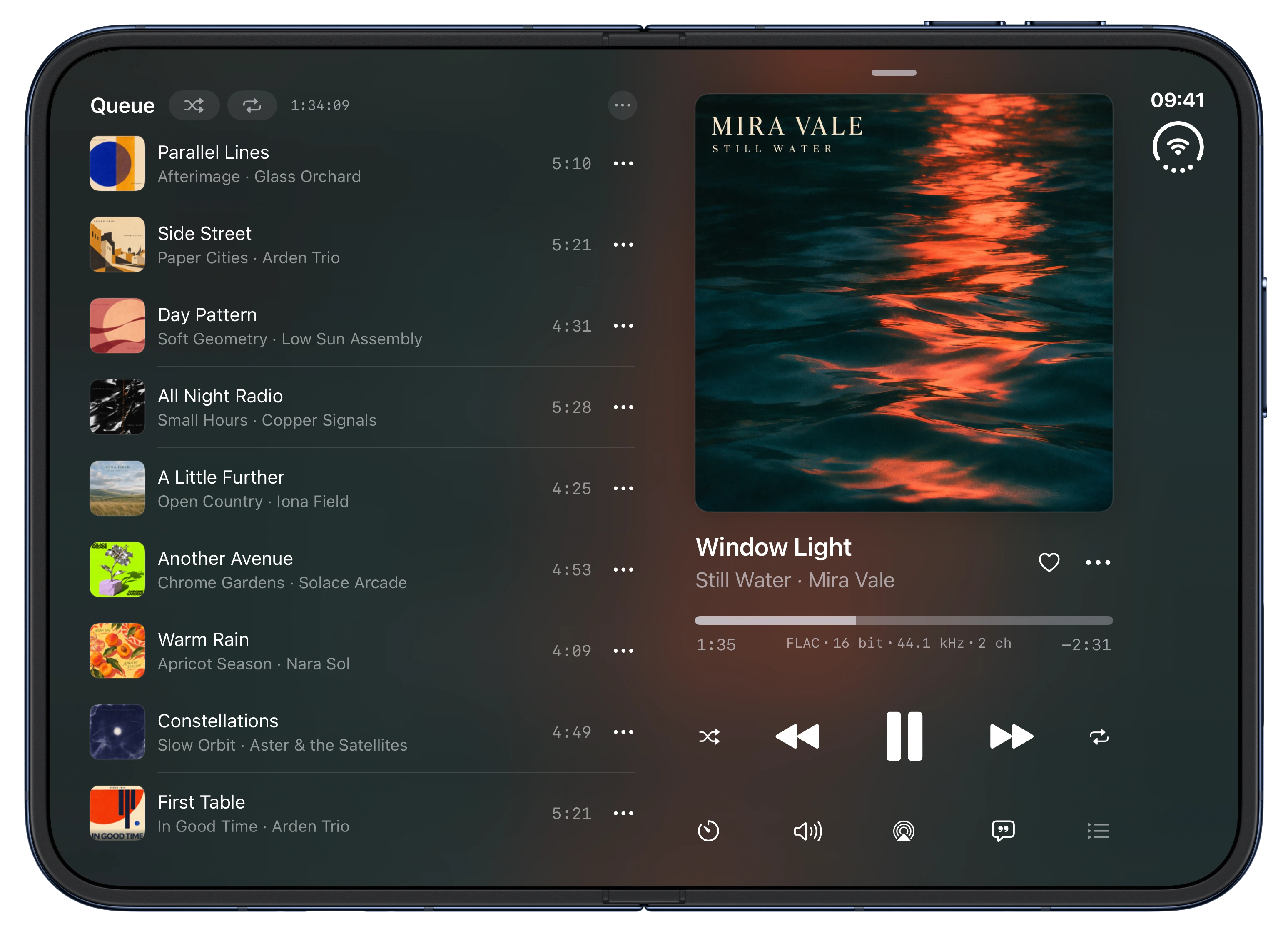
Wide queue and track controls in landscape
Queue in landscape
Lyrics shown alongside the current track
Lyrics

Downloads, Storage & Offline
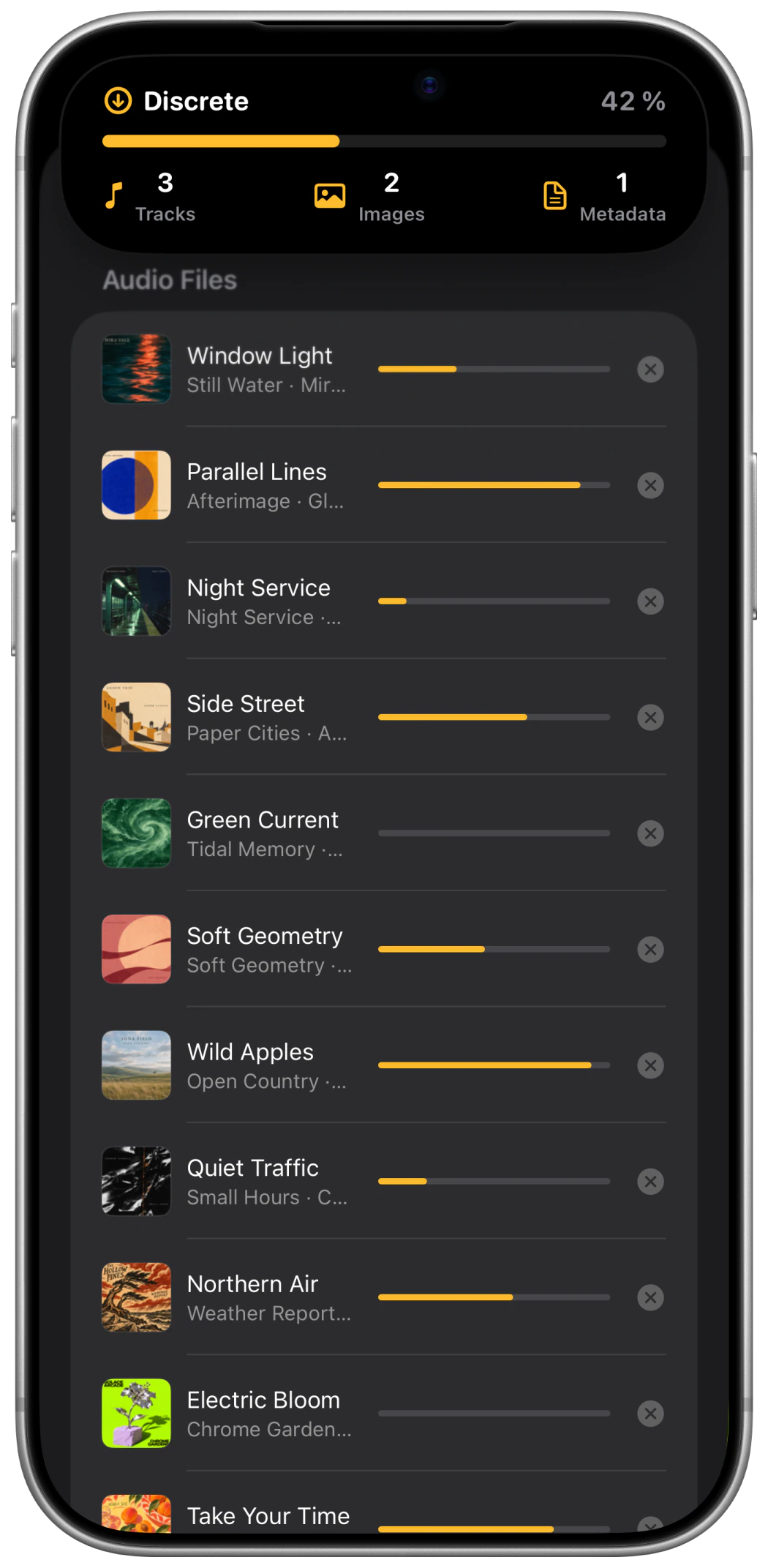
Expanded Dynamic Island showing the progress and remaining tracks, images and metadata above Discrete’s Downloading screen.
Downloading with Dynamic Island
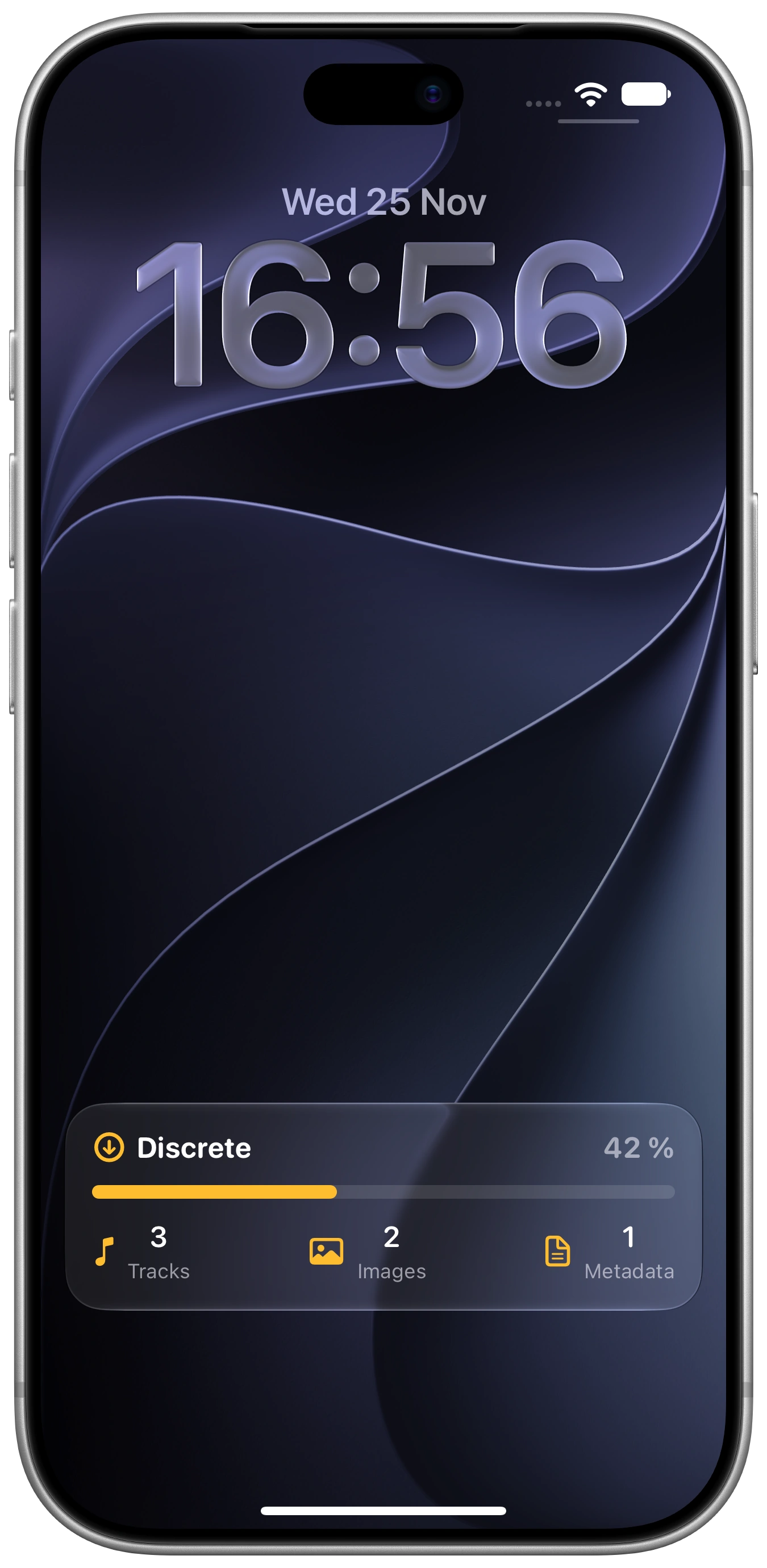
The iPhone Lock Screen displaying Discrete download progress and task counts.
Live Activity on the Lock Screen
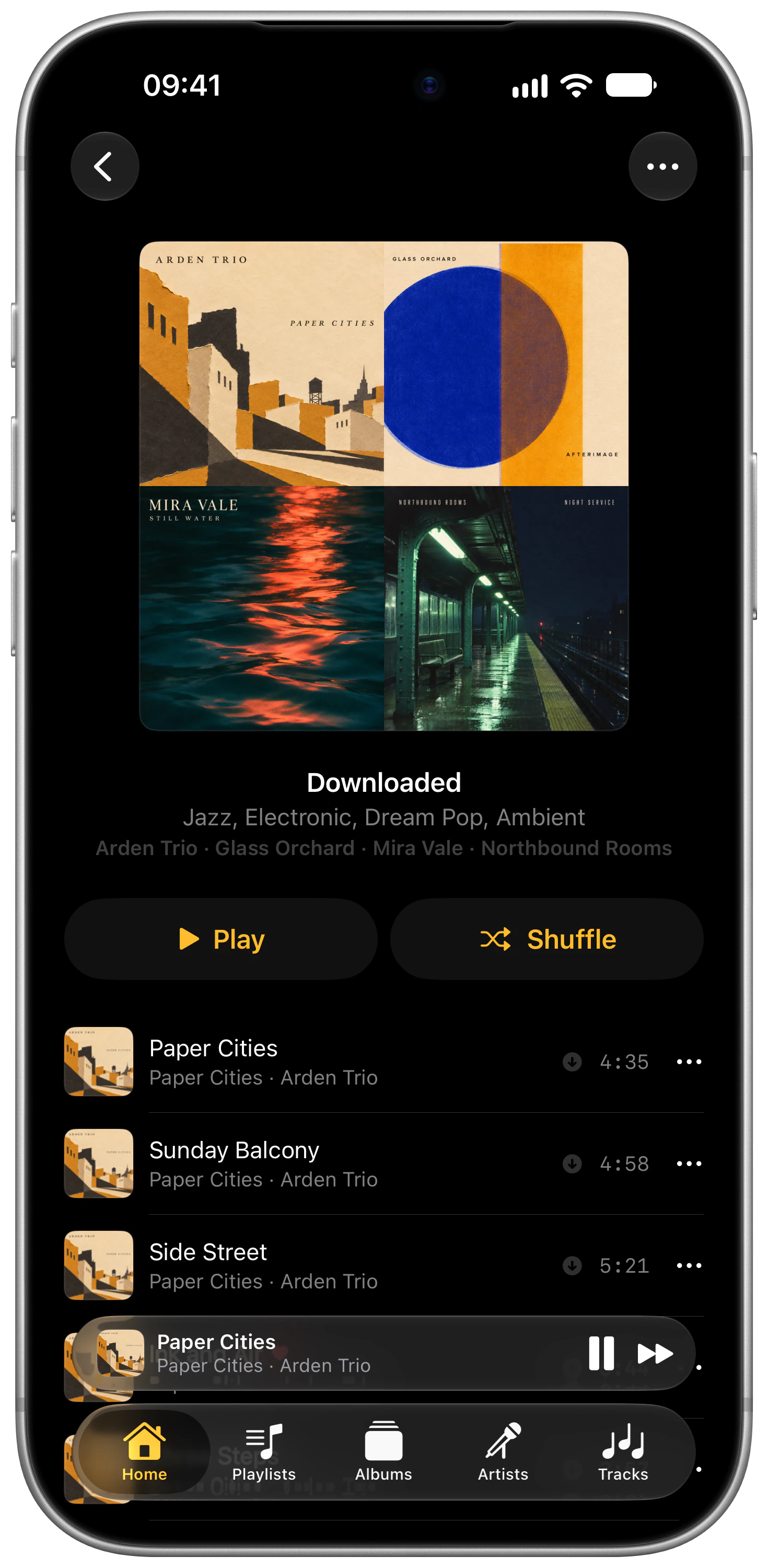
Downloaded albums and tracks available offline
Offline collection
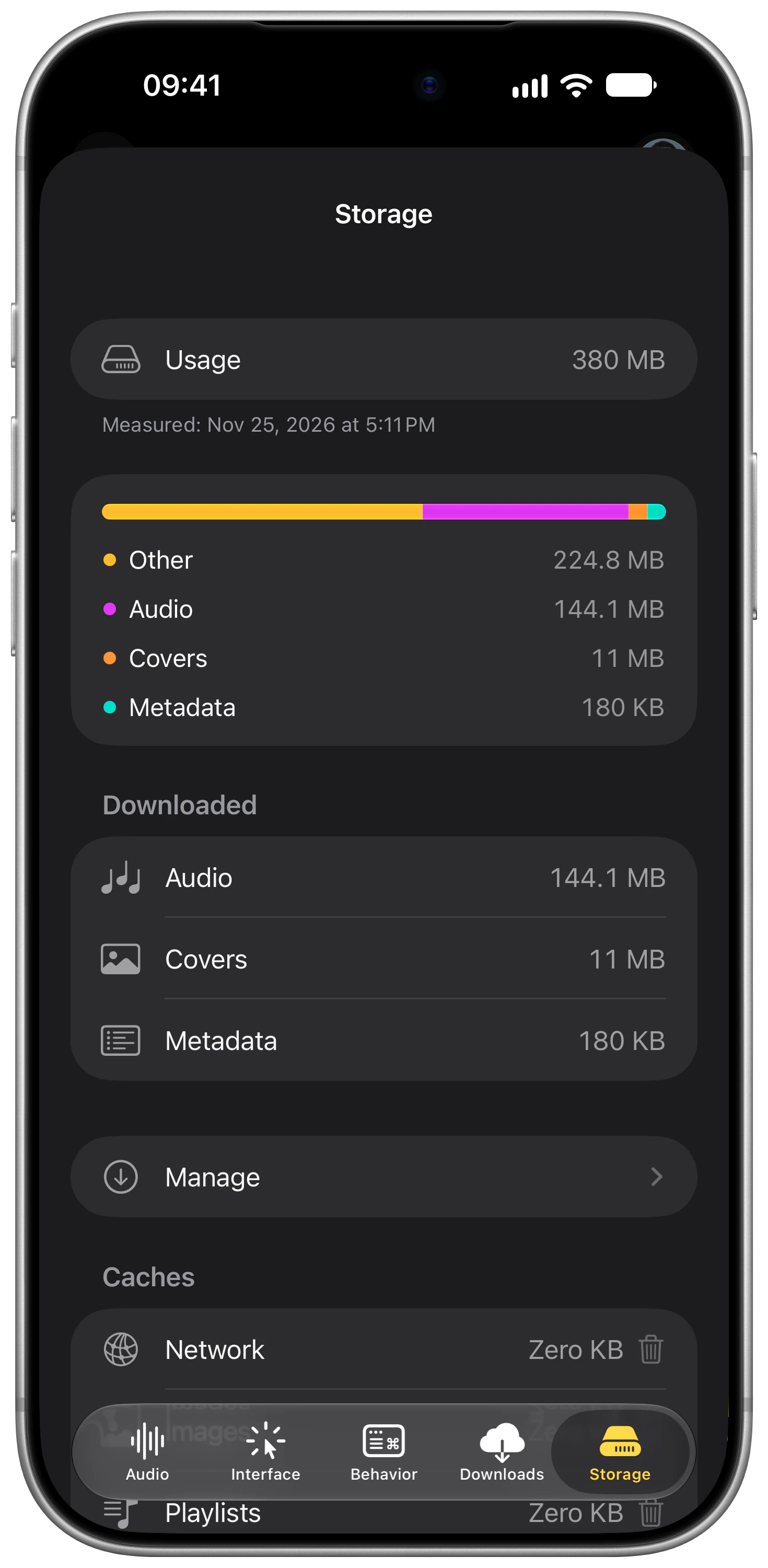
The iPhone Storage screen showing a category breakdown, cache sizes and active download management.
Storage usage
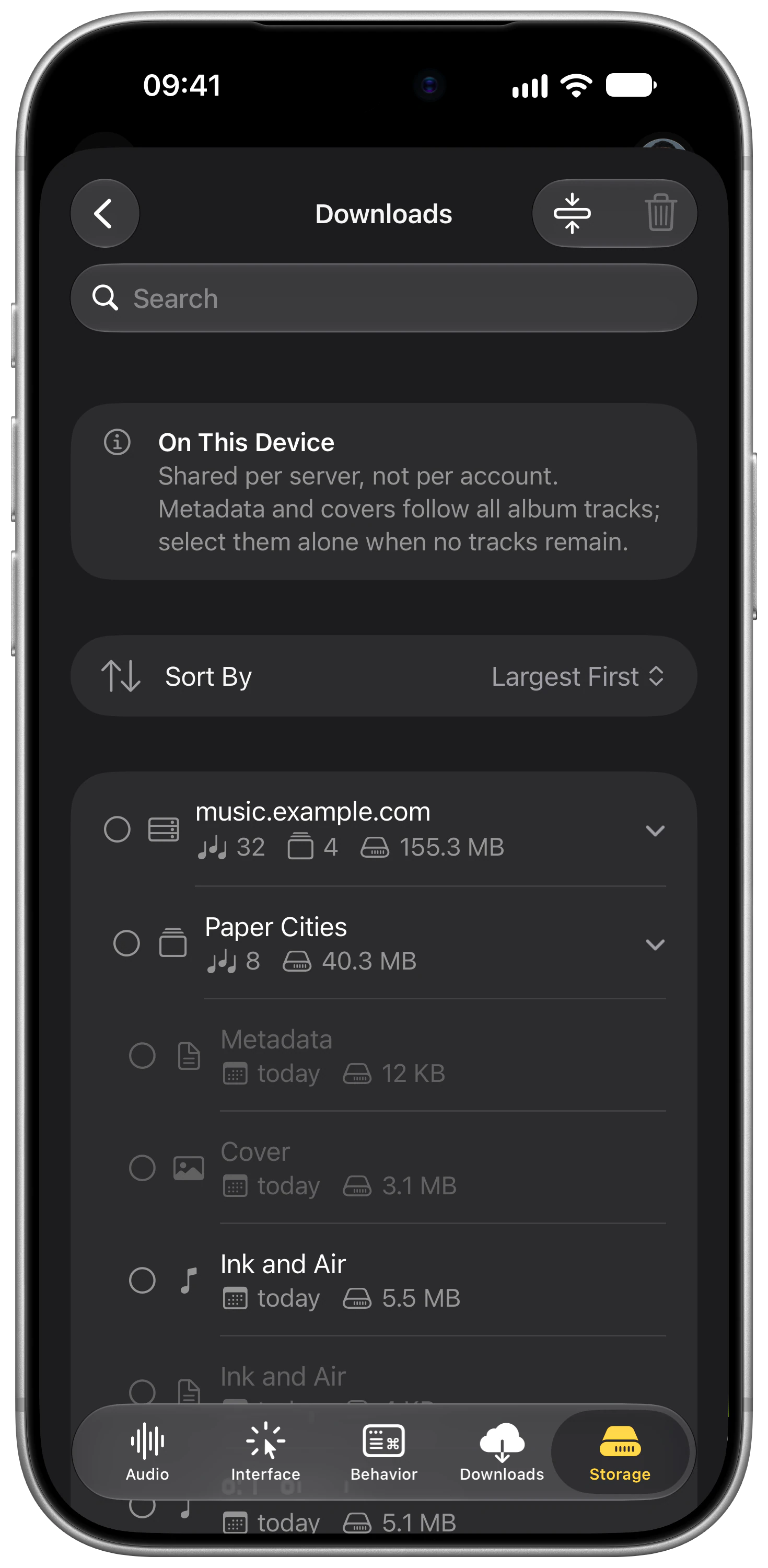
The iPhone Downloads manager with selectable tracks, metadata, and artwork grouped by album.
Manage Downloads

Accounts & Settings

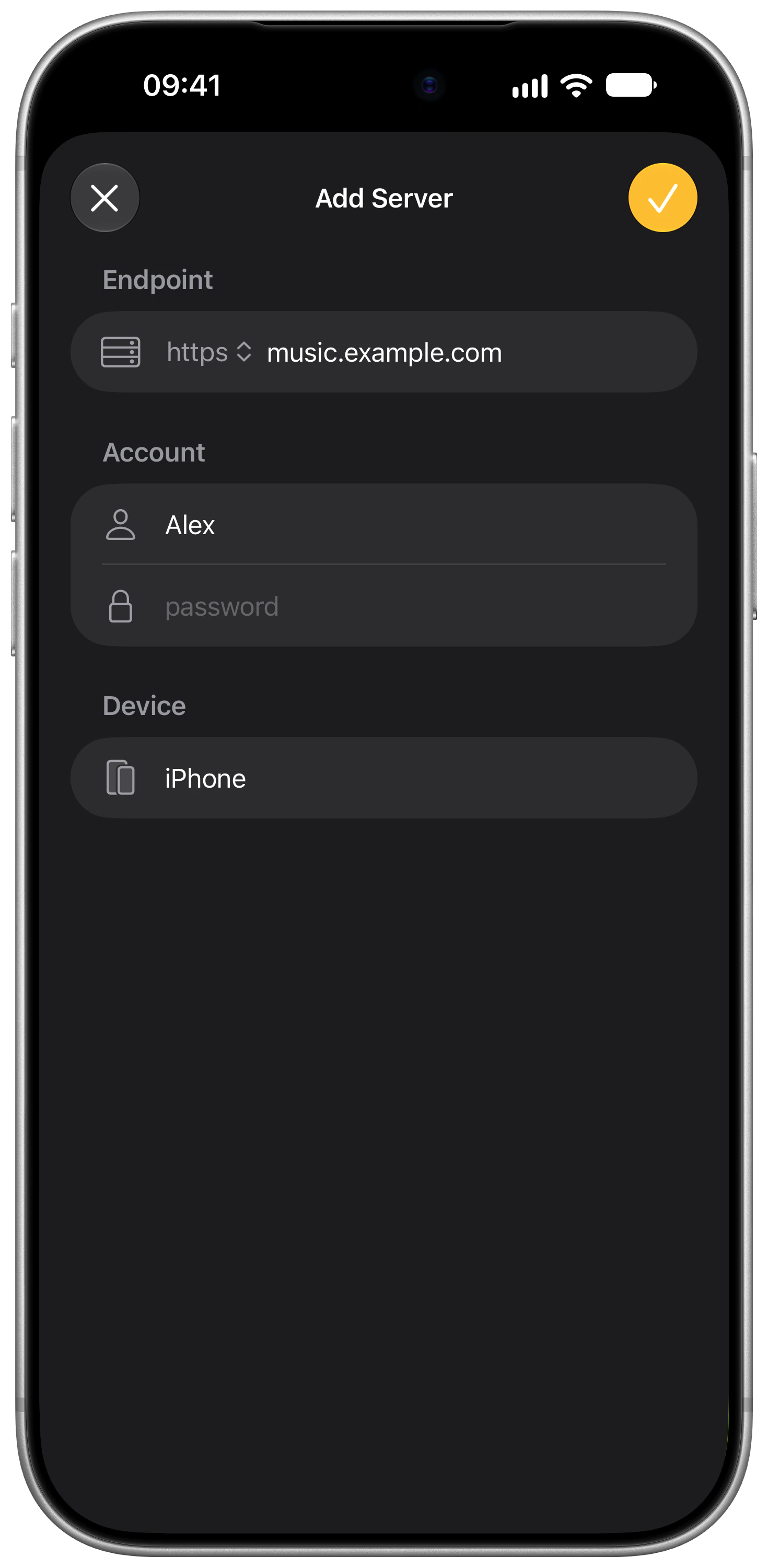
The dark native Add Server form on iPhone with a sample address, account and device name.
Connect a Jellyfin server
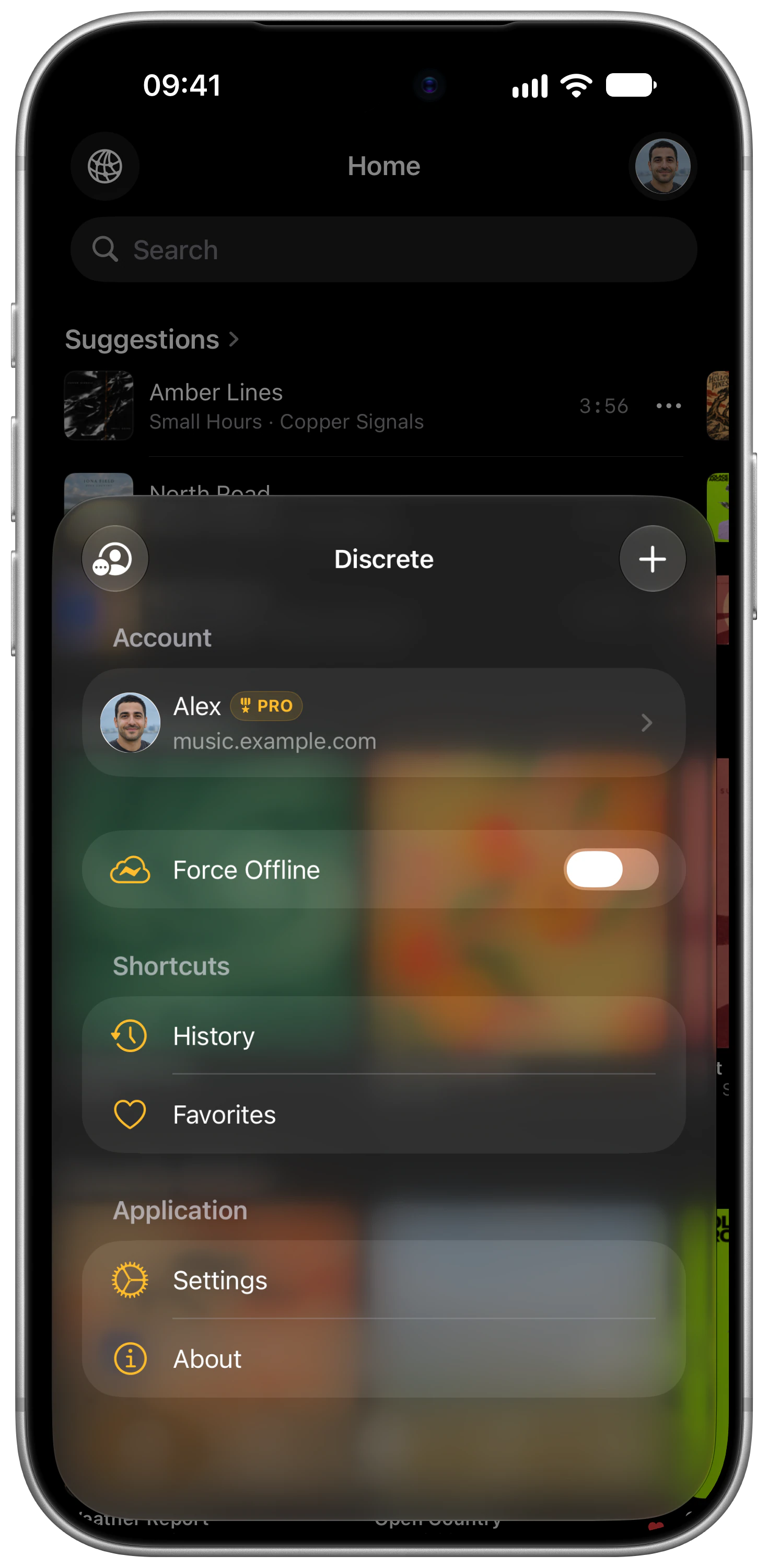
The iPhone account menu showing the Switch Account button, the Pro badge next to the current account, Force Offline and shortcuts.
Account switching and Pro
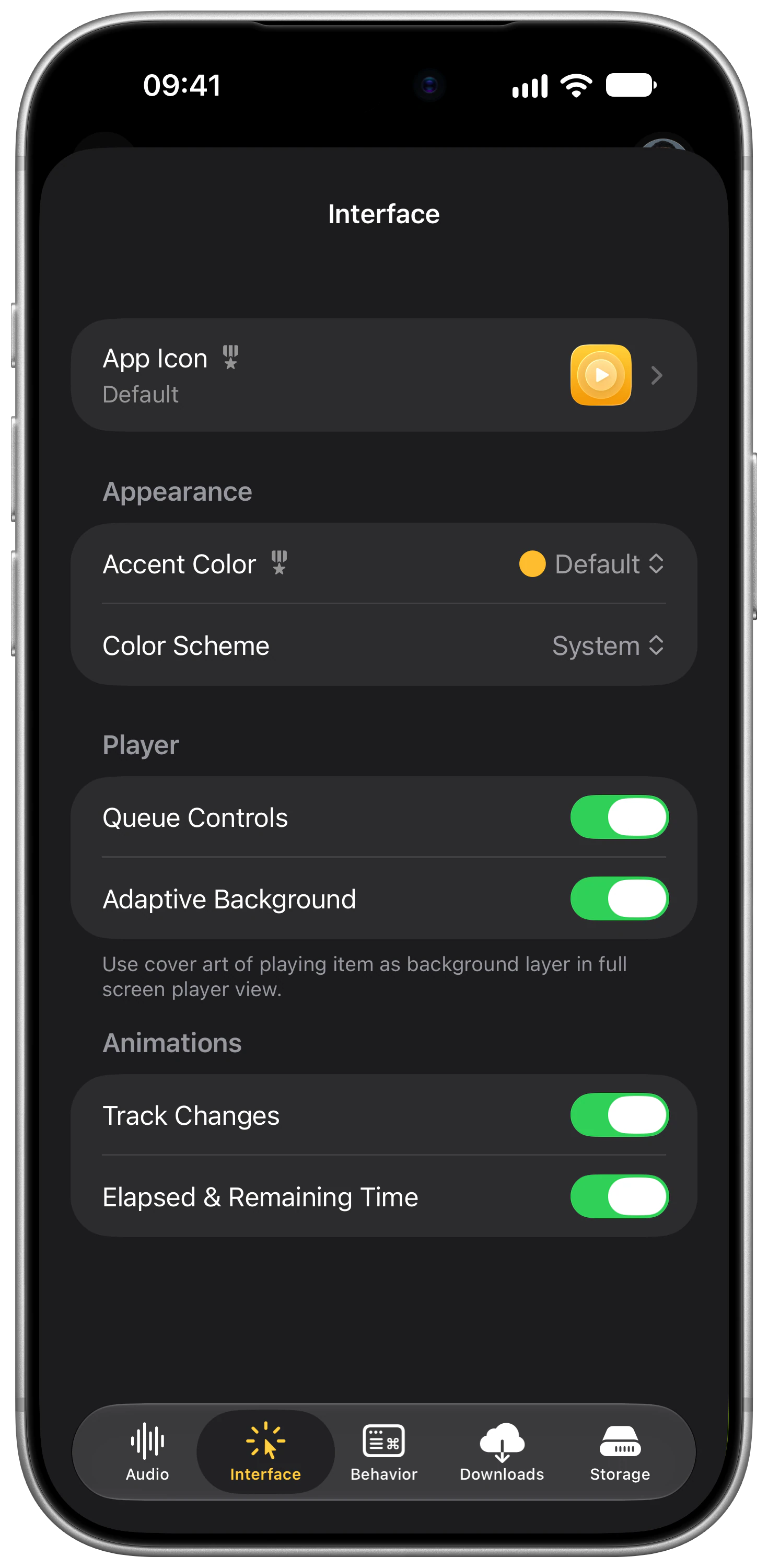
The iPhone Interface settings with app icon, appearance and animation preferences.
Interface settings
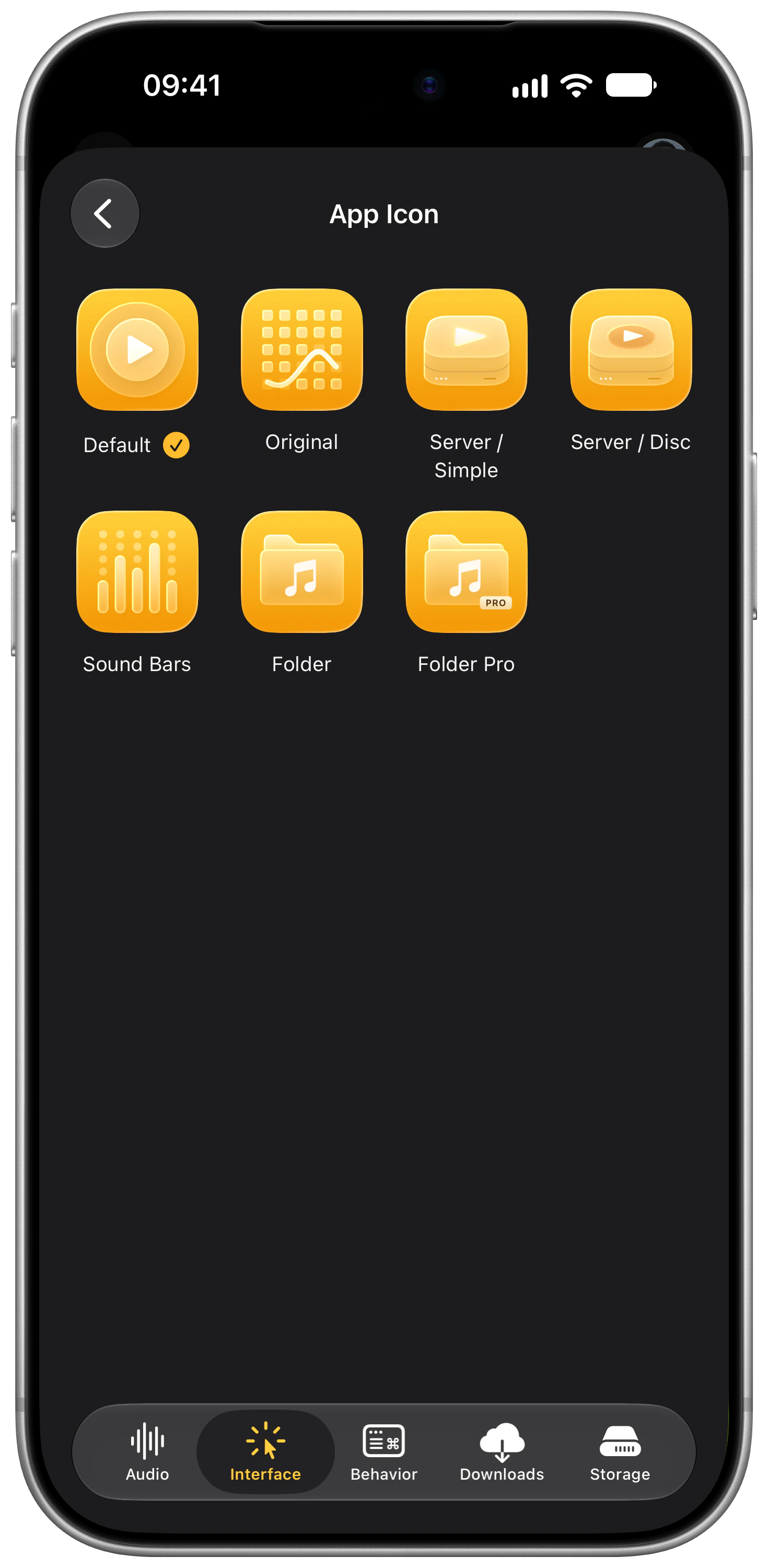
The iPhone app icon picker with seven gold Discrete icon options.
Alternate app icons
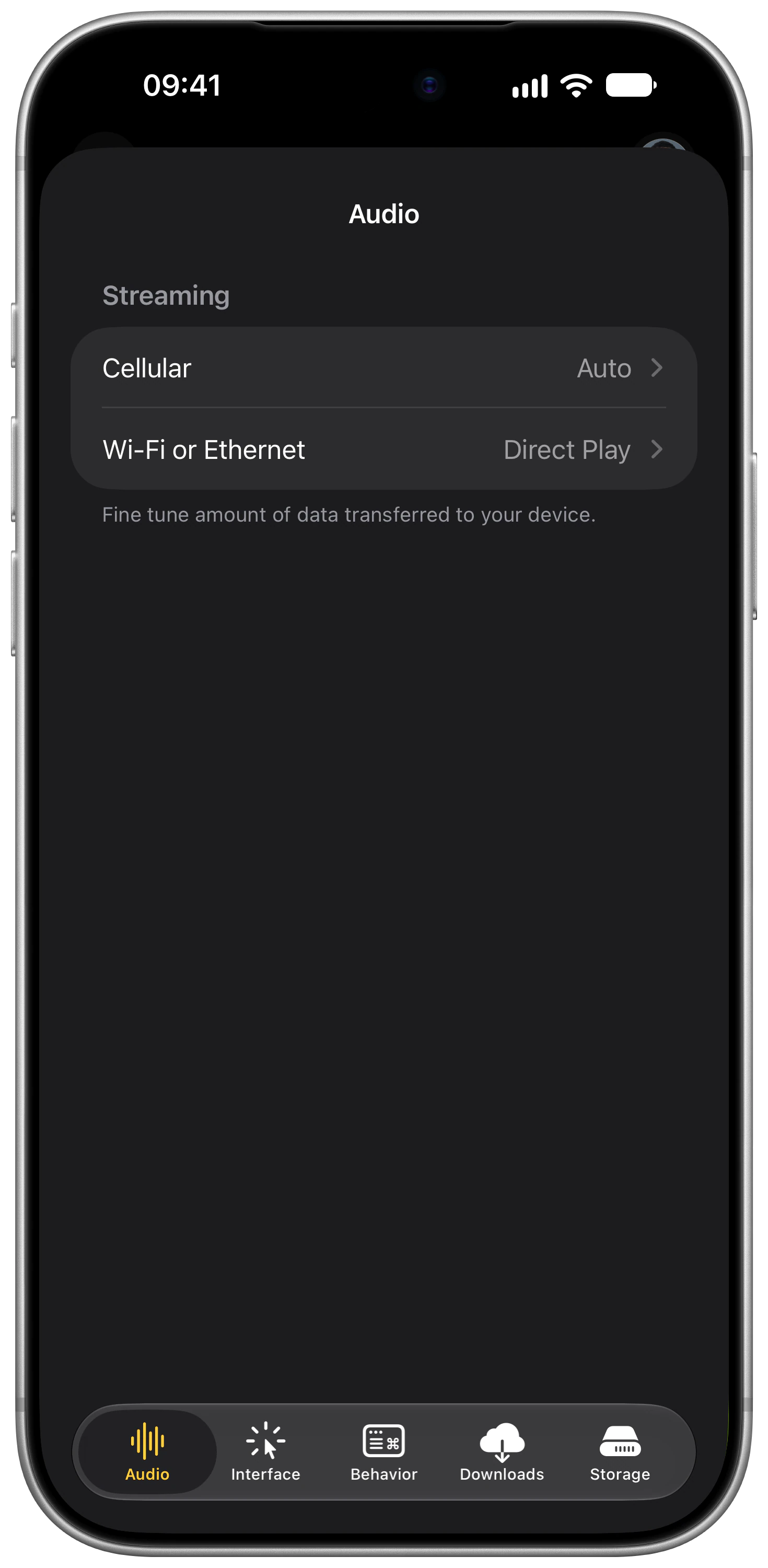
The iPhone Audio settings with playback preferences.
Audio settings

iPhone Duo

28 screenshots

Home & Discovery

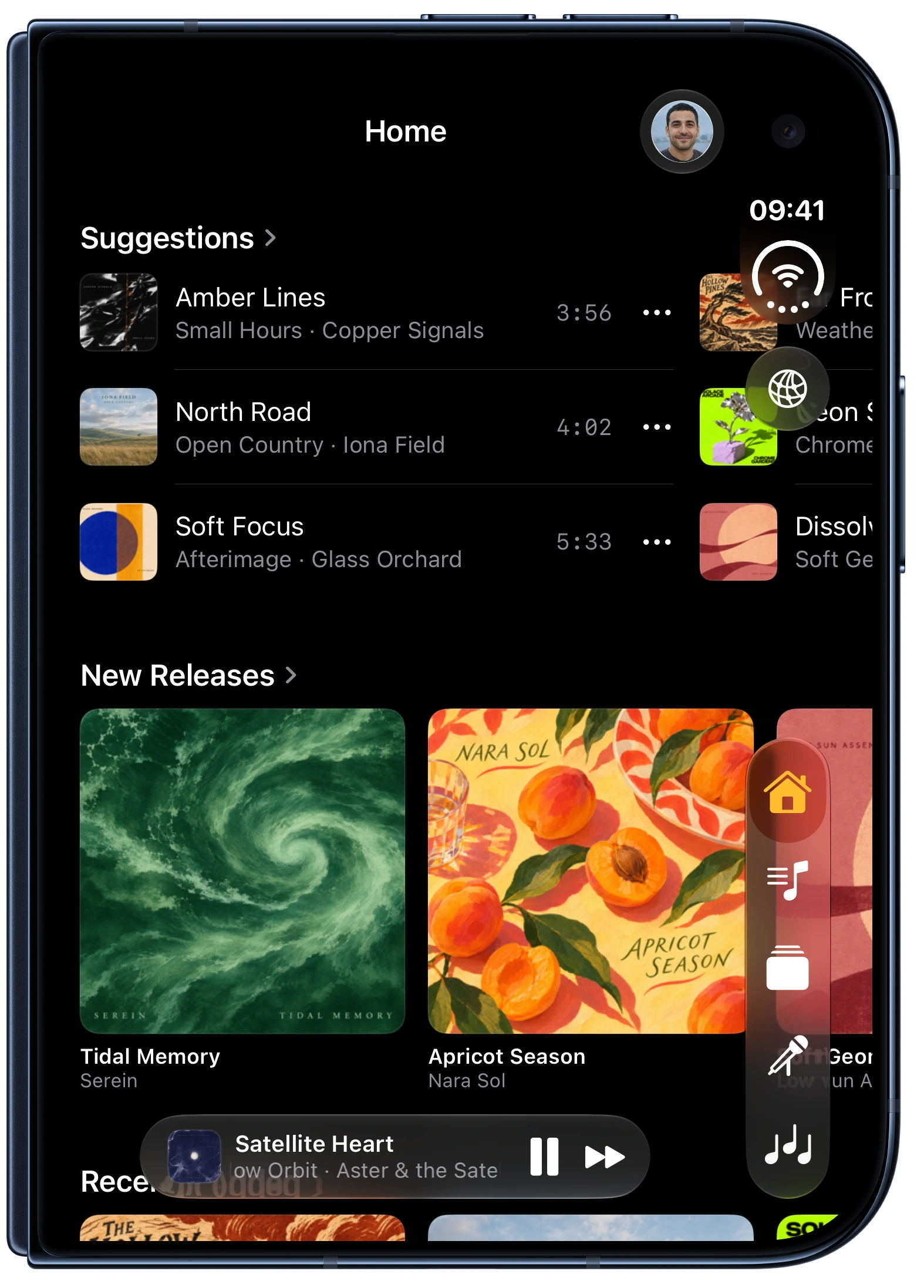
The native compact Home view displaying the suggestions and album artwork on iPhone Duo.
Home on the closed display
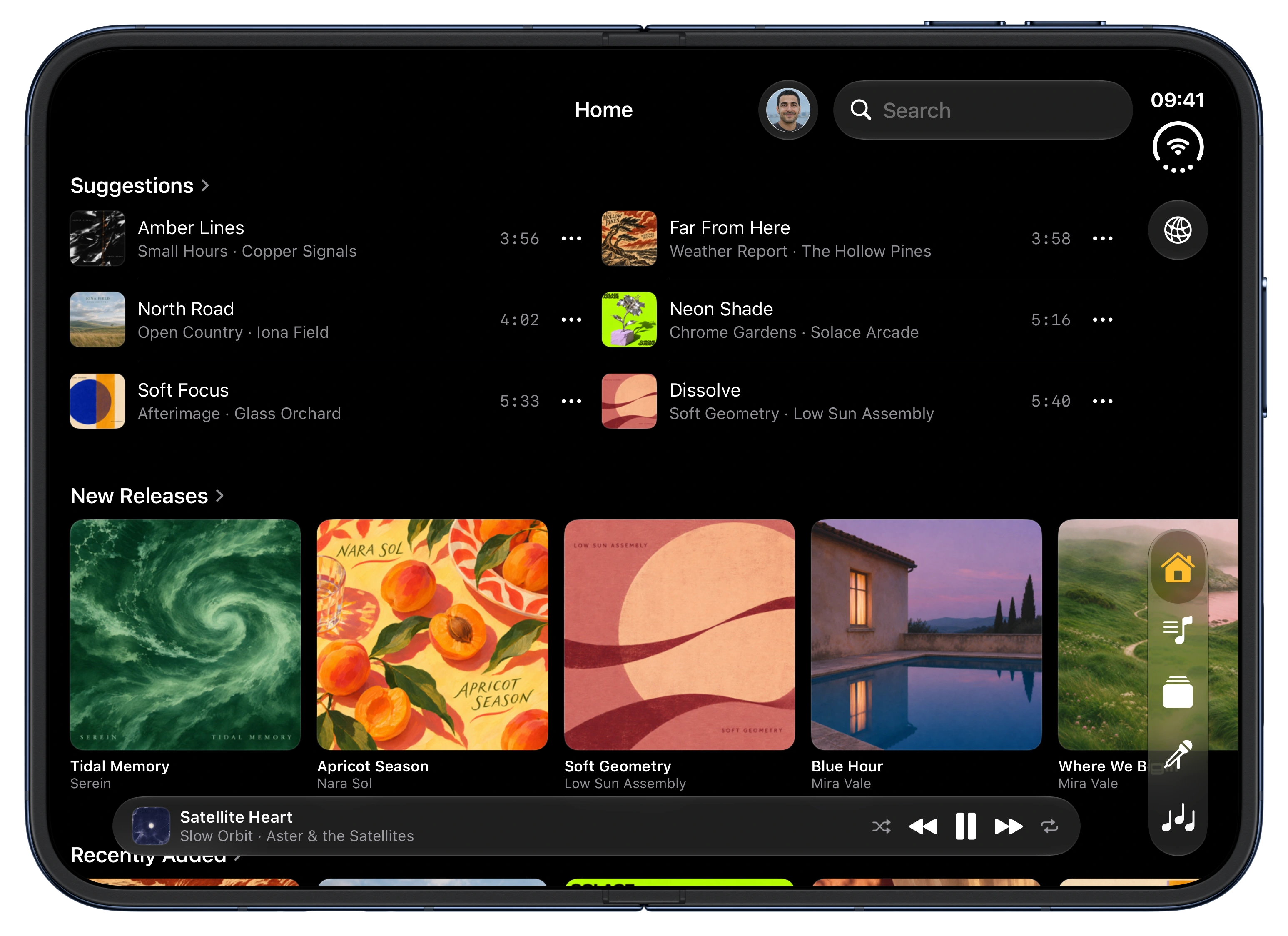
The expanded iPhone Duo Home view with the library and approved synthetic covers.
Home on the inner display
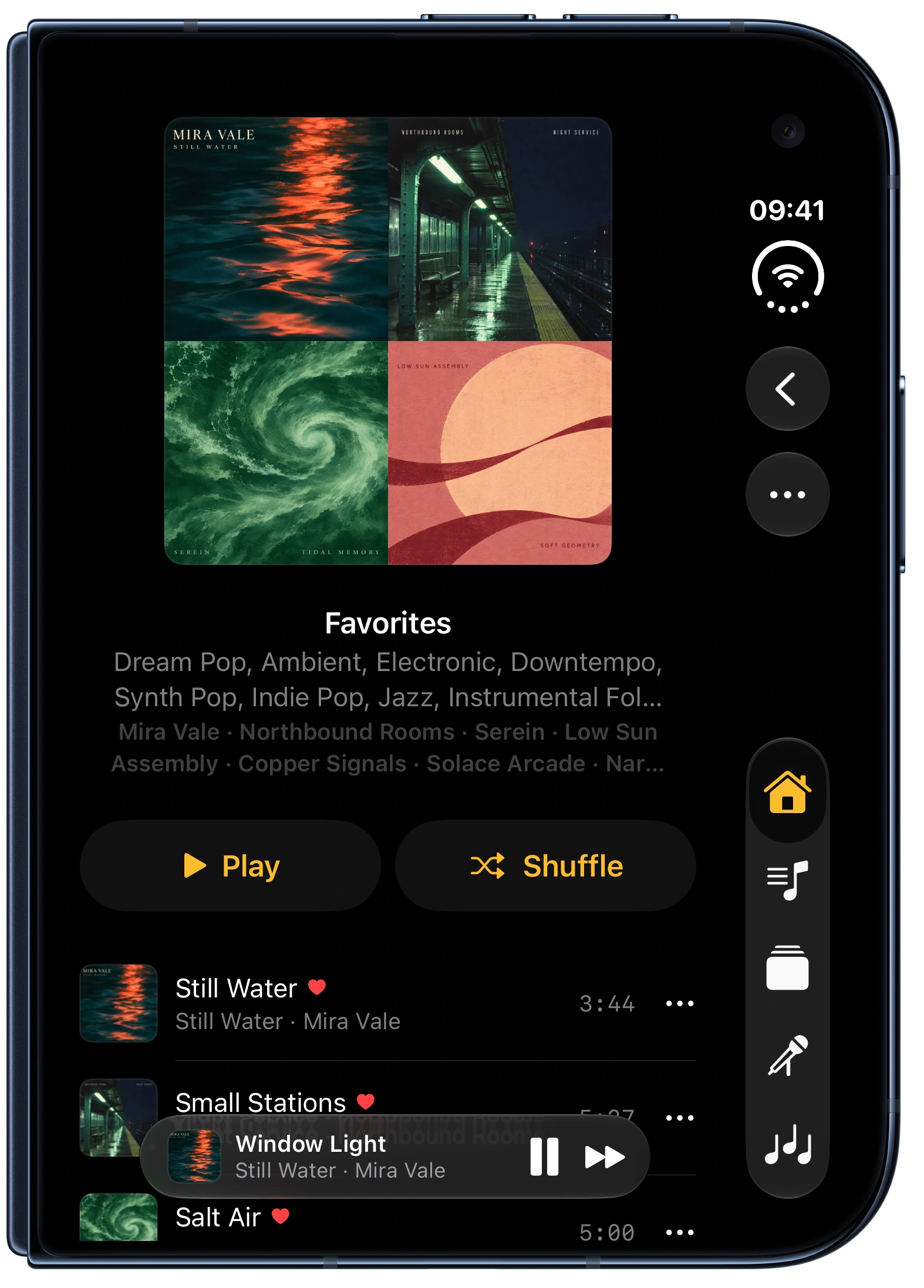
Discrete Favorites with a cover mosaic and heart-marked tracks on the closed iPhone Duo.
Favorites

Albums & Tracks

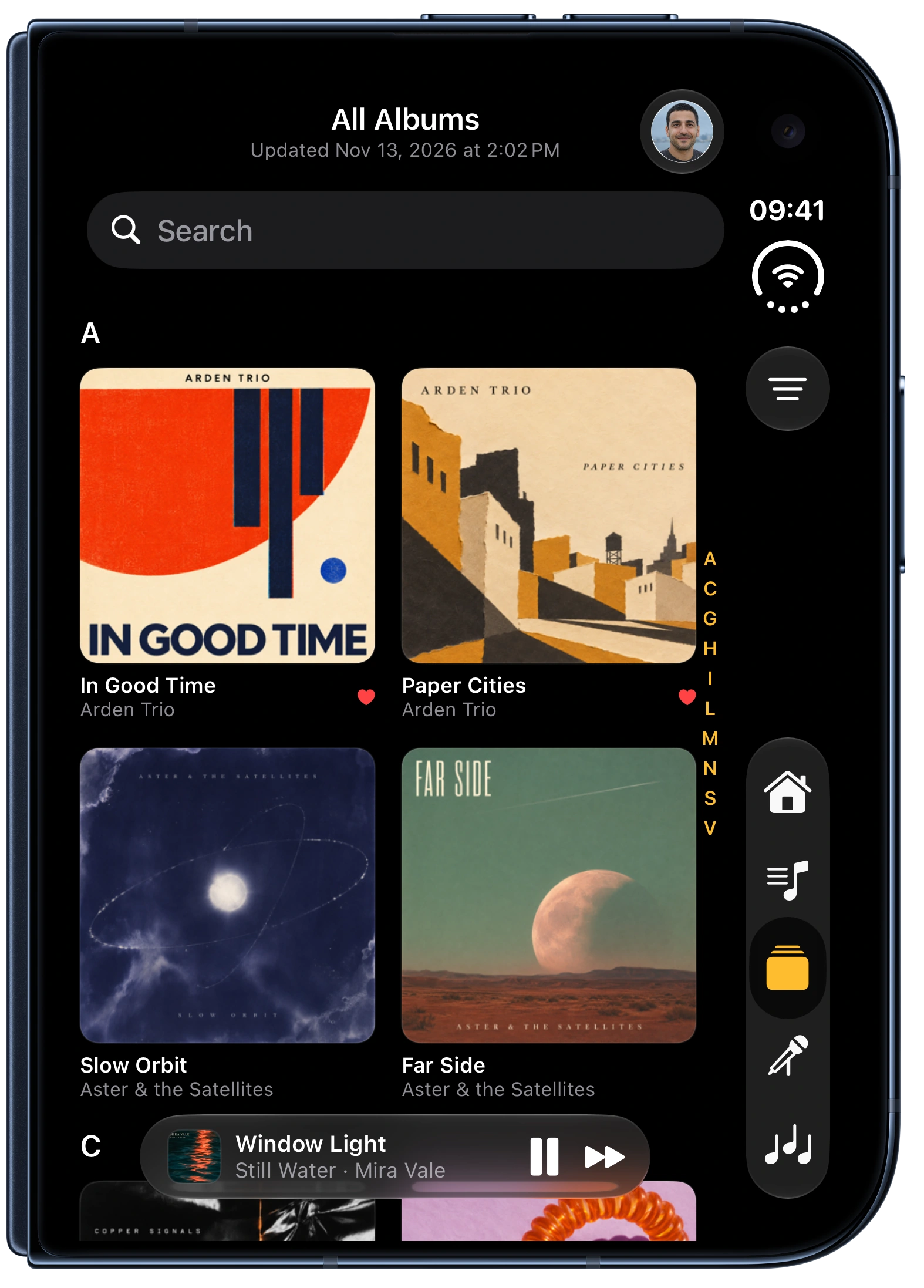
The compact album library with approved synthetic covers and the navigation rail.
Albums on the closed display
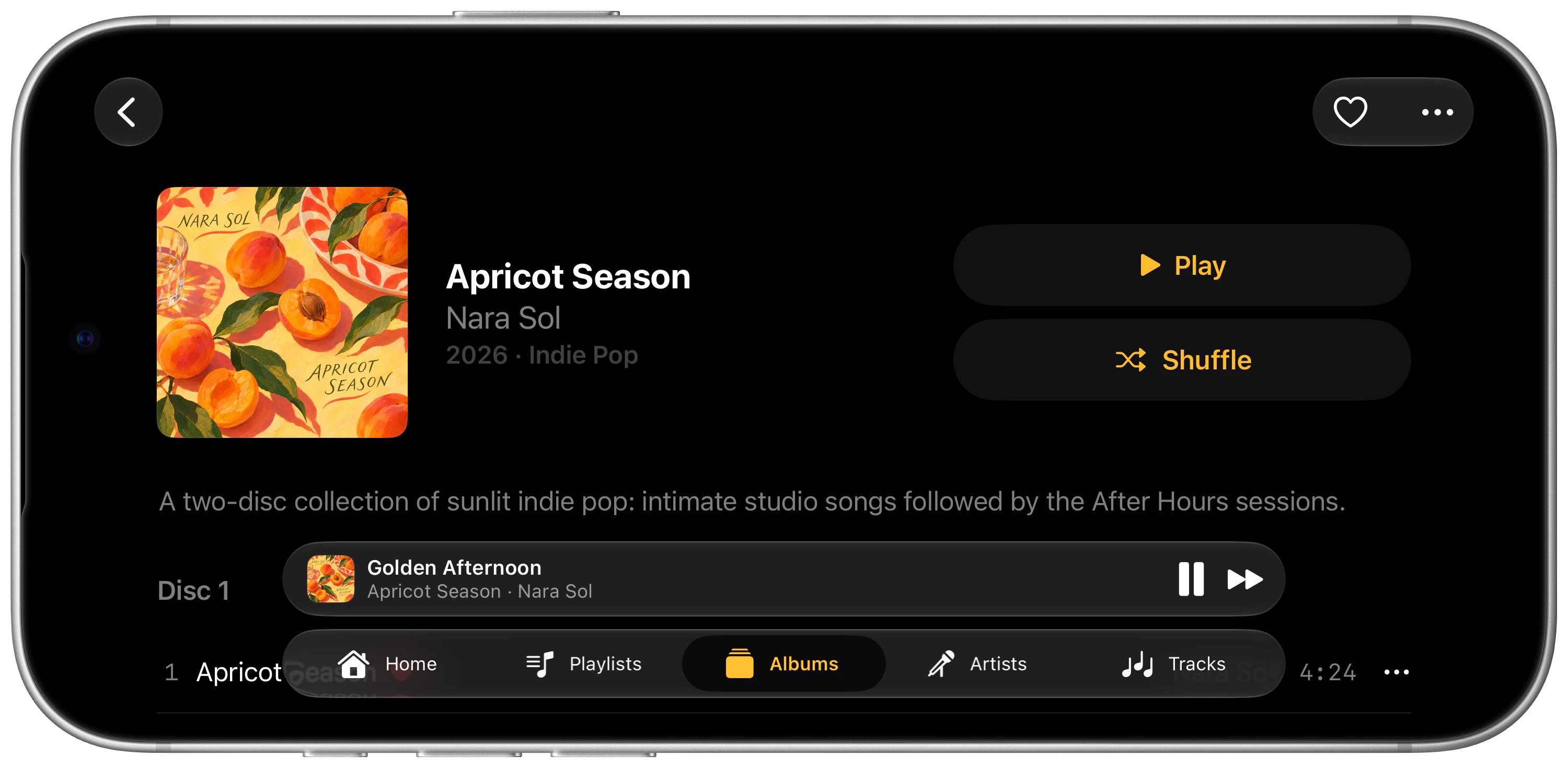
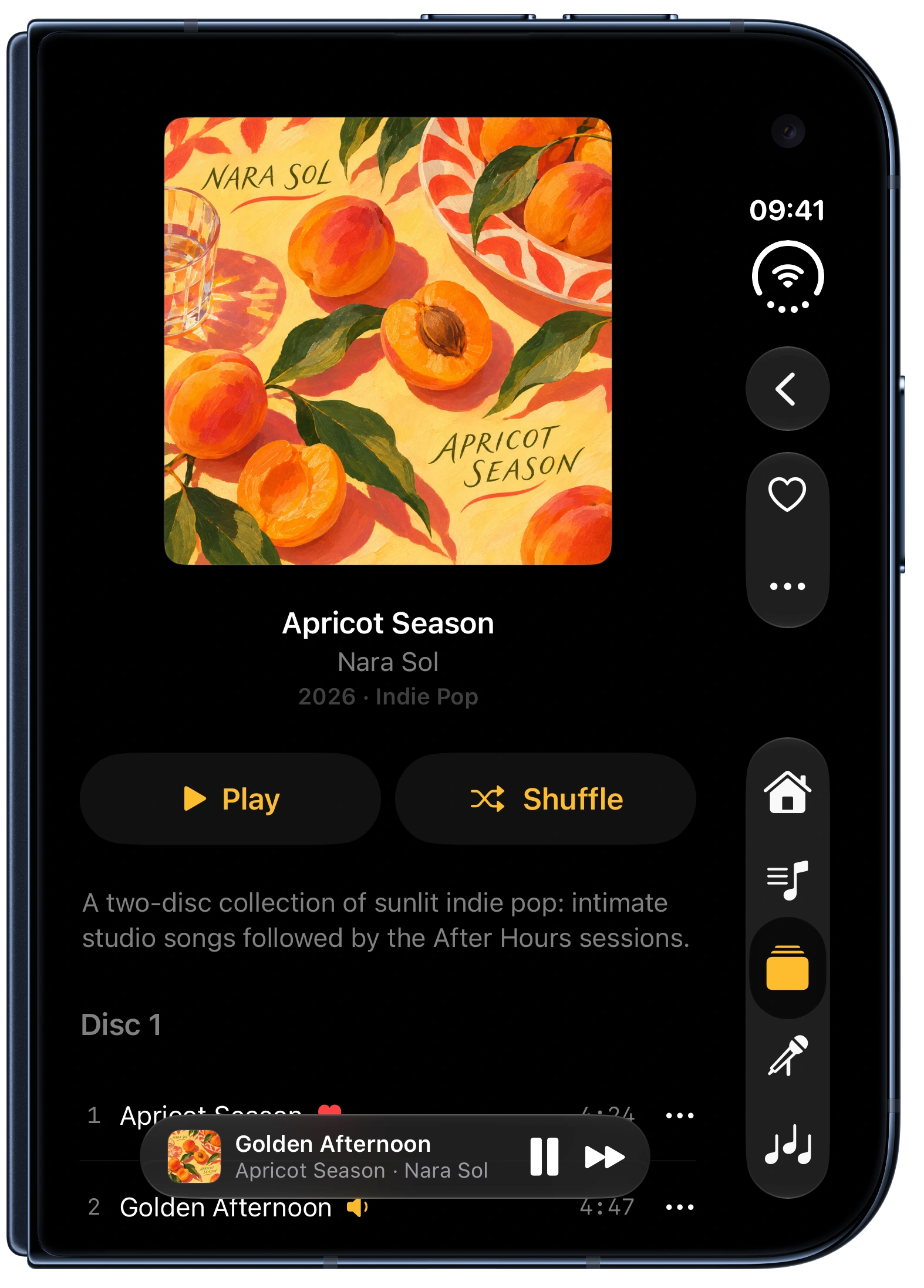
Apricot Season on the compact display with the album cover, tracks and navigation rail.
Album on the closed display
Album artwork and track list on the expanded iPhone Duo display.
Album on the inner display
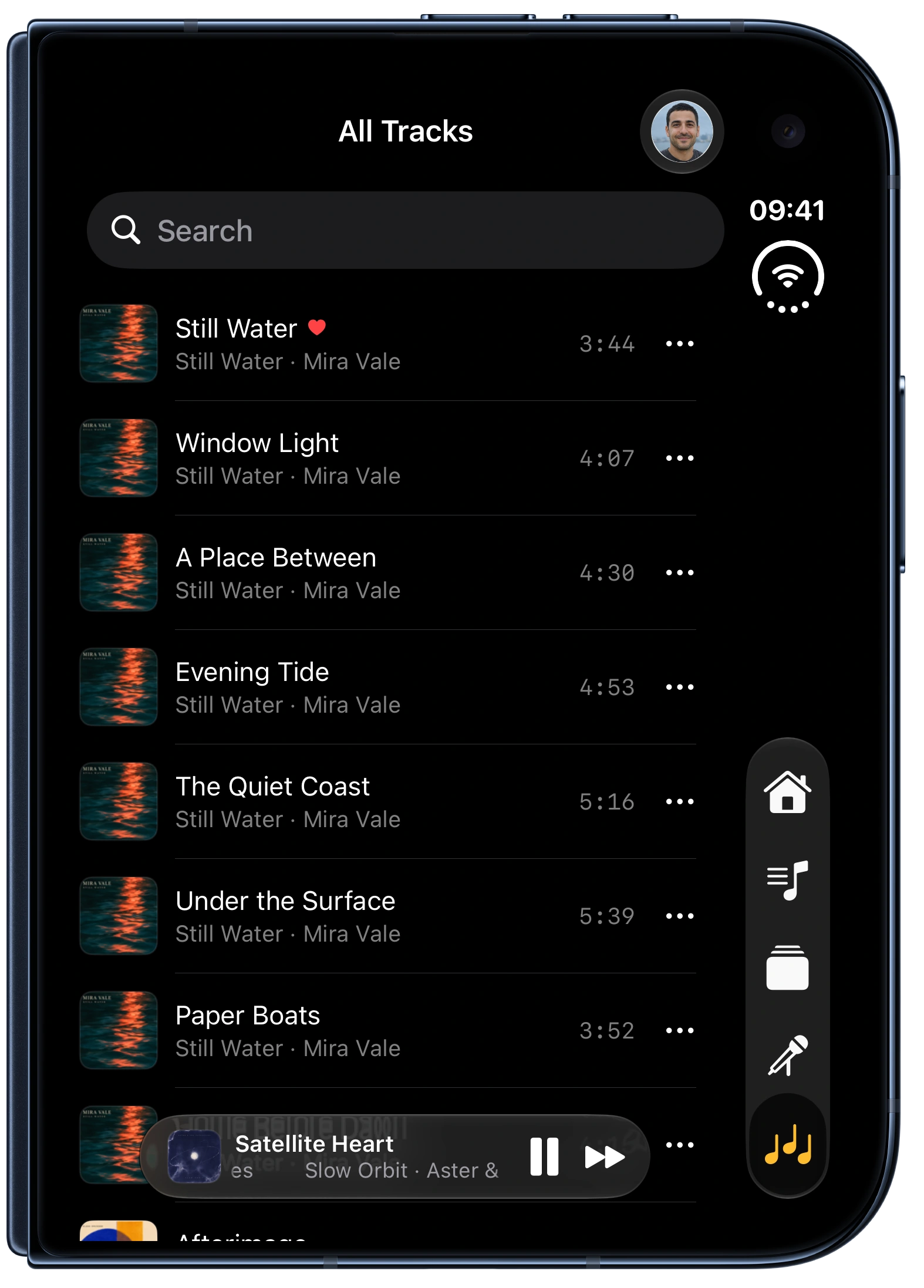
The closed iPhone Duo Tracks library with synthetic titles, artwork and track durations.
Track library

Artists

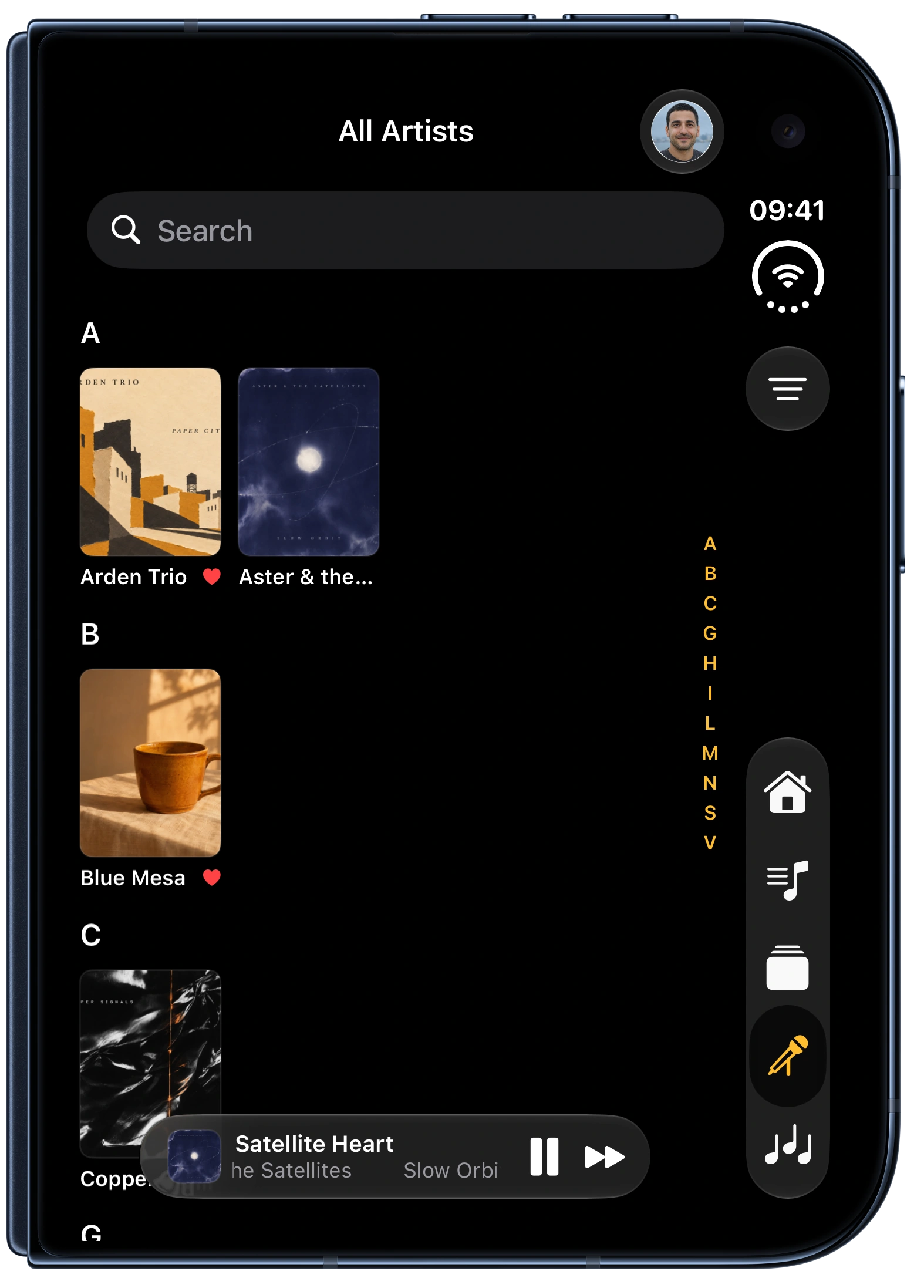
The closed iPhone Duo Artists library with synthetic artists, portraits and alphabet navigation.
Artist library
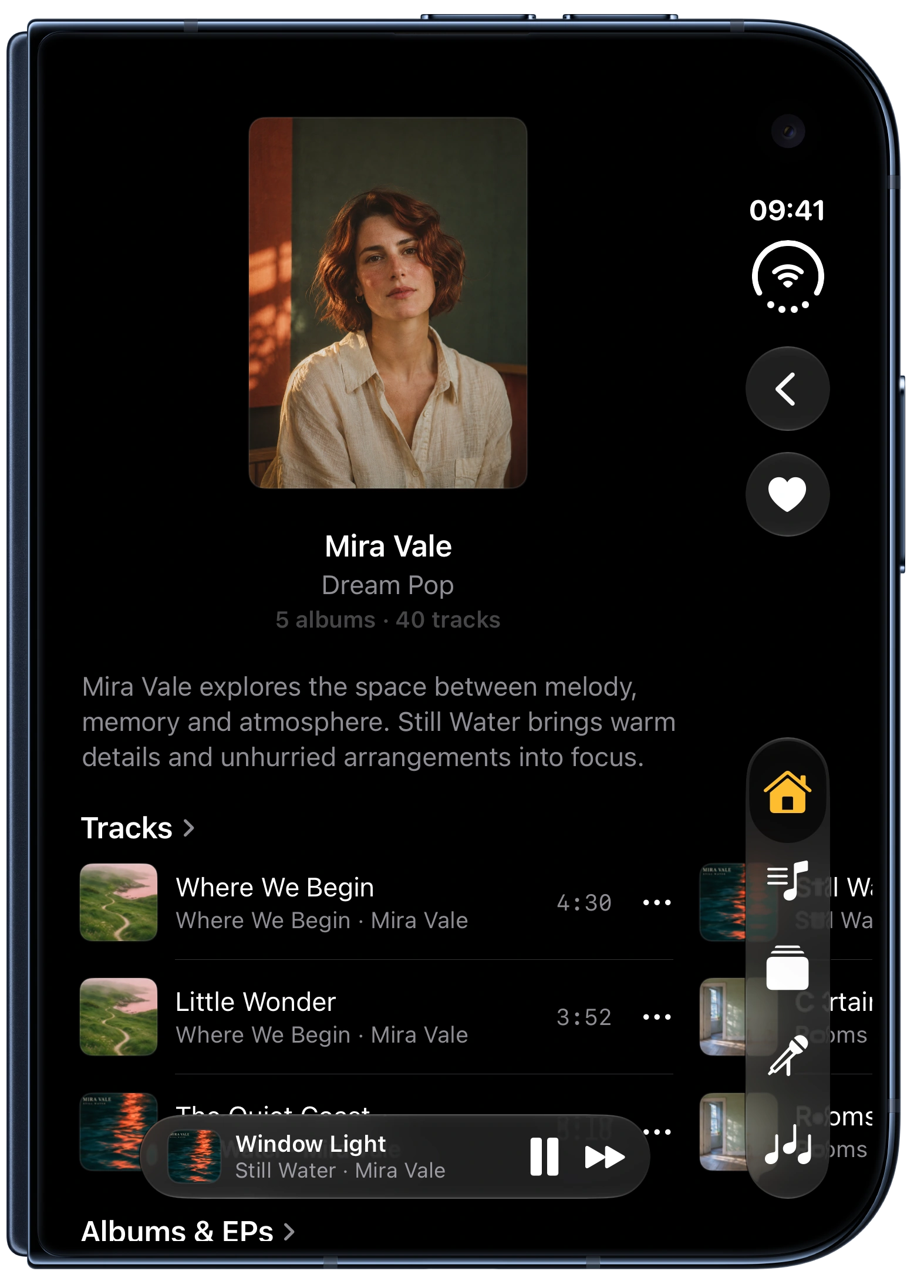
Mira Vale's Discrete artist page with a fictional portrait, biography and tracks on the closed iPhone Duo.
Artist page
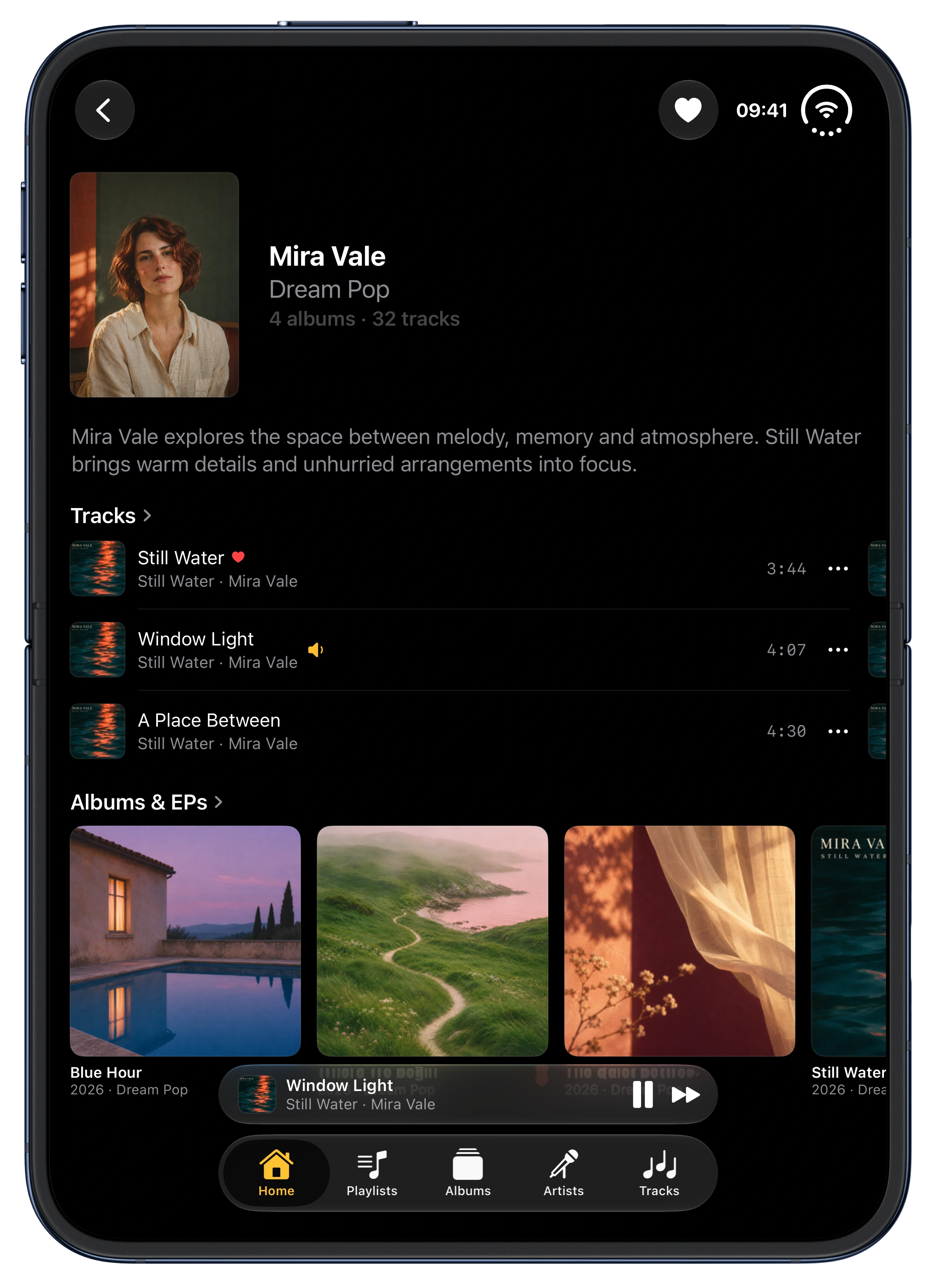
Artist information, album art and tracks in a larger Duo layout.
Artist on the inner display

Playlists

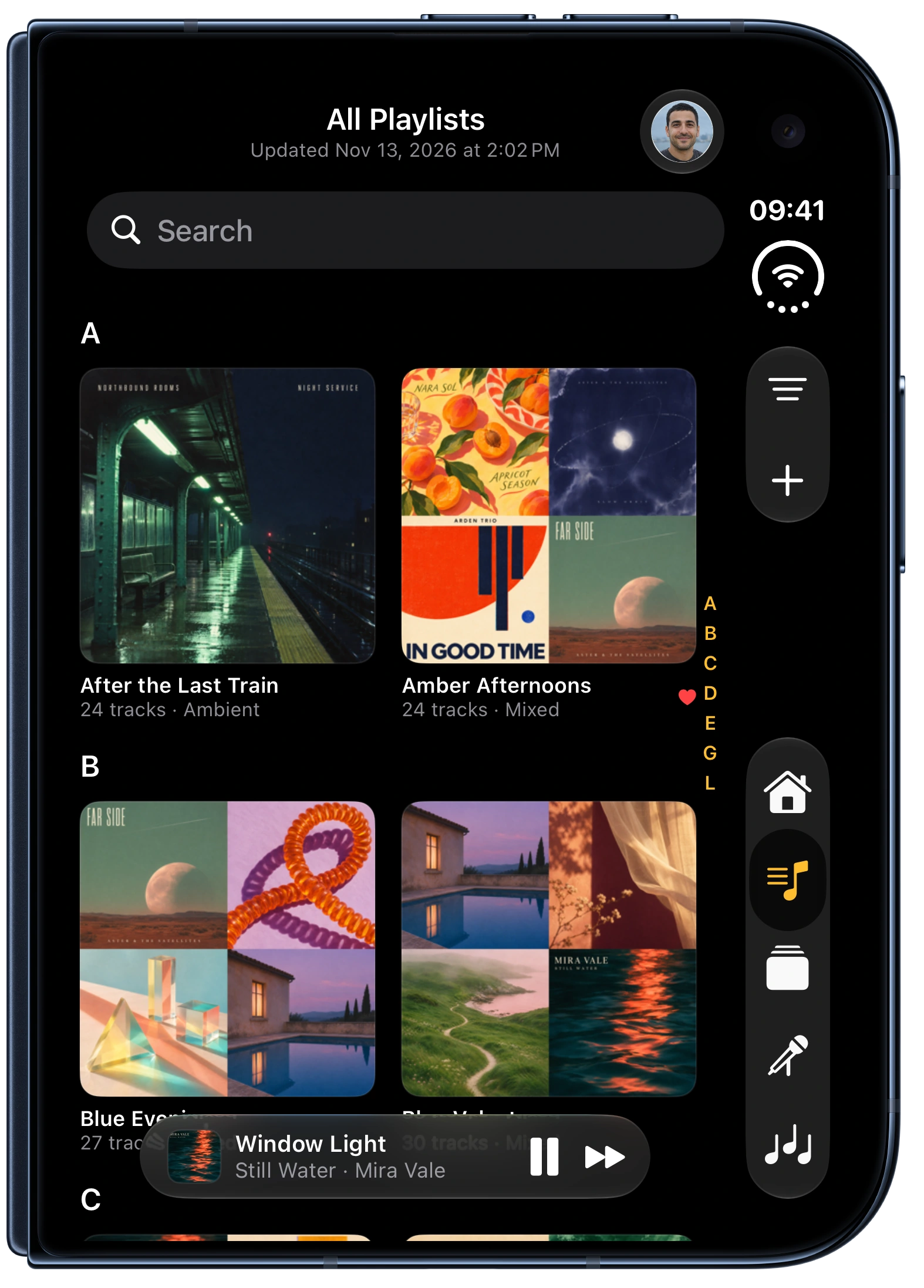
The closed display playlist library with custom and collaged cover artwork.
Playlists on the closed display
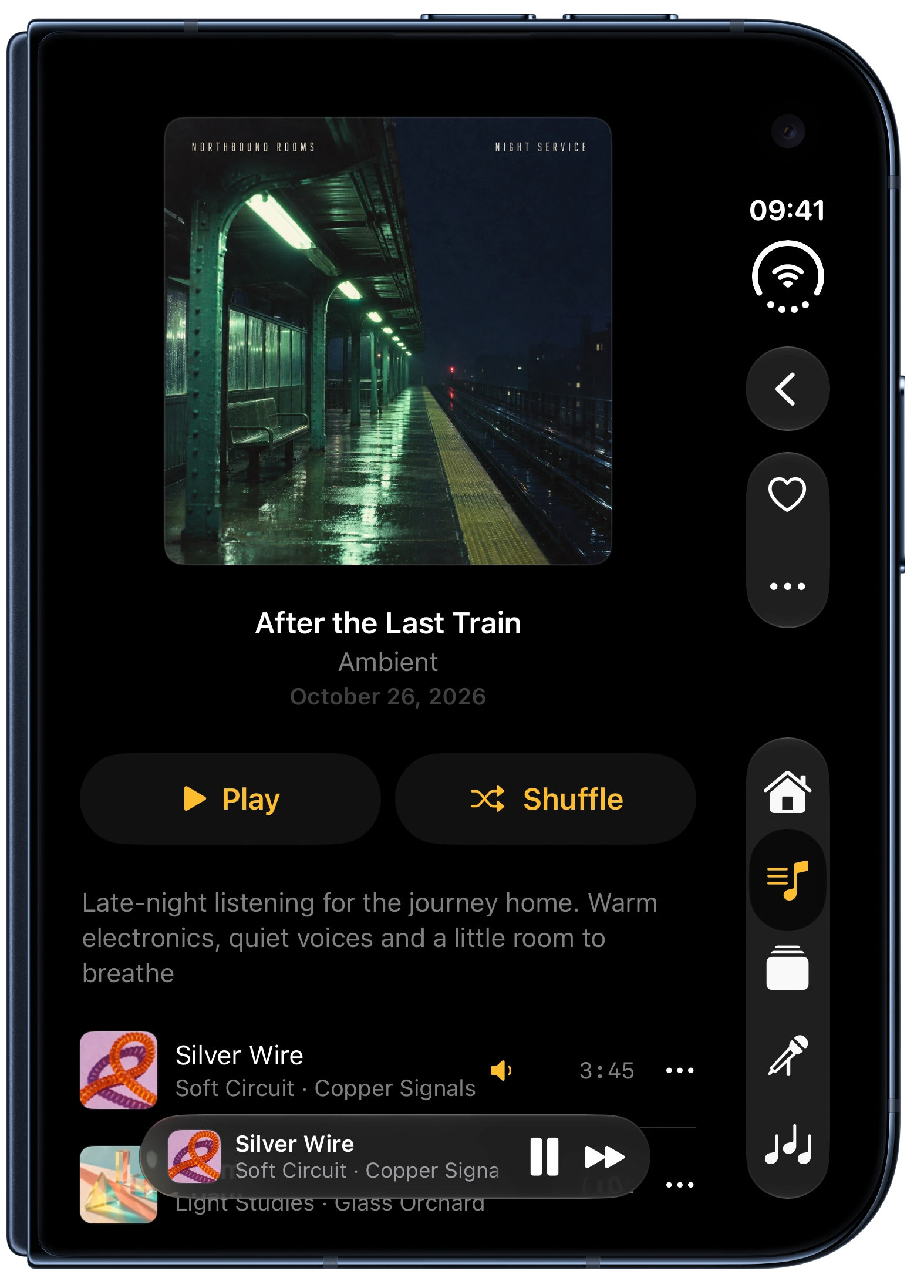
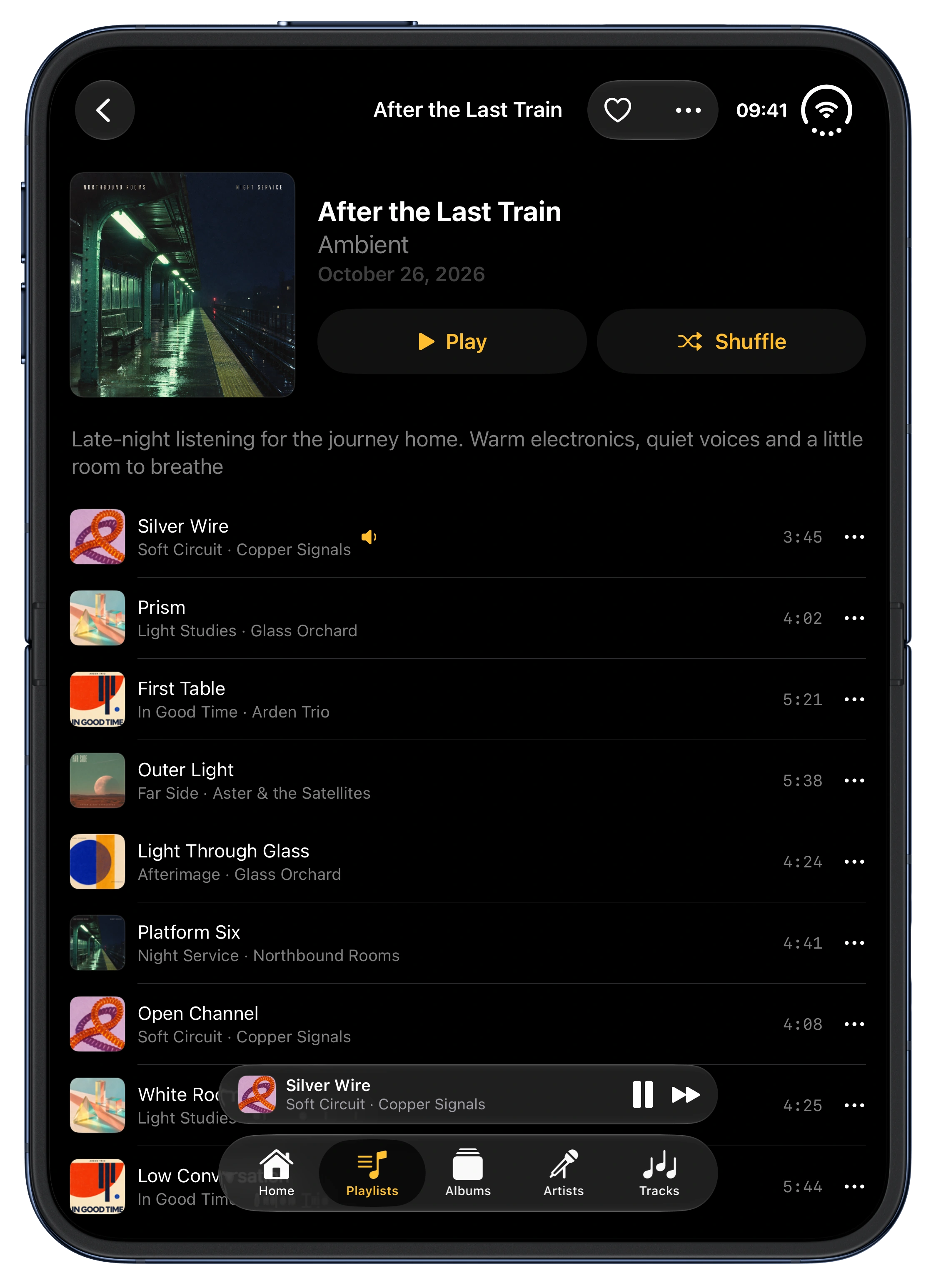
After the Last Train playlist with artwork, its description and track list on the closed iPhone Duo.
Playlist details
A synthetic playlist showing artwork, tracks and controls on the wide Duo interface.
Playlist on the inner display
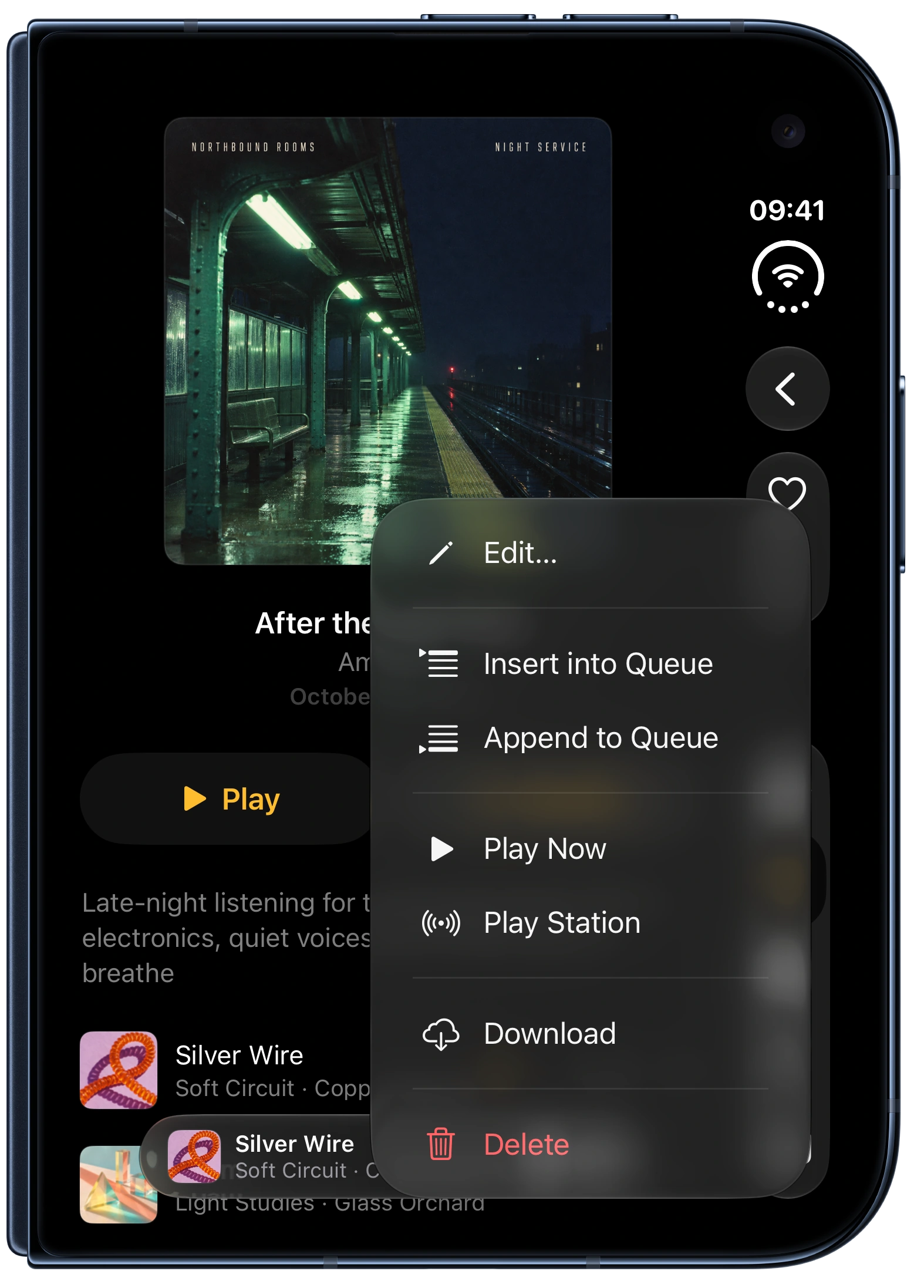
The native playlist actions menu on the closed iPhone Duo.
Playlist actions
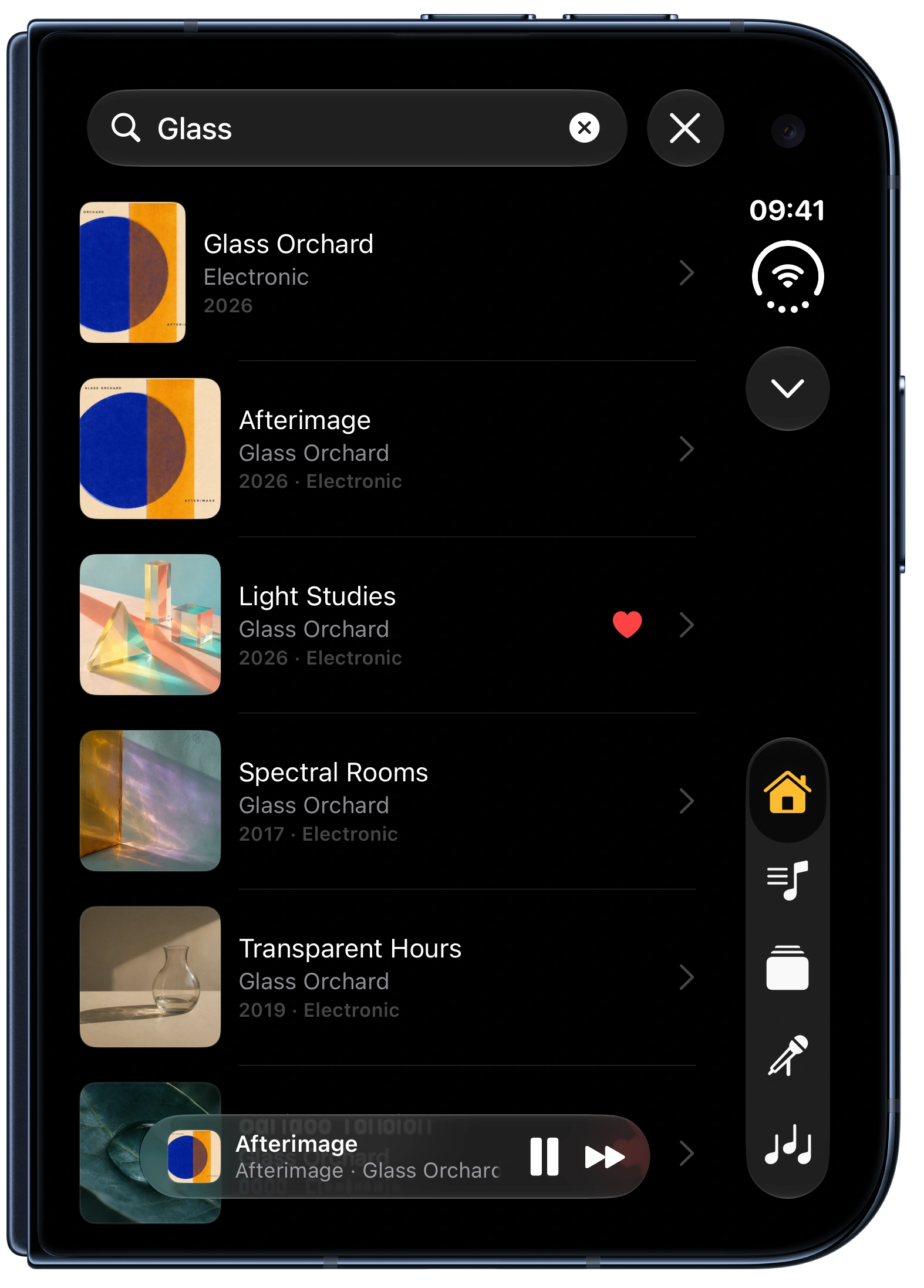
Search results for Glass, with the Glass Orchard artist and matching albums on the closed iPhone Duo.
Catalog search

Player, Queue & Lyrics

Window Light artwork, native playback controls and queue shortcut on the closed iPhone Duo display.
Now Playing on the closed display
A full inner display player with the queue and artwork in the same view.
Now Playing on the inner display
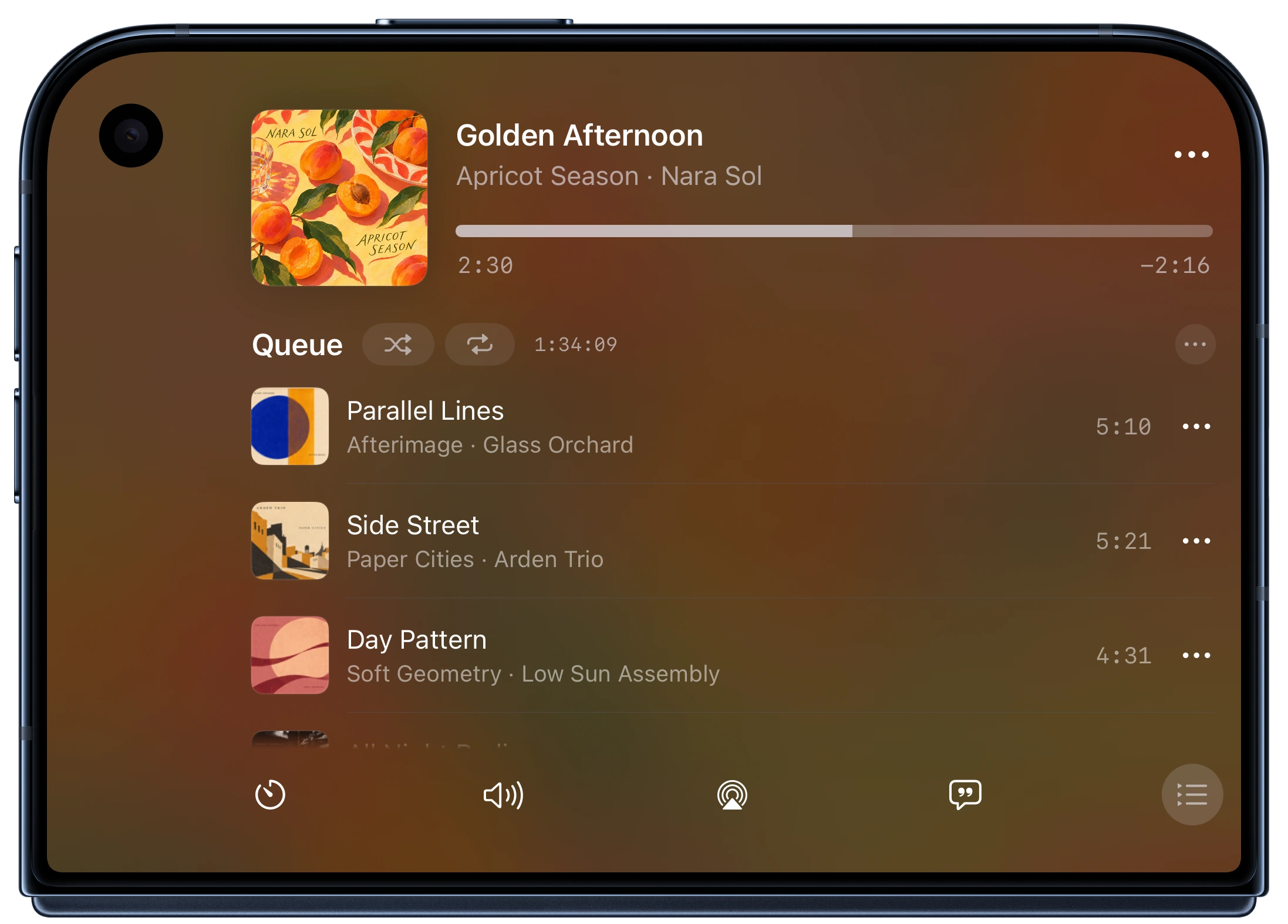
The queue in the native closed landscape layout, with artwork and playback controls.
Queue on the closed display in landscape
The closed display player following synchronized lyrics for a fictional track.
Lyrics on the closed display
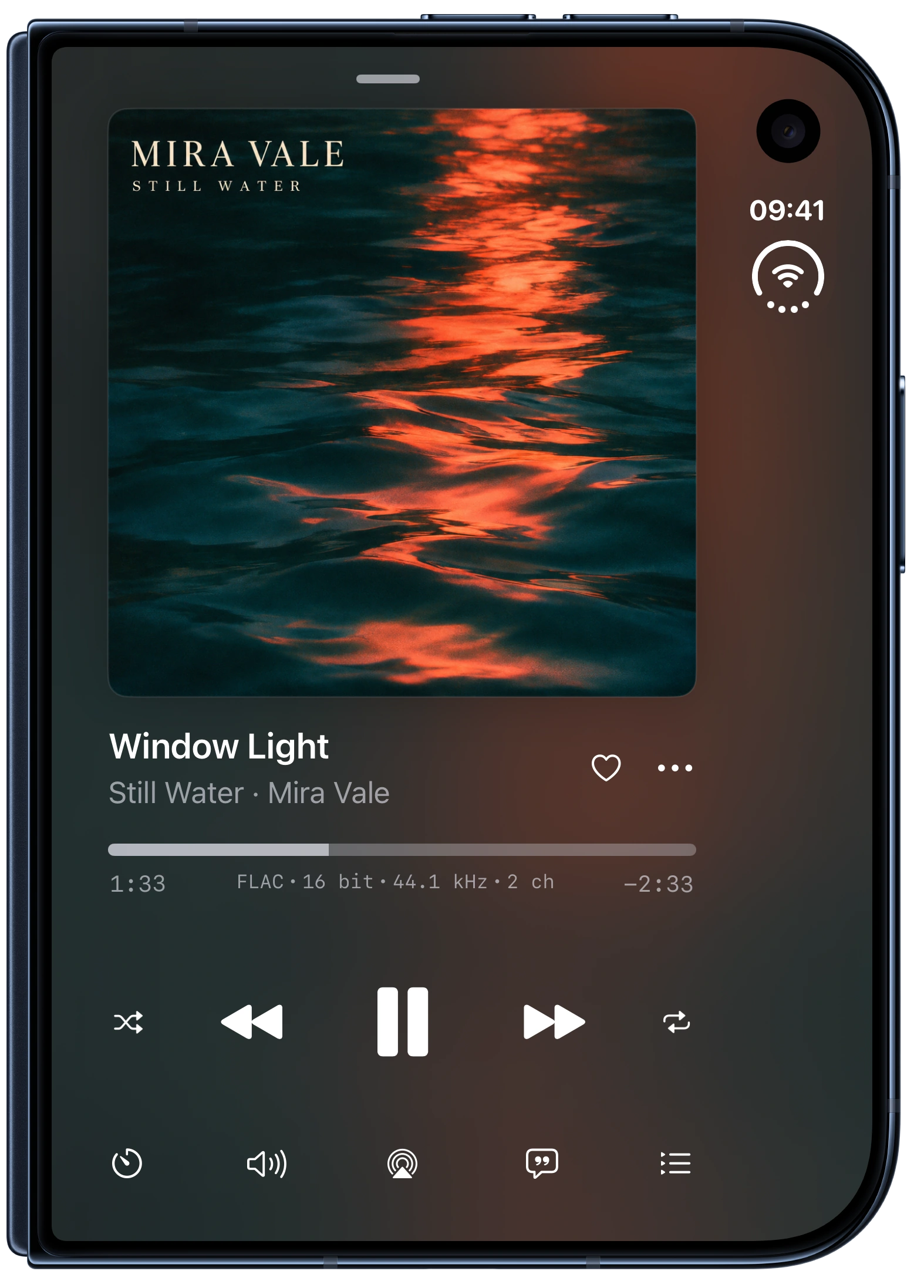
Technical audio information in the closed iPhone Duo player.
Audio information on the closed display

Downloads, Storage & Offline

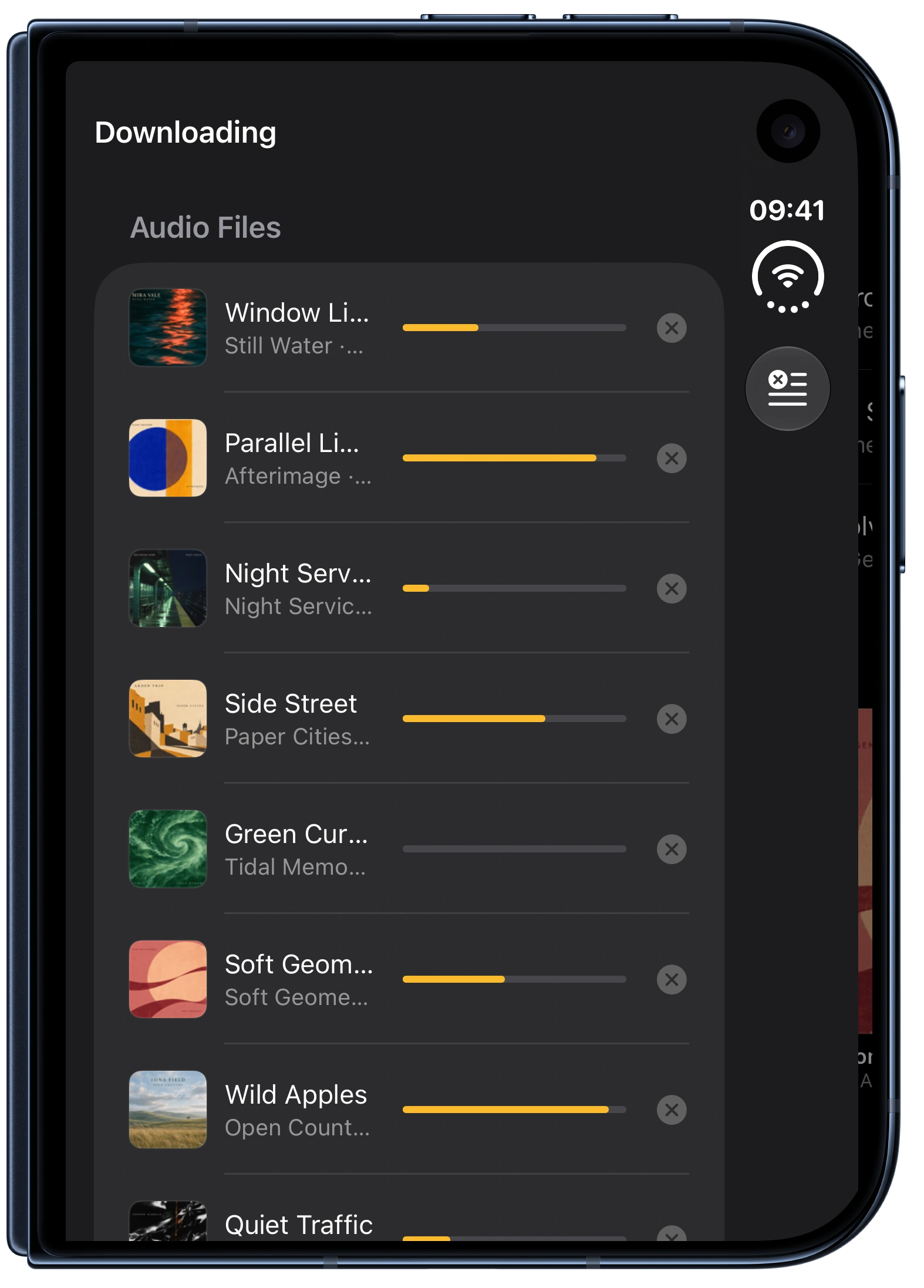
The closed Duo Downloading sheet with album art, audio transfer progress and cancellation controls.
Active downloads
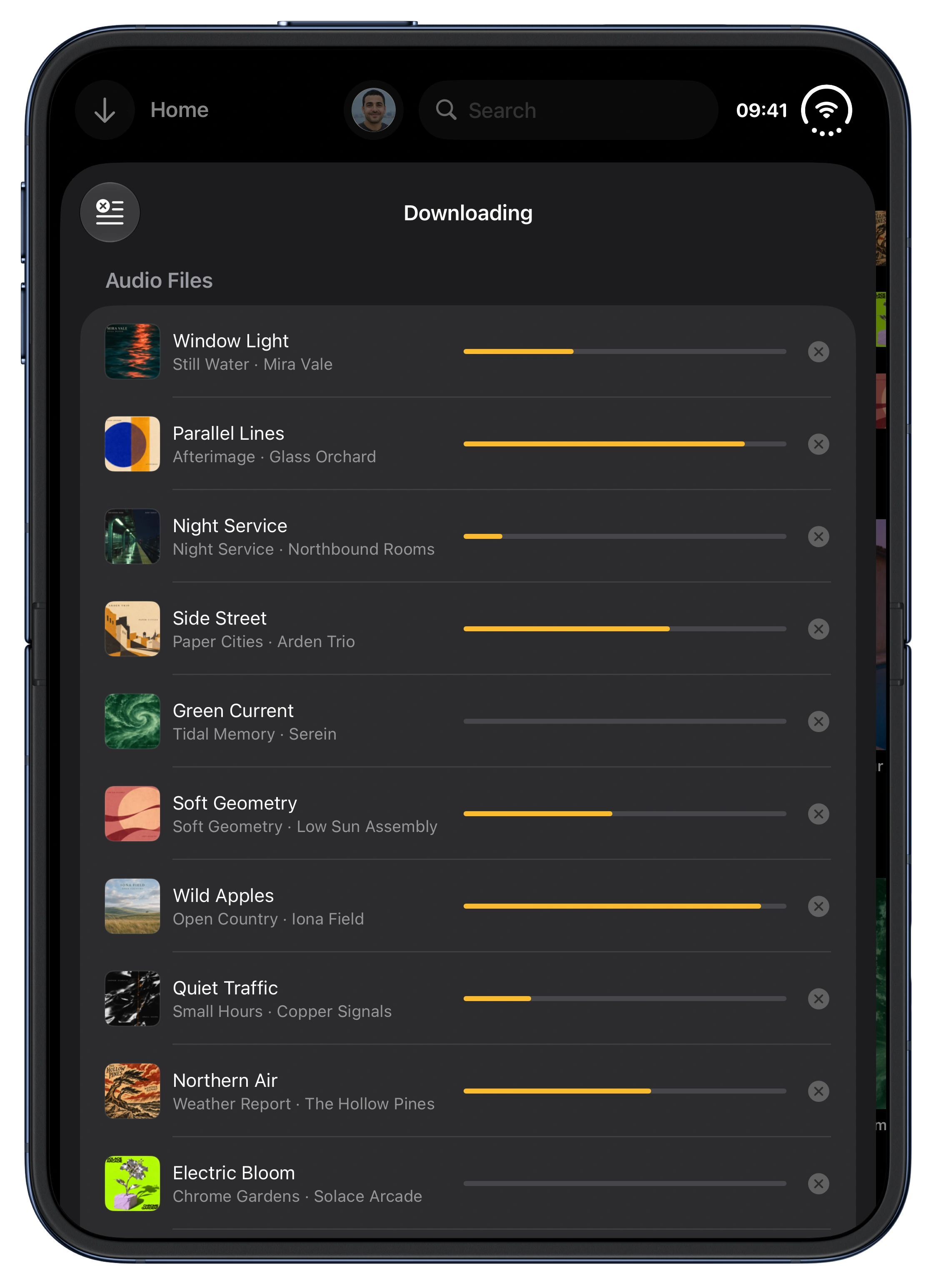
Native active transfers in the enlarged iPhone Duo layout.
Downloads on the inner display
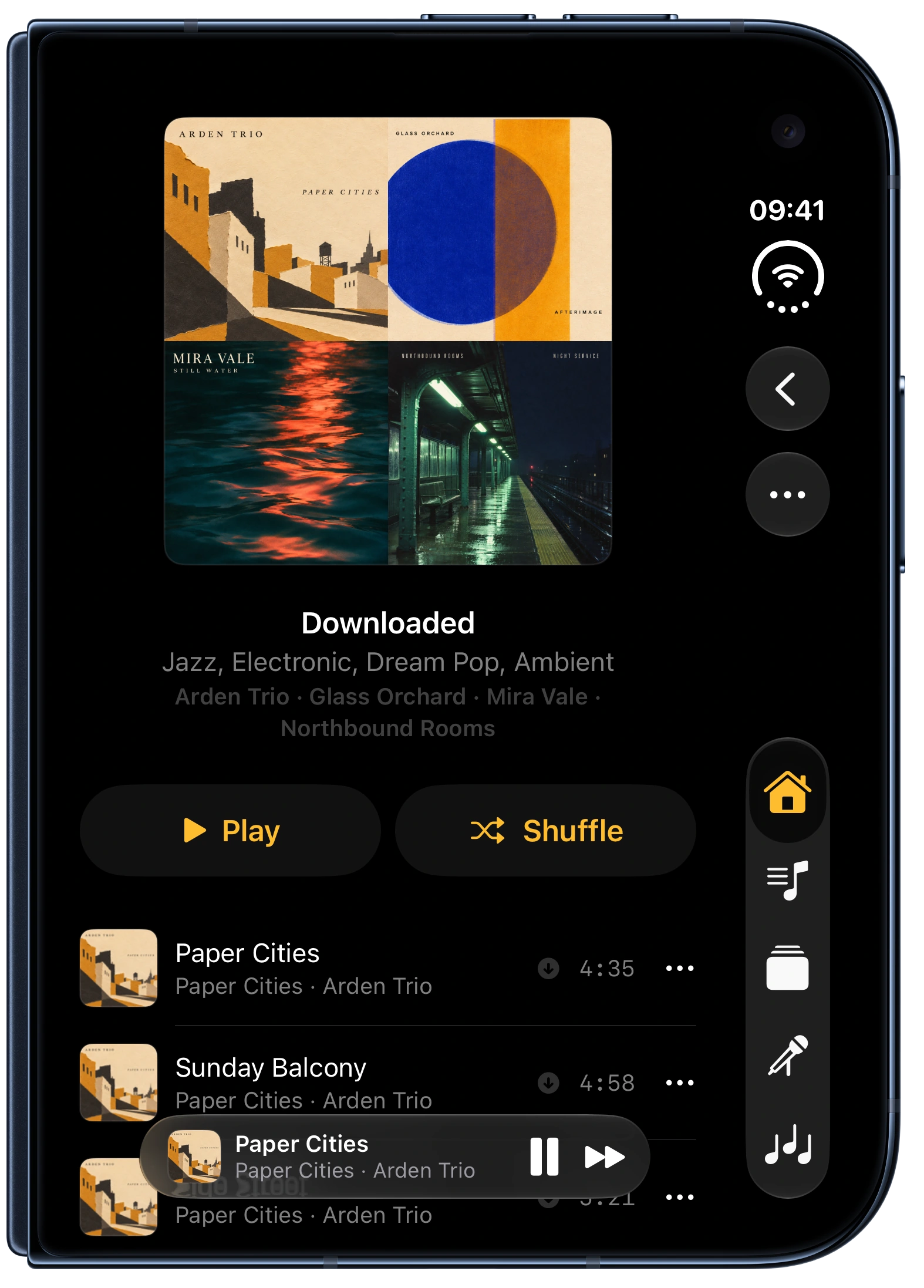
The Downloaded collection with a cover mosaic and marked locally available tracks on the closed Duo.
Downloaded music
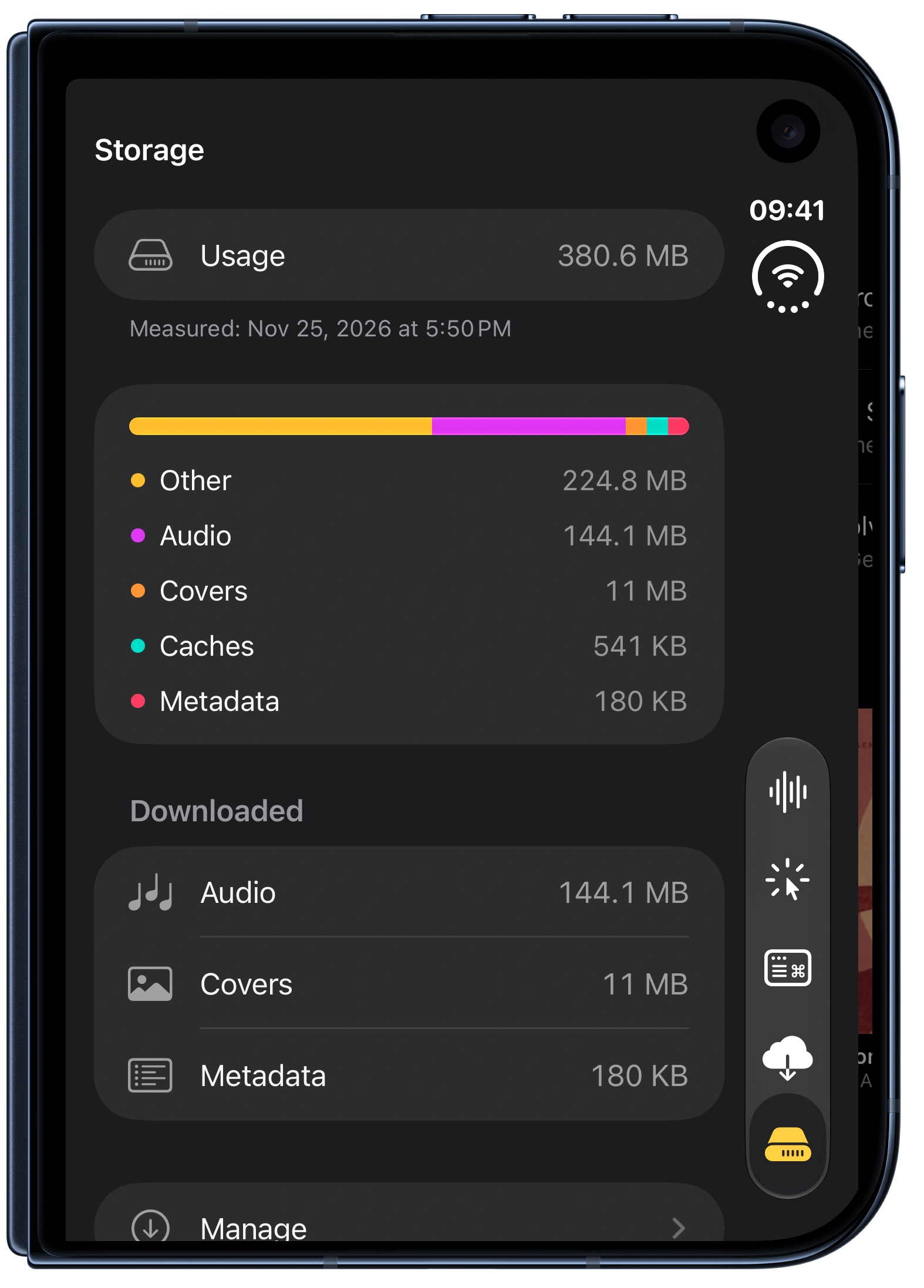
Discrete Storage on the closed iPhone Duo summarizing downloaded media and caches.
Storage

Accounts & Settings

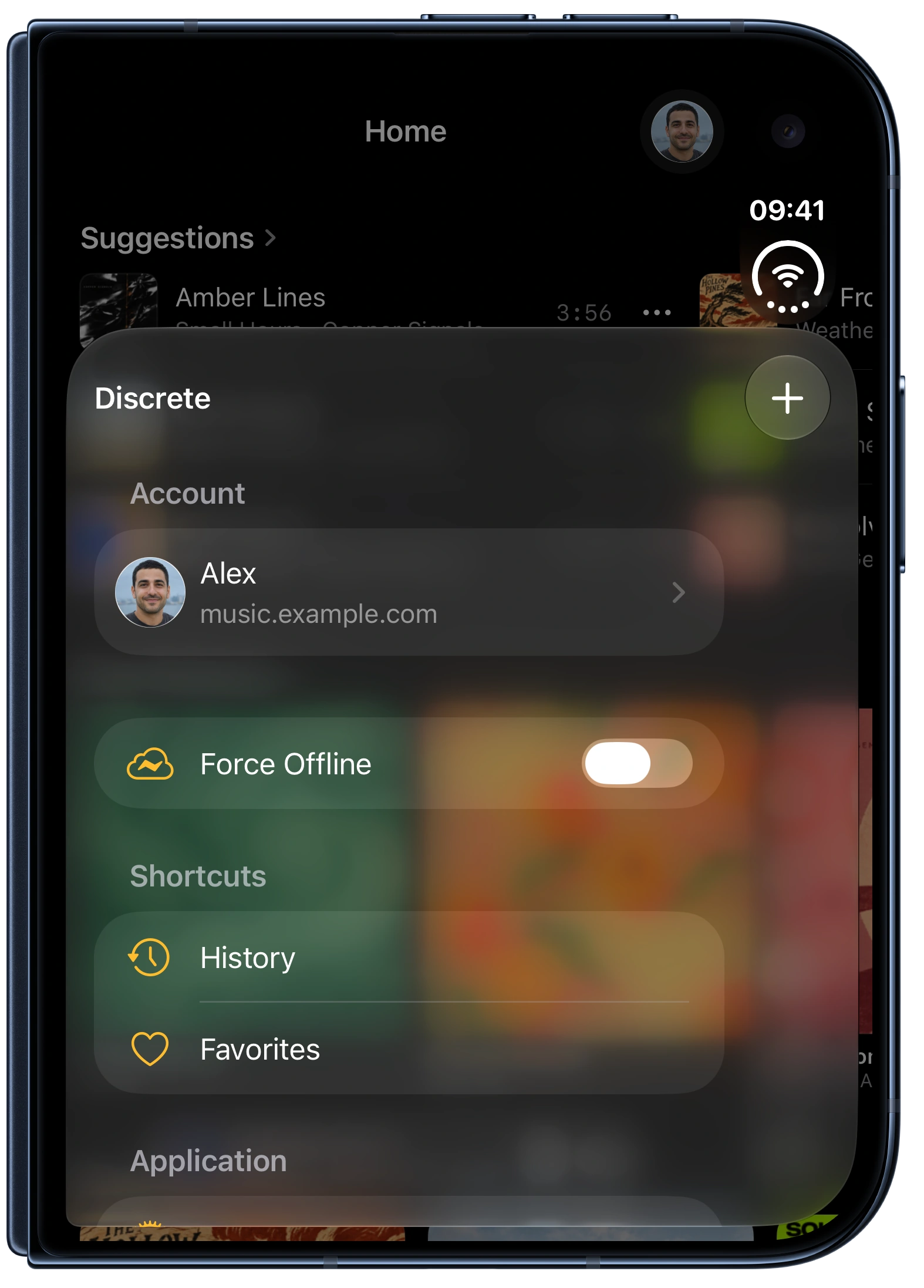
The account and server menu on the closed iPhone Duo using a fictional Jellyfin server.
Account menu
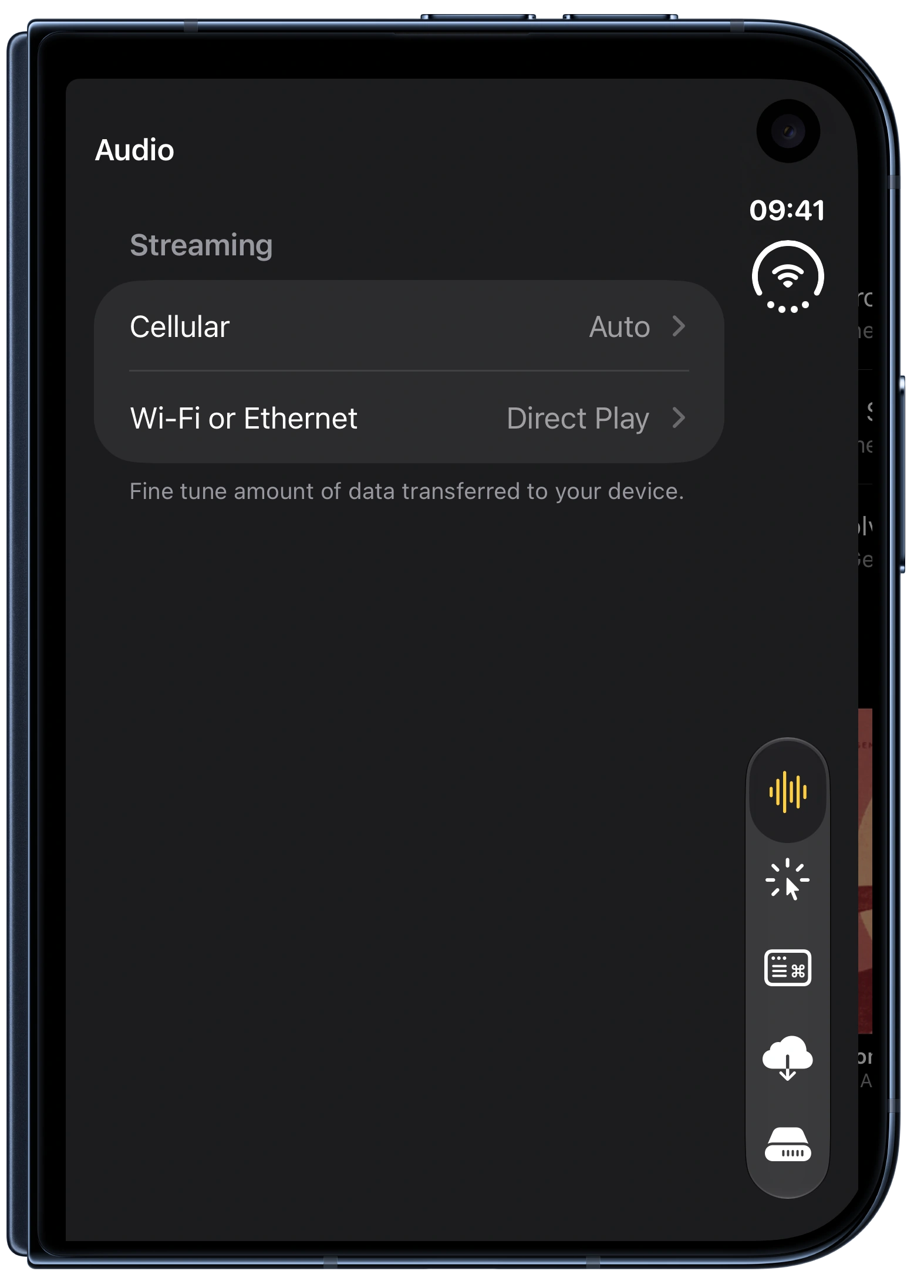
The closed Duo Audio settings showing cellular and Wi-Fi streaming modes.
Audio settings
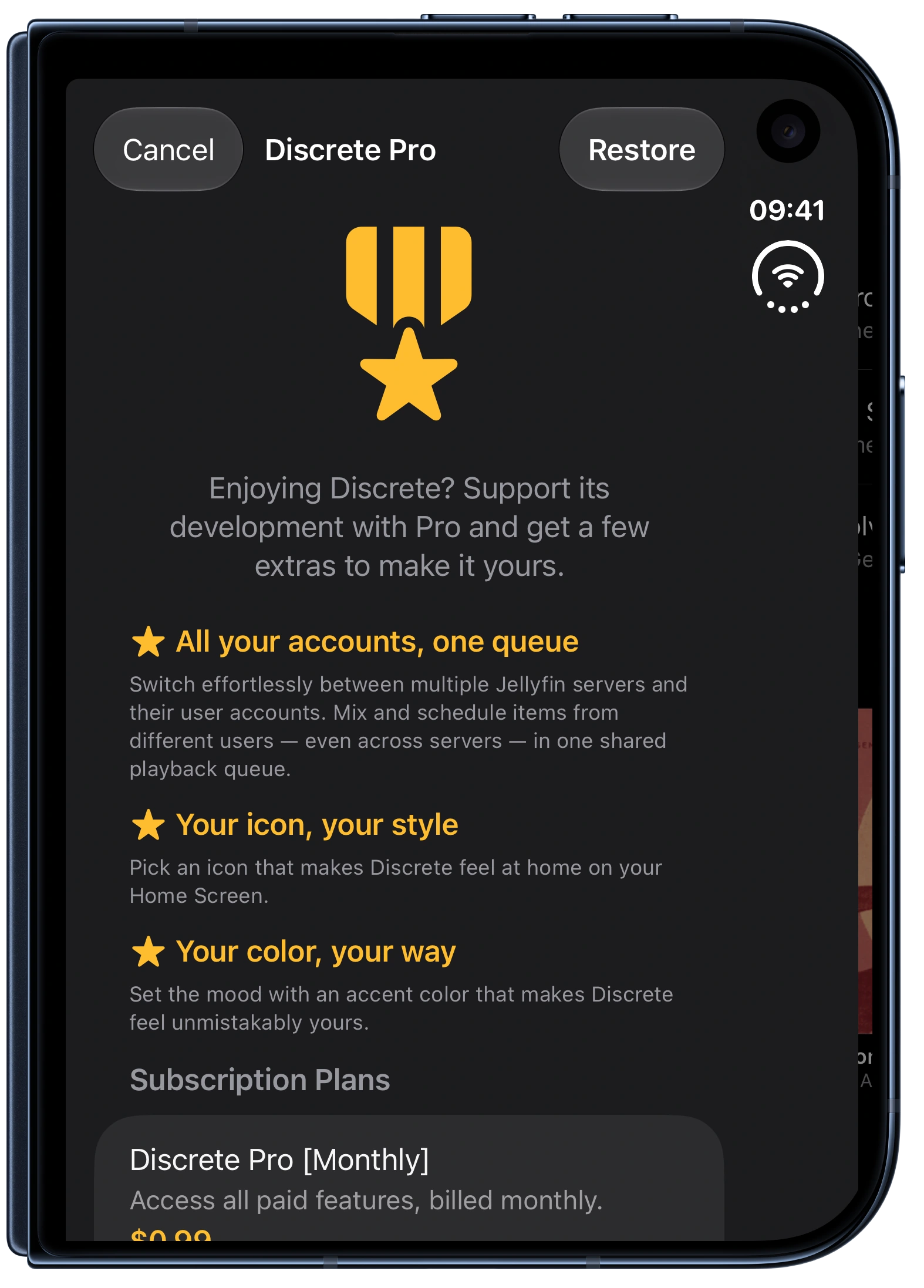
Discrete Pro benefits on the closed iPhone Duo.
Discrete Pro
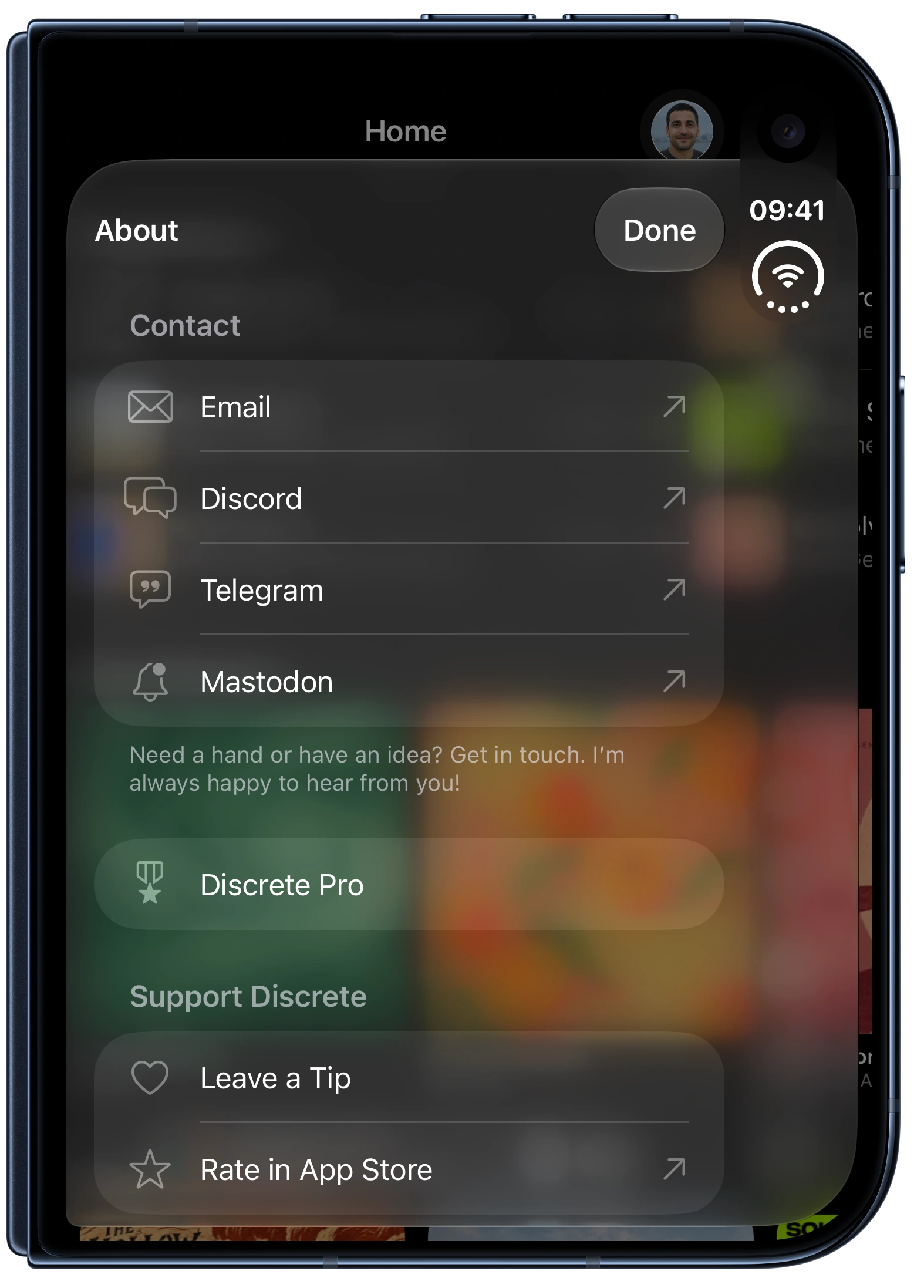
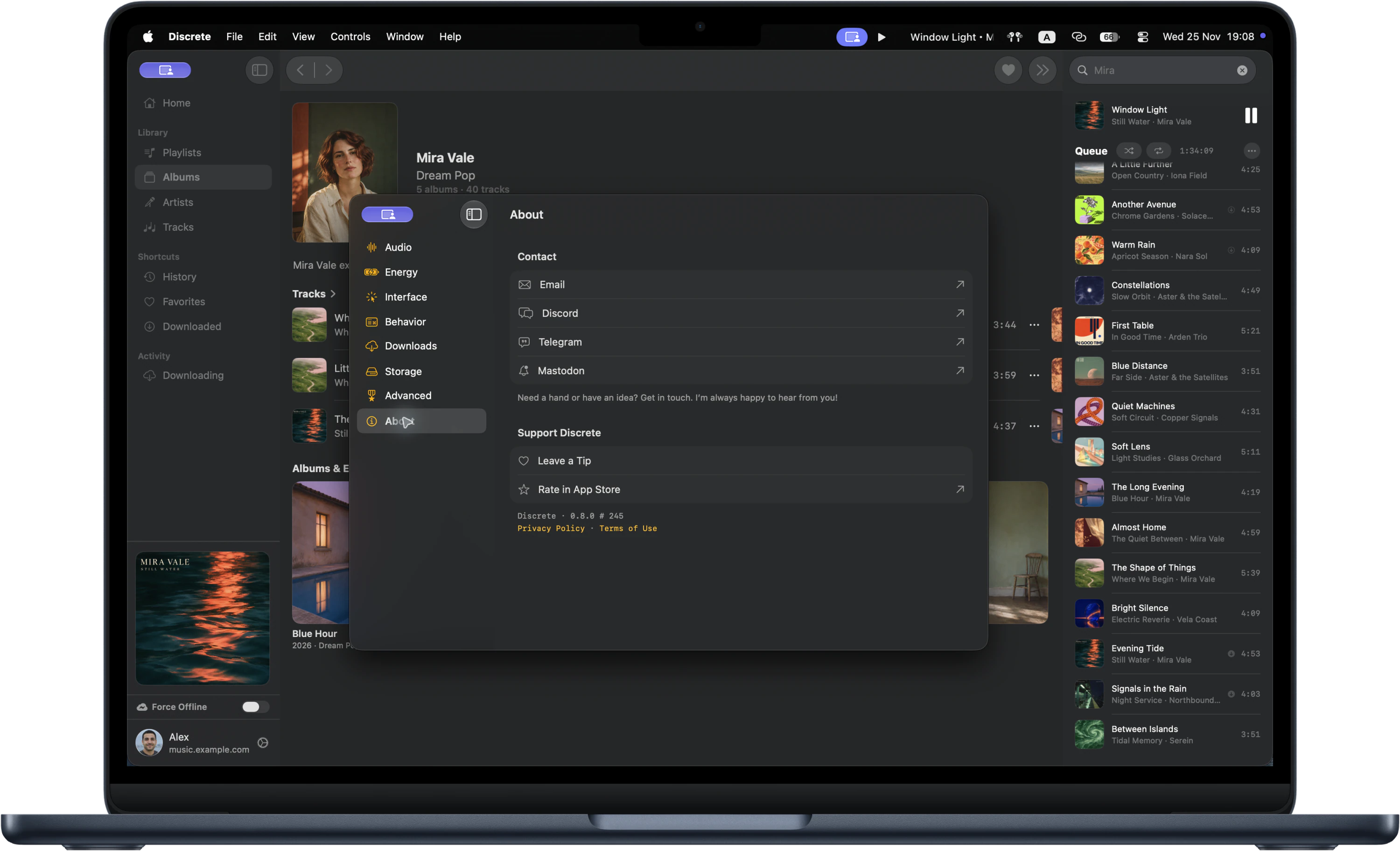
The closed Duo About screen with contact channels, the Discrete Pro entry and support links.
About Discrete

iPad

26 screenshots

Home & Discovery

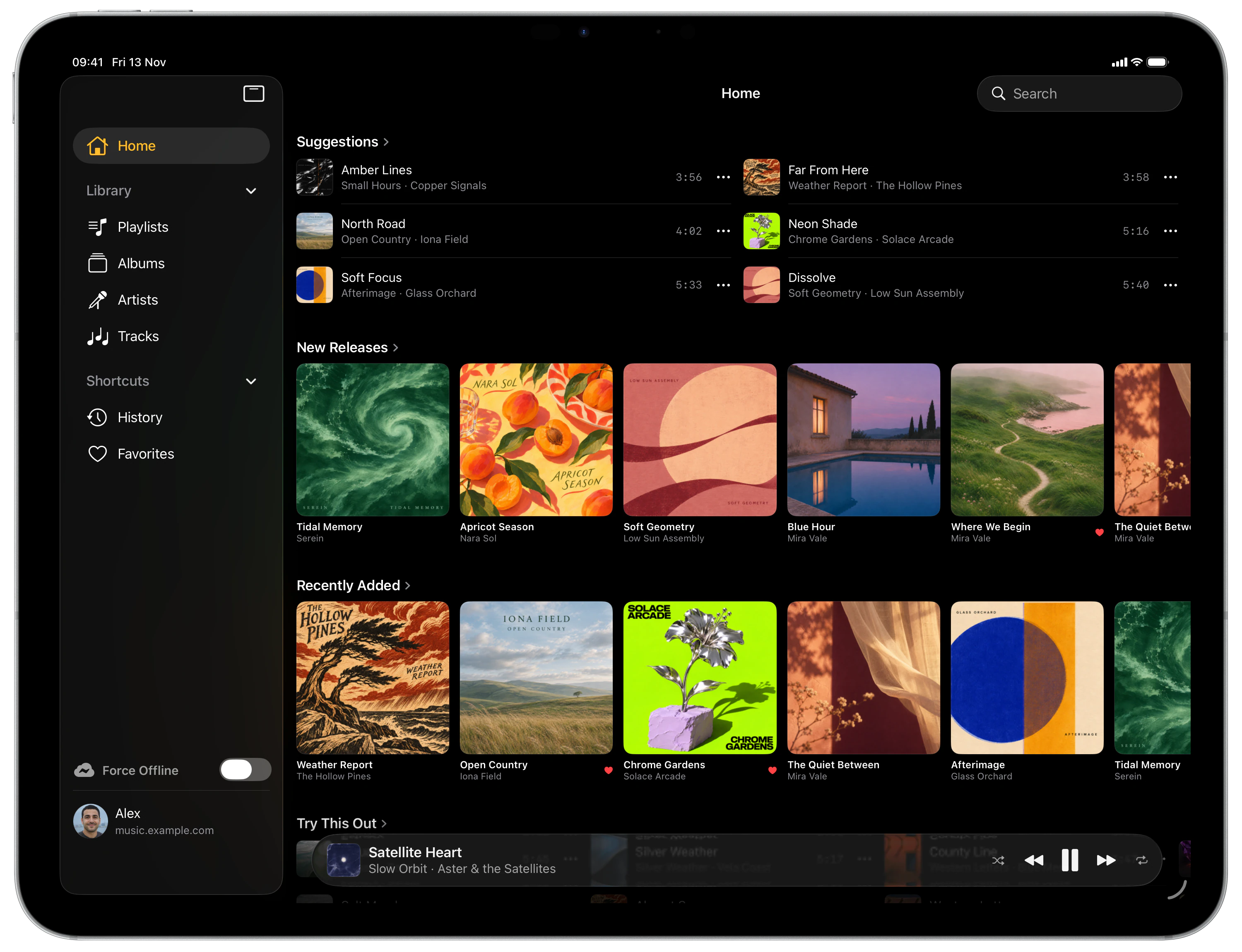
Discovery and listening shortcuts on iPad
Home
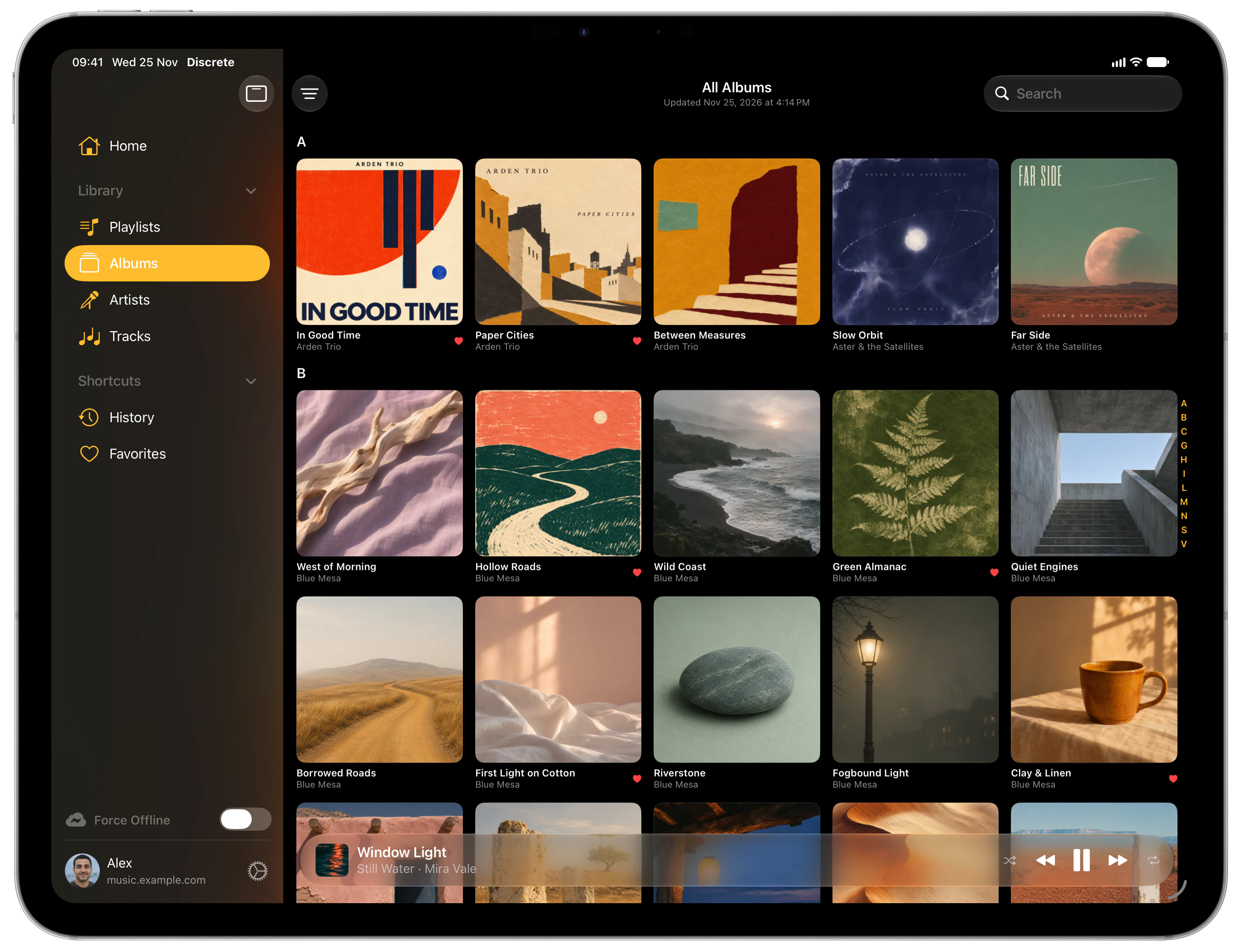
Landscape iPad library with collection sidebar and artwork
Library and sidebar

Albums & Tracks

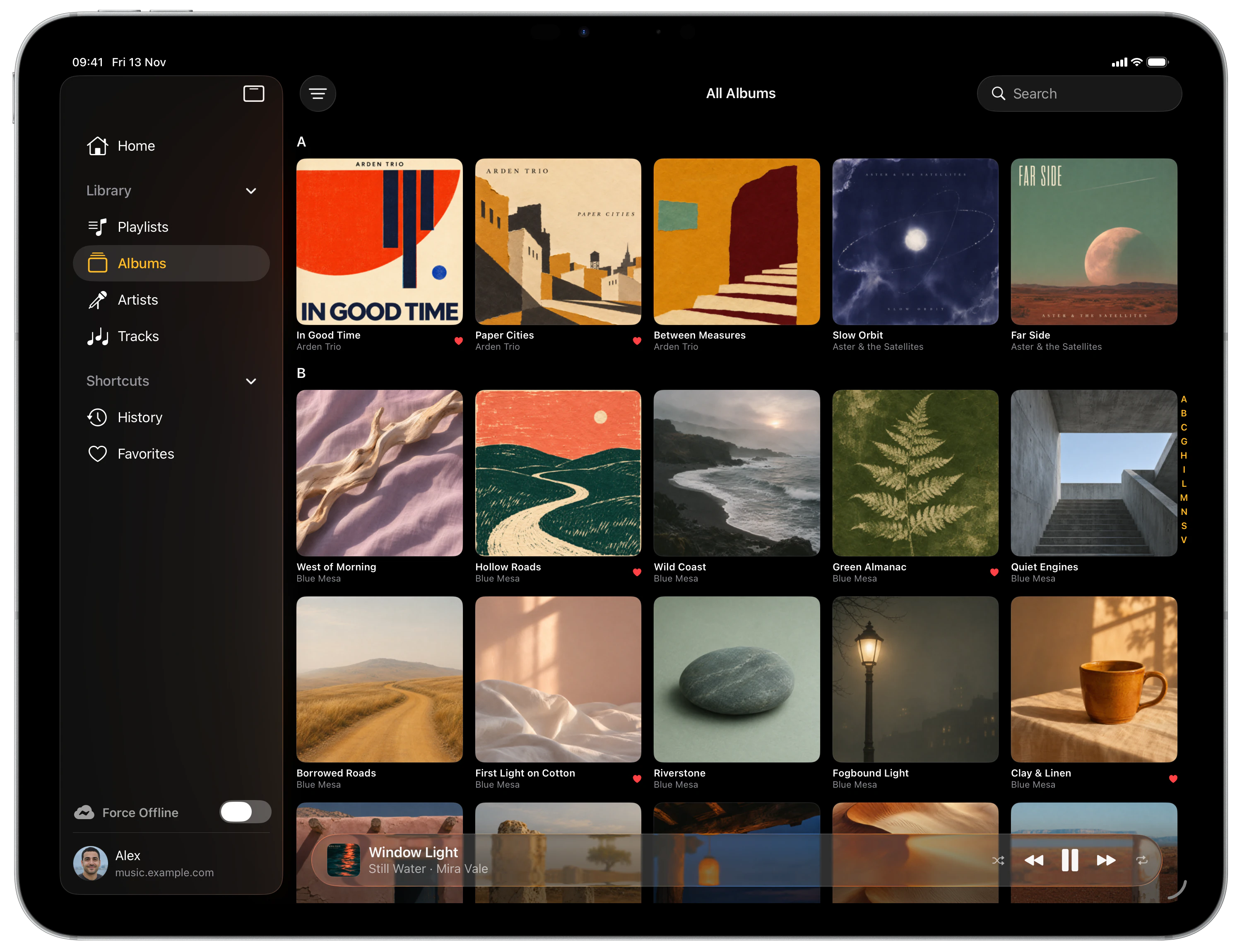
Album artwork grid on iPad
Albums
Album artwork and track list on a landscape iPad
Album details
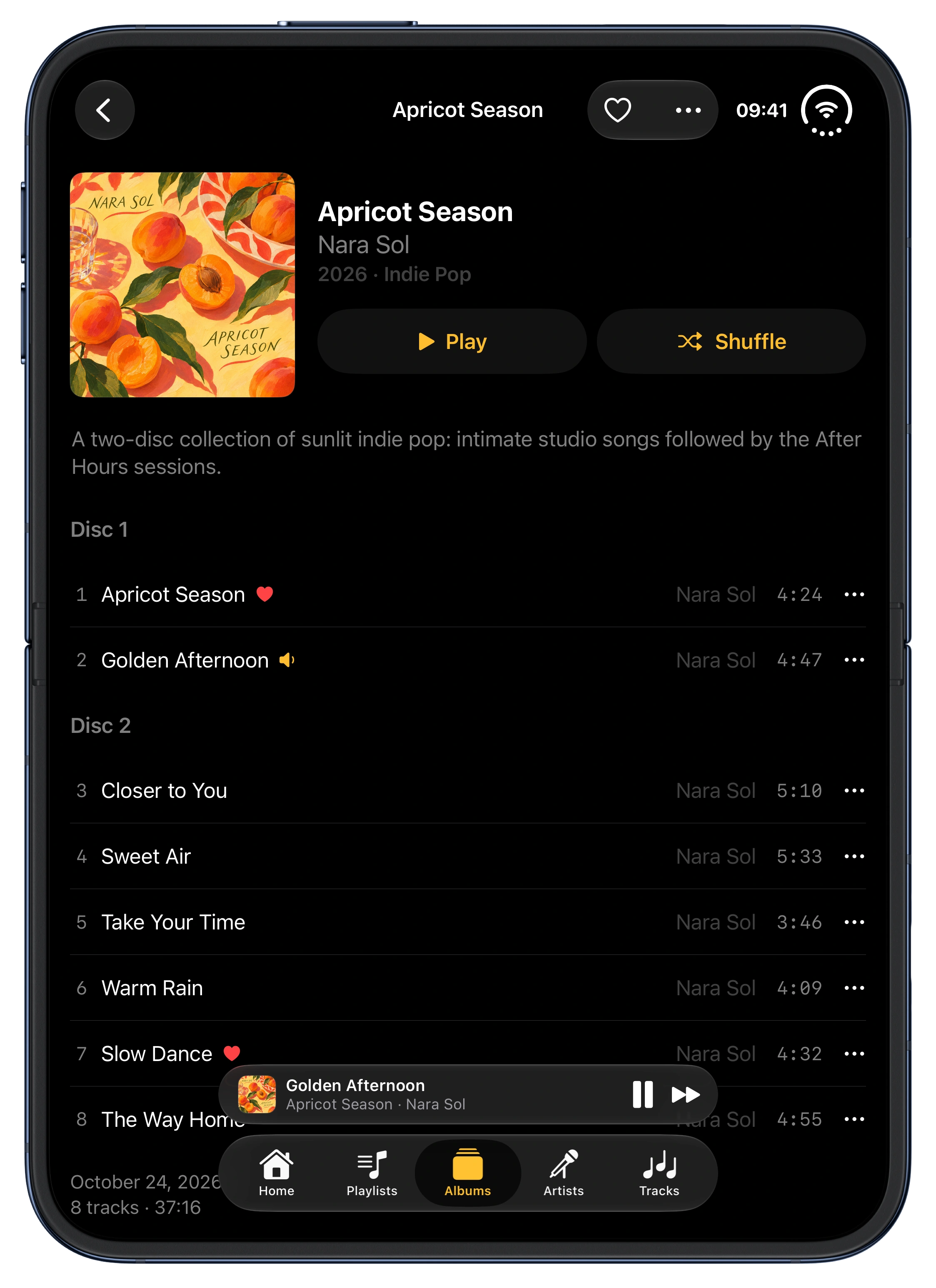
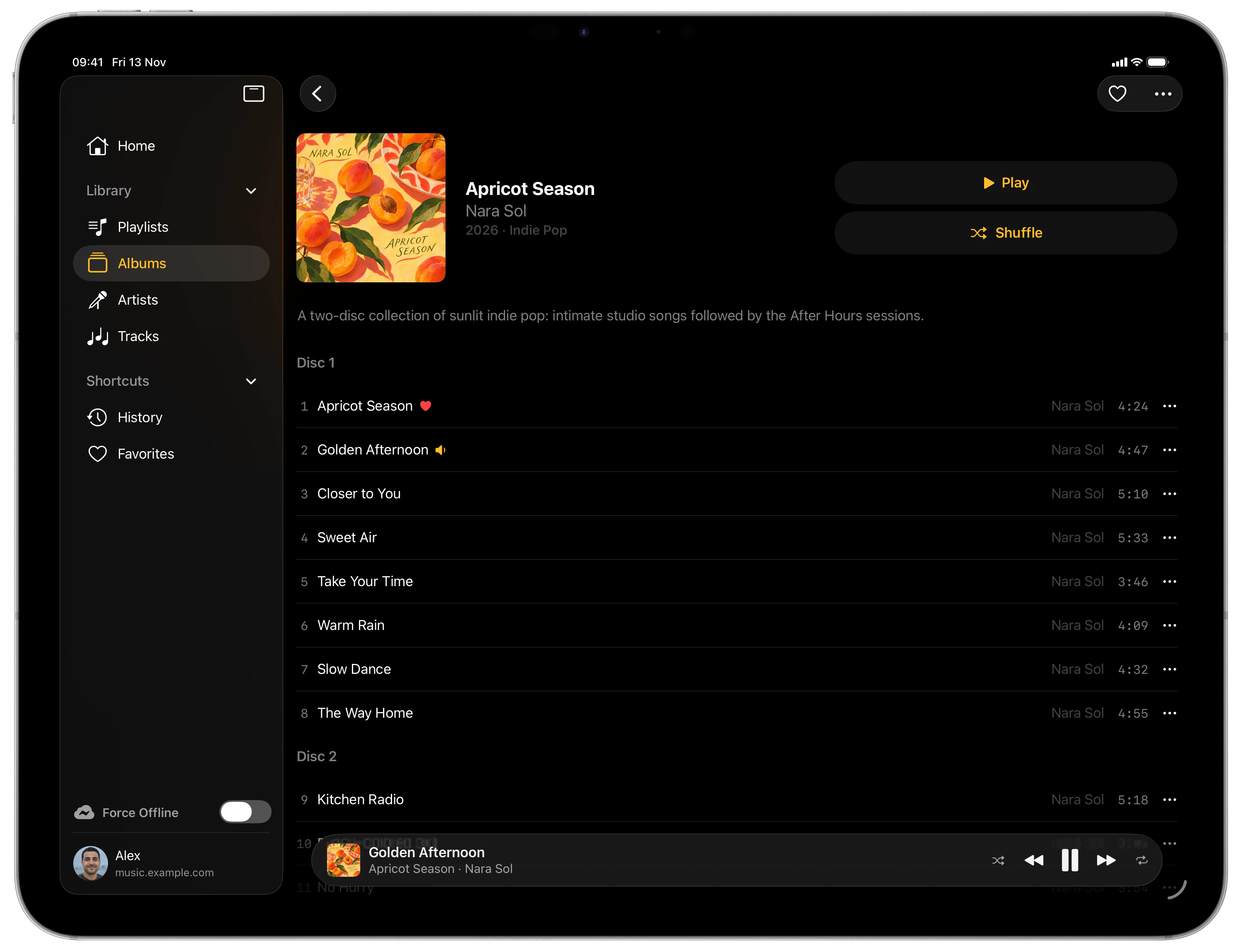
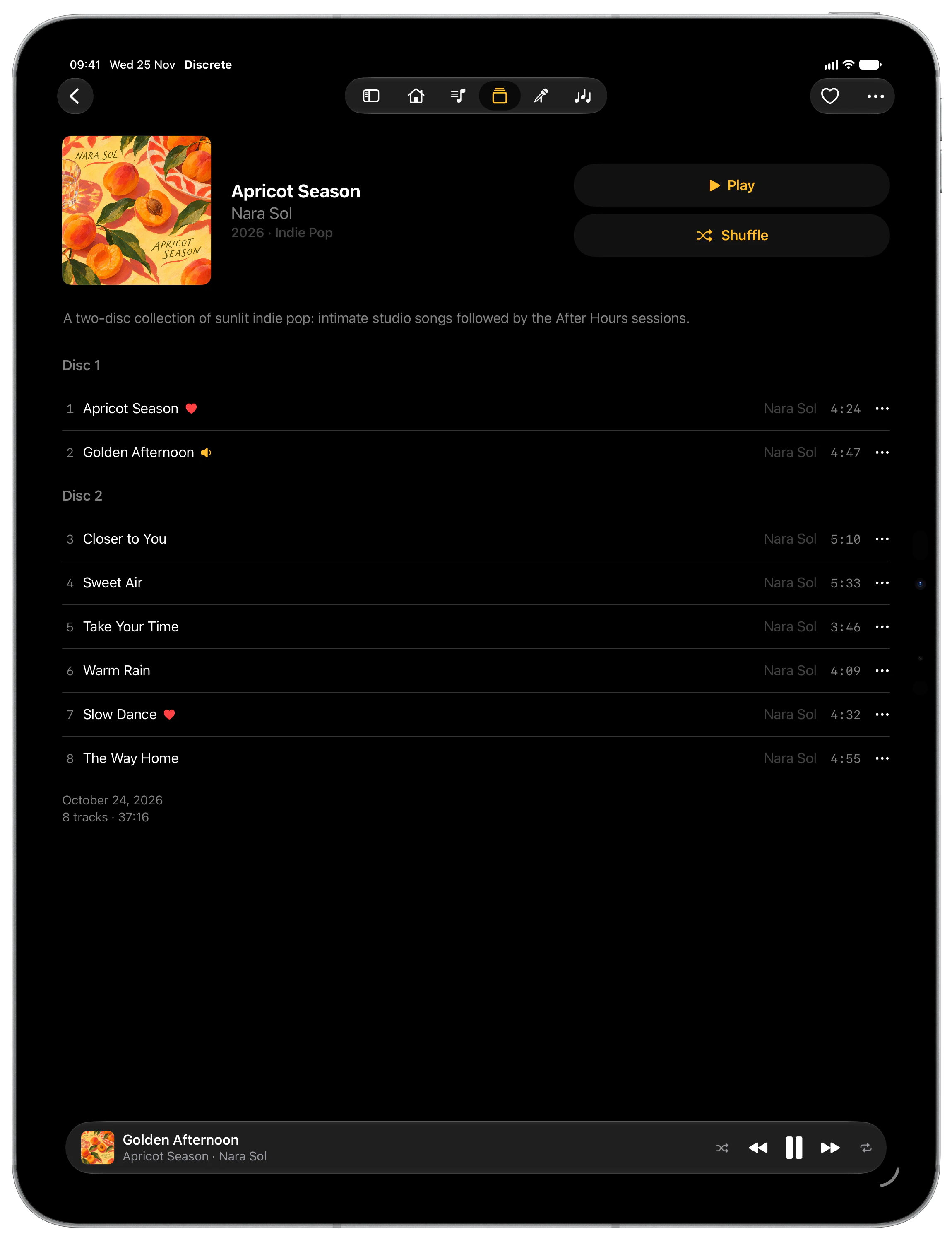
Apricot Season cover art, album controls and multi-disc track list on a portrait iPad
Album details in portrait

Artists

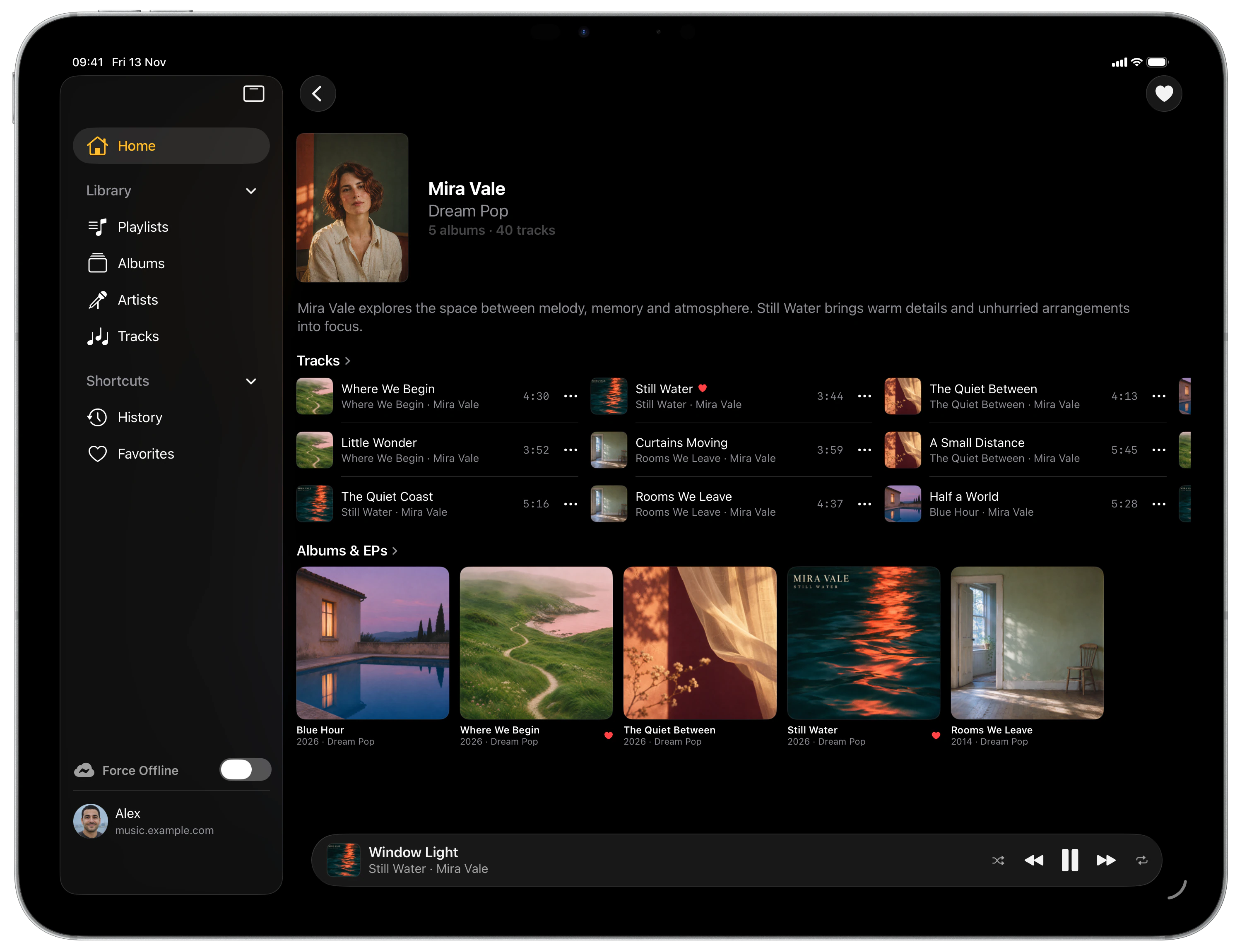
Artist description and album collection on iPad
Artist details
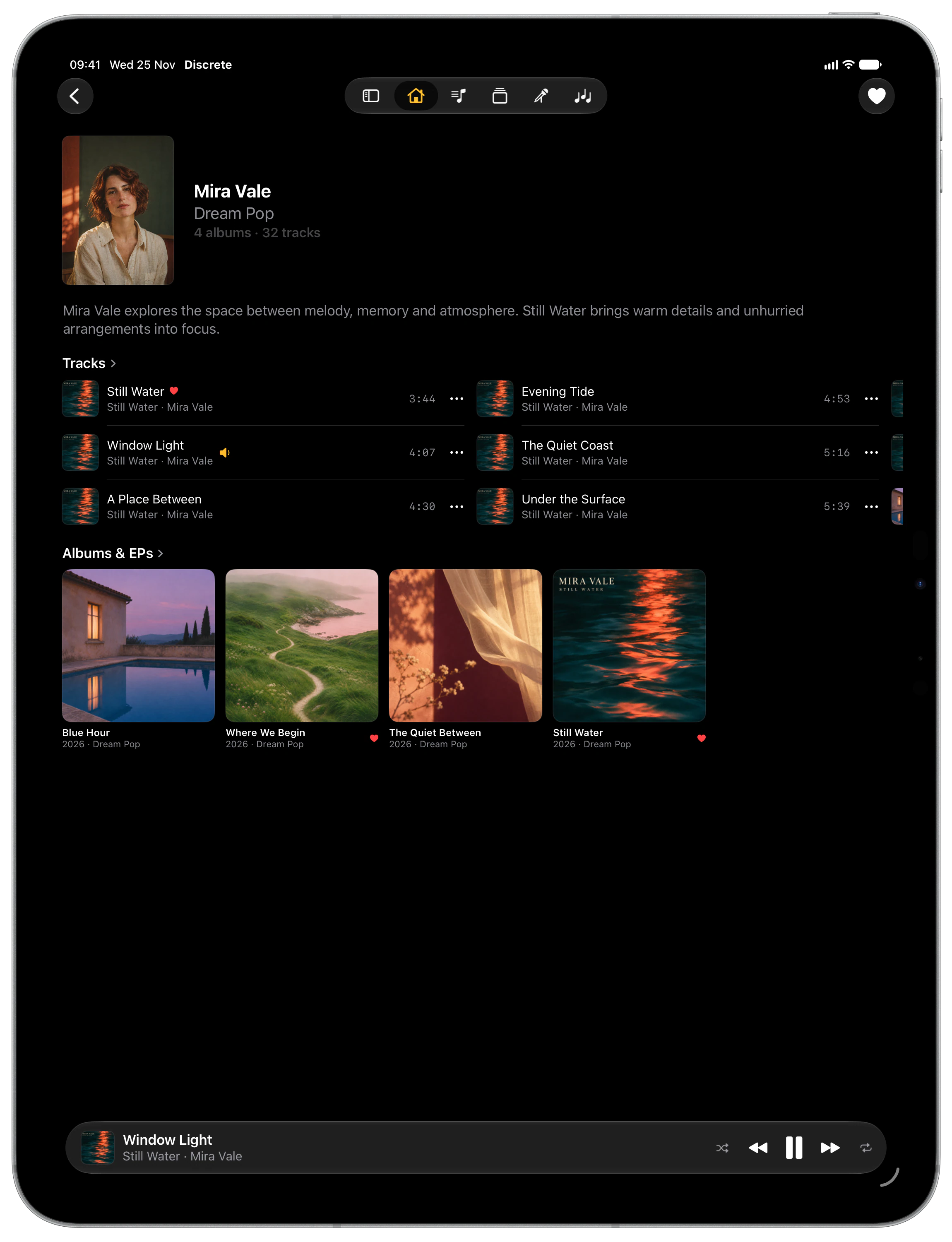
Mira Vale’s artist page with top tracks and custom cover art for releases
Artist page in portrait

Playlists

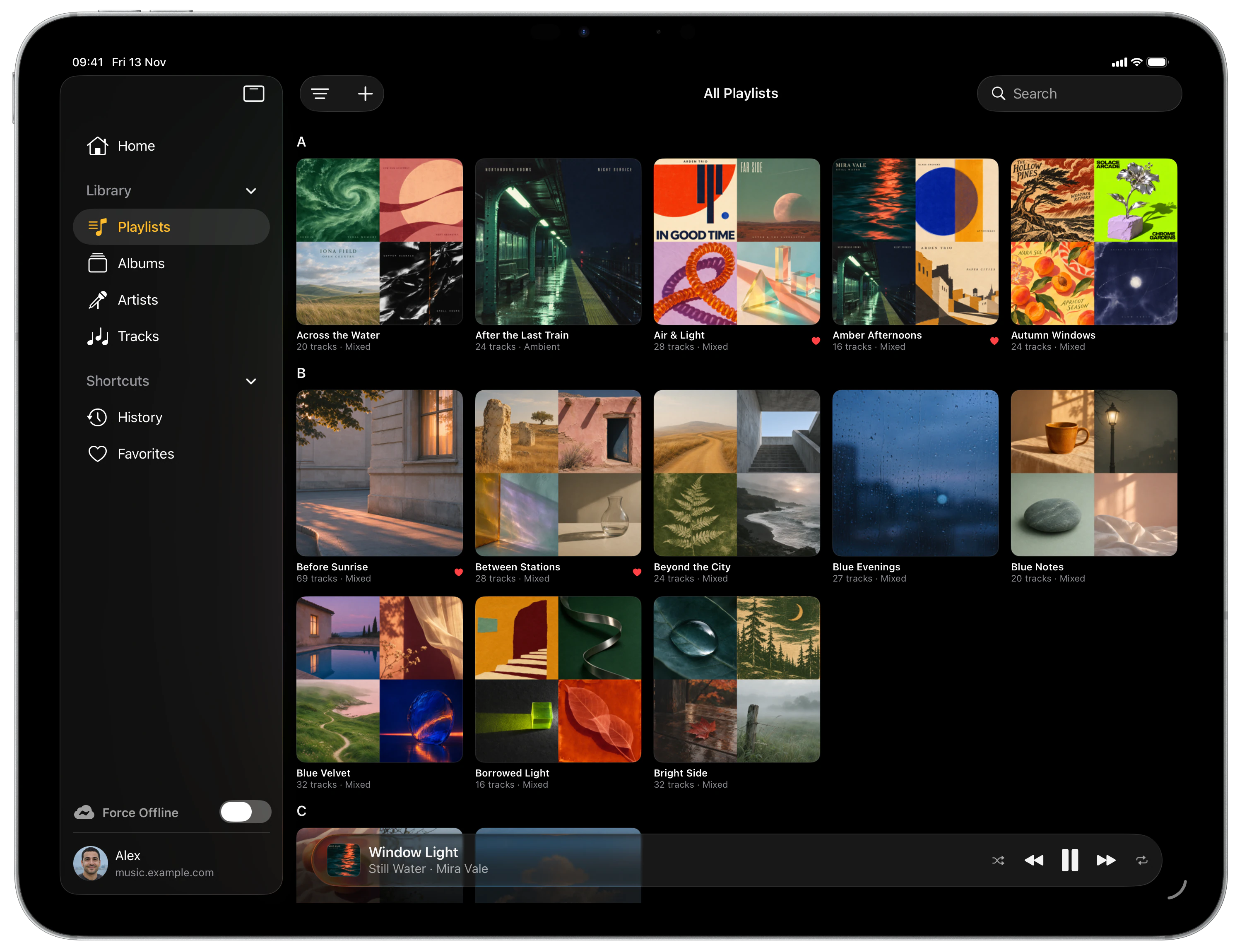
Playlist artwork grid on iPad
Playlists
Playlist artwork and ordered tracks
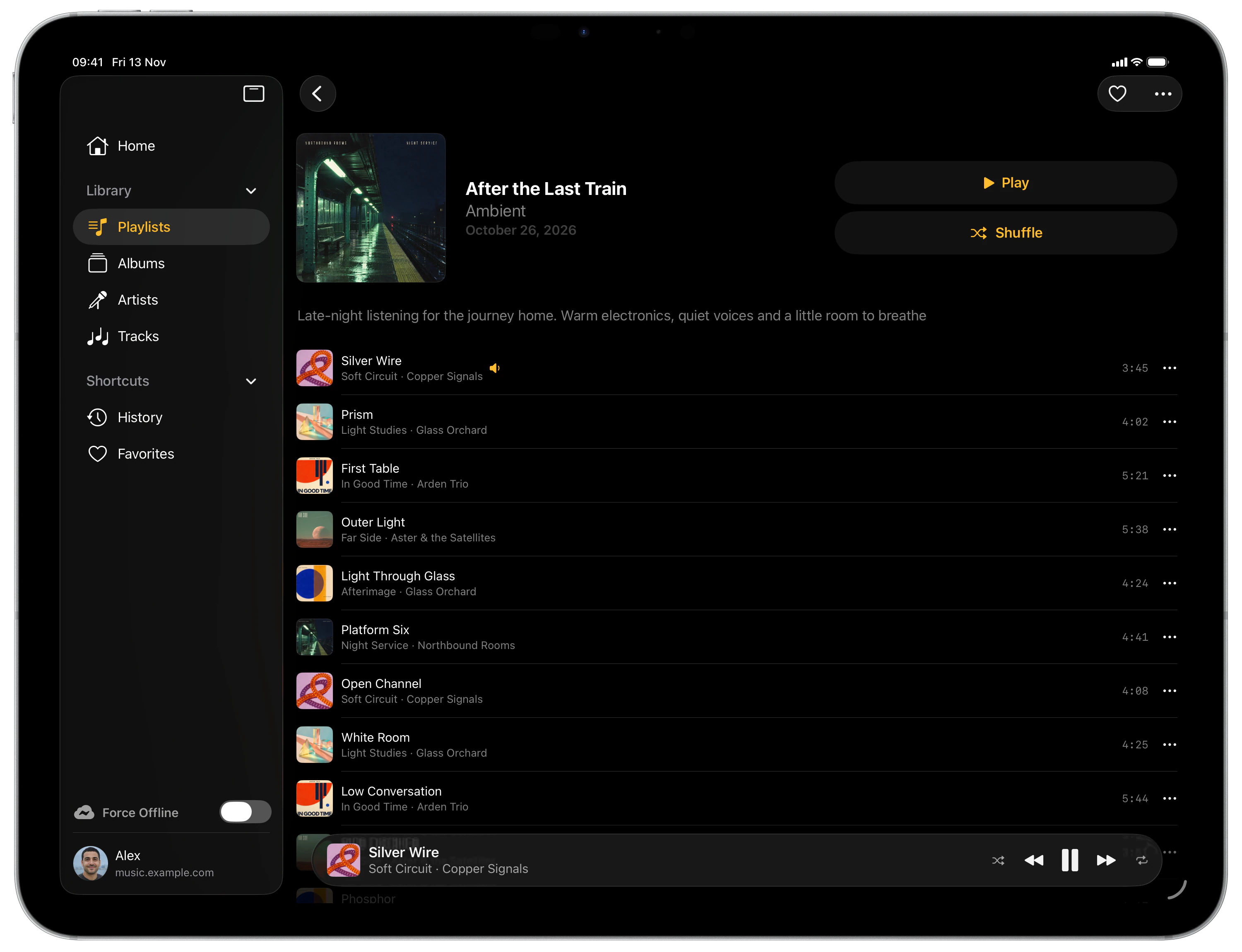
Playlist details
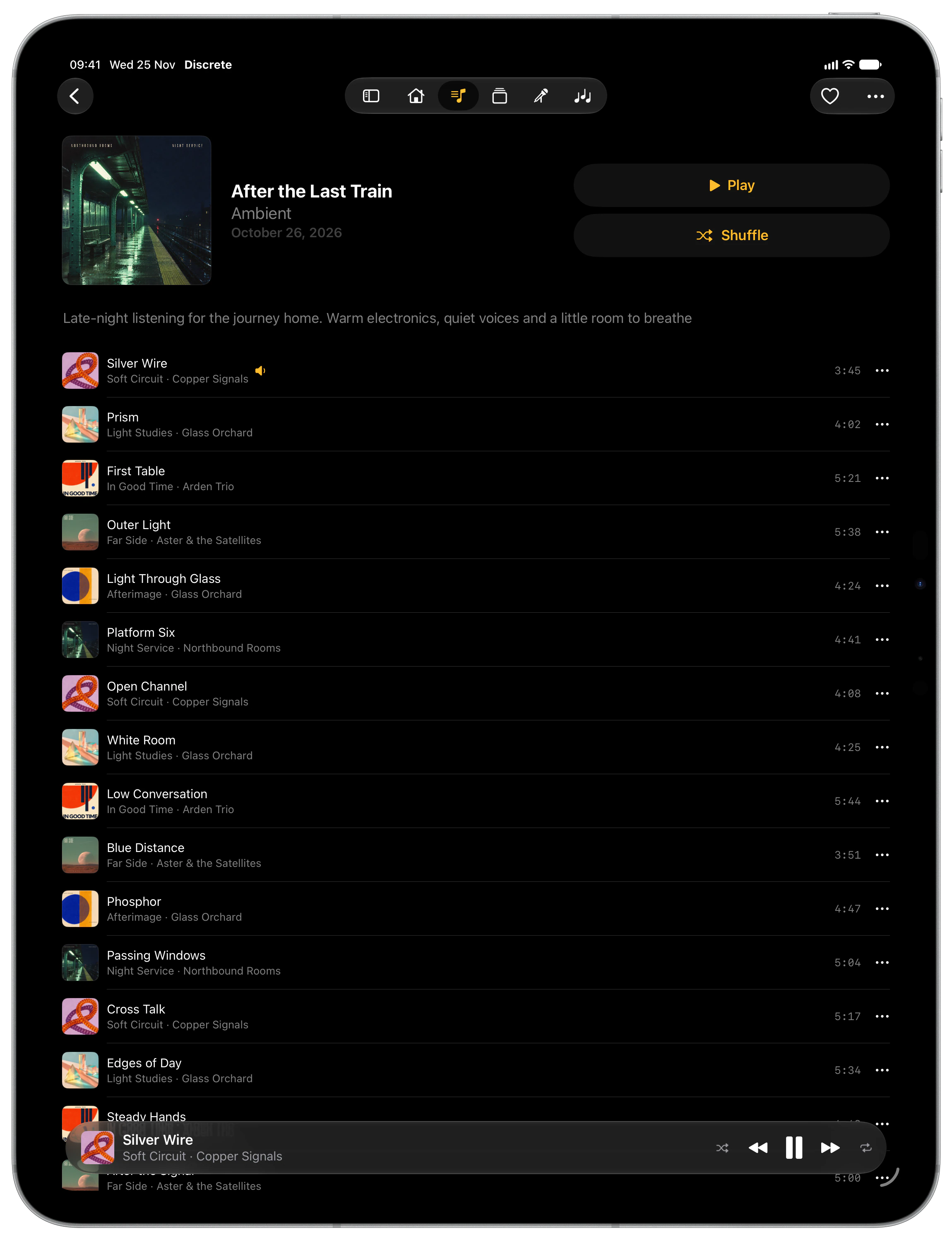
After the Last Train playlist with synthetic cover and full track list
Playlist details in portrait
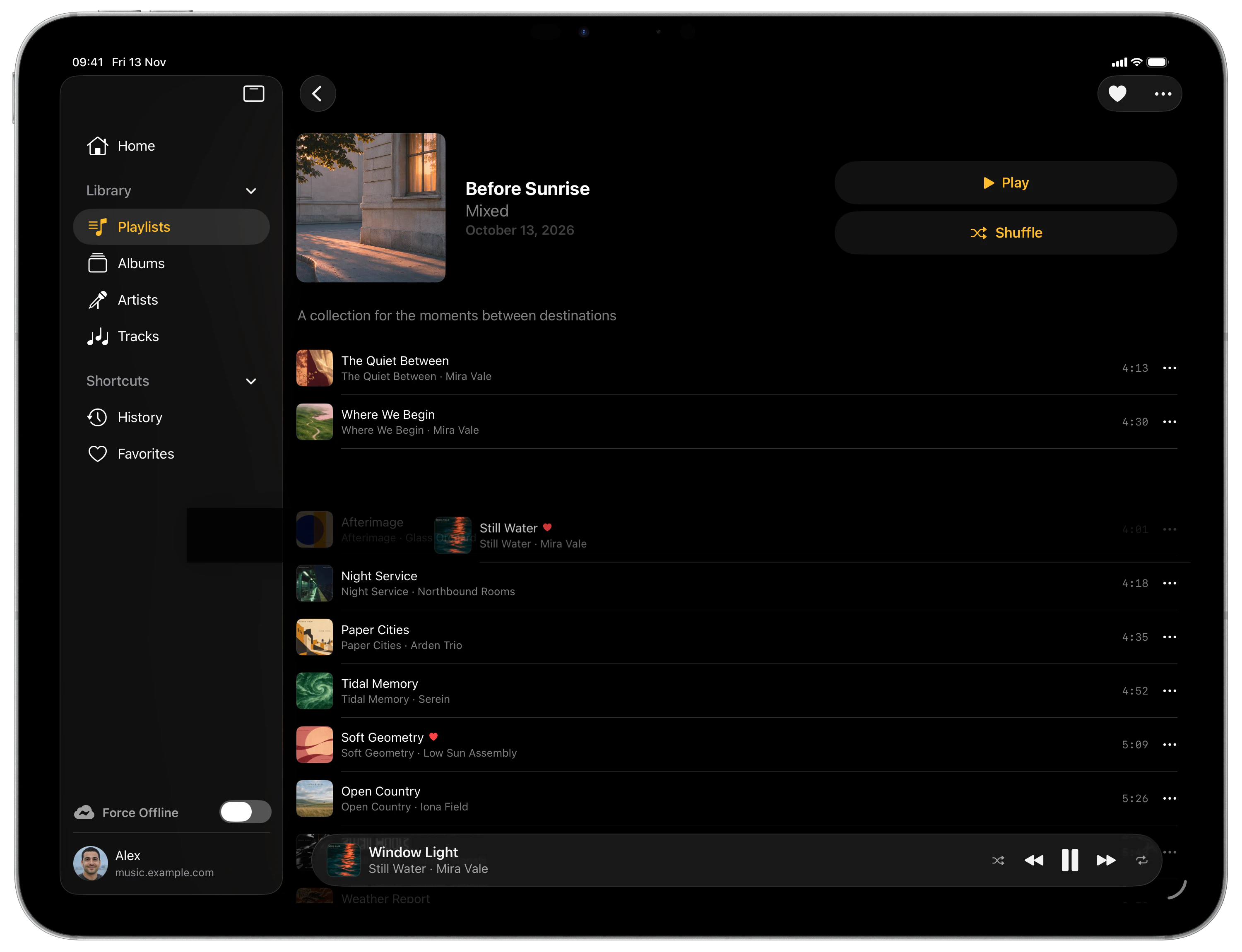
Playlist track ordering controls on iPad
Reorder a playlist
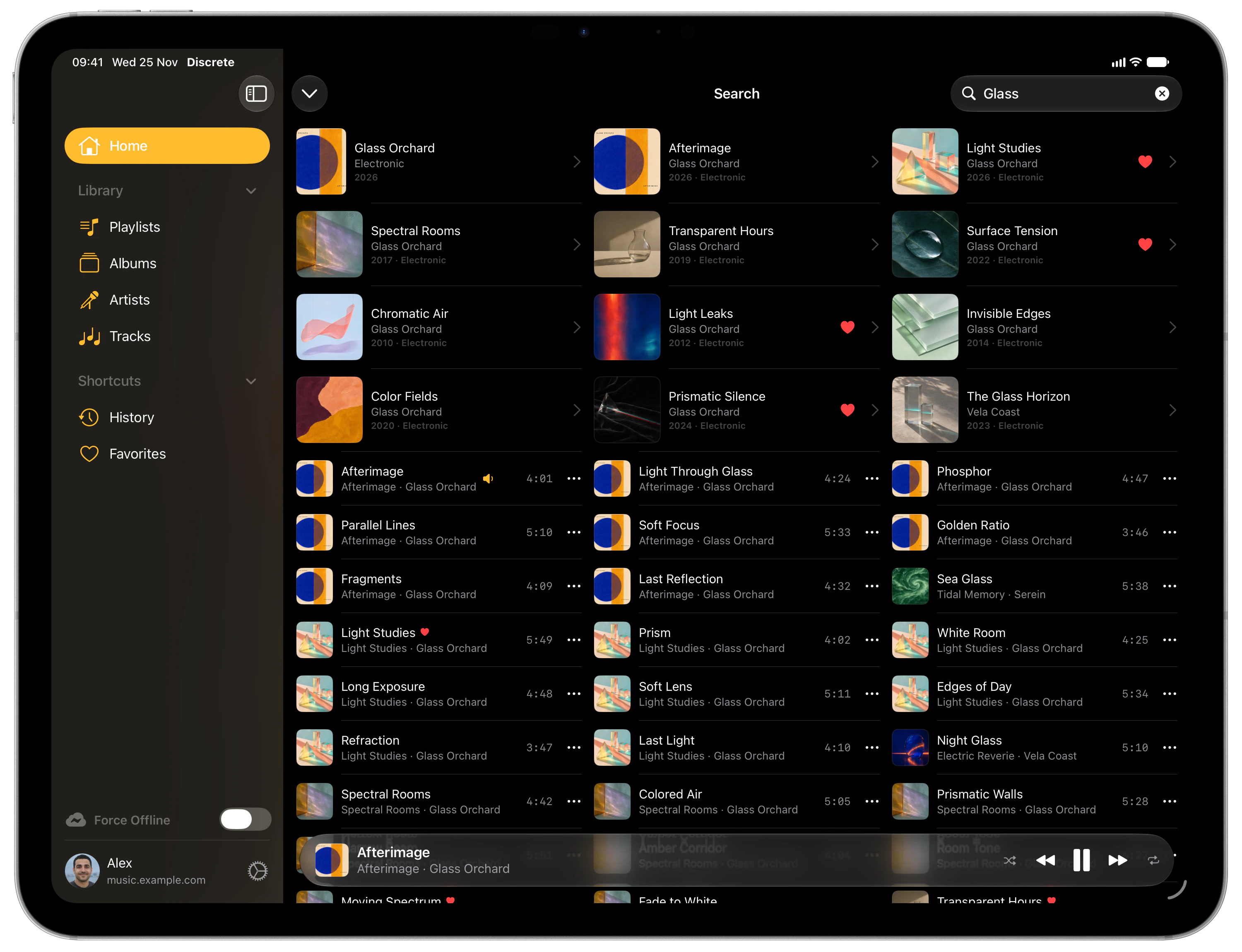
Loaded music search results on iPad with real fixture artwork, a library sidebar and the mini-player.
Search

Player, Queue & Lyrics

Technical audio information over the iPad player
Playback details
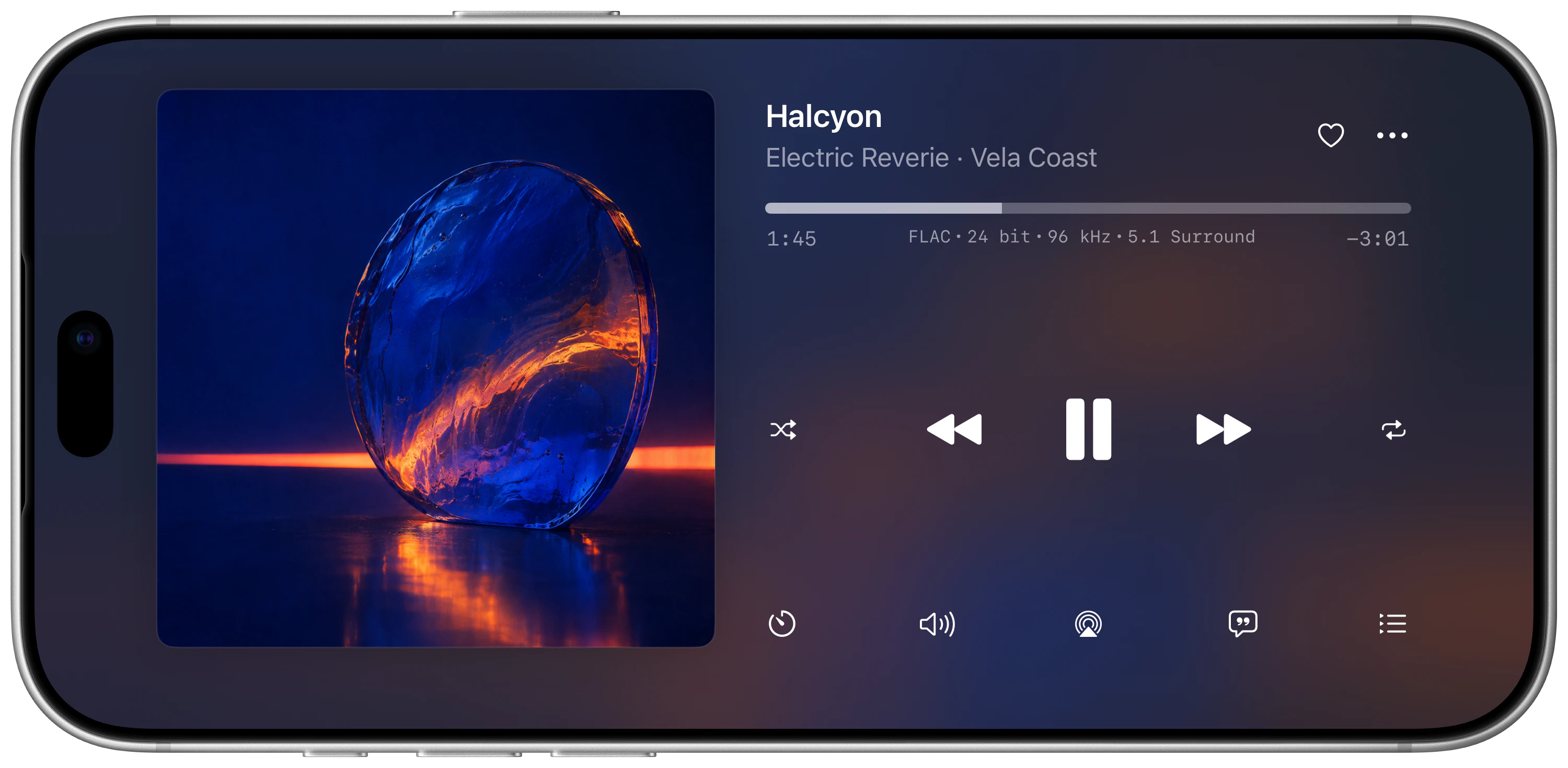
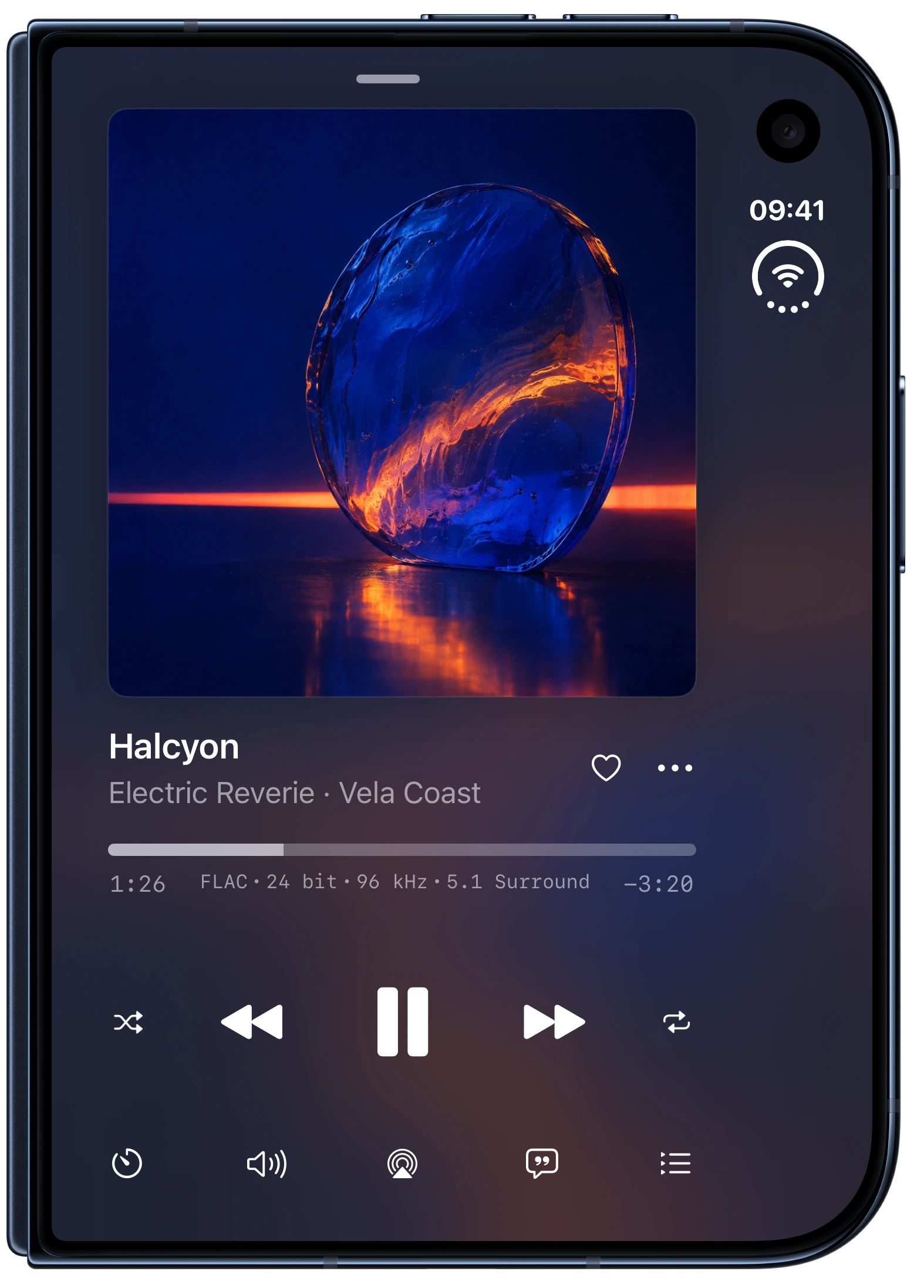
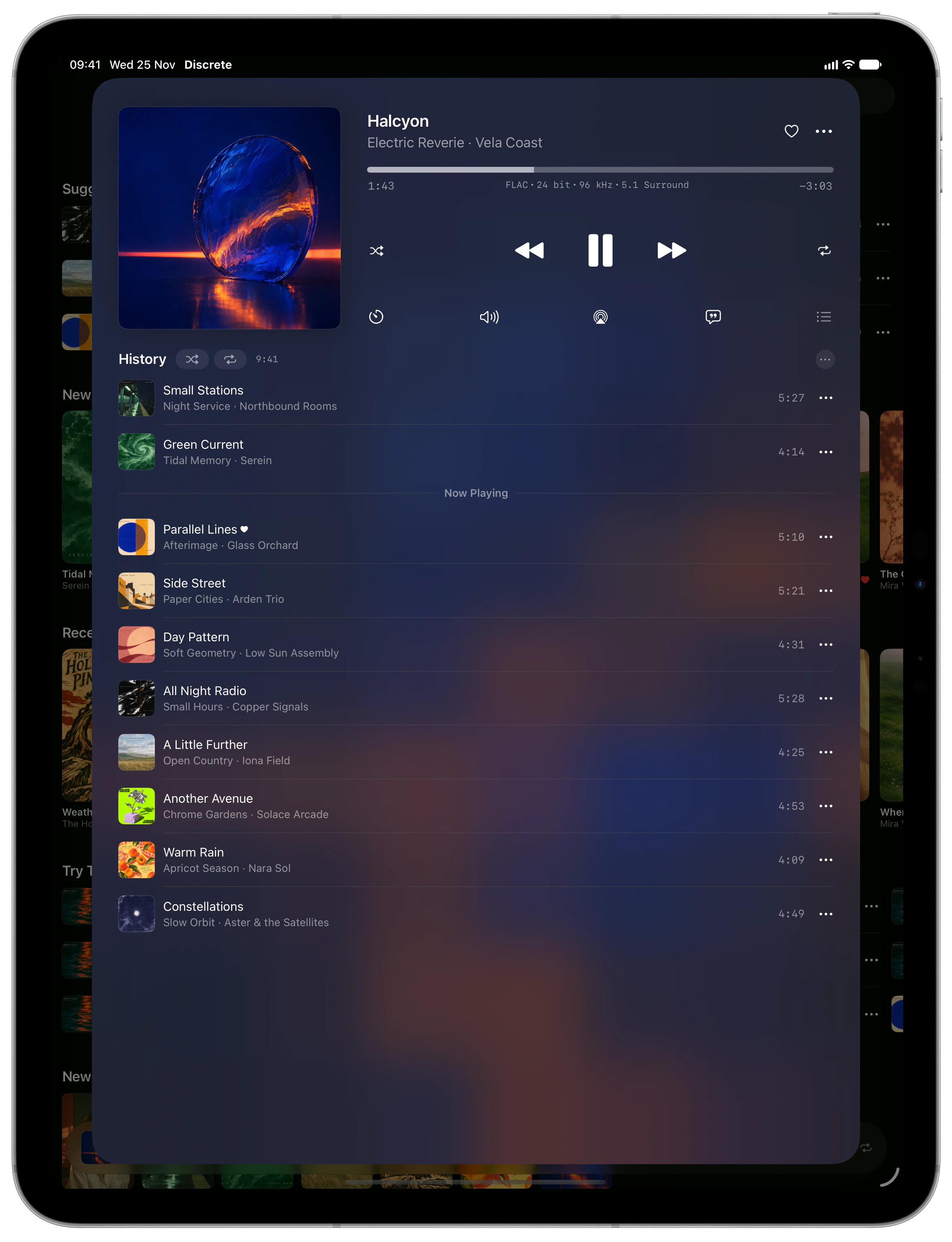
Native player showing Halcyon artwork and named 5.1 Surround audio metadata
Audio information in portrait
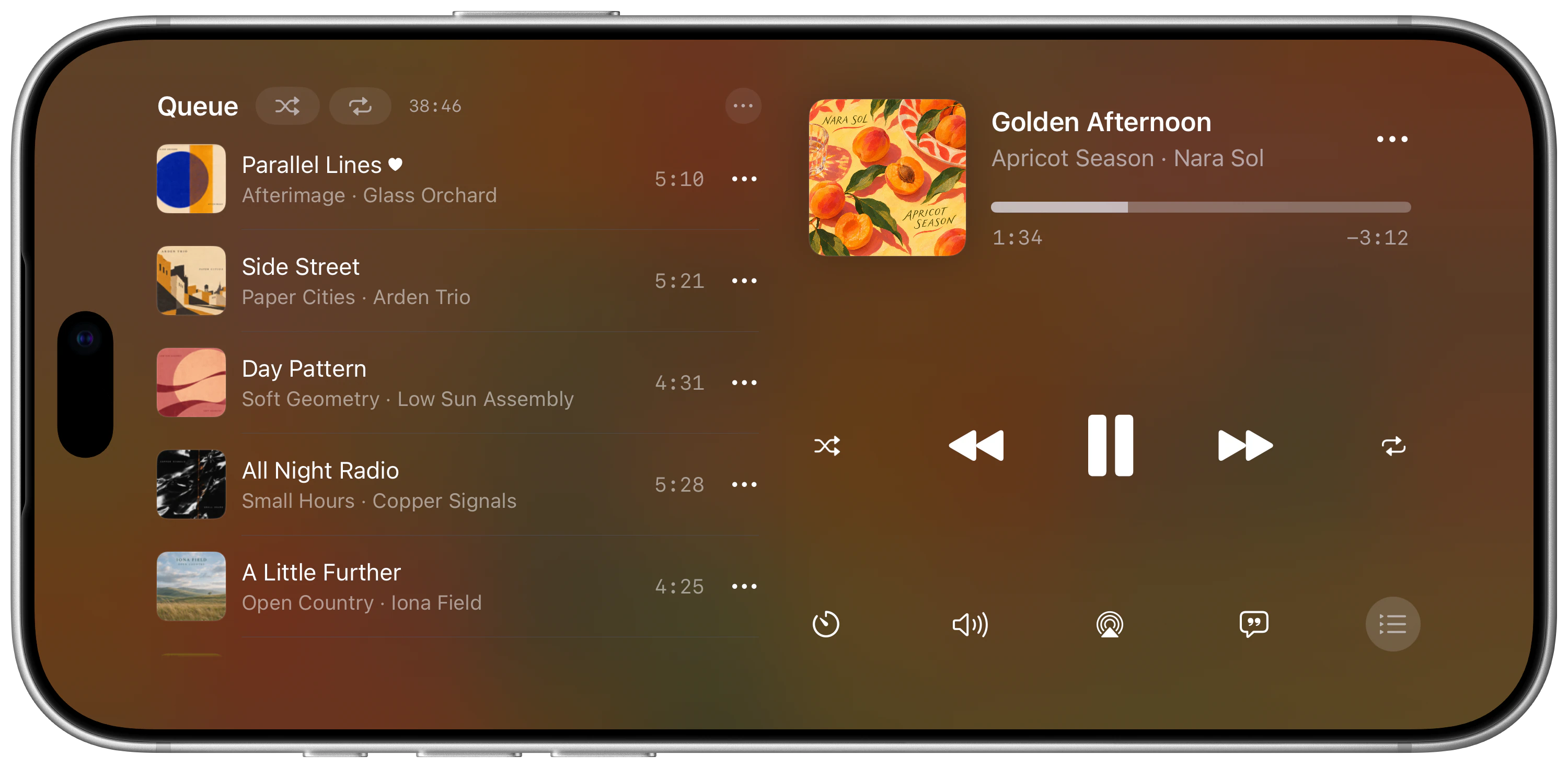
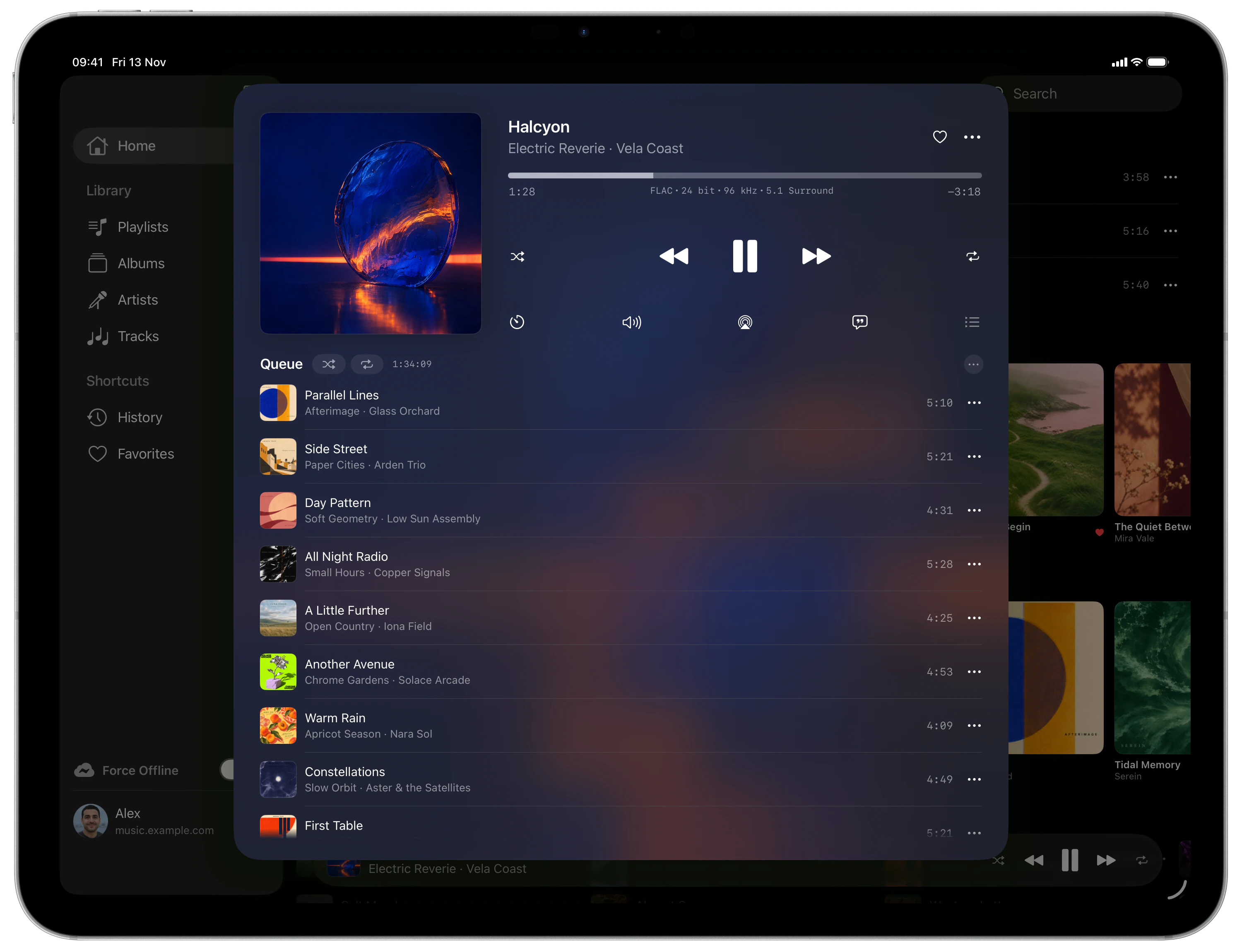
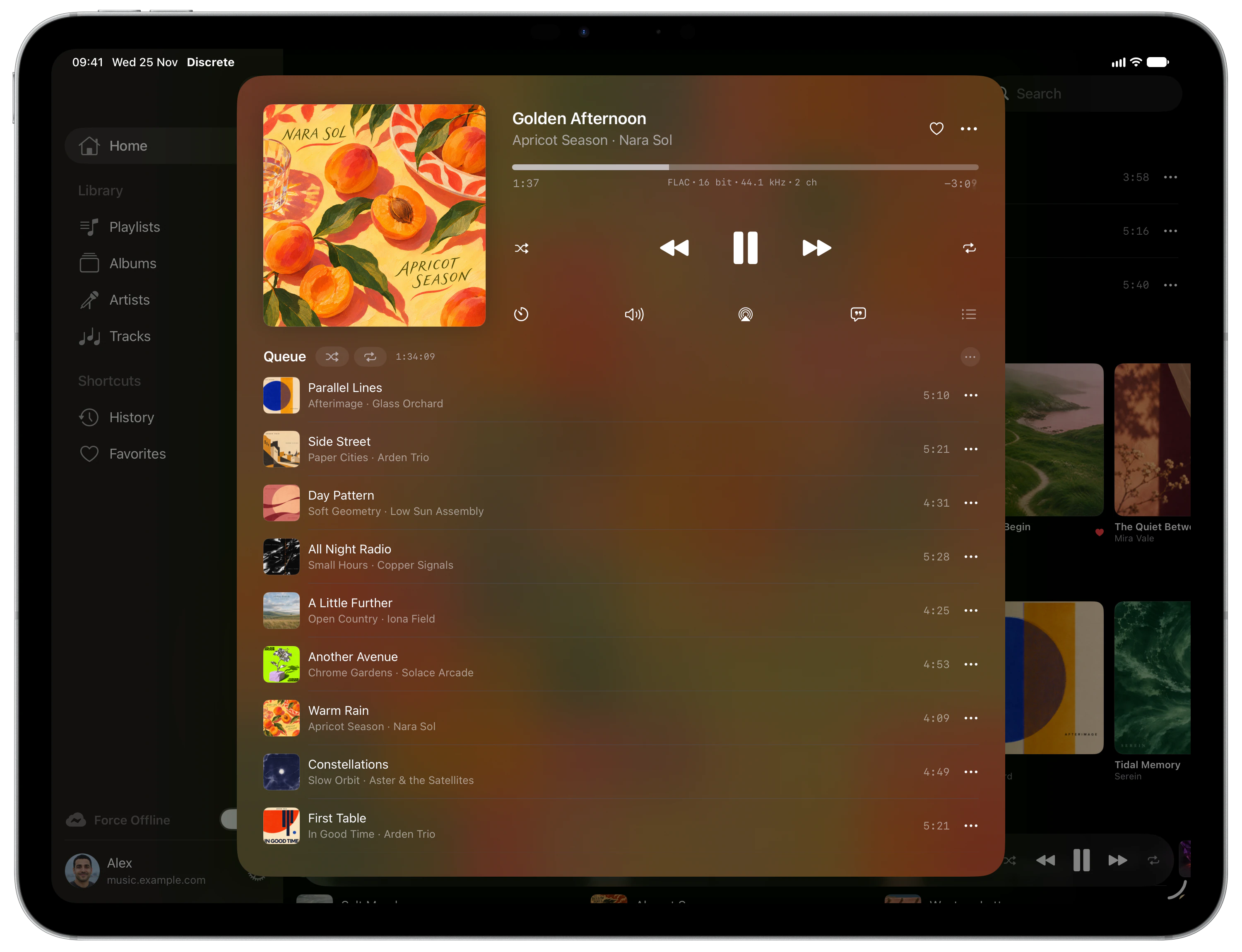
Landscape iPad queue with playback controls
Queue in landscape
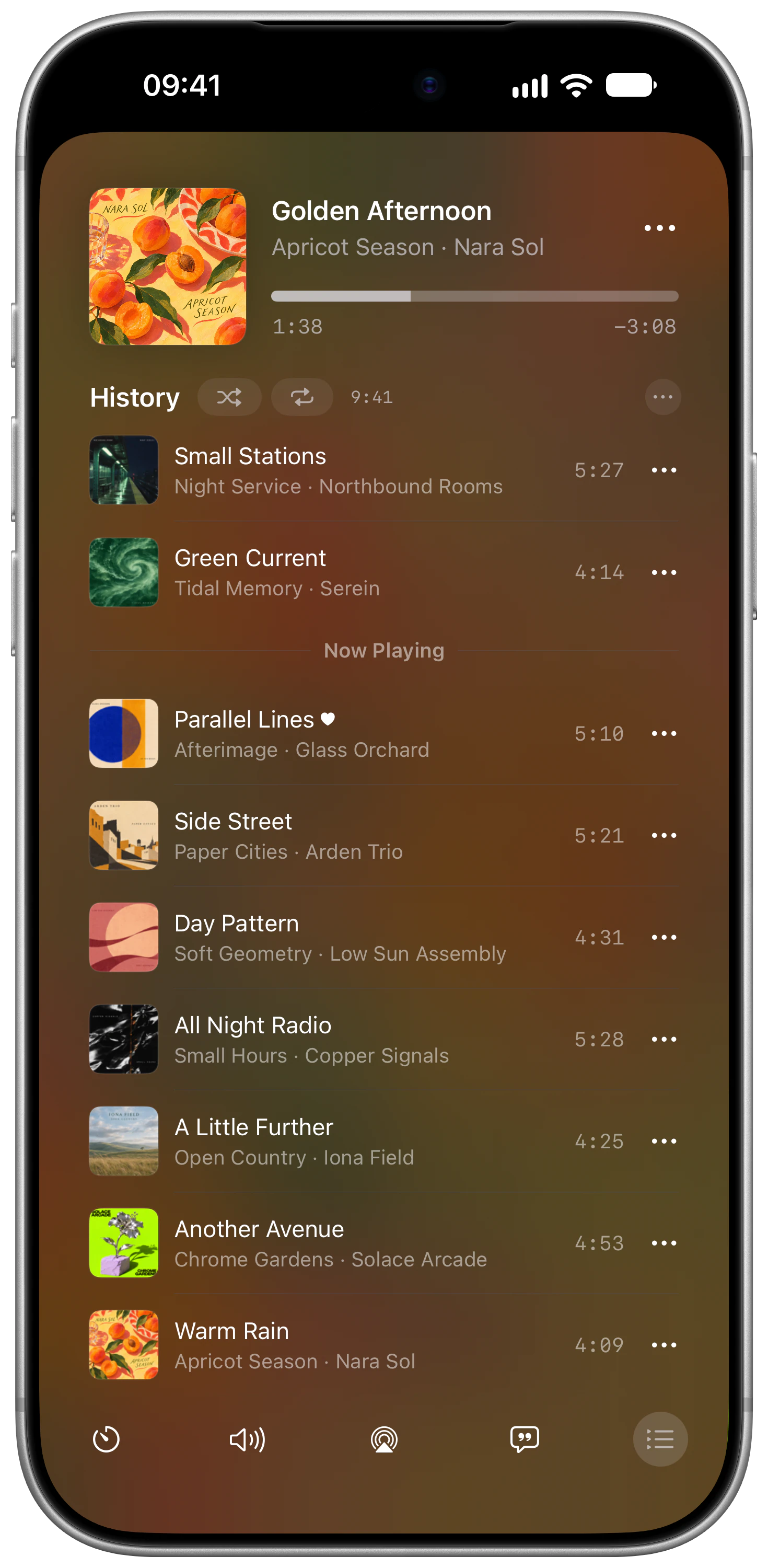
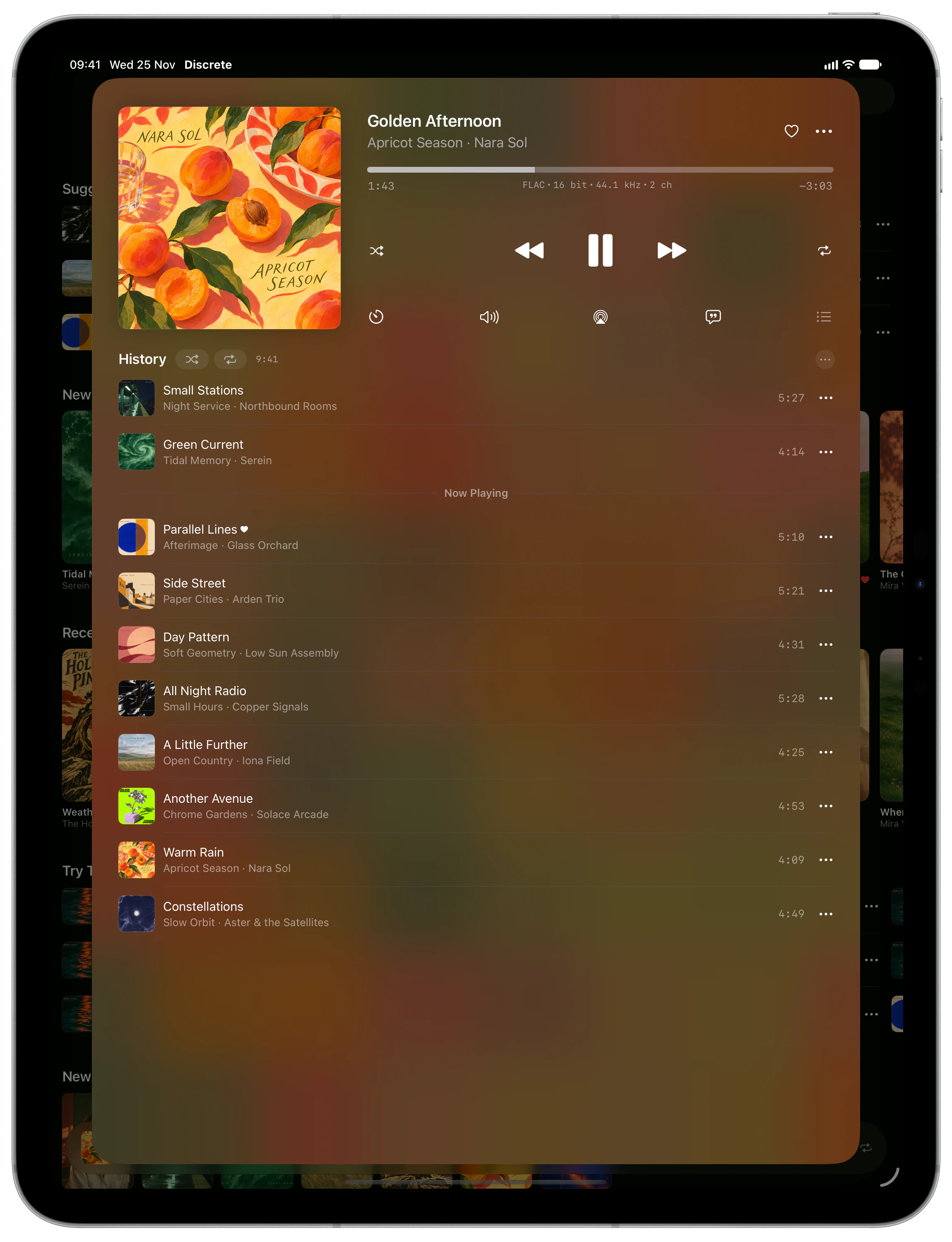
Now playing artwork and queue history on a portrait iPad
Queue and history in portrait
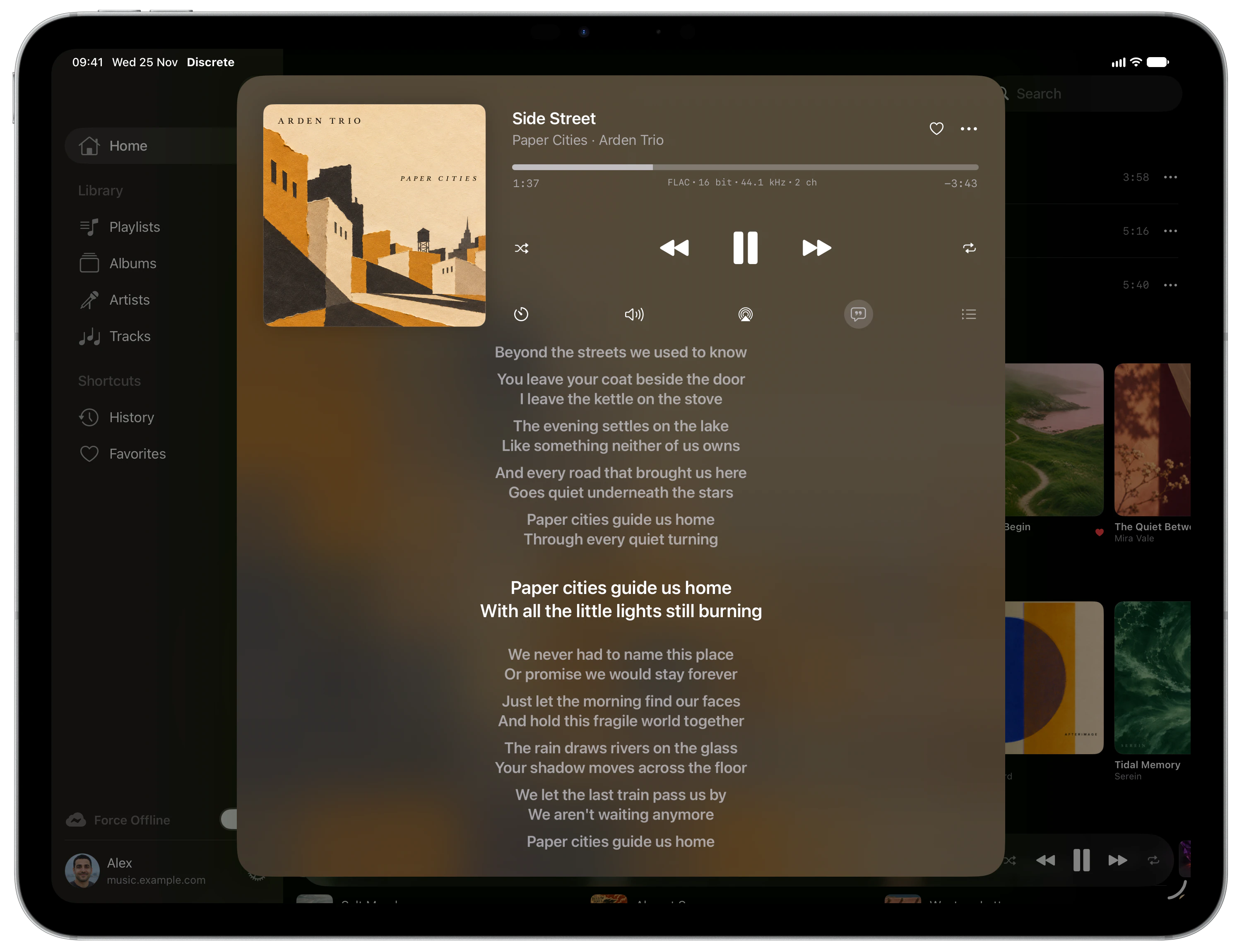
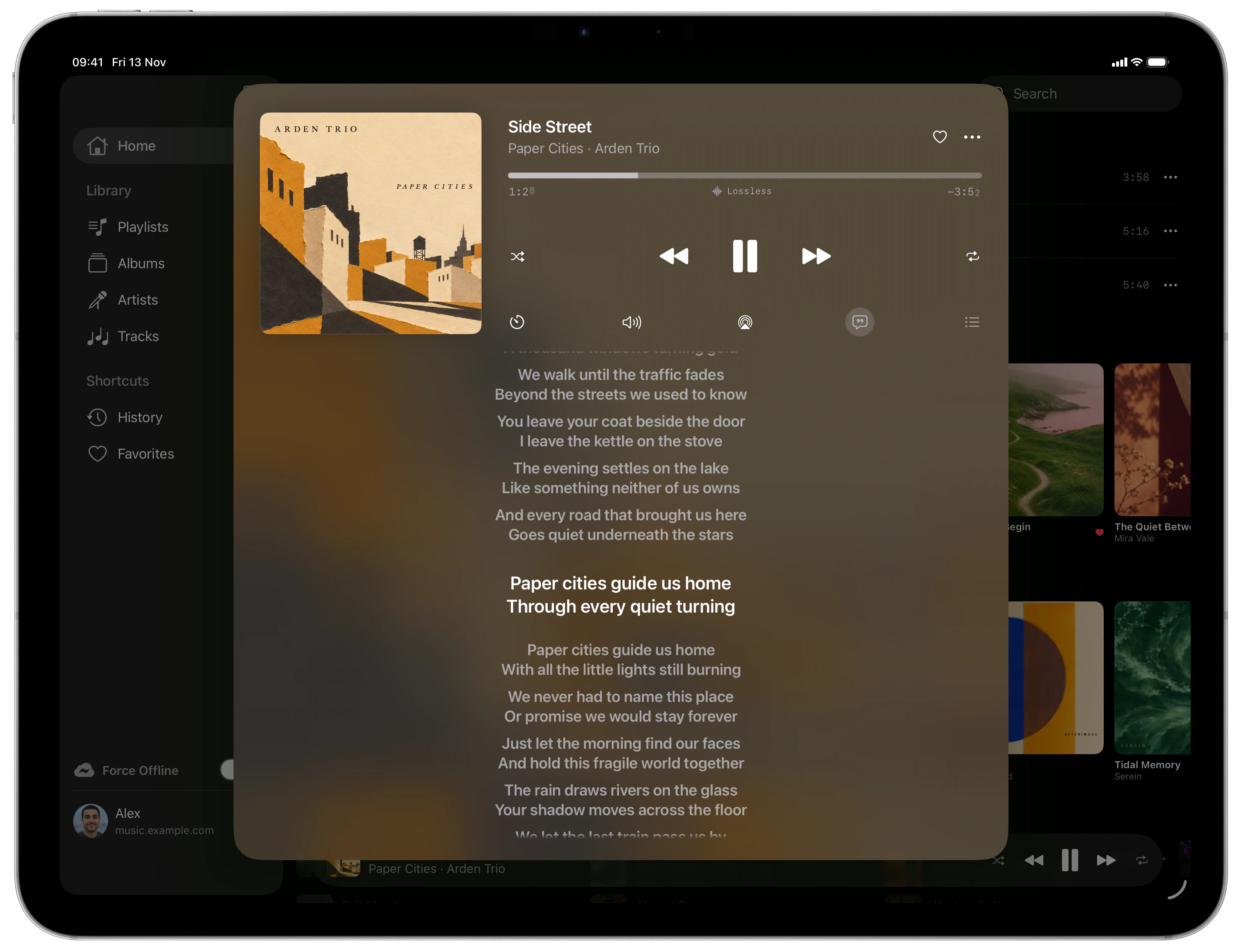
Landscape iPad player with synchronized lyrics
Player and lyrics
Synchronized lyrics in the wide iPad player
Lyrics
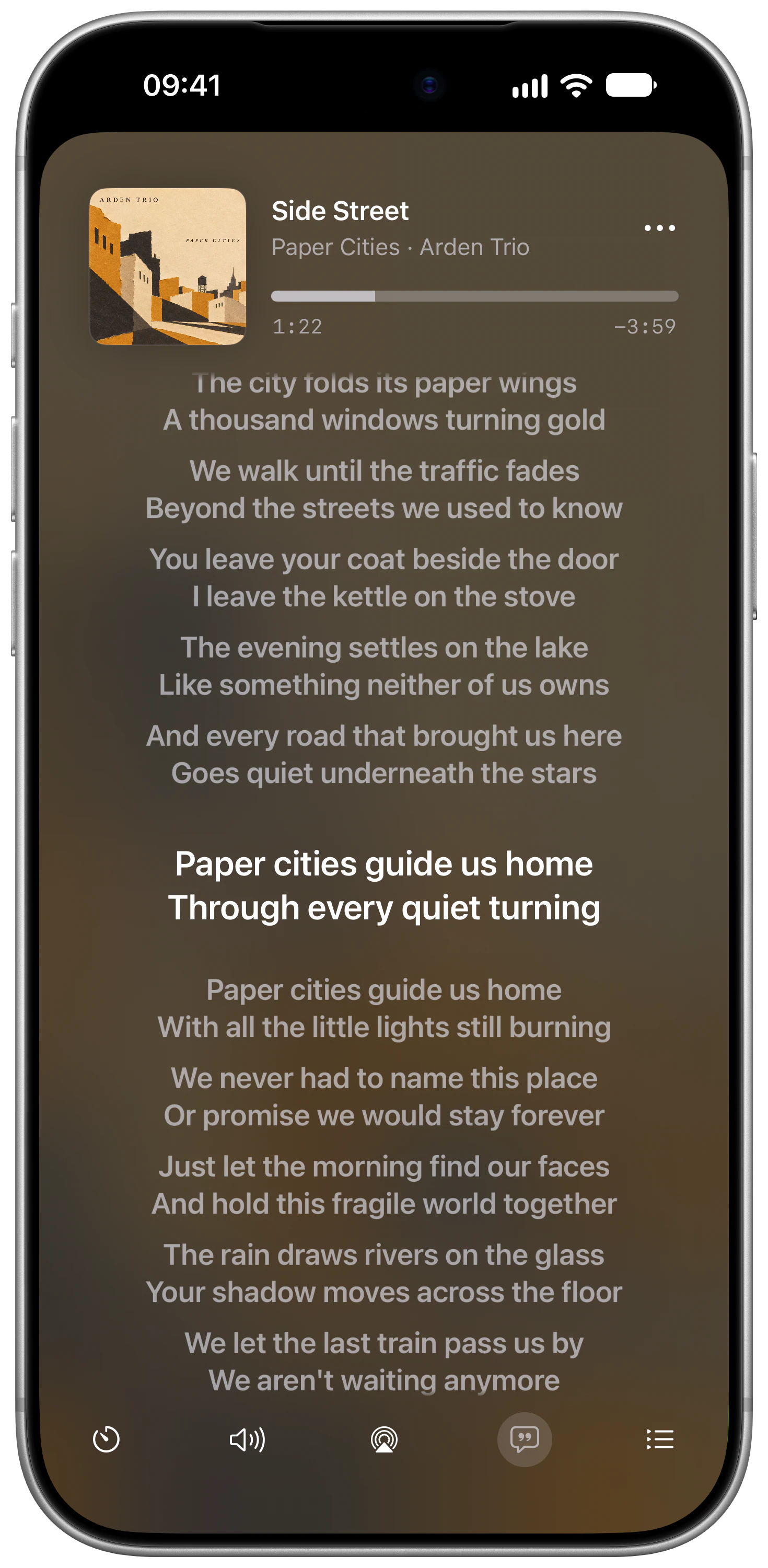
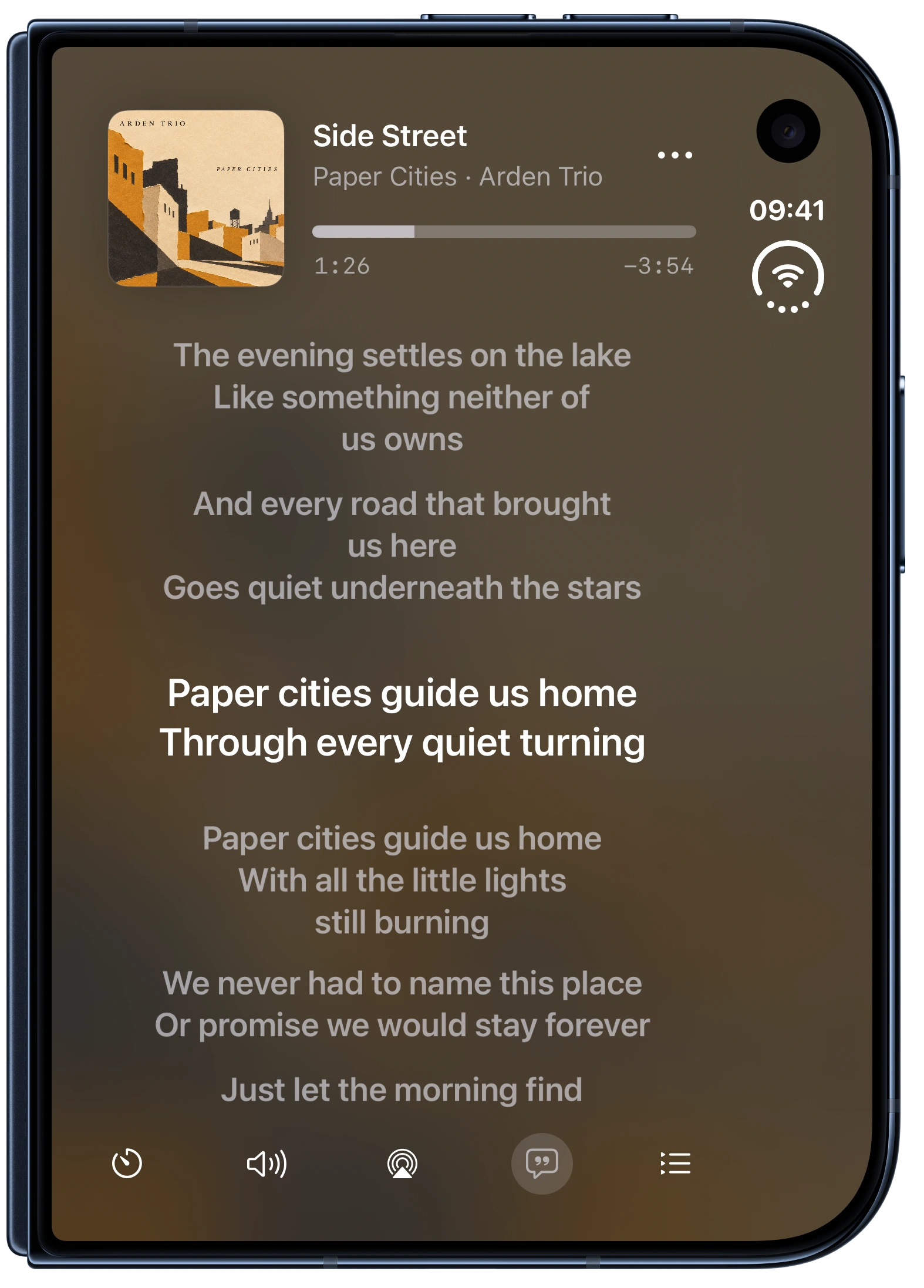
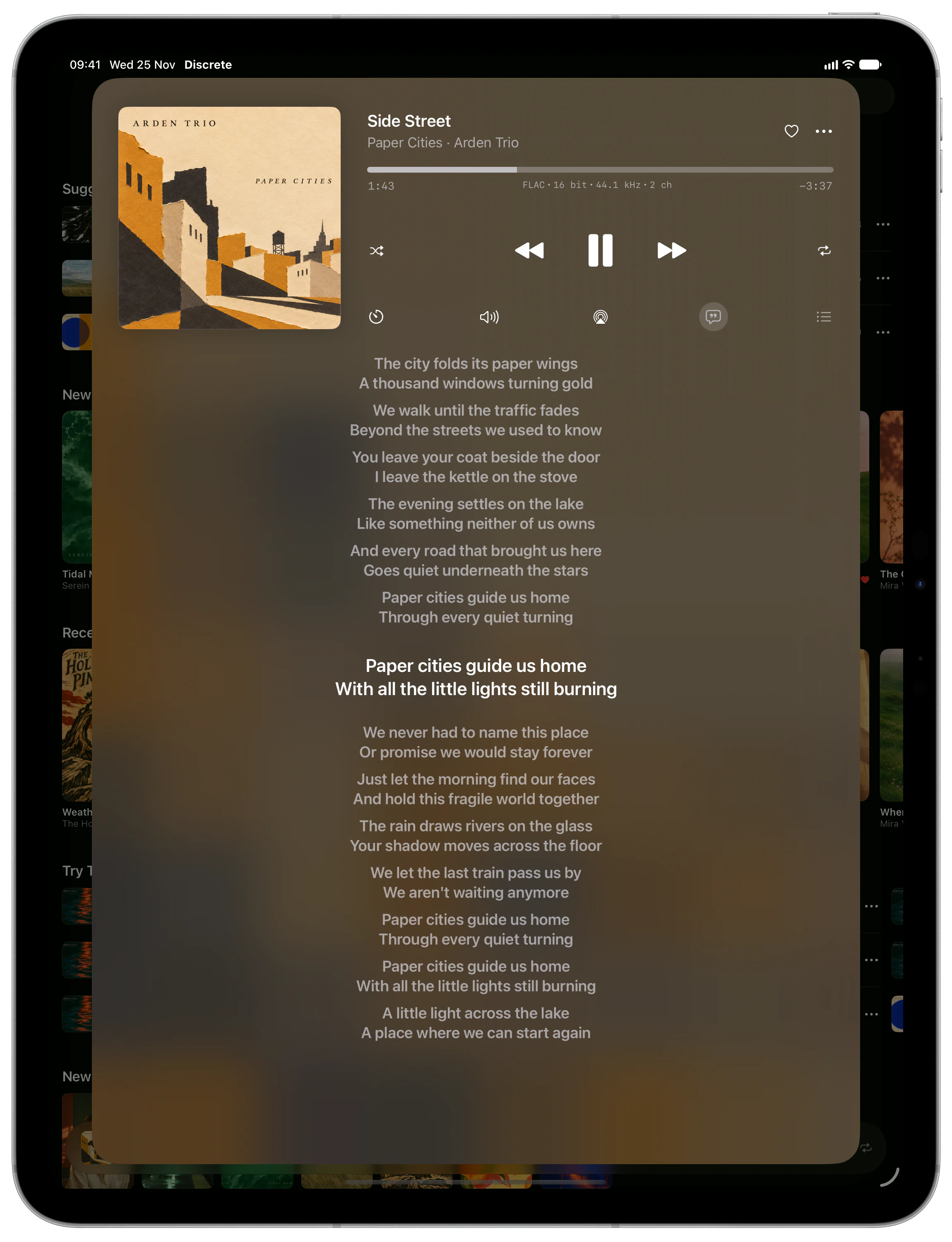
Player showing original synchronized sample lyrics and artwork
Synchronized lyrics in portrait

Downloads, Storage & Offline

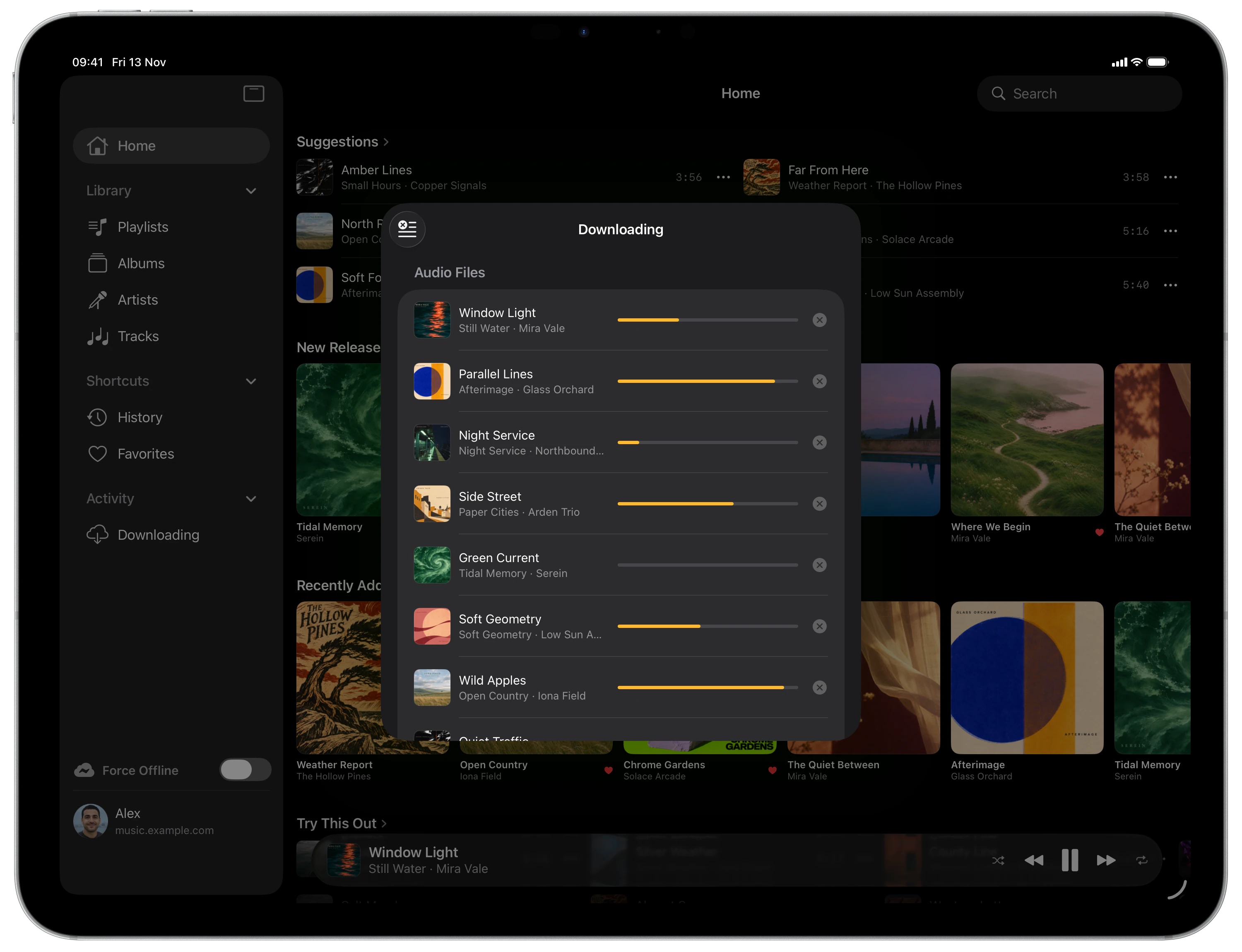
Download progress and controls on iPad
Active downloads
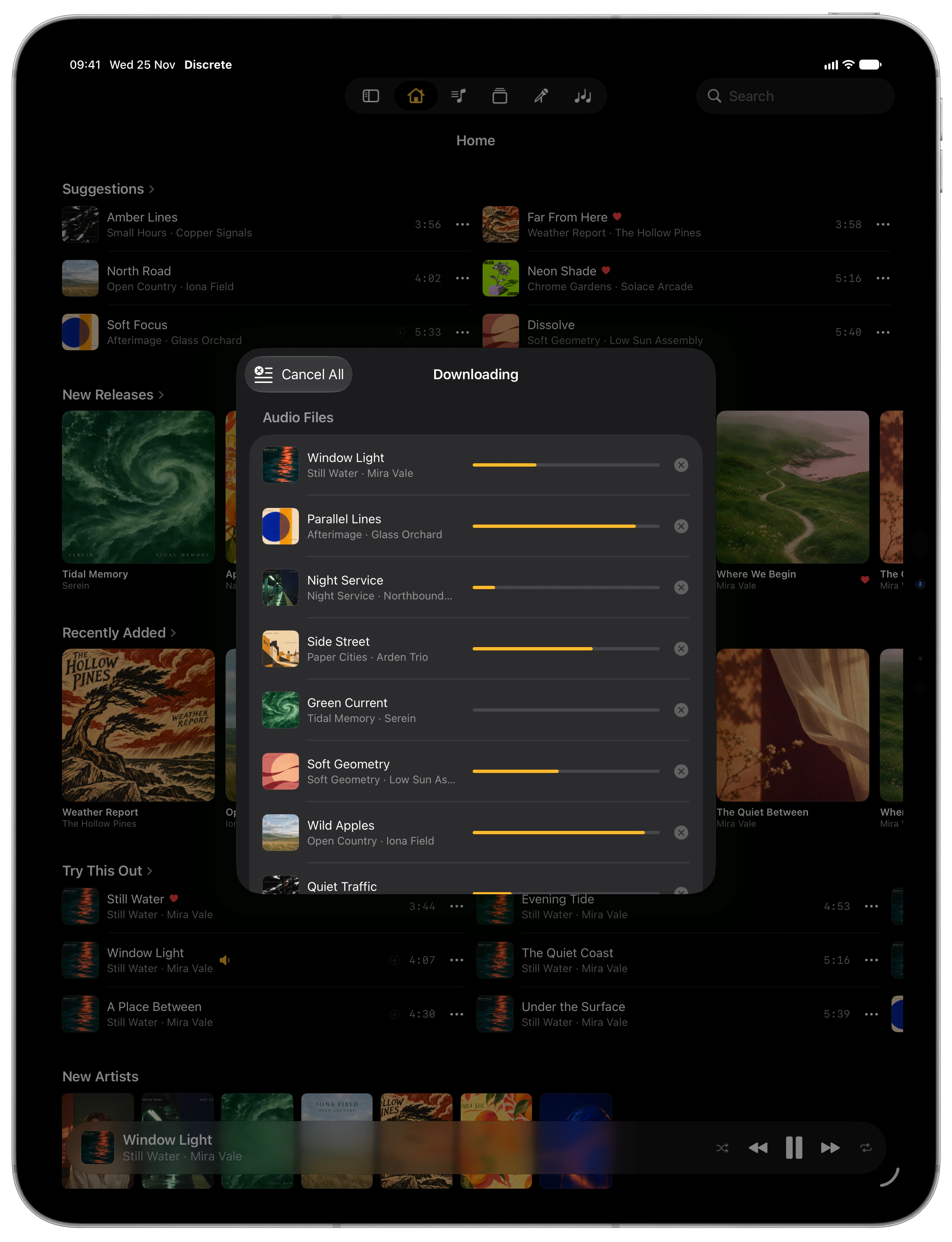
Active track download progress in the native Downloading sheet
Active downloads in portrait
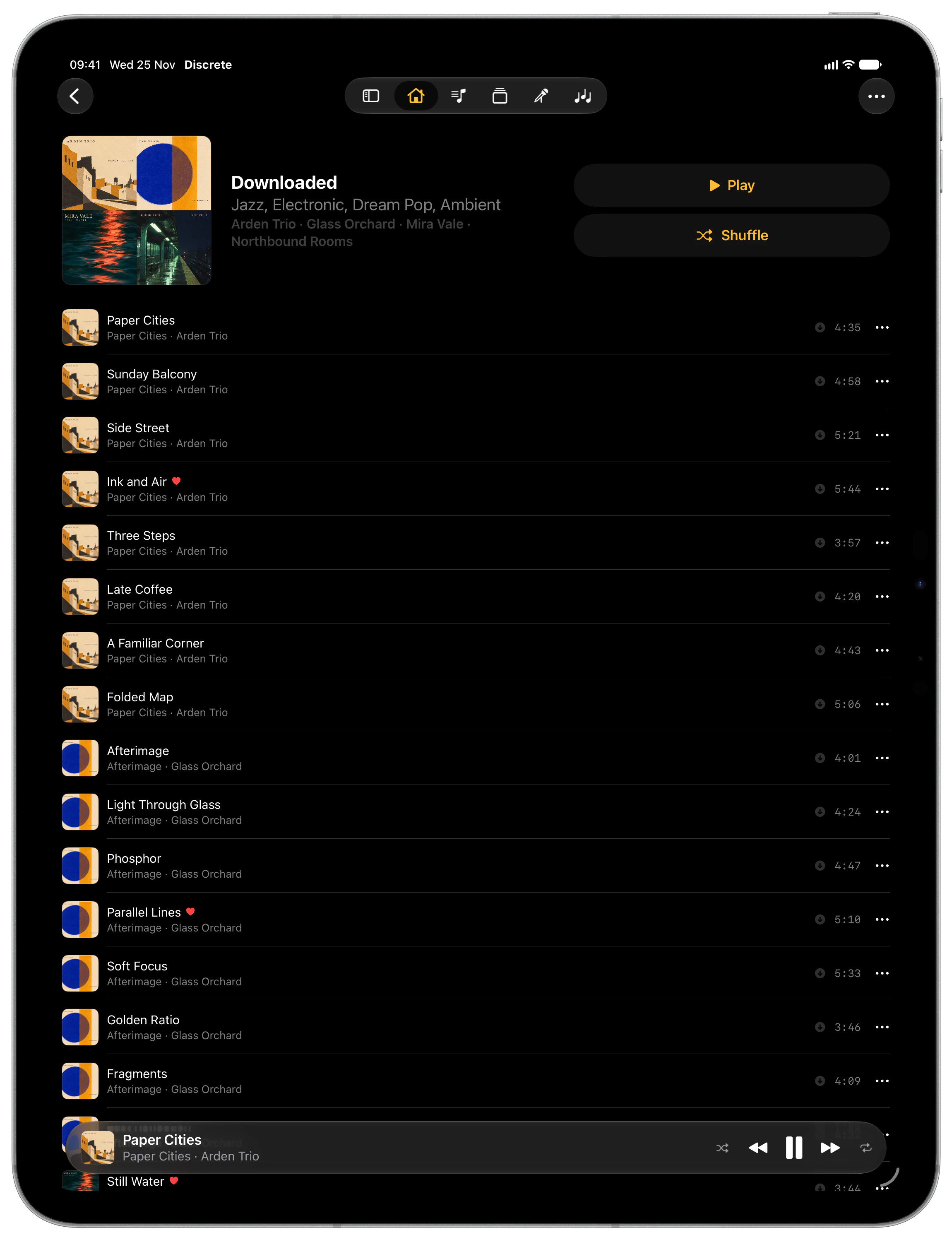
Offline collection with play and shuffle controls and downloaded tracks
Downloaded music in portrait
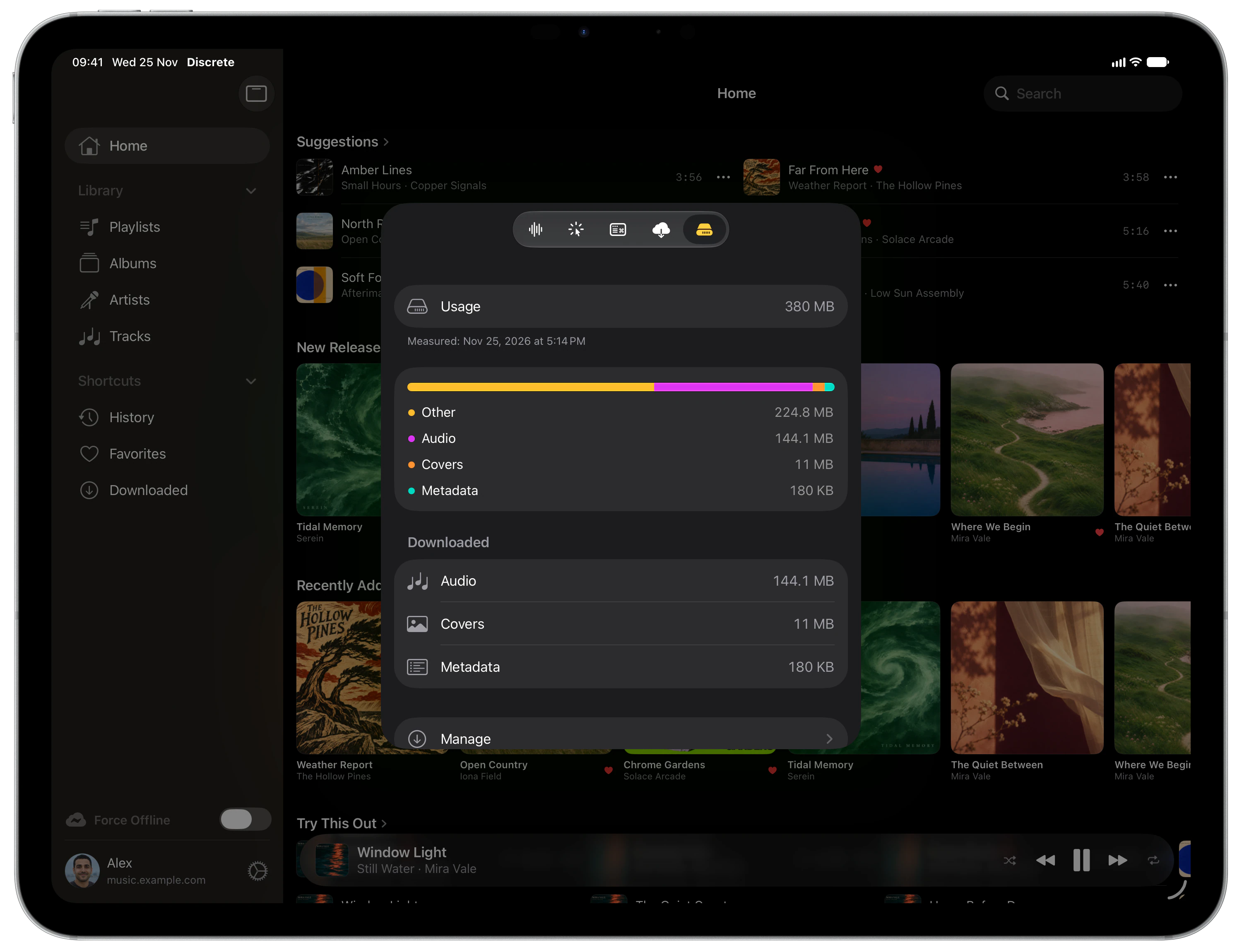
Storage settings on iPad with a category breakdown and the active Manage control.
Storage usage
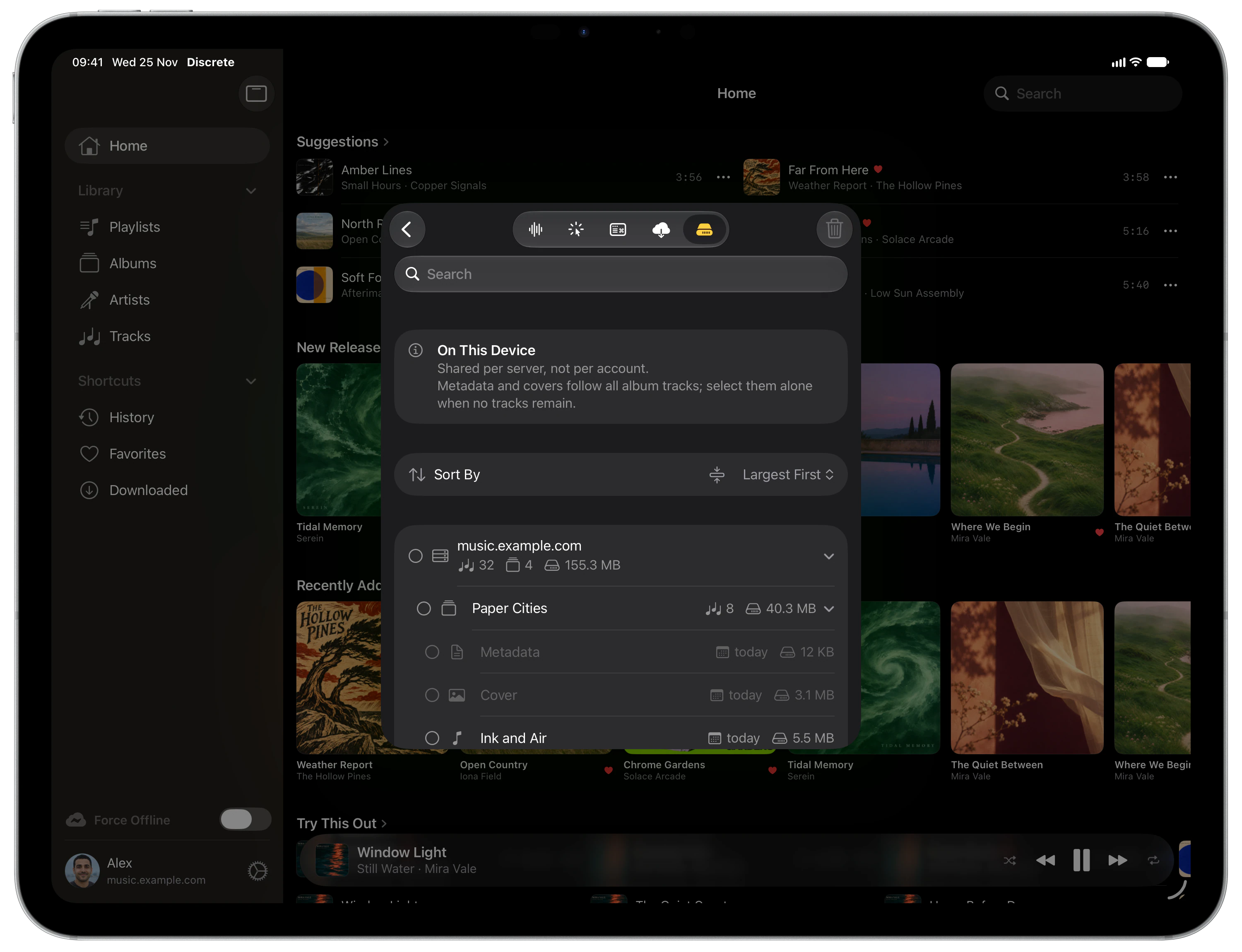
The Downloads manager on iPad with an album hierarchy and selectable saved tracks.
Manage Downloads

Accounts & Settings

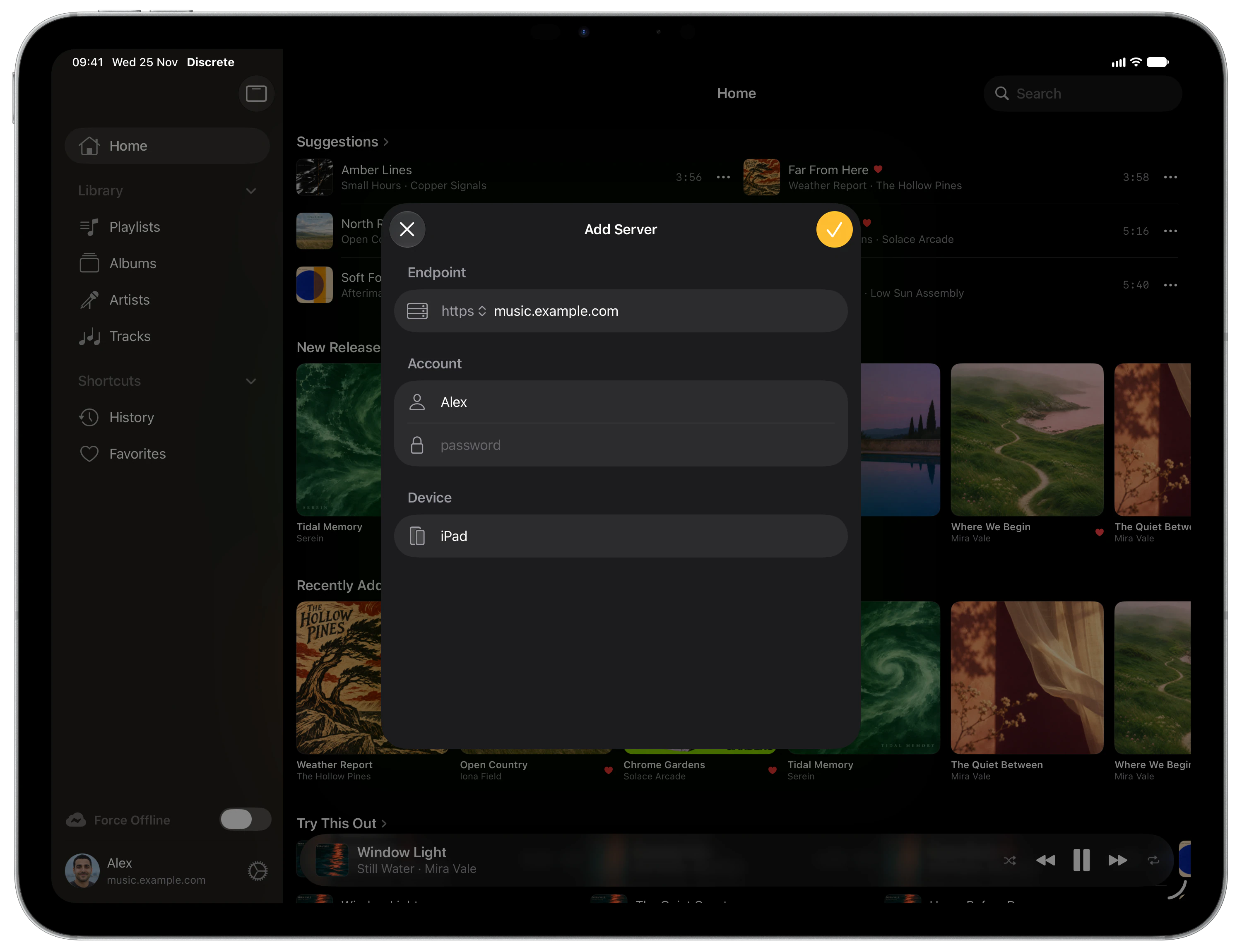
The dark native Add Server form with the iPad library visible behind it.
Connect a Jellyfin server
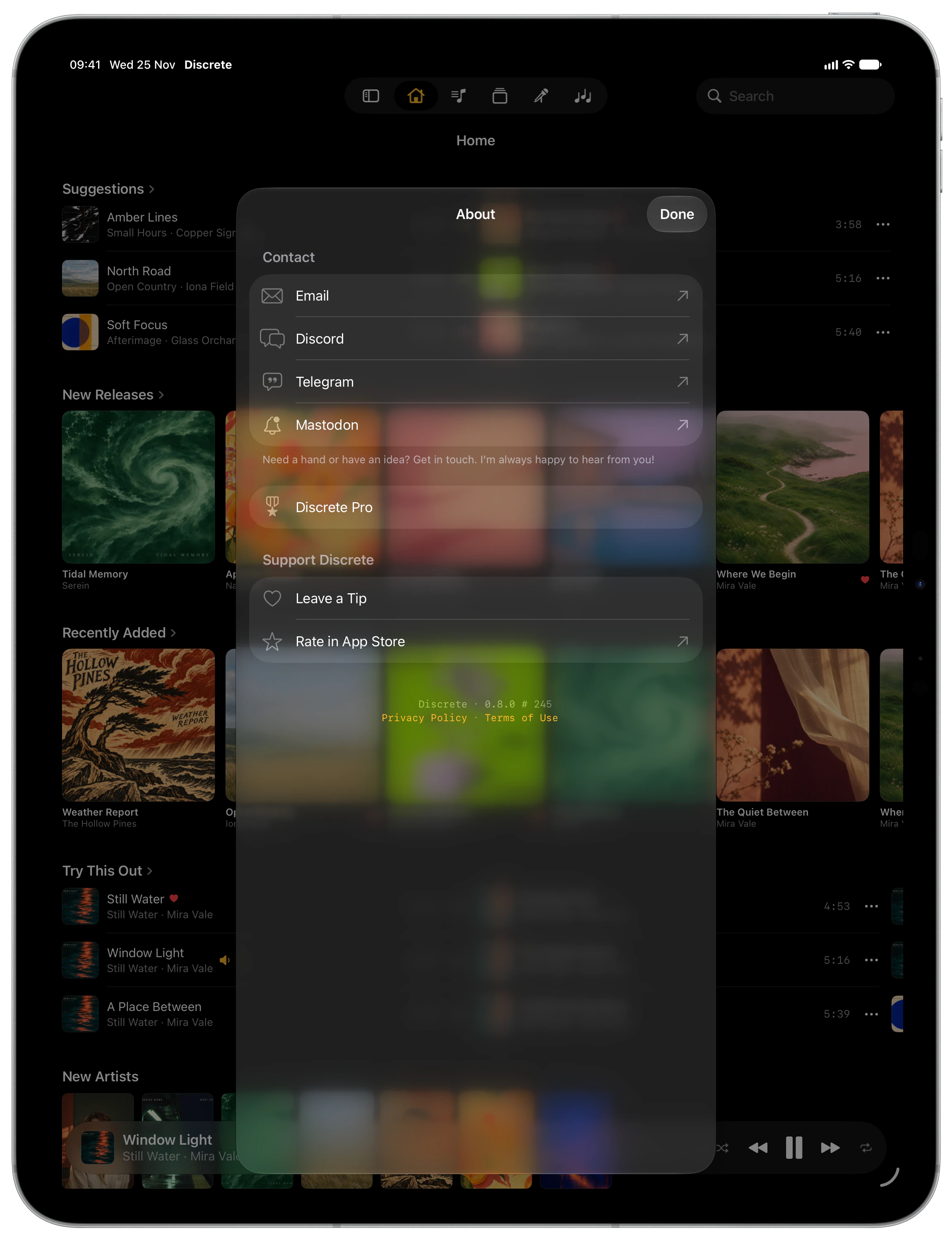
App version, help and support links in a native iPad sheet
About Discrete

macOS

43 screenshots

Home & Discovery

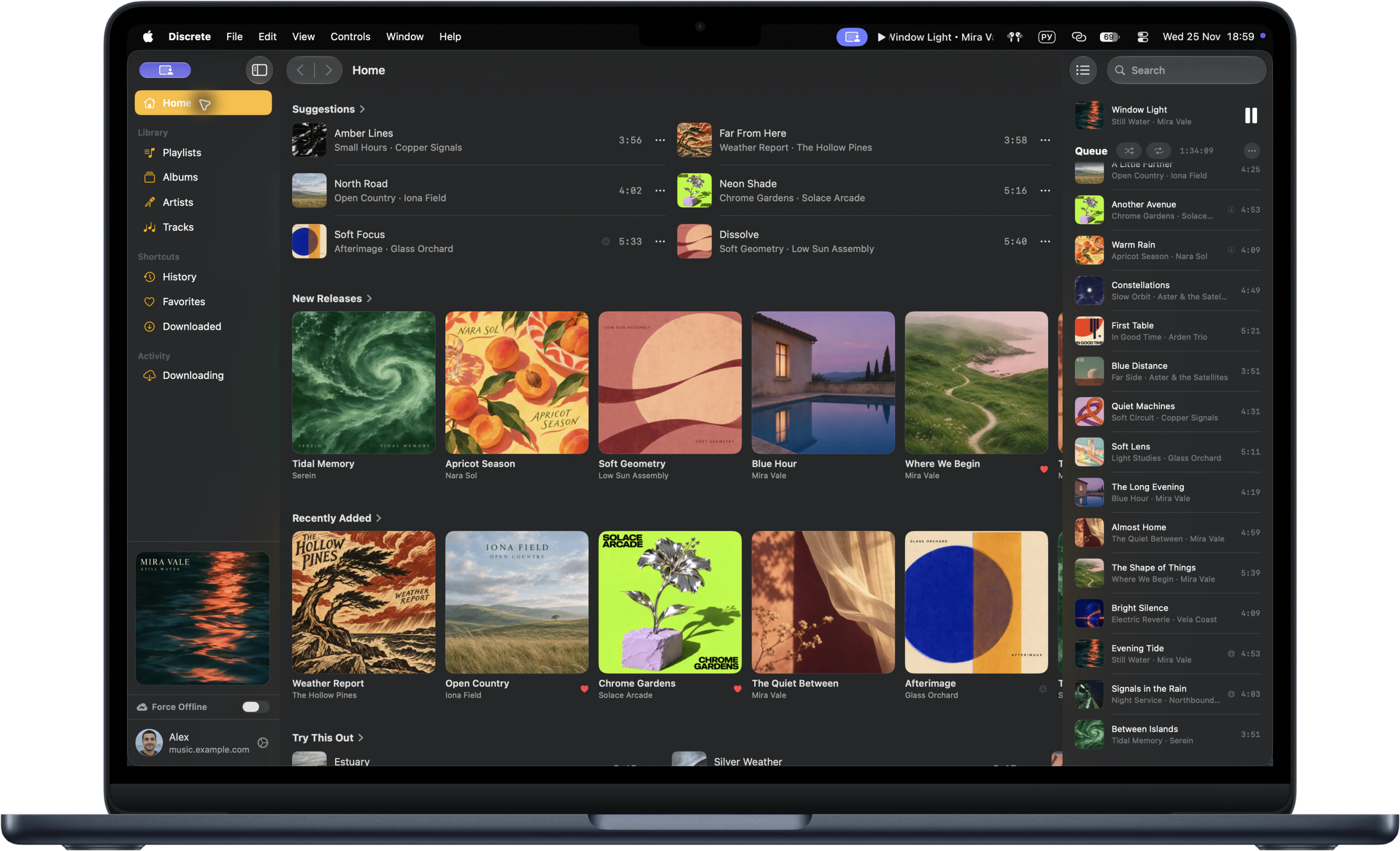
Real macOS desktop with the Discrete Home library and playback queue, the native menu bar, and an official MacBook bezel.
Home and playback queue
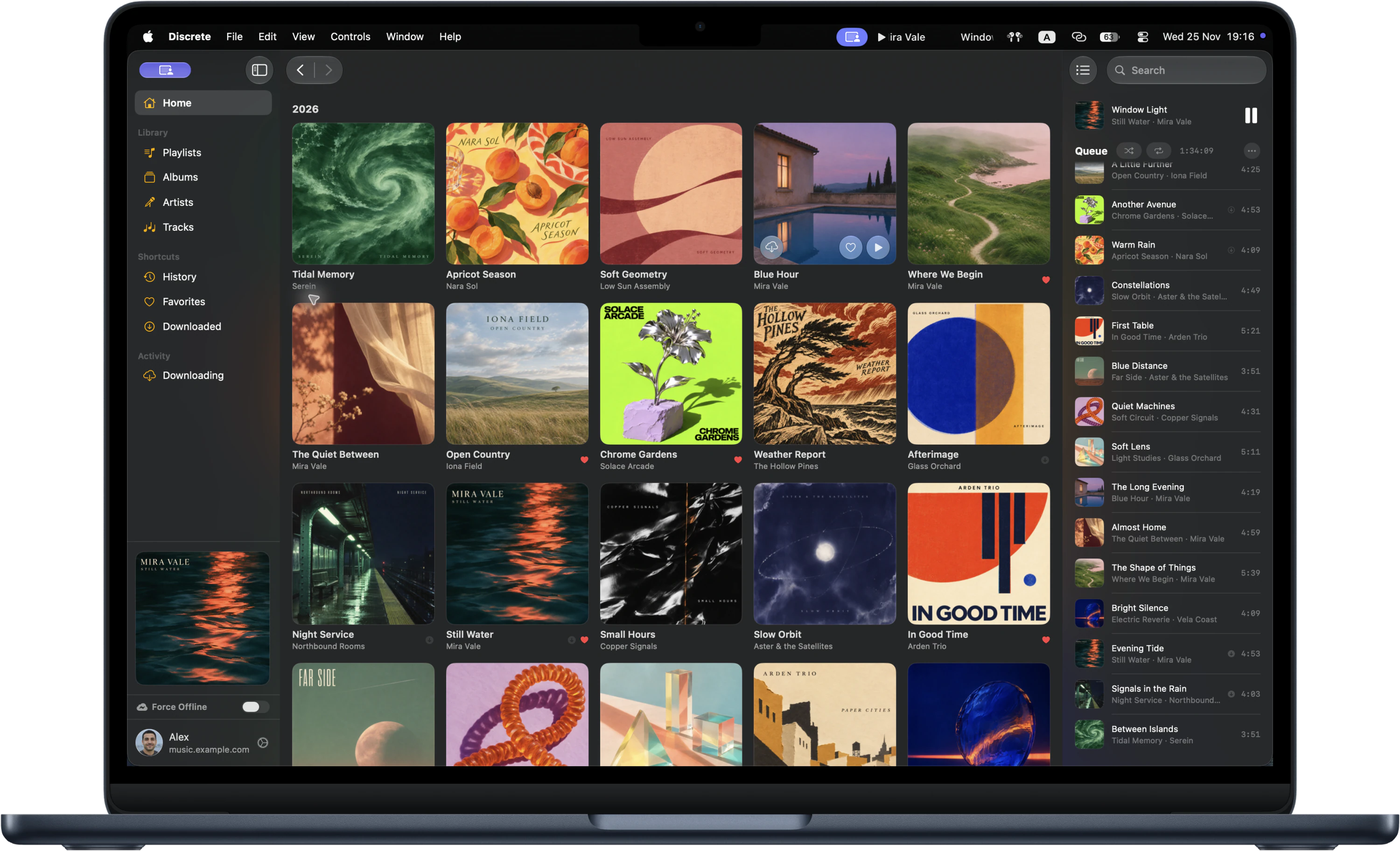
The New Releases album grid with fictional cover art organized under letter headings in a full macOS desktop inside an official MacBook bezel.
New releases
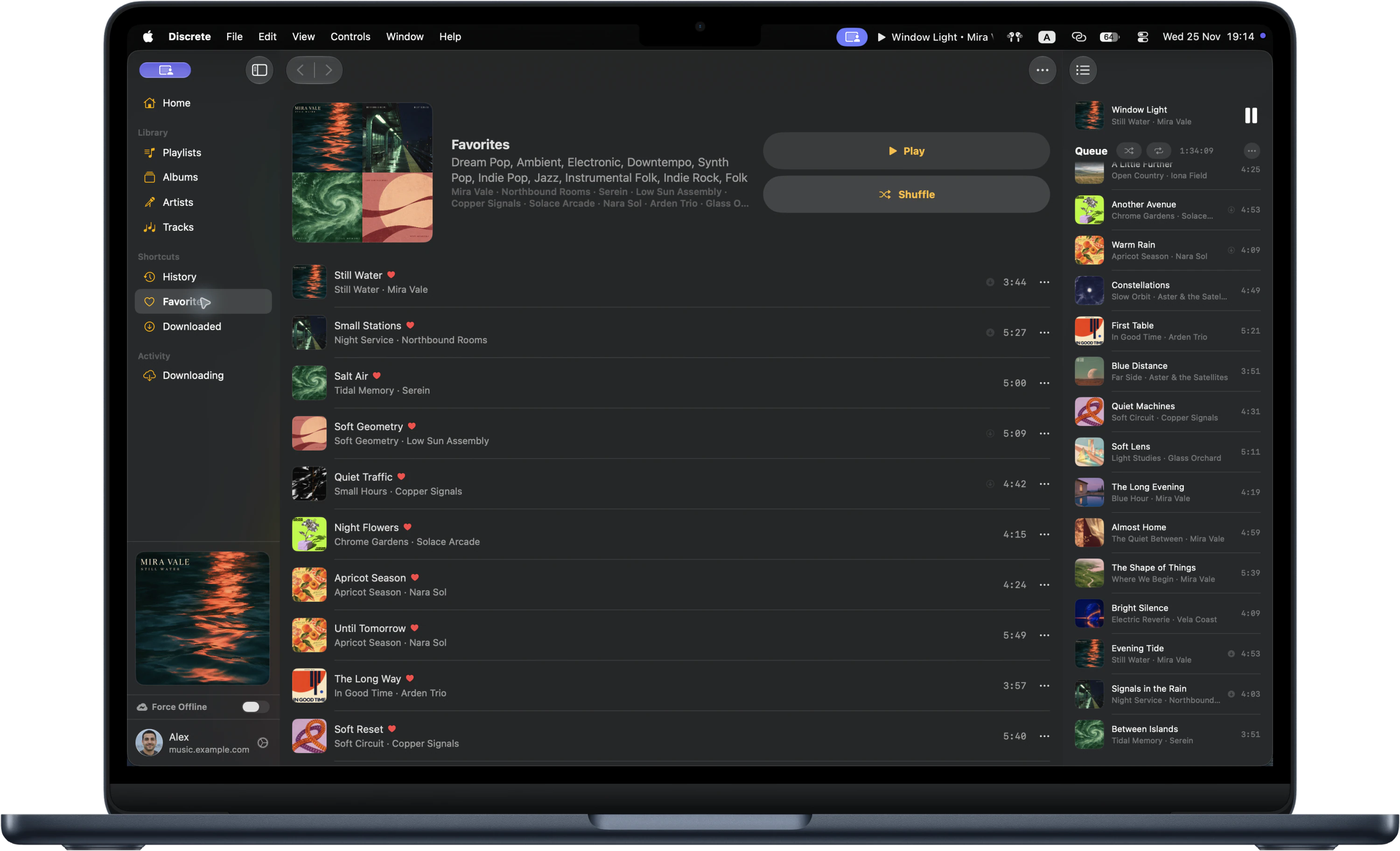
The Favorites collection with composite artwork and saved tracks in a full macOS desktop inside an official MacBook bezel.
Favorites collection

Albums & Tracks

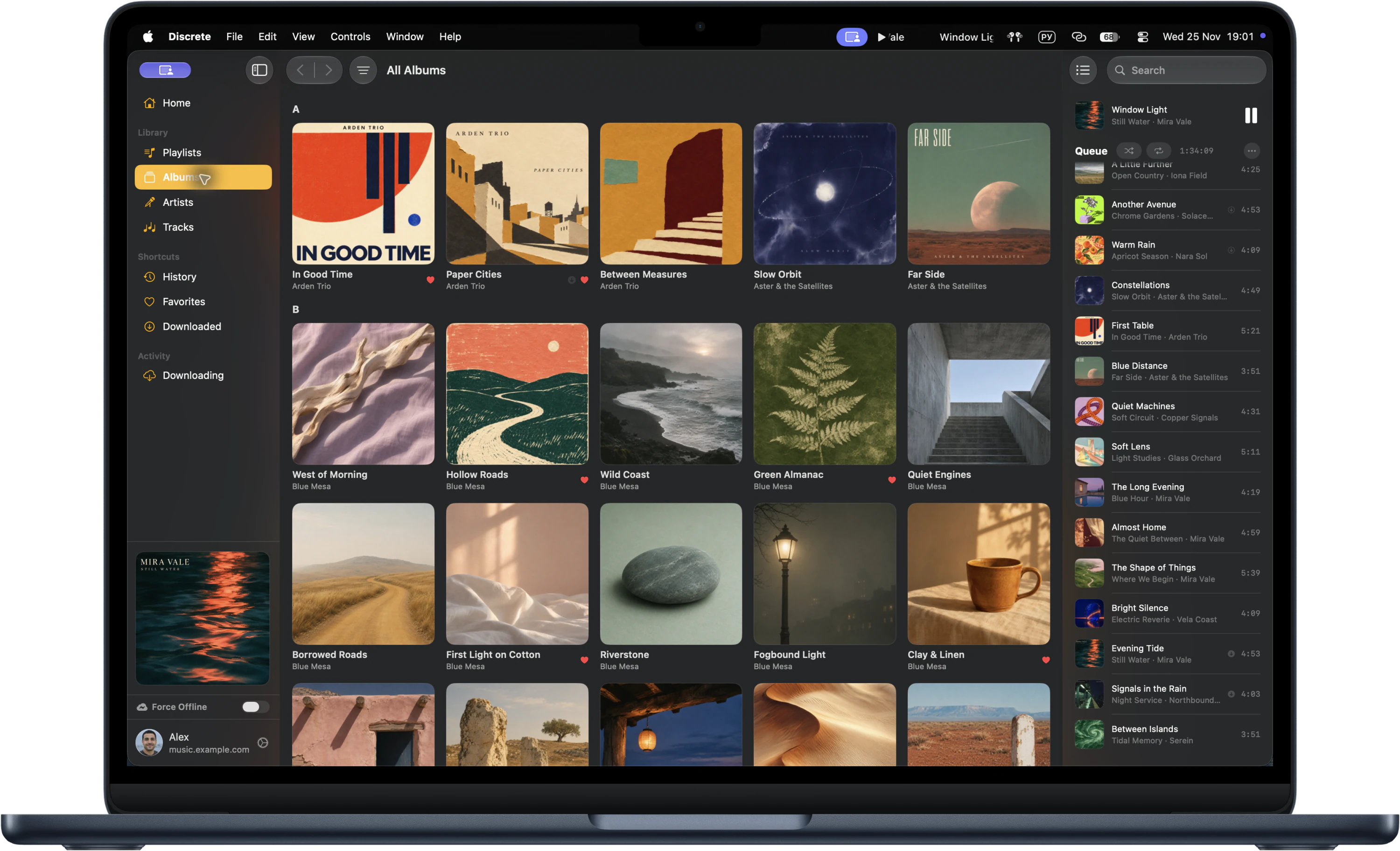
The macOS album library arranged alphabetically with artwork and a playback queue alongside it on the complete macOS desktop in a full macOS desktop inside an official MacBook bezel.
Album library
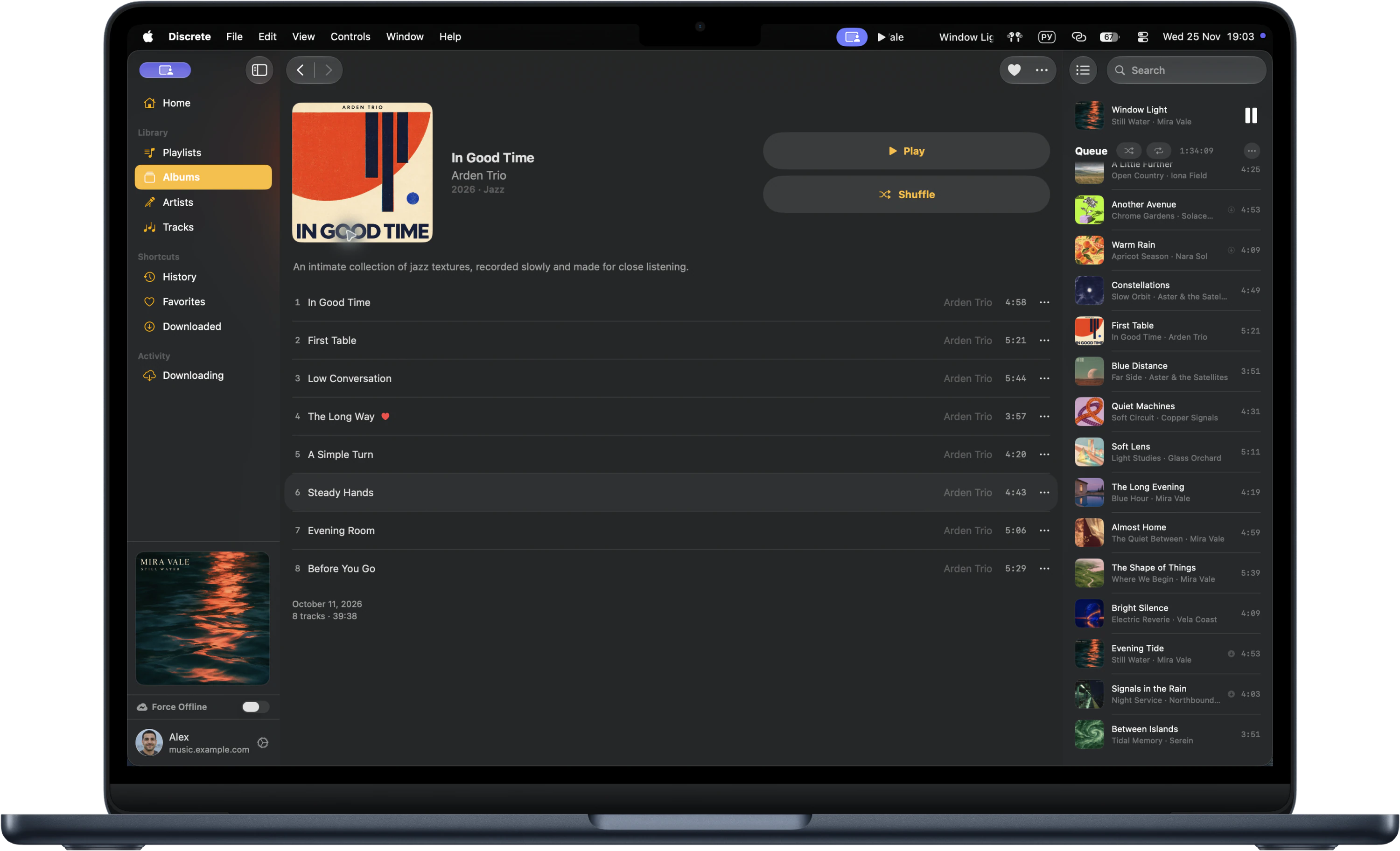
The real Discrete album view for In Good Time with track list, artwork, and the playback queue in a full macOS desktop.
Album details and queue
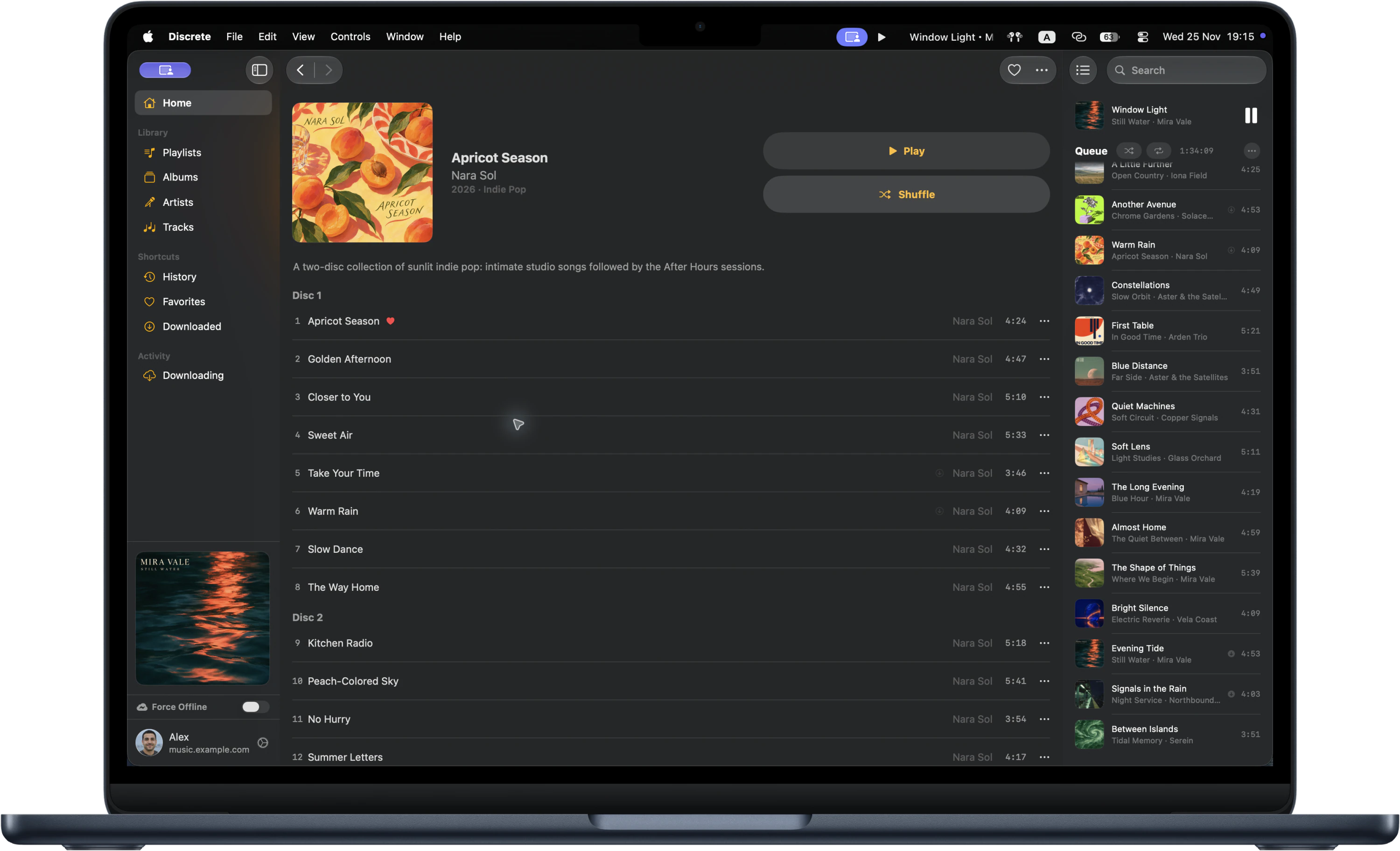
An active library window showing Apricot Season with multiple discs and the playback queue in a full macOS desktop inside an official MacBook bezel.
Multidisc album
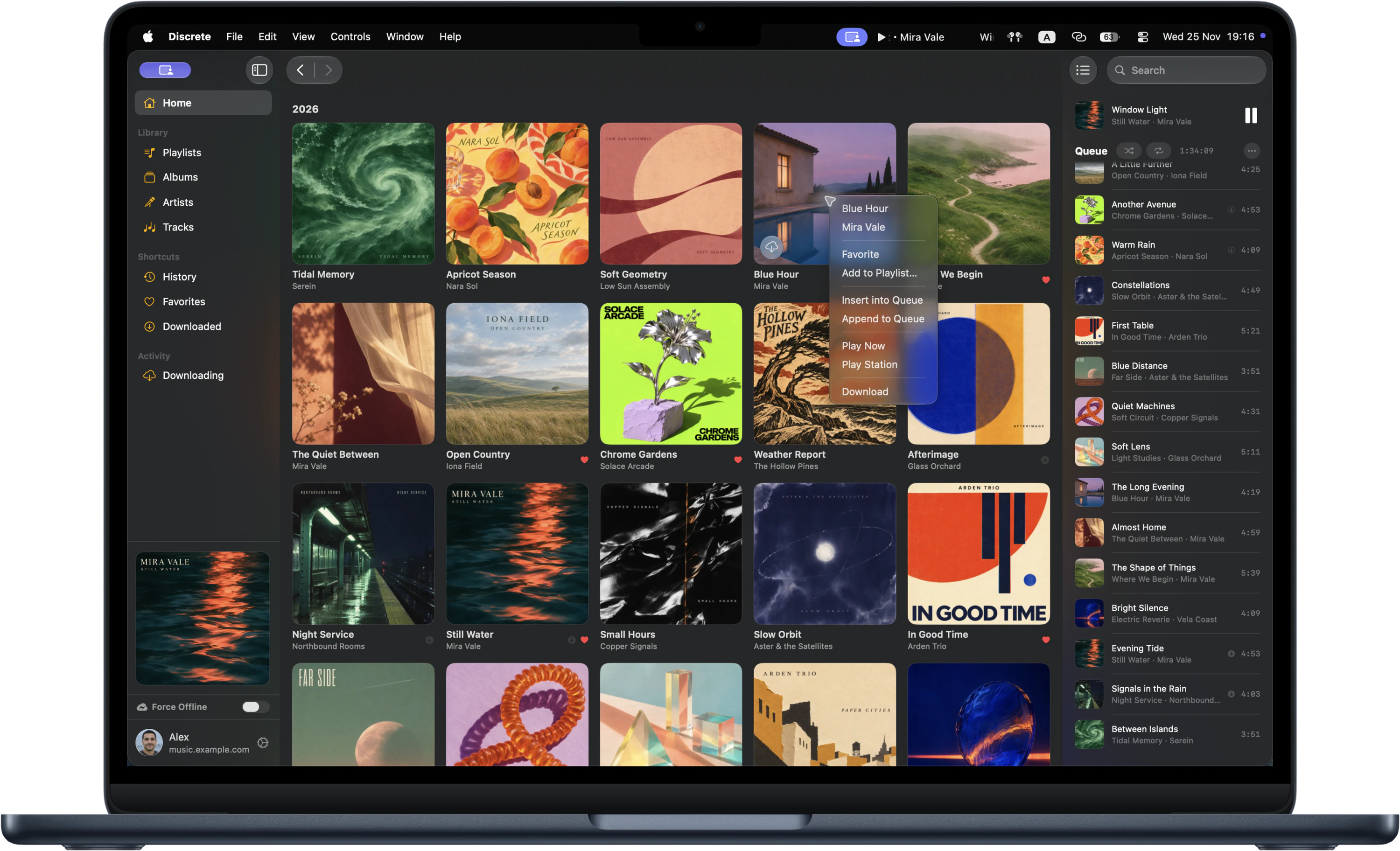
The native contextual menu opened over an album card in the macOS library on the complete macOS desktop in a full macOS desktop inside an official MacBook bezel.
Album quick actions
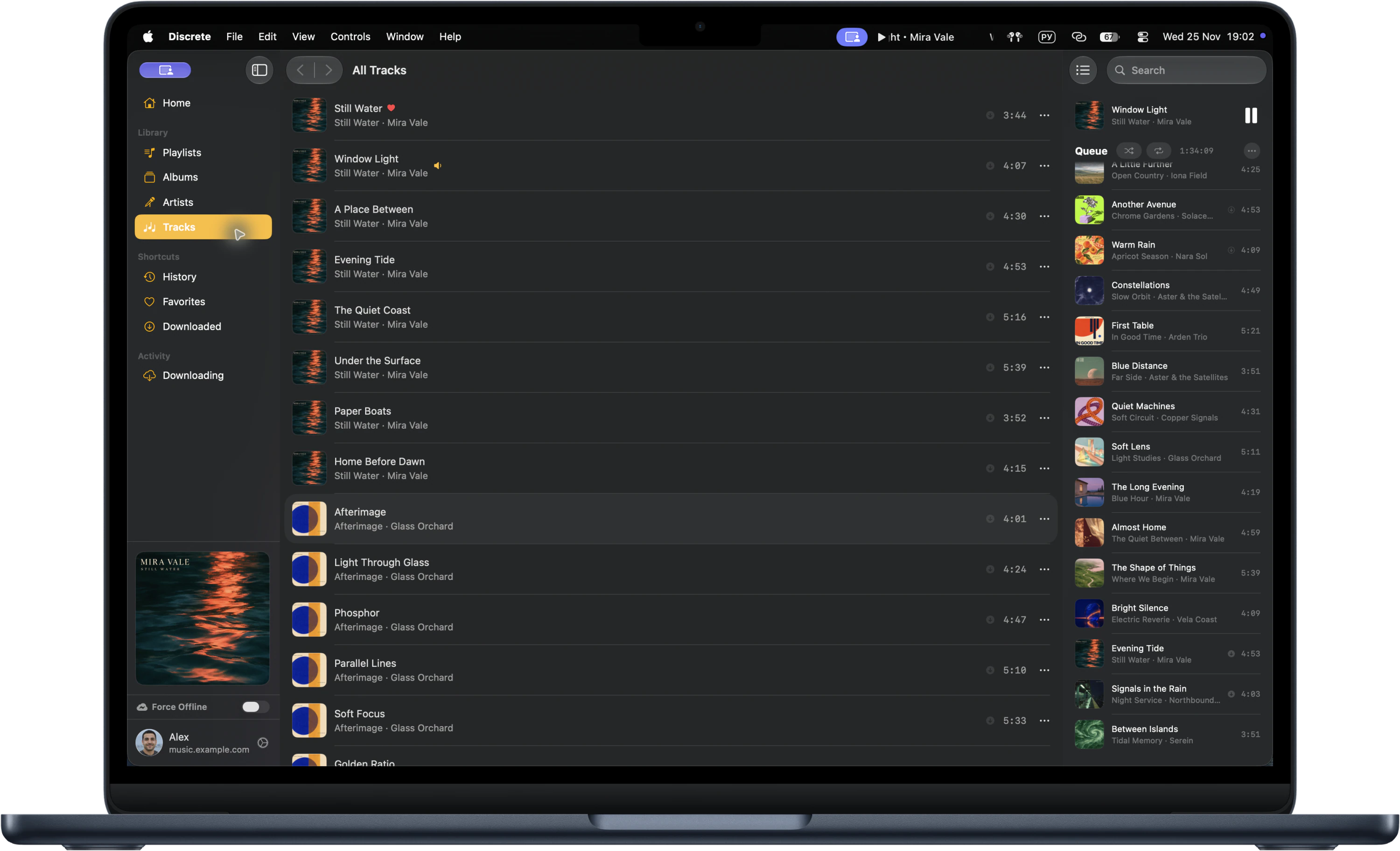
The macOS Tracks list with fictional albums, durations and favorite indicators in a full macOS desktop inside an official MacBook bezel.
Track library
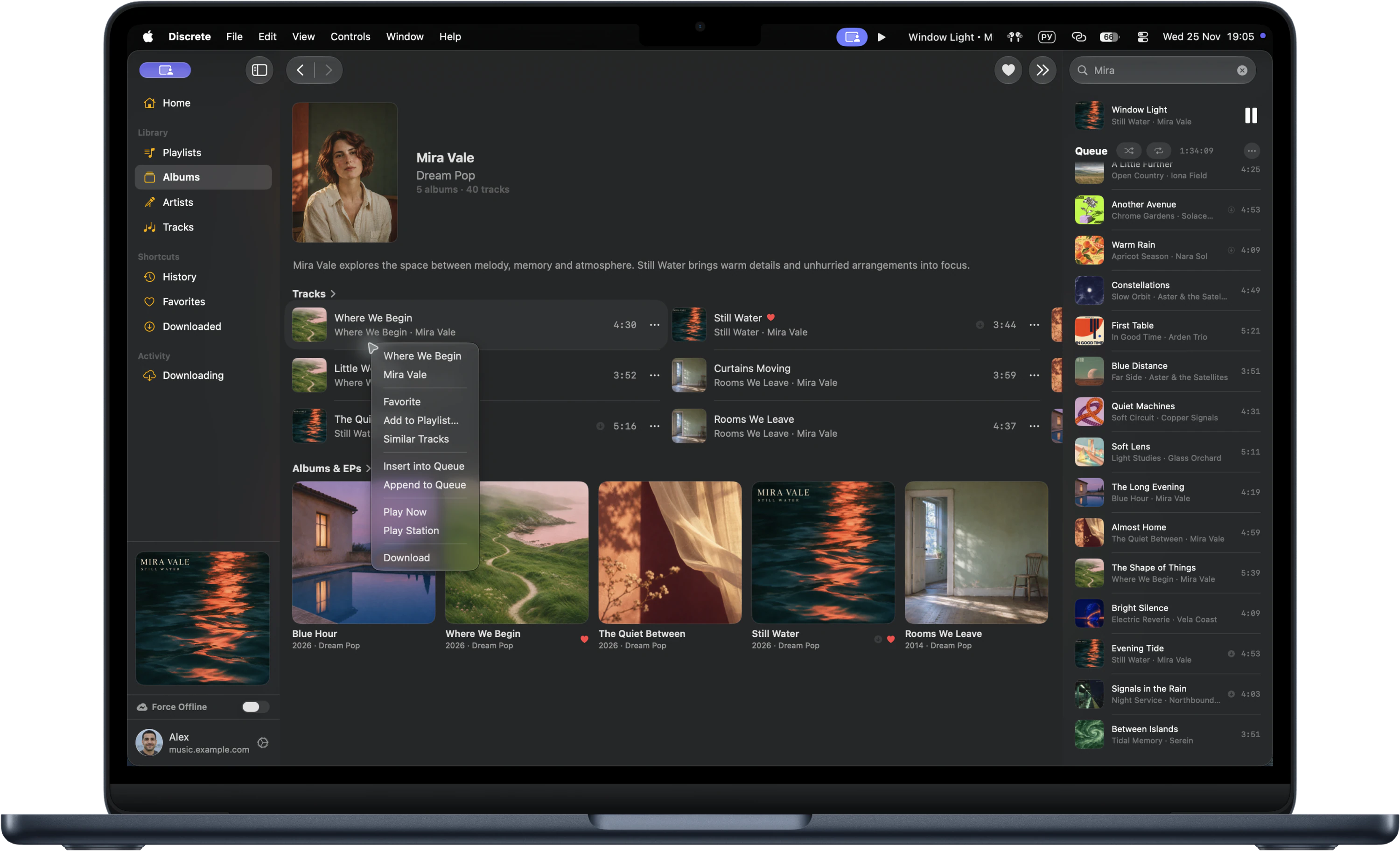
The macOS track context menu opened over the album track list in a full macOS desktop inside an official MacBook bezel.
Track context menu

Artists

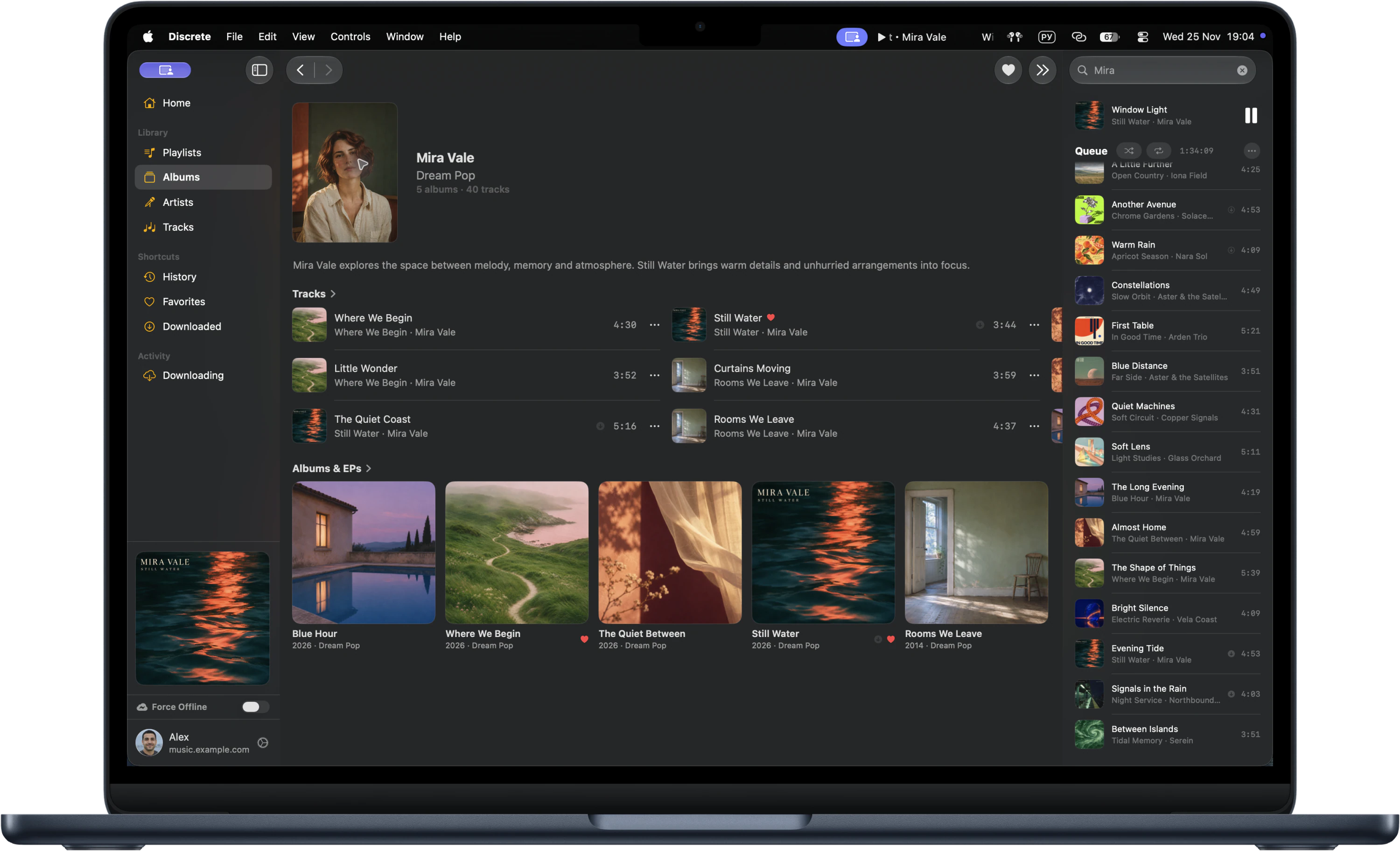
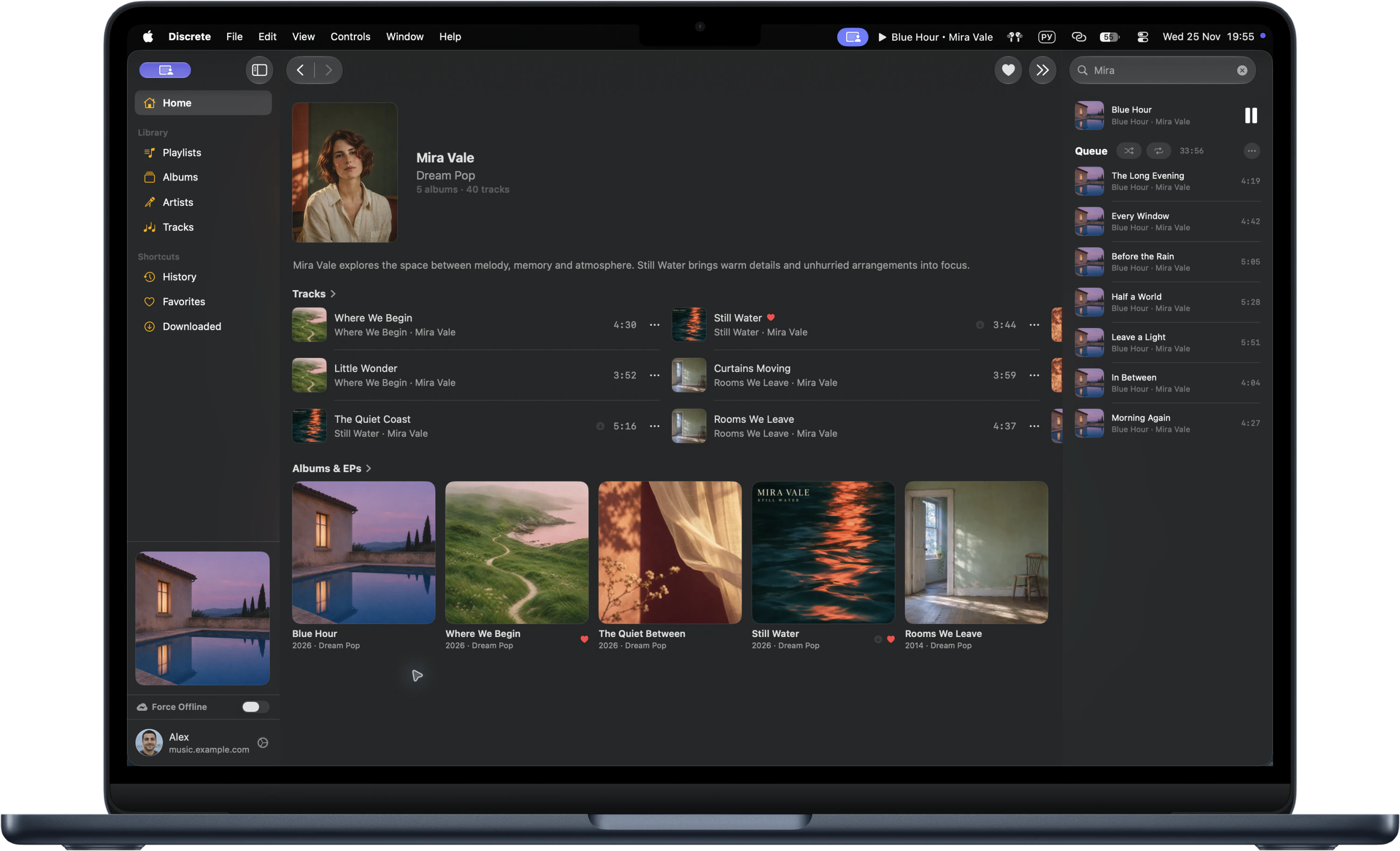
Mira Vale’s portrait, tracks and releases in the active Discrete library window on the complete macOS desktop in a full macOS desktop inside an official MacBook bezel.
Artist overview
Mira Vale’s artist page after playing Blue Hour, showing the updated current item and queue on the complete macOS desktop. Shown on the full macOS desktop in an official MacBook Air bezel.
Play from an artist’s albums

Playlists

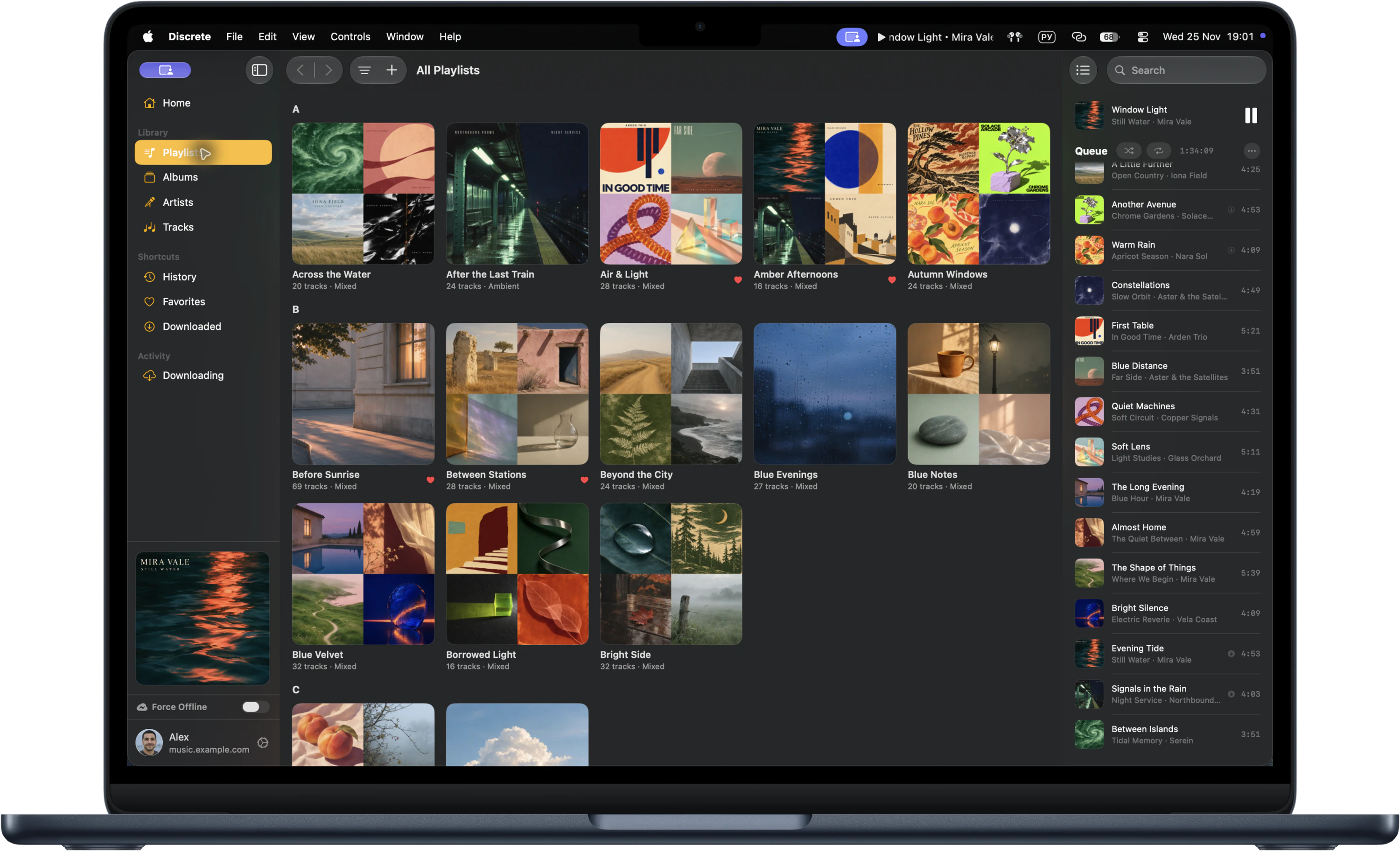
All Playlists on macOS with synthetic collage artwork and the active queue, shown in an official MacBook bezel.
Playlist library
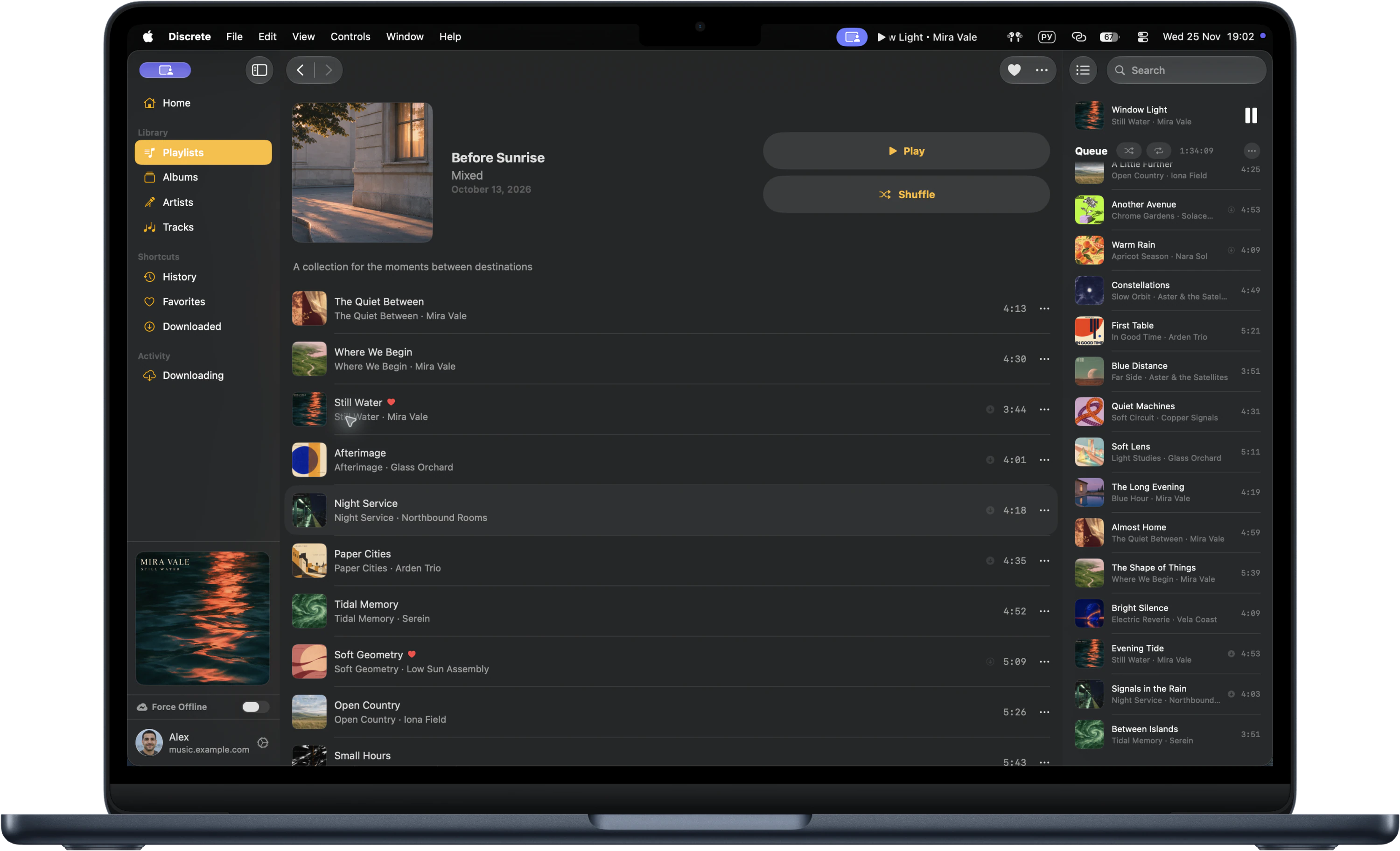
A fictional playlist and playback queue in the active main Discrete window in a full macOS desktop inside an official MacBook bezel.
Playlist and queue
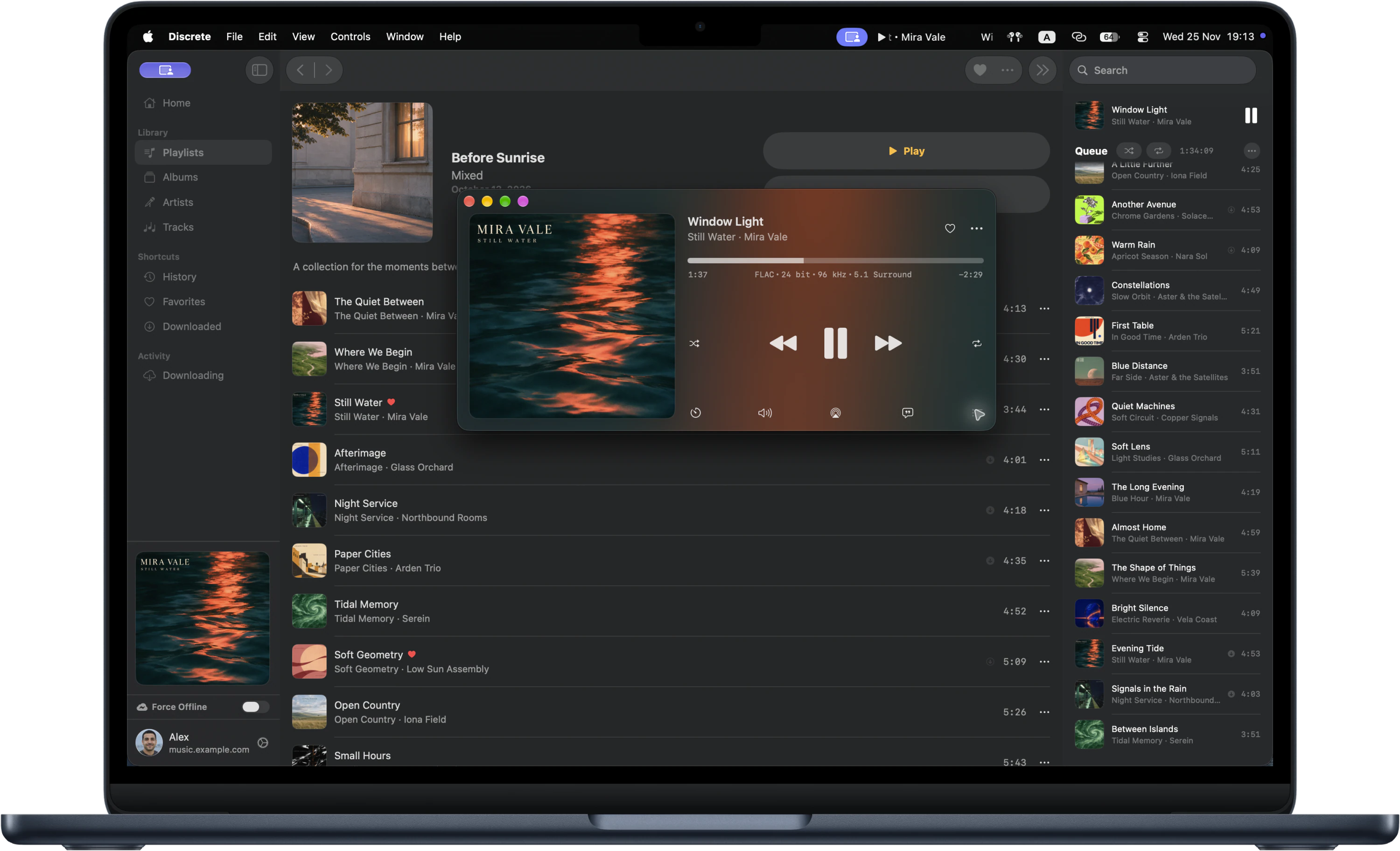
The floating Discrete player layered over Before Sunrise, with the playback queue visible in a full macOS desktop inside an official MacBook bezel.
Floating player over a playlist
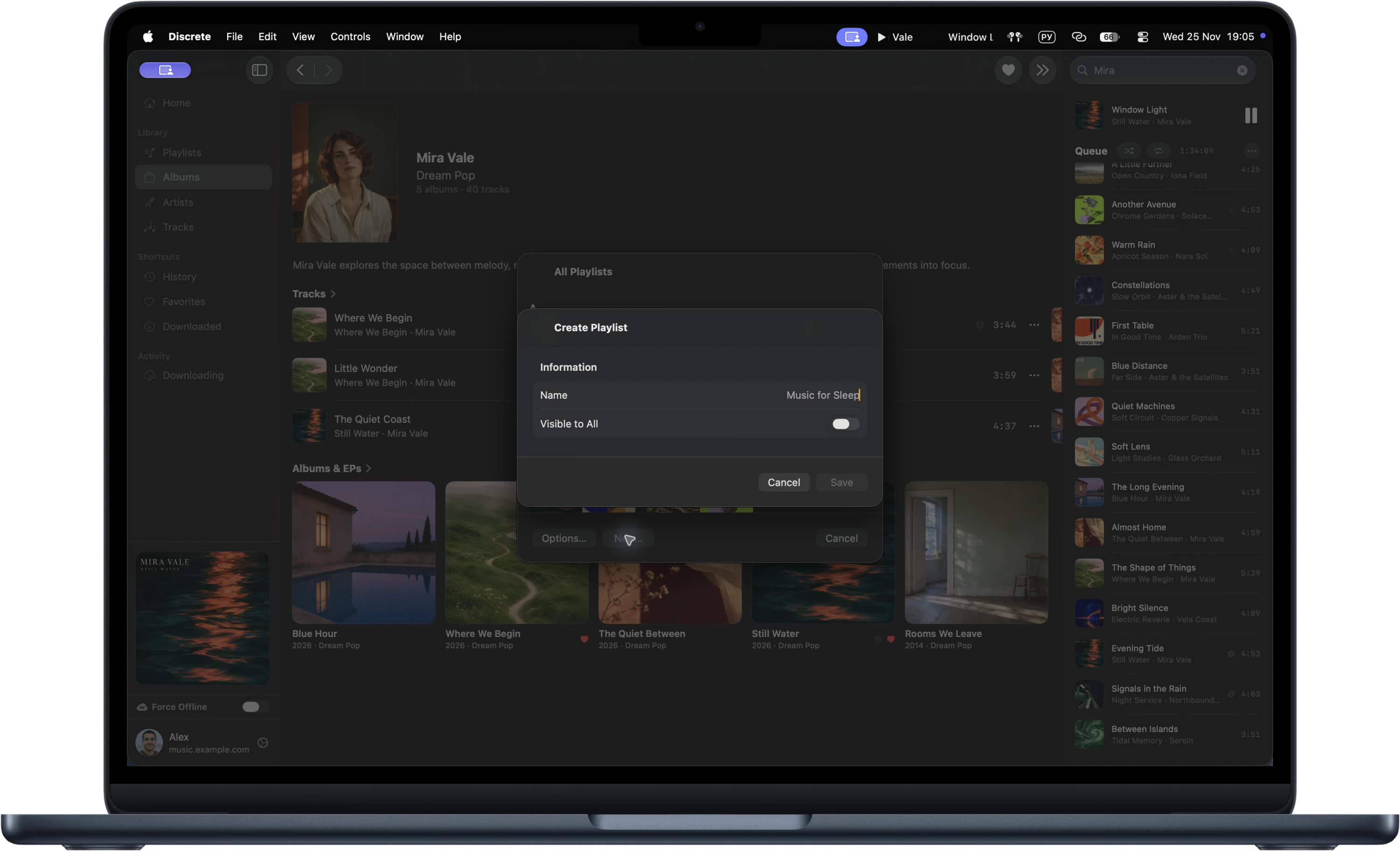
The native New Playlist form with a sample name and a visibility option in a full macOS desktop inside an official MacBook bezel.
Create a playlist
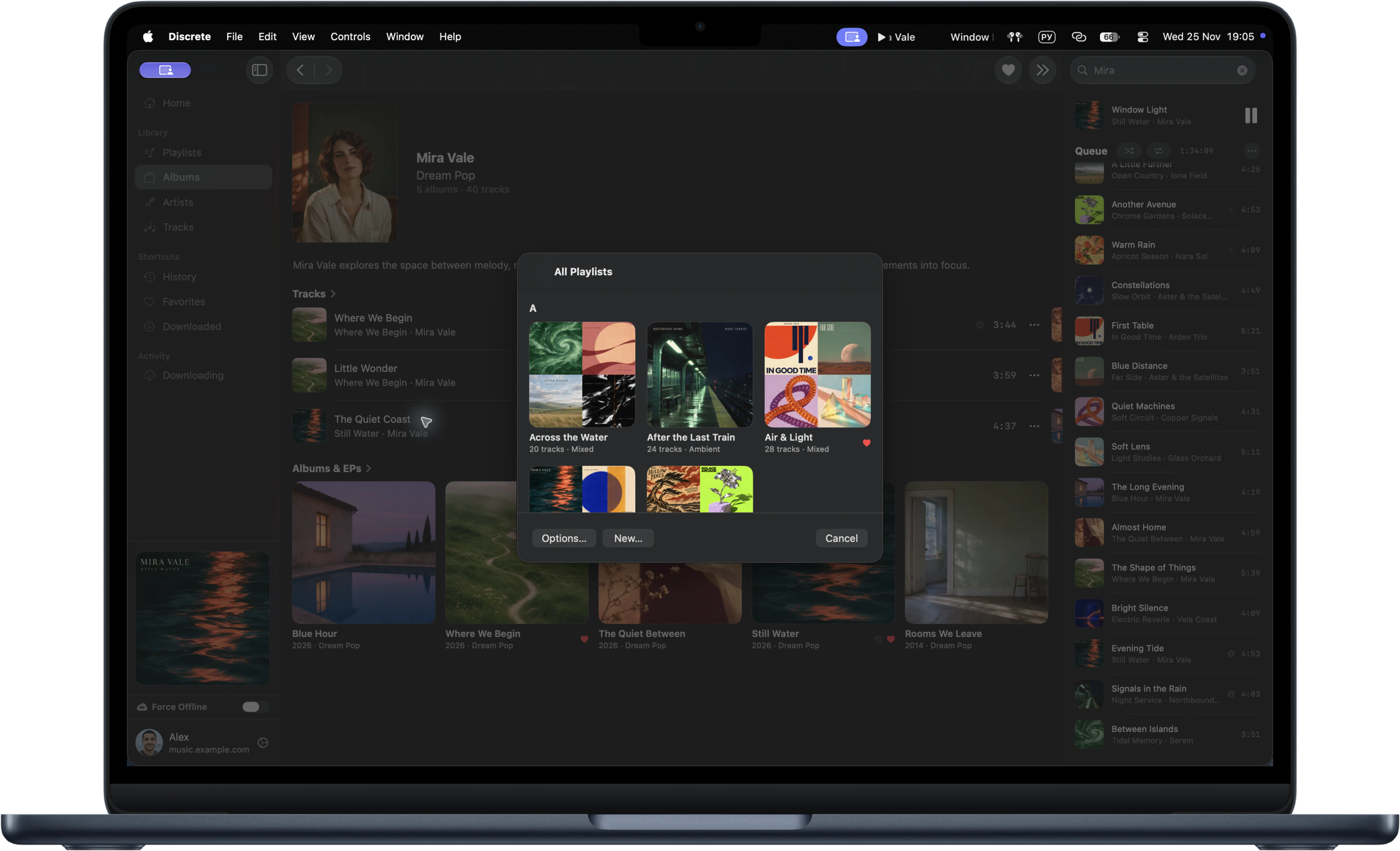
The native Add to Playlist picker with recent playlists and approved synthetic cover art in a full macOS desktop inside an official MacBook bezel.
Add music to a playlist
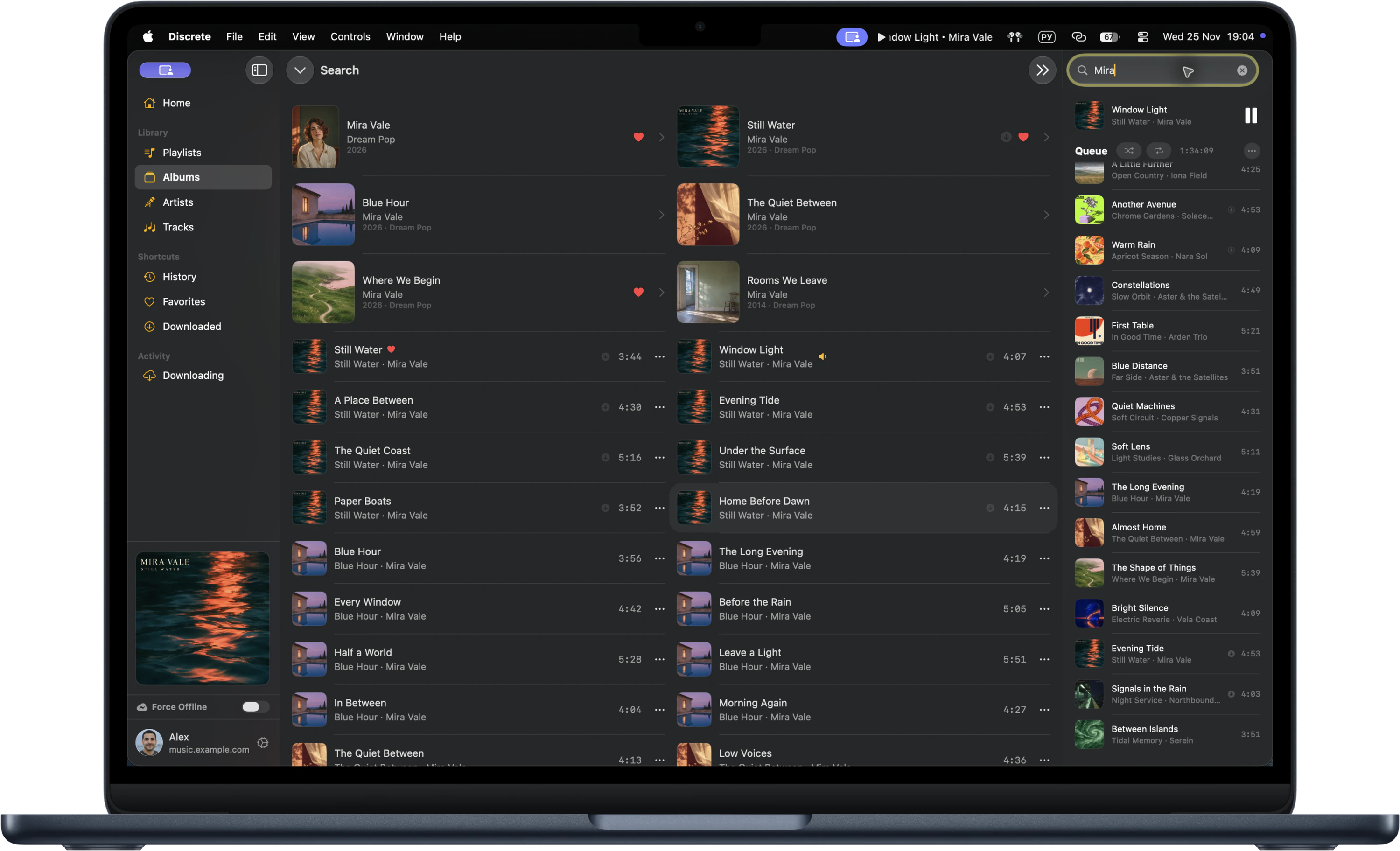
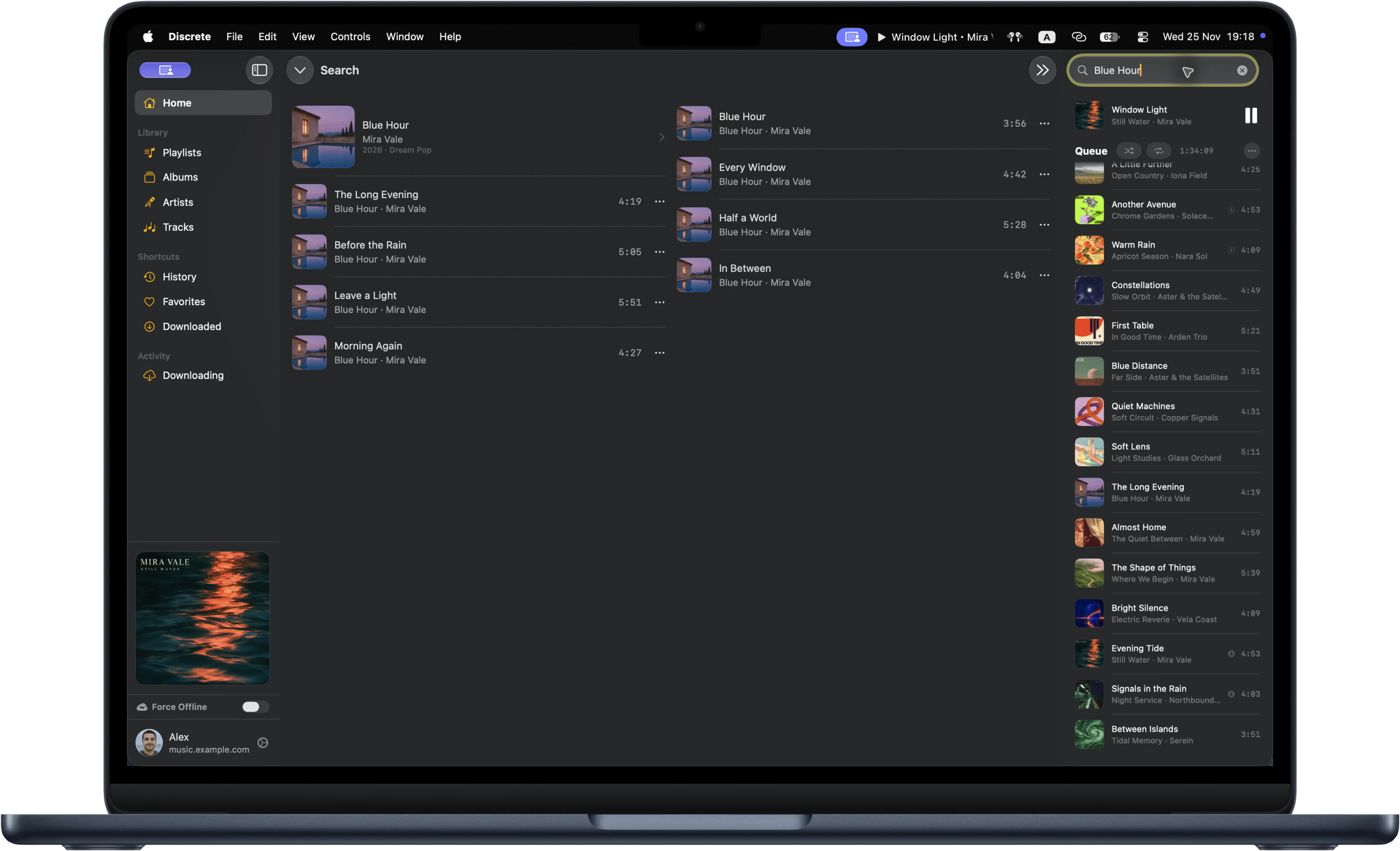
Search results and playback queue in the full active Discrete window on the complete macOS desktop in a full macOS desktop inside an official MacBook bezel.
Catalog search results
Active playback and queue alongside the macOS search results in a full macOS desktop inside an official MacBook bezel.
Play while searching
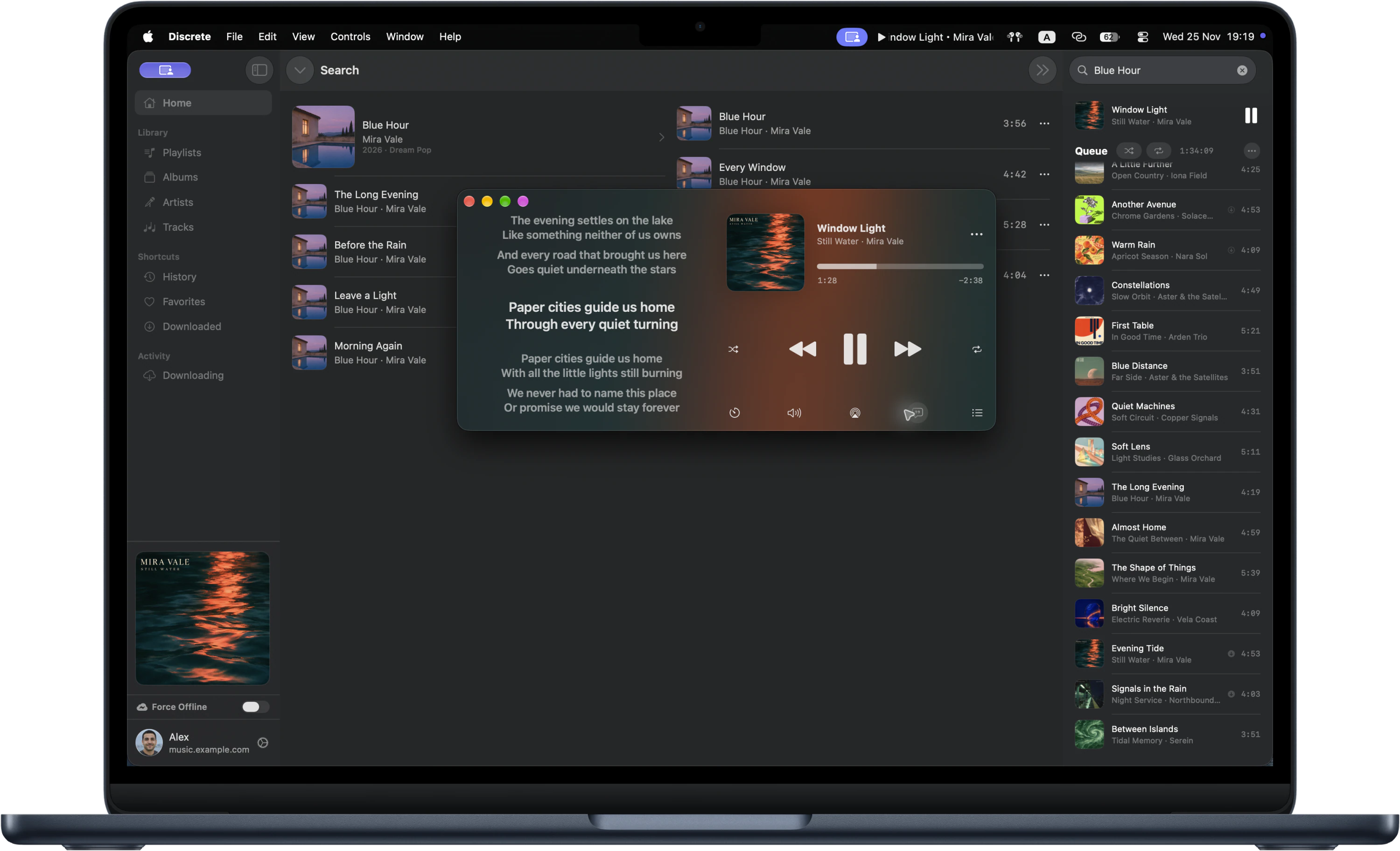
The active detached Player displaying synced lyrics with the real Discrete search window behind it in a full macOS desktop inside an official MacBook bezel.
Floating lyrics above Search

Player, Queue & Lyrics

The music library and playback queue alongside the detached Discrete player window on the complete macOS desktop in a full macOS desktop inside an official MacBook bezel.
Library with detached player
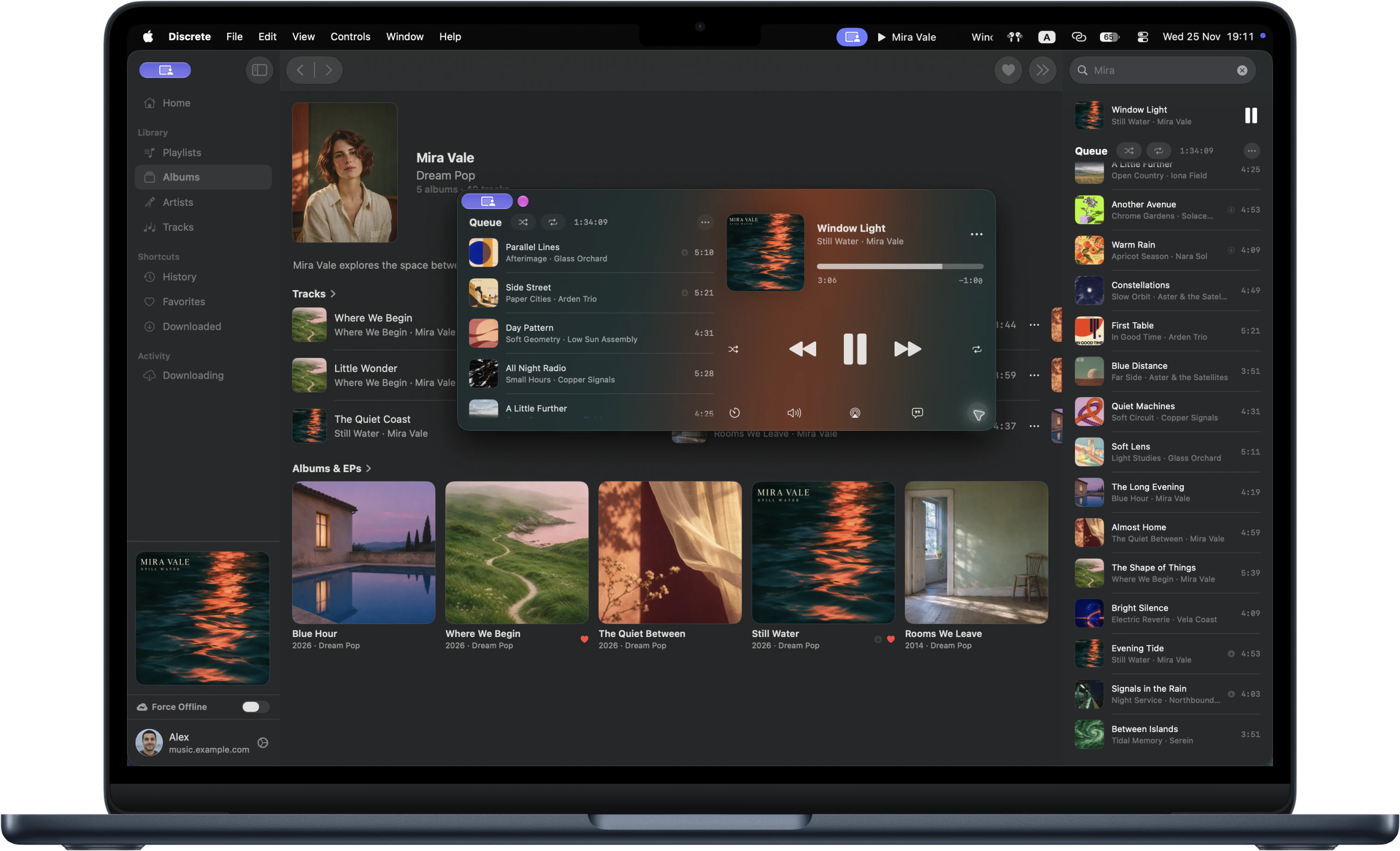
The independent Discrete player displaying its upcoming queue alongside the maximized library on the real macOS desktop.
Queue in the detached player
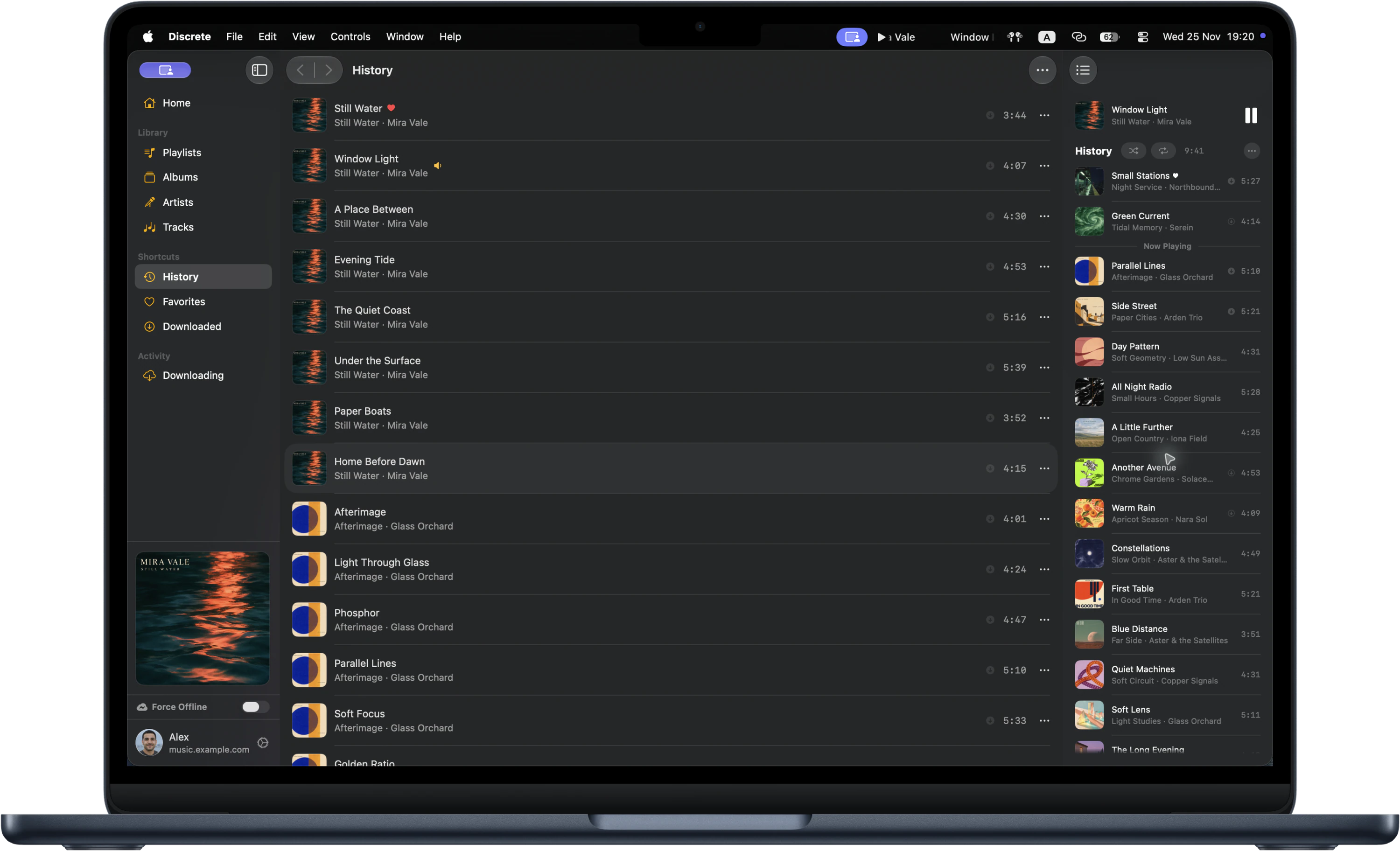
Playback history and upcoming tracks on either side of Discrete’s Now Playing divider in the full native macOS desktop.
Queue history and Now Playing
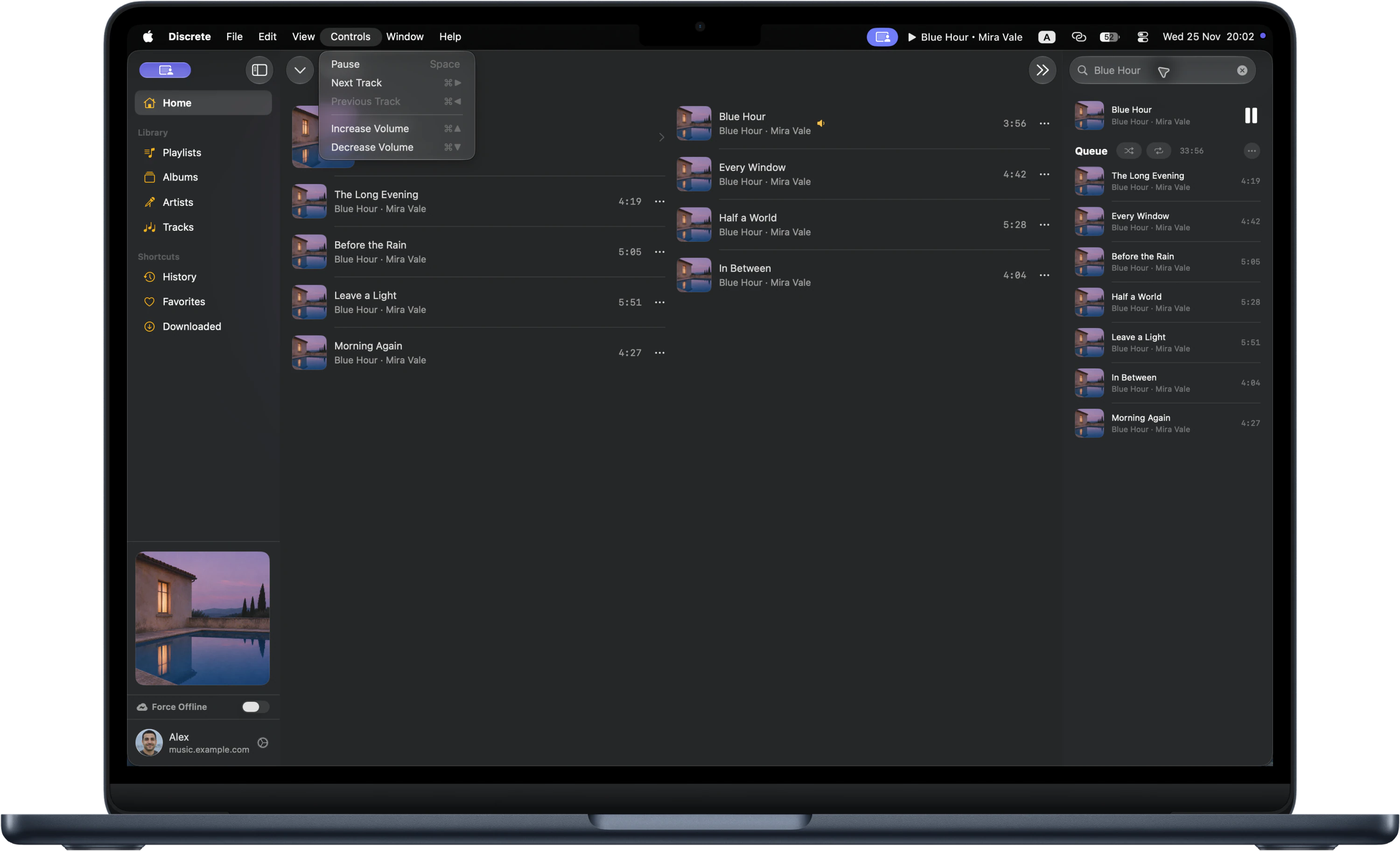
The native macOS Controls menu above the active Discrete window, with playback commands and their keyboard shortcuts.
Playback Controls menu
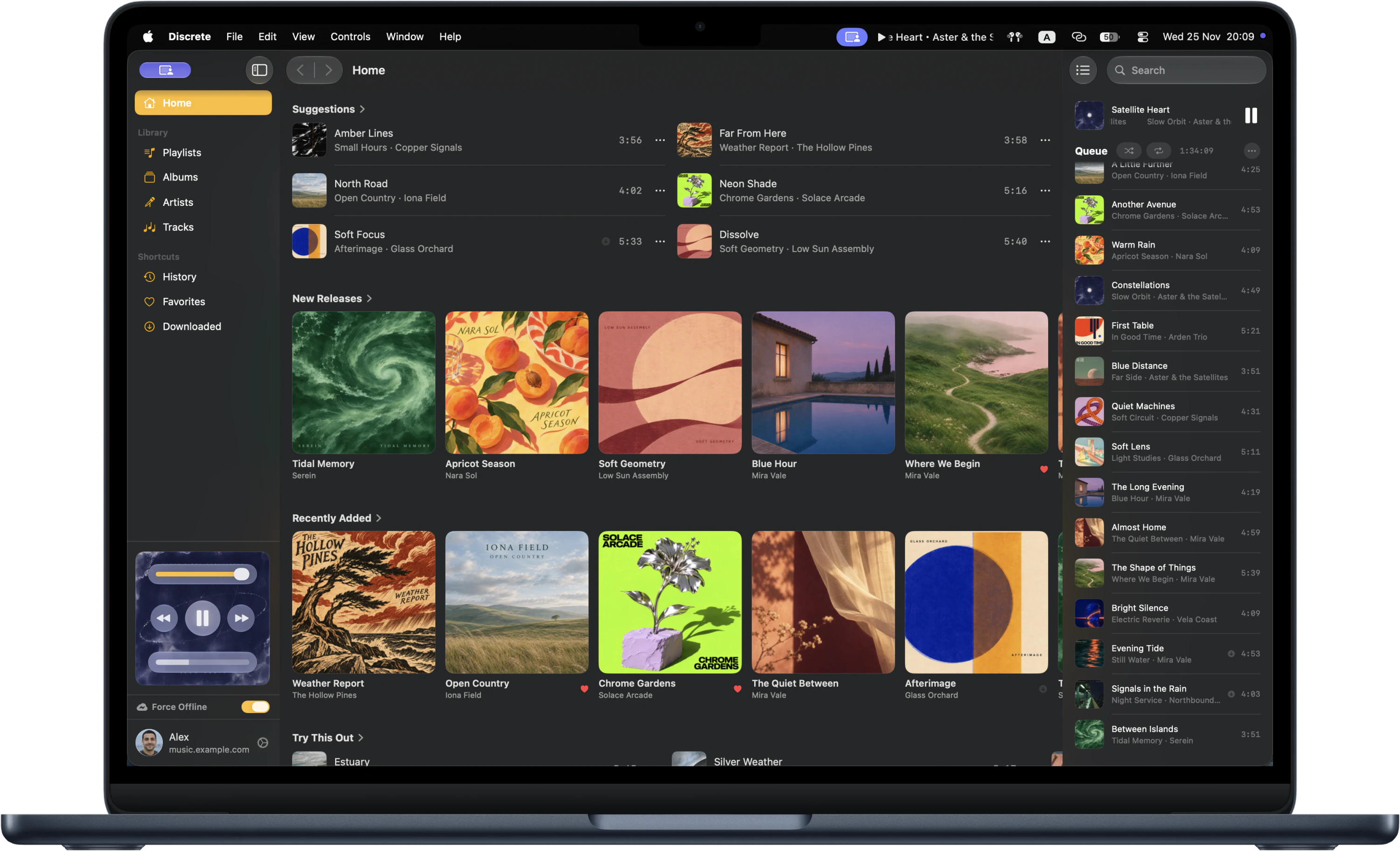
The sidebar album cover showing its native inline playback controls, beside the album and queue. Shown on the full macOS desktop in an official MacBook Air bezel.
Sidebar player controls
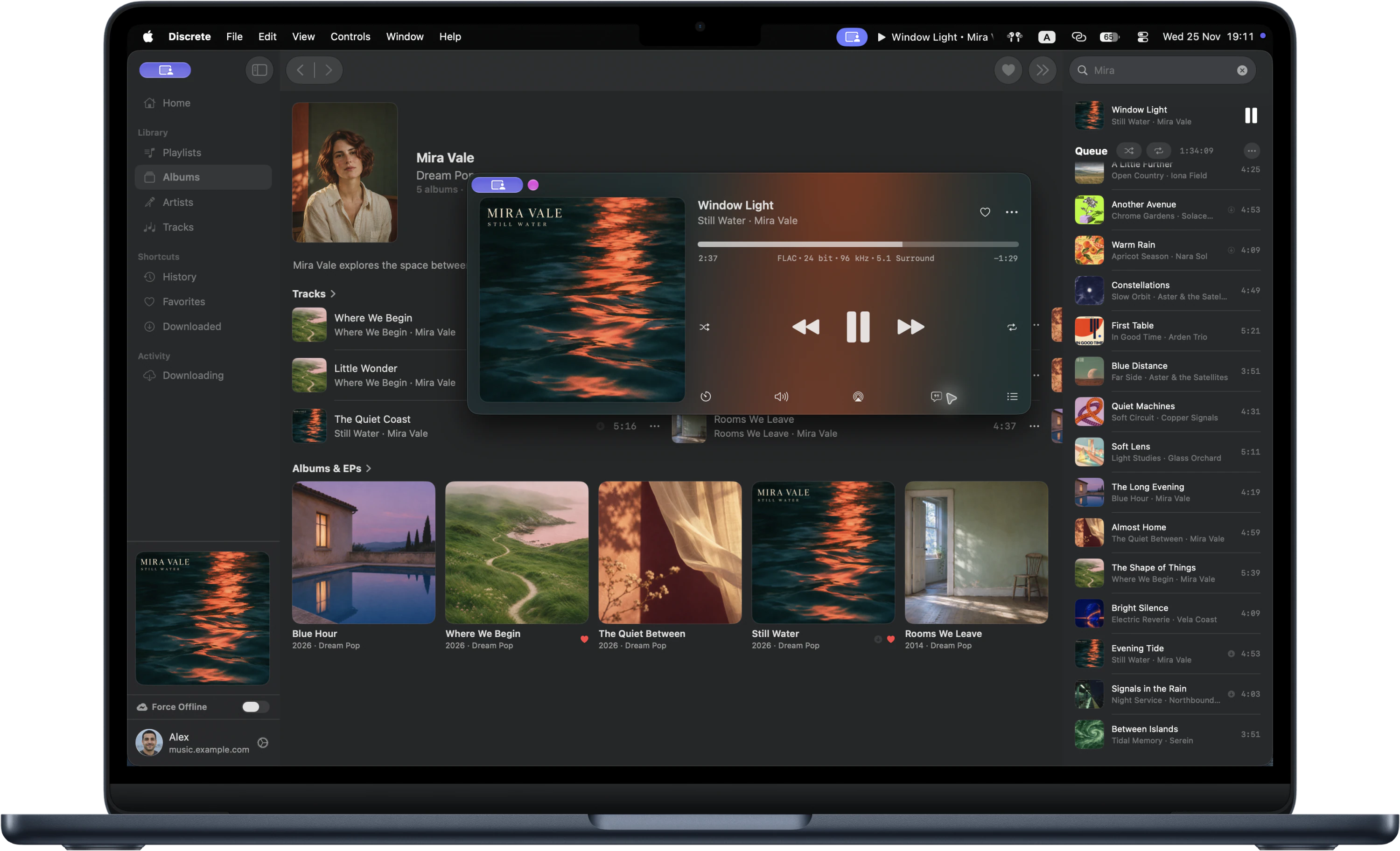
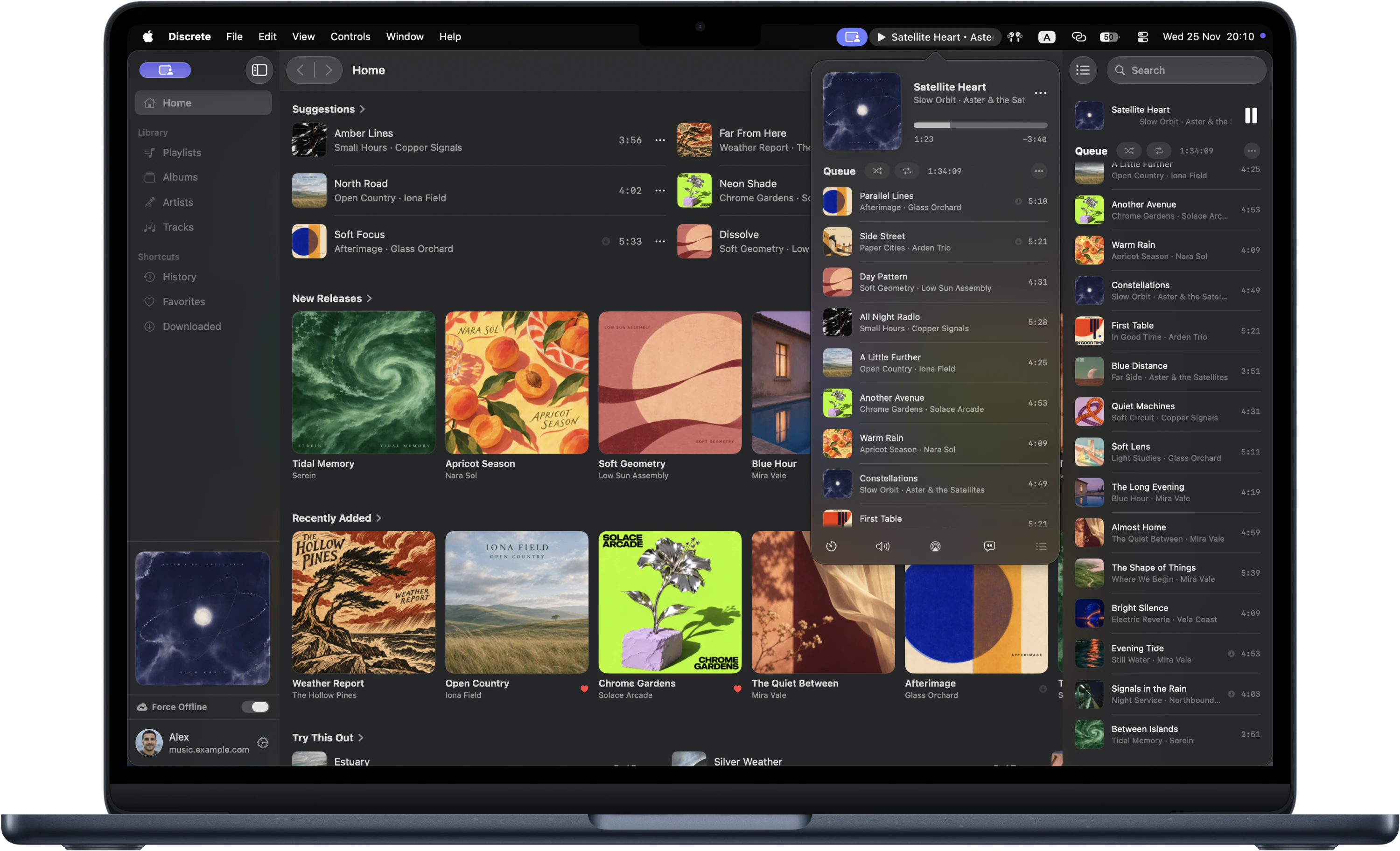
Discrete’s menu bar player above the active album library window, with queue and track actions. Shown on the full macOS desktop in an official MacBook Air bezel.
Menu bar player
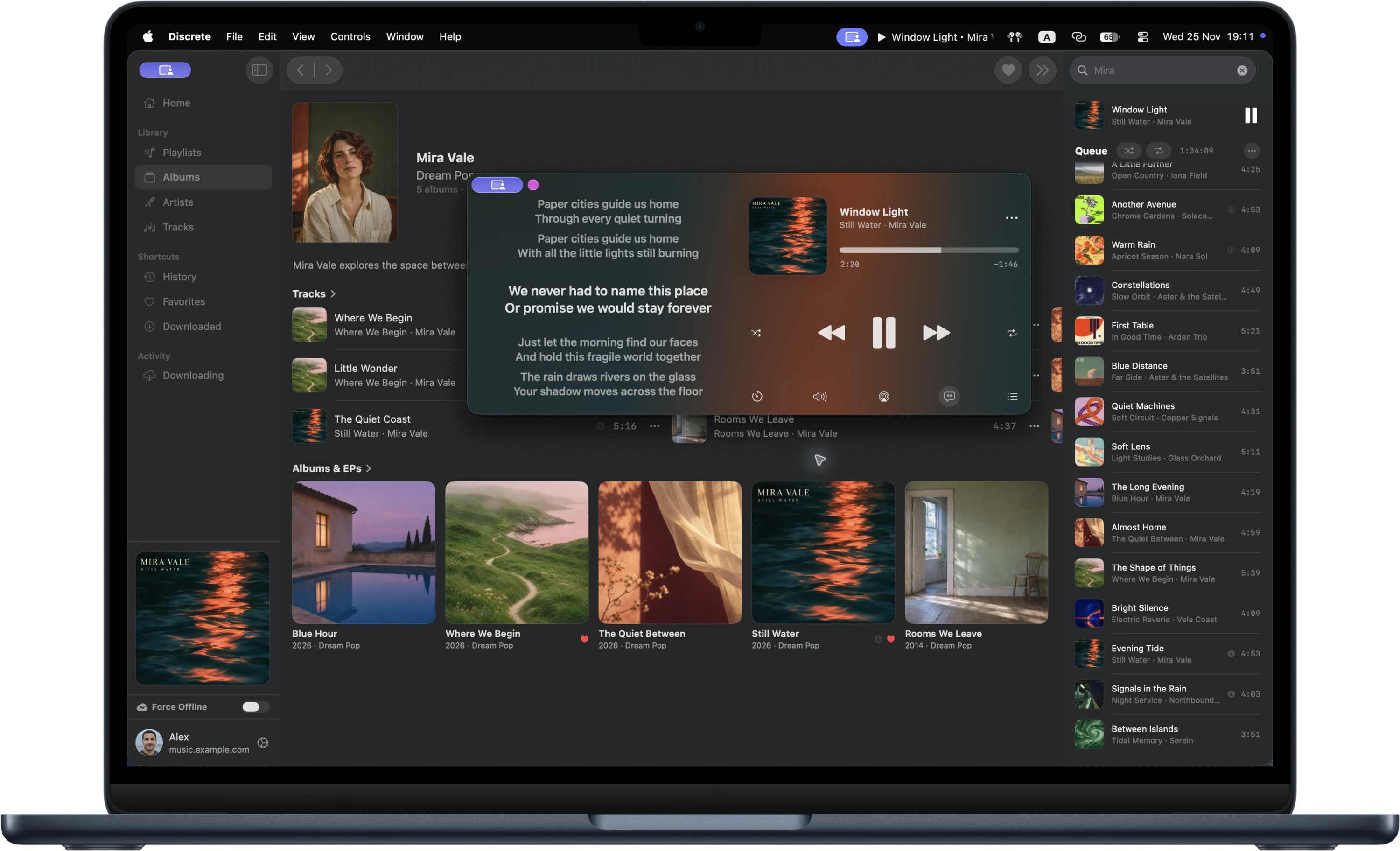
Native detached macOS player showing artwork, playback controls, and a highlighted synchronized lyric in a full macOS desktop inside an official MacBook bezel.
Synced lyrics

Downloads, Storage & Offline
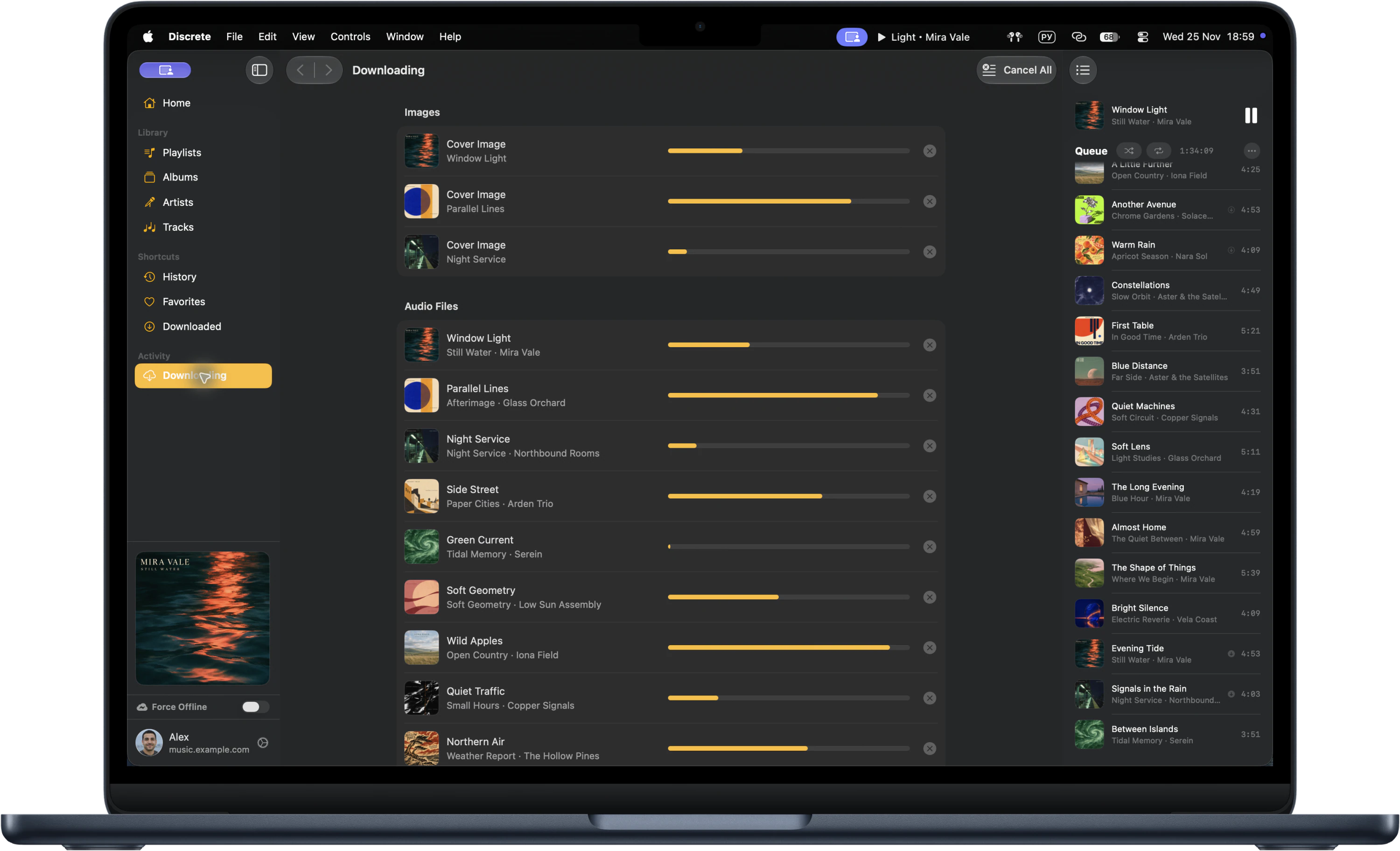
Real macOS desktop with an active Discrete window showing artwork and audio transfers, inside an official MacBook bezel.
Active downloads
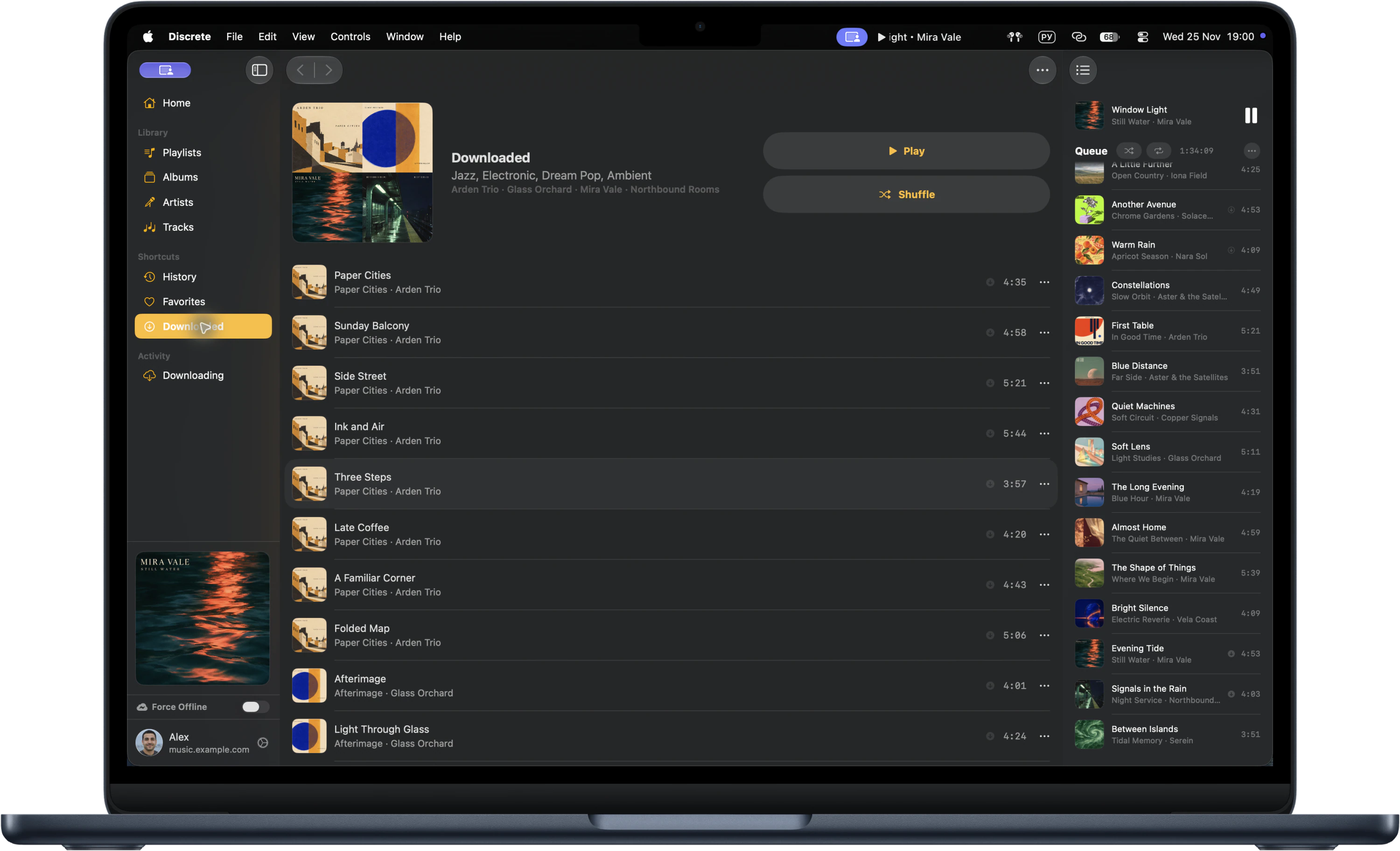
The Downloaded collection with its artwork mosaic and locally available tracks in a full macOS desktop inside an official MacBook bezel.
Downloaded music
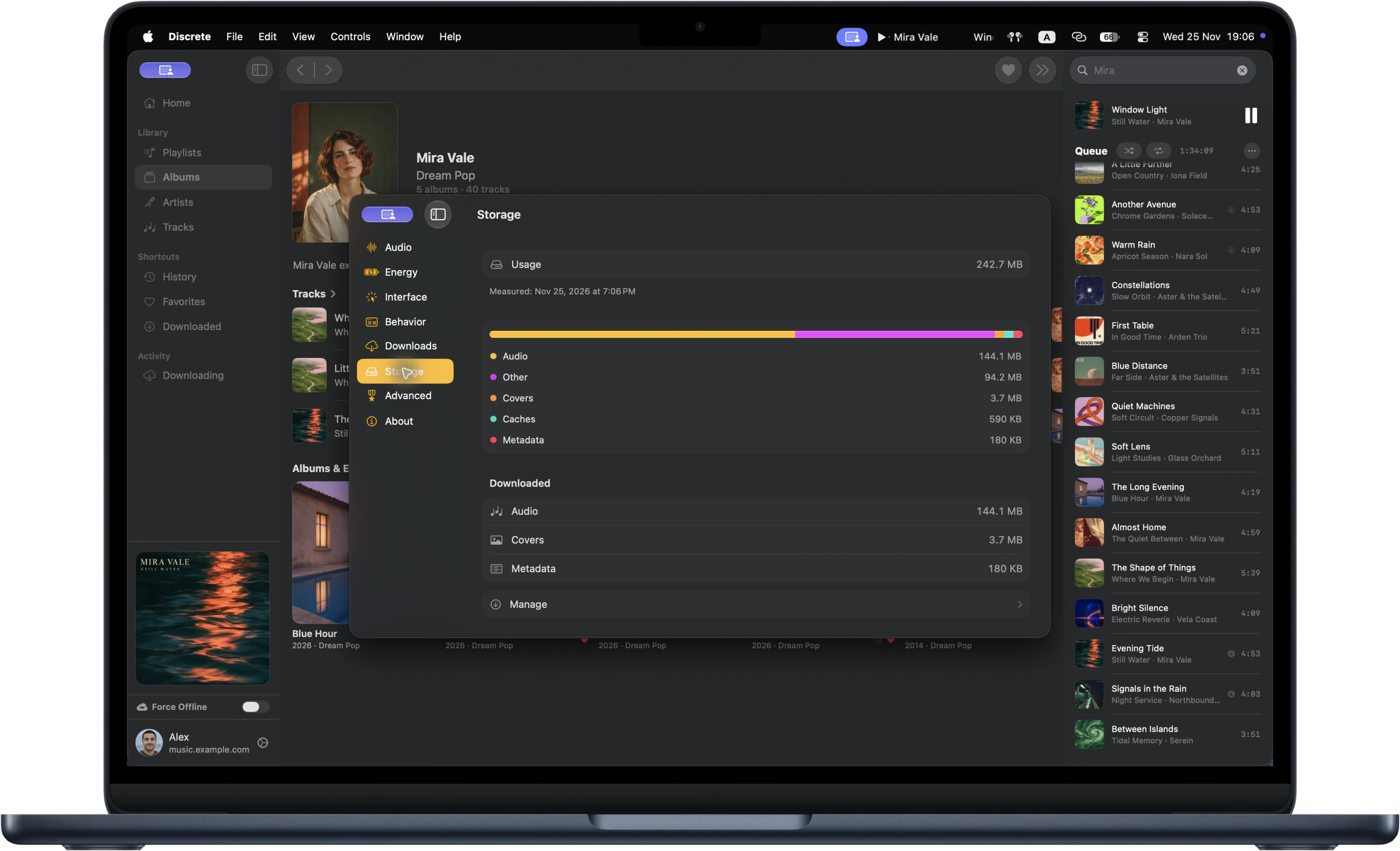
Storage settings on macOS with category sizes, downloaded files and caches in a full macOS desktop inside an official MacBook bezel.
Storage breakdown
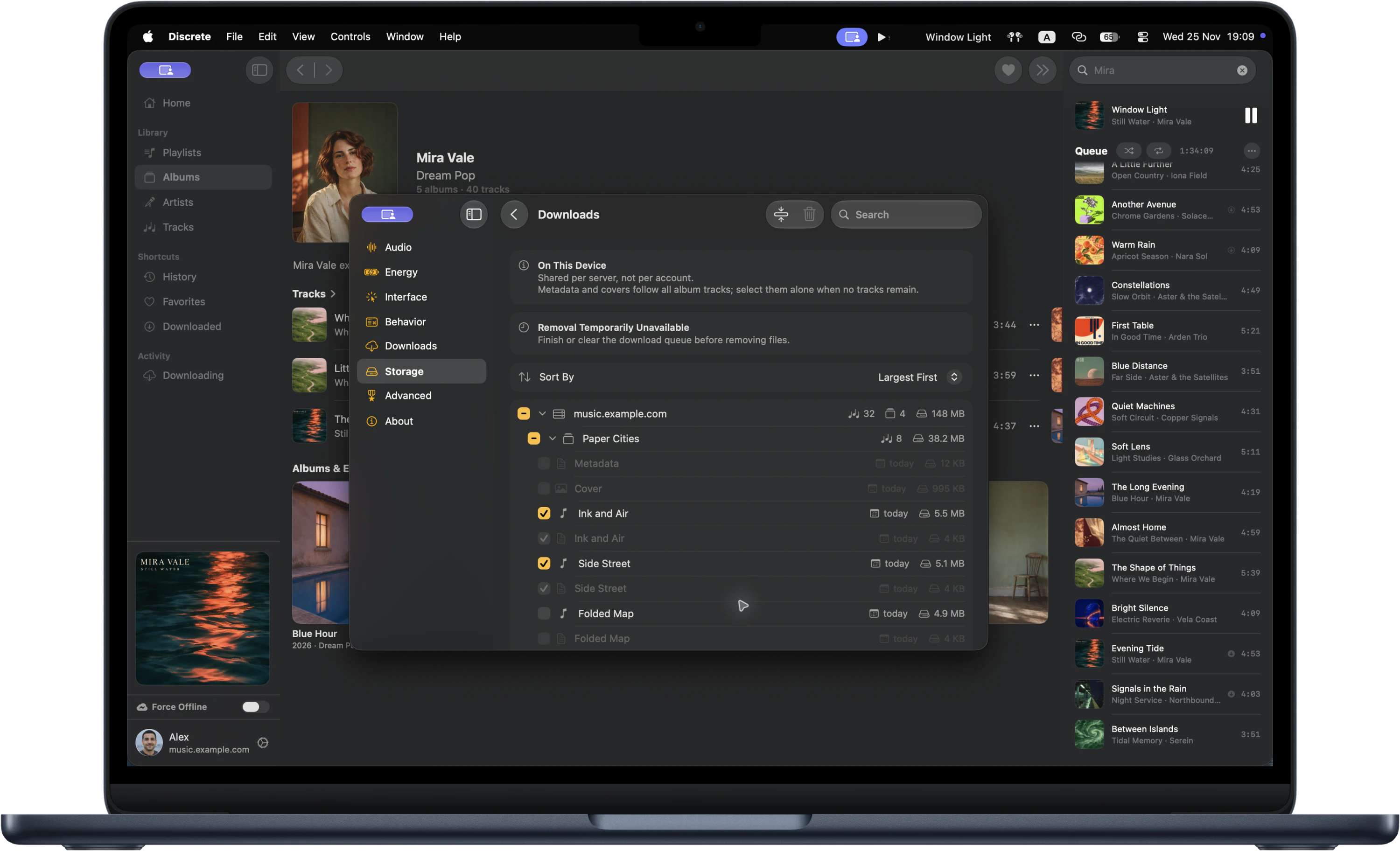
The native Downloads window listing a server, album, album cover, audio tracks, and associated metadata in a full macOS desktop inside an official MacBook bezel.
Manage downloaded files
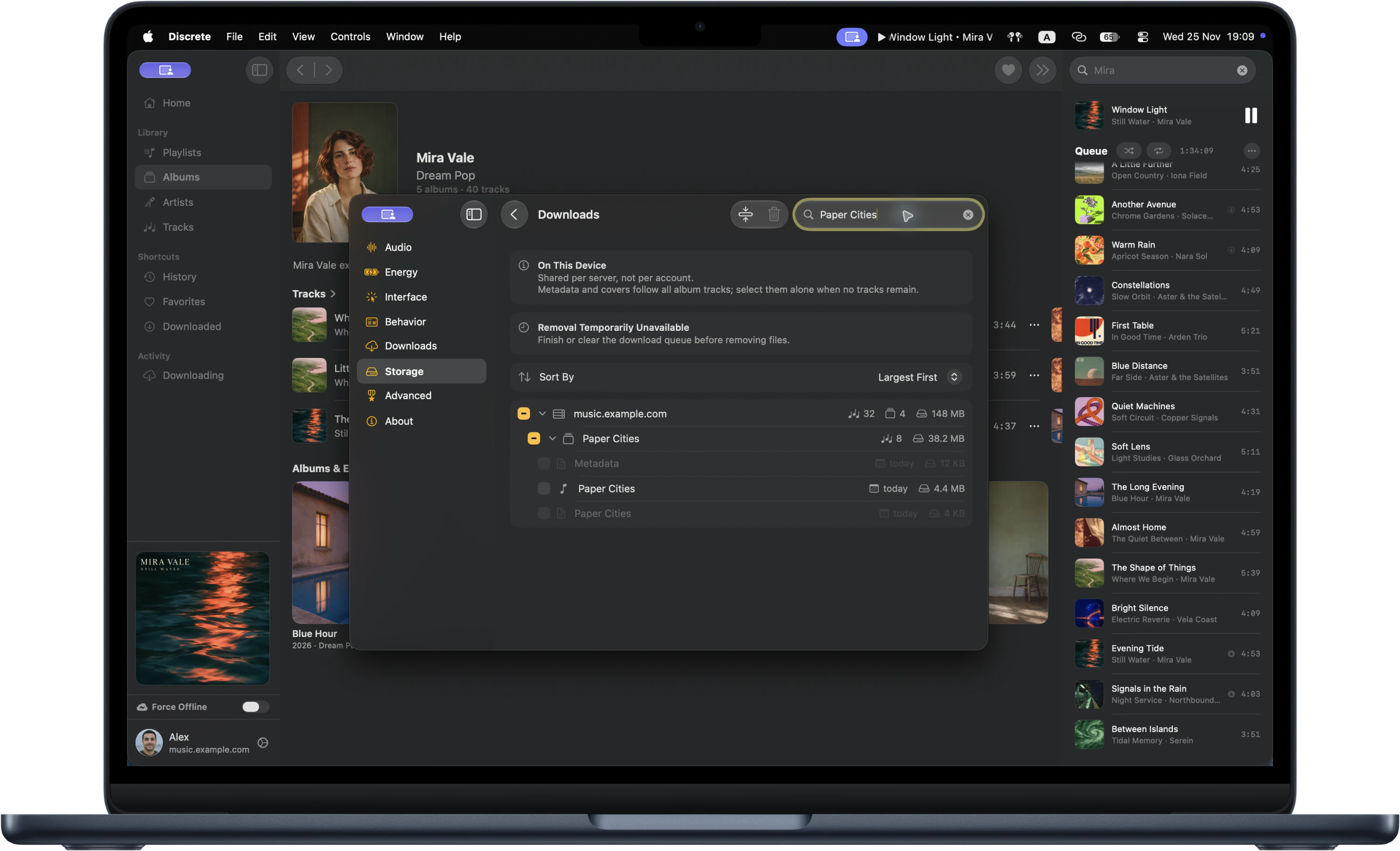
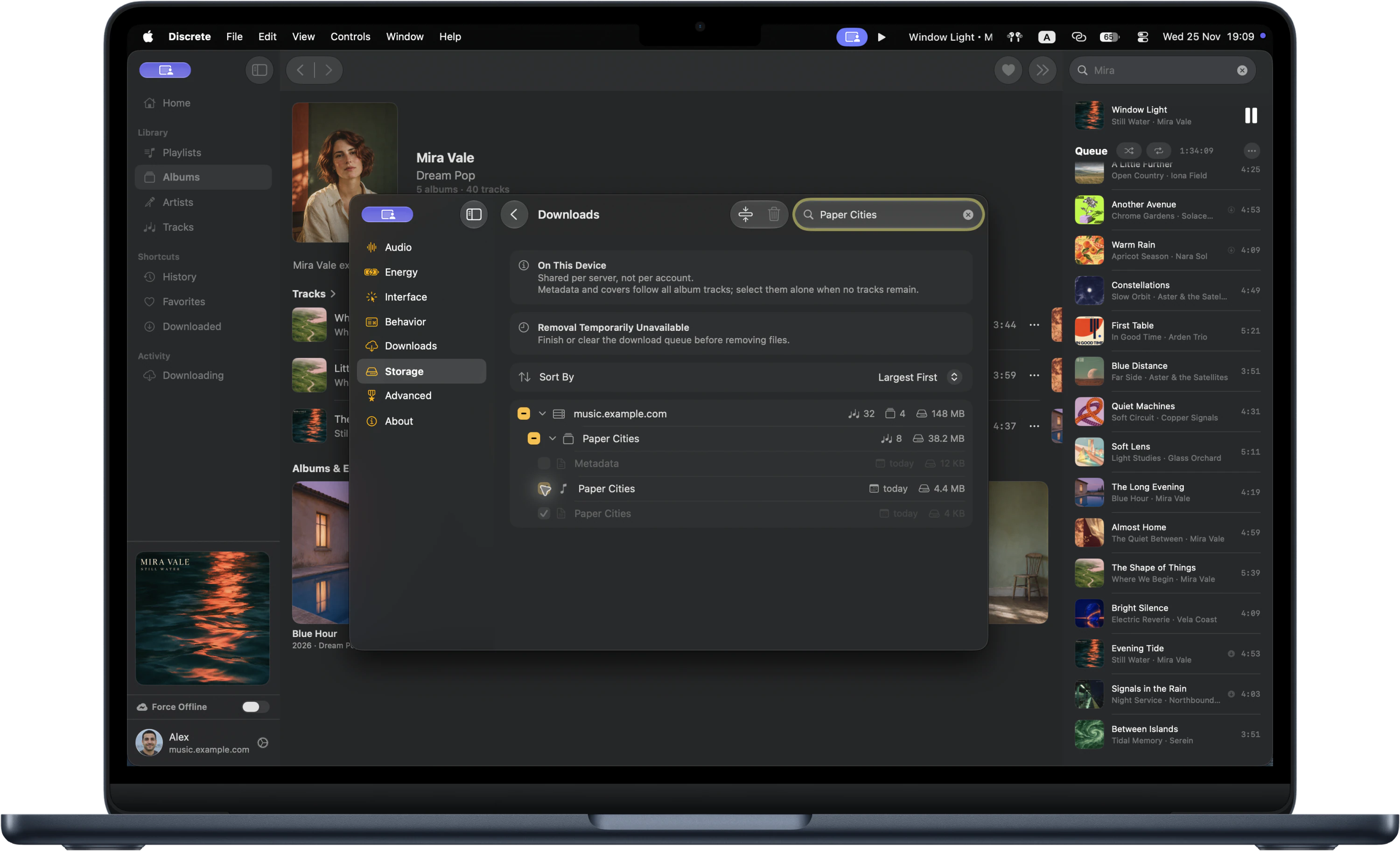
The download manager filtered to track files named First, with the server and album hierarchy still visible in a full macOS desktop inside an official MacBook bezel.
Search downloaded files
The native downloaded-file manager showing selected tracks, tied metadata, sizes and a delete control in a full macOS desktop inside an official MacBook bezel.
Select downloaded files

Accounts & Settings

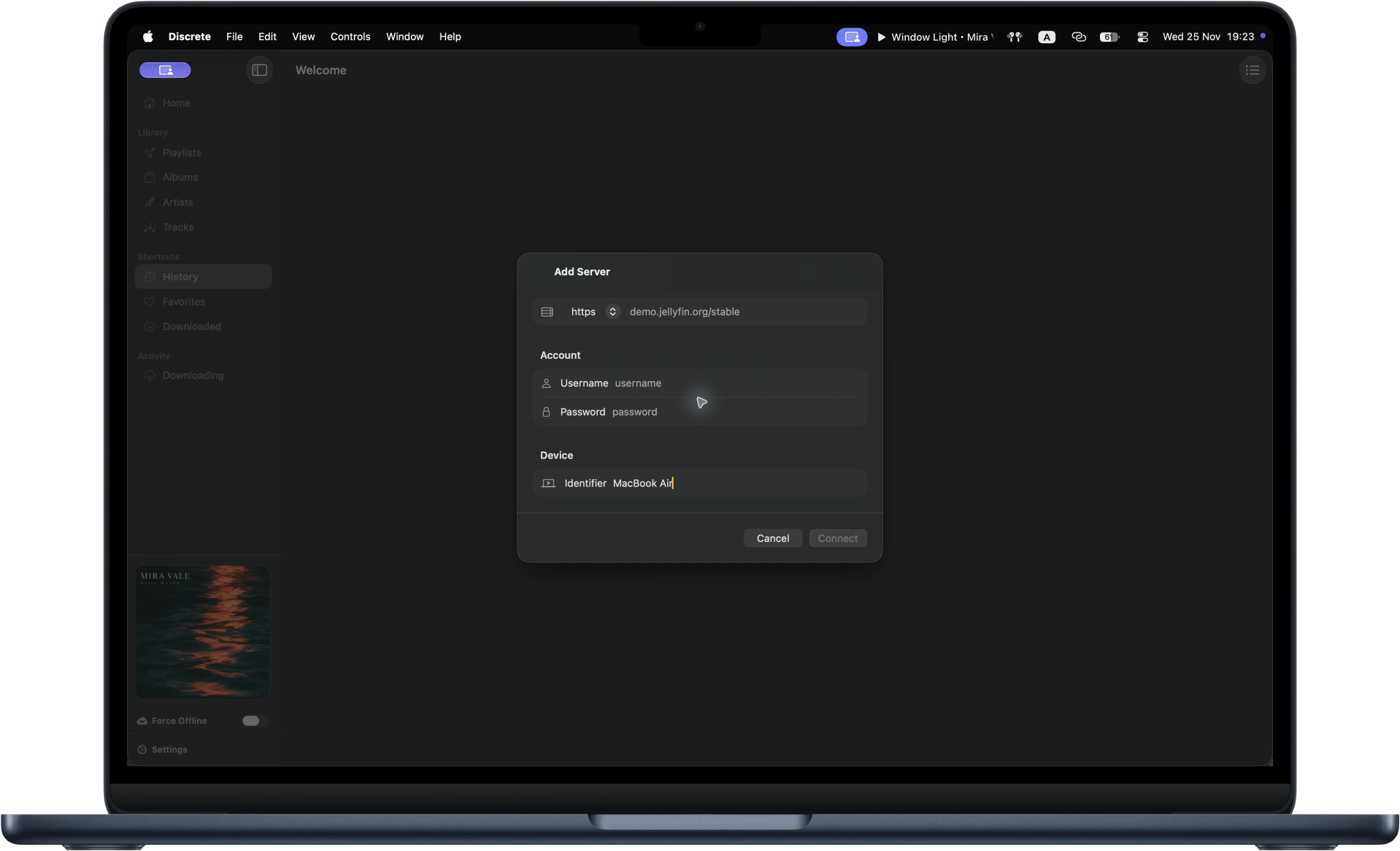
The native connection form with the Jellyfin public demo address and sample account fields in a full macOS desktop inside an official MacBook bezel.
Connect to Jellyfin
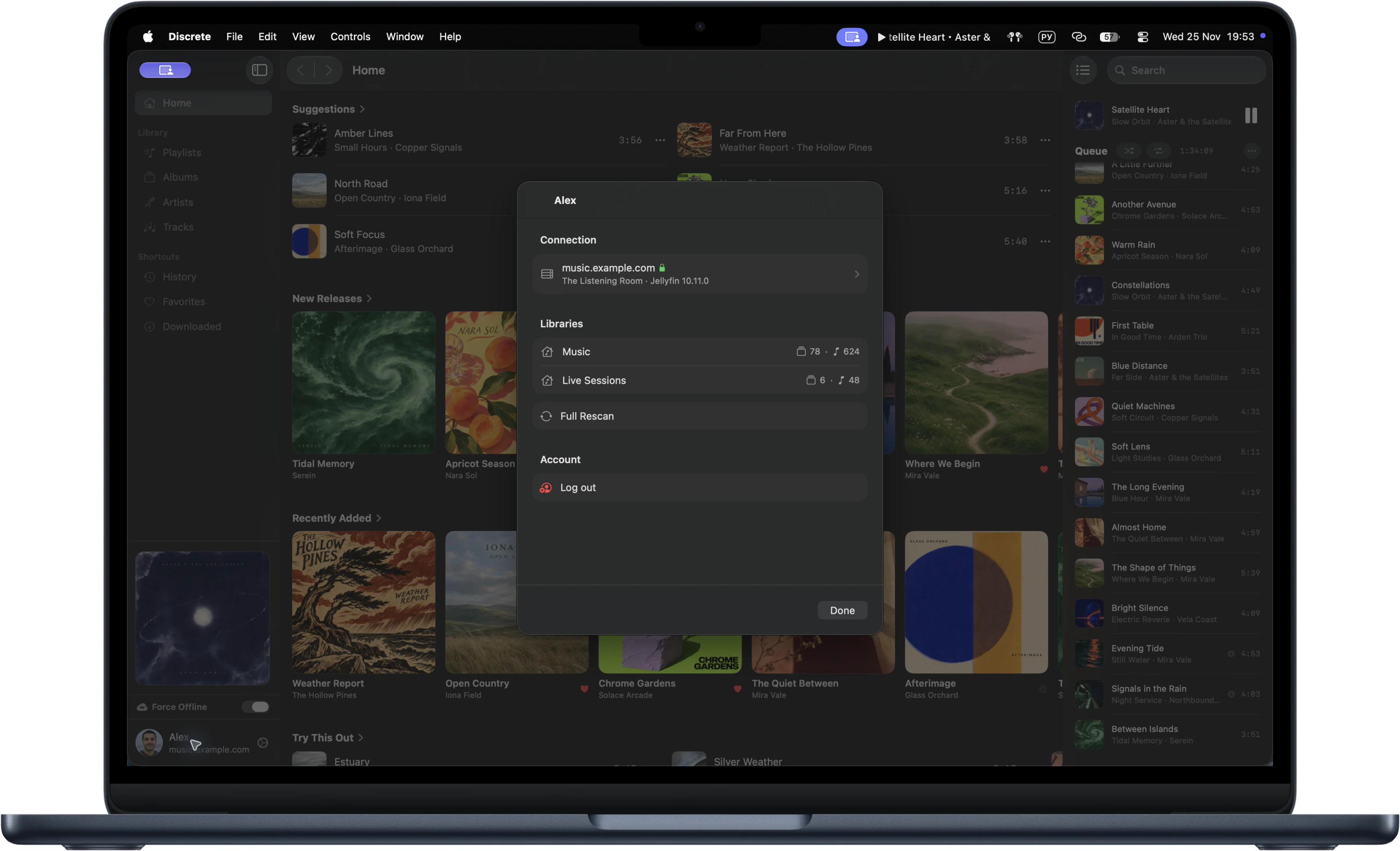
The Jellyfin account page with the synthetic server, its libraries and their collection counts. Shown on the full macOS desktop in an official MacBook Air bezel.
Jellyfin account and libraries
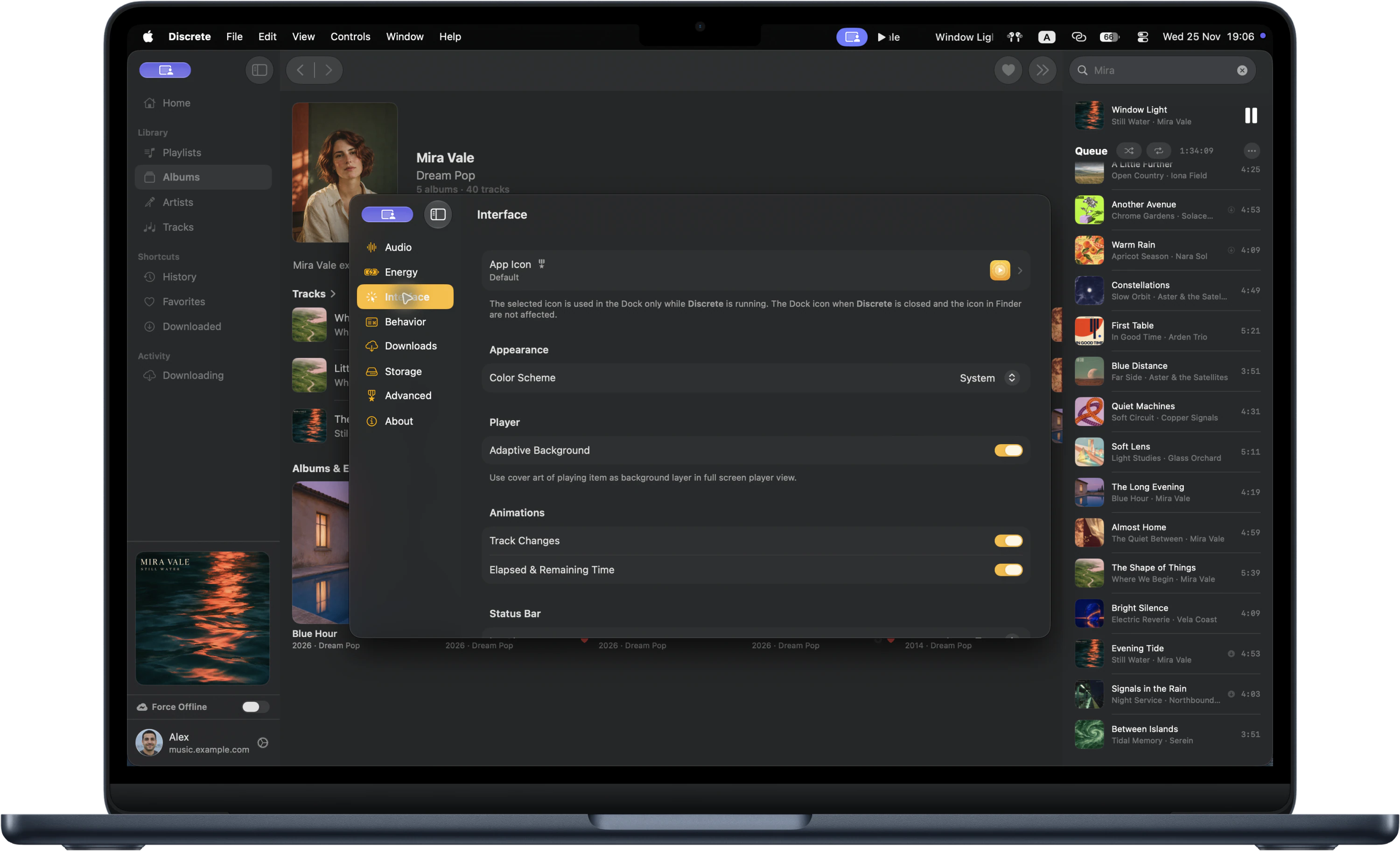
The Discrete Interface settings showing icon choice, color scheme, player background, animation and status bar layout in a full macOS desktop inside an official MacBook bezel.
Interface settings
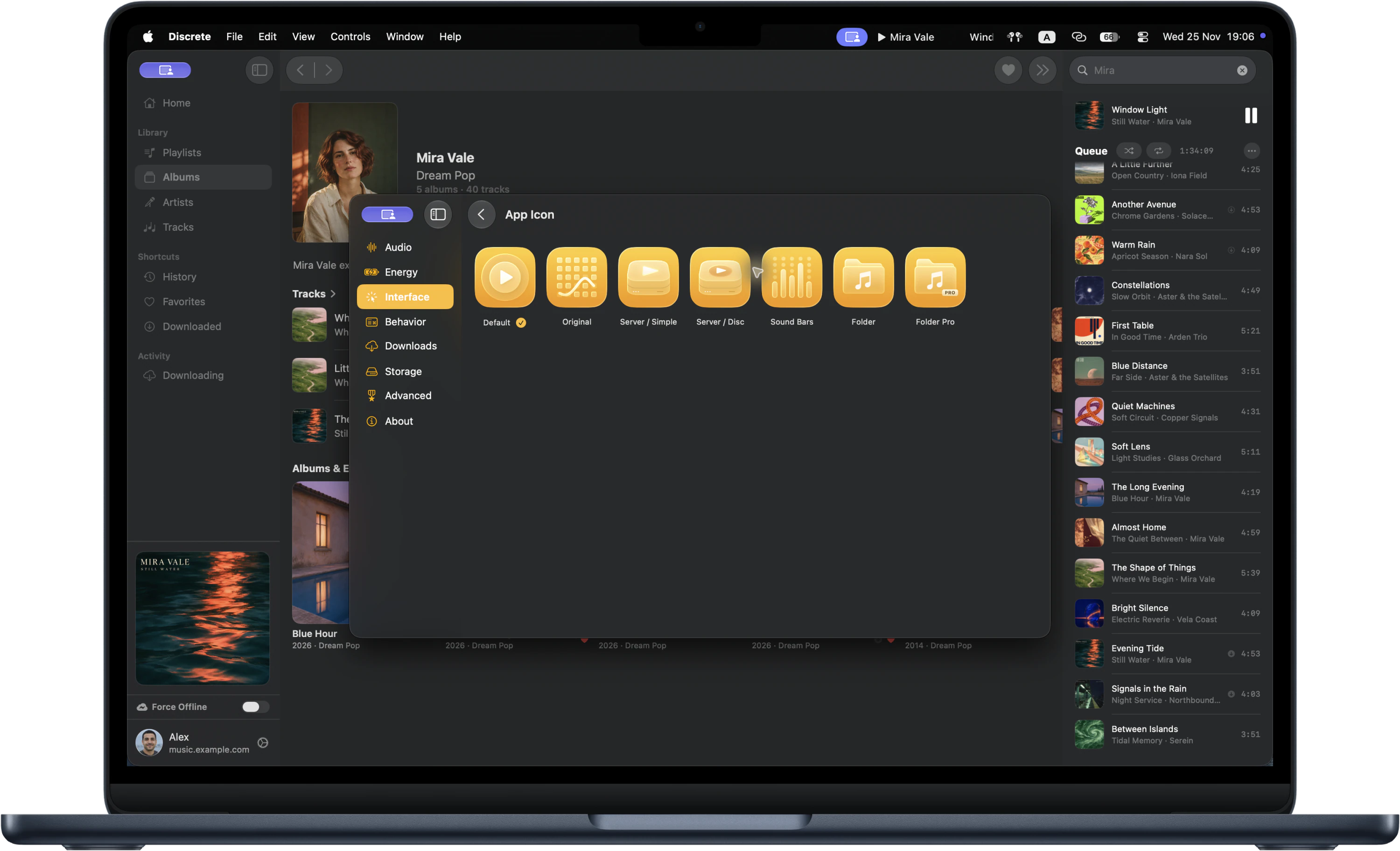
Seven gold app-icon variants in Discrete’s native icon picker in a full macOS desktop inside an official MacBook bezel.
Alternative app icons
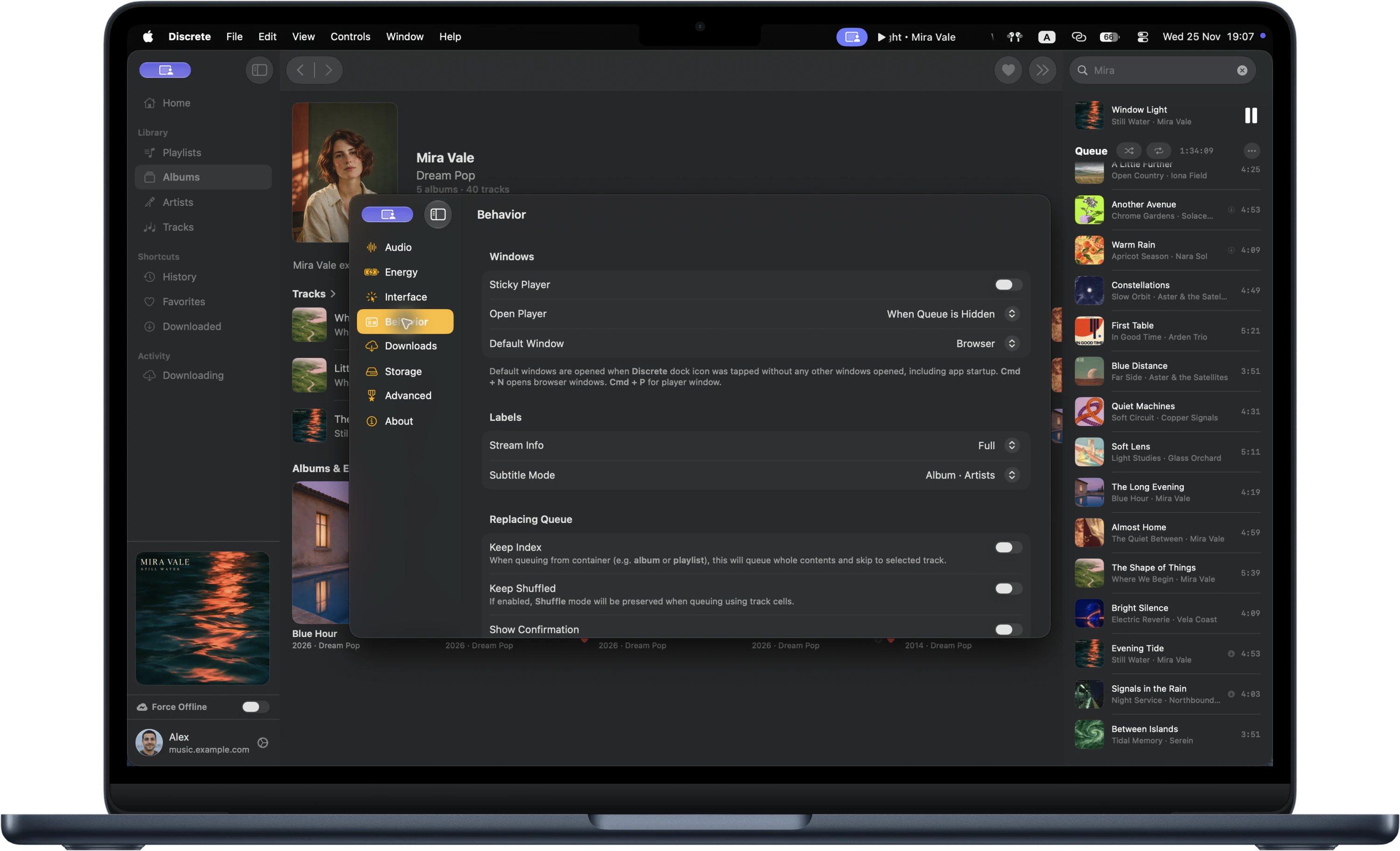
The macOS Behavior settings showing player window preferences, queue replacement, notifications and controls in a full macOS desktop inside an official MacBook bezel.
Playback behavior
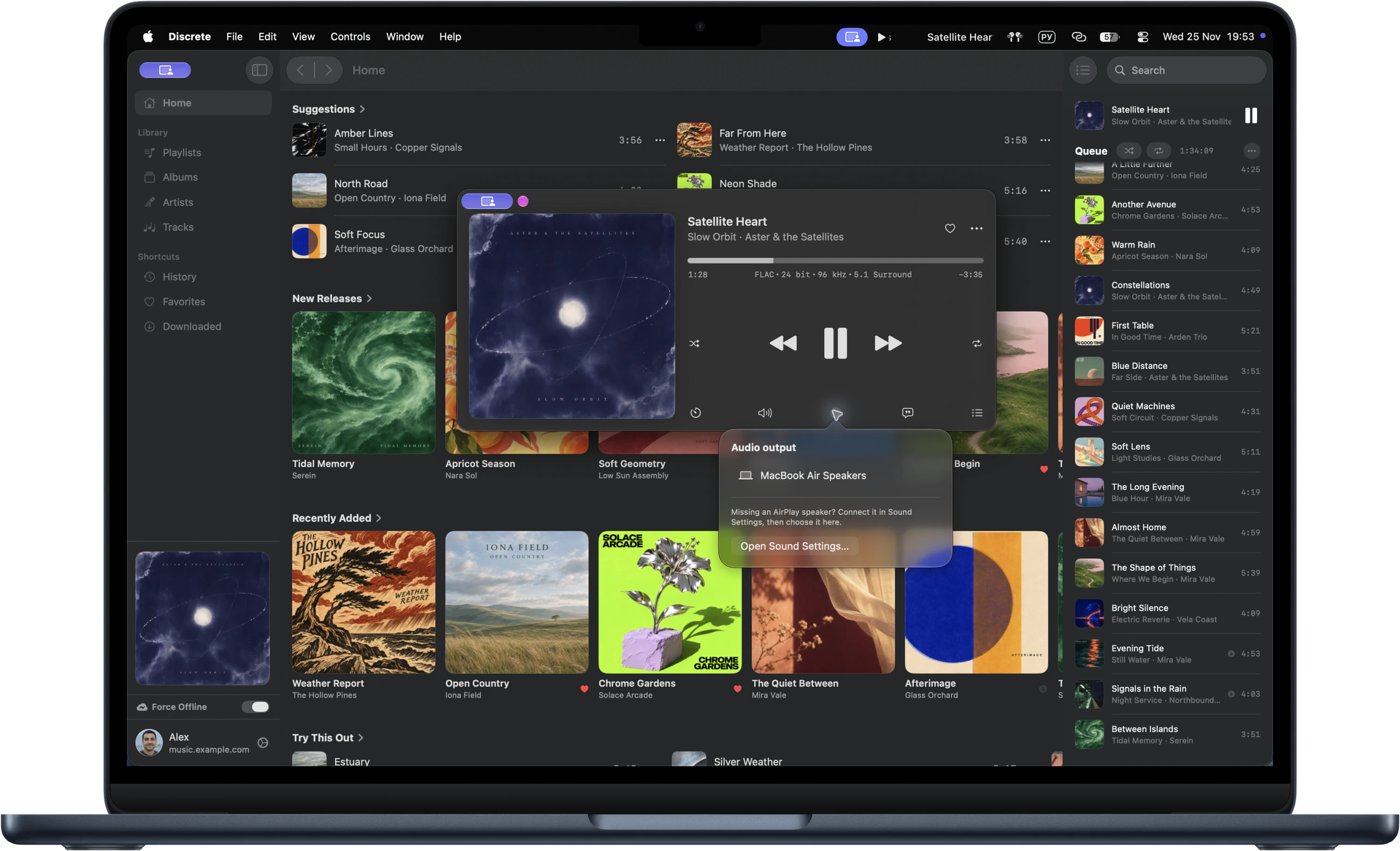
The Discrete audio-output popover showing the selected MacBook speakers. Shown on the full macOS desktop in an official MacBook Air bezel.
Audio output devices
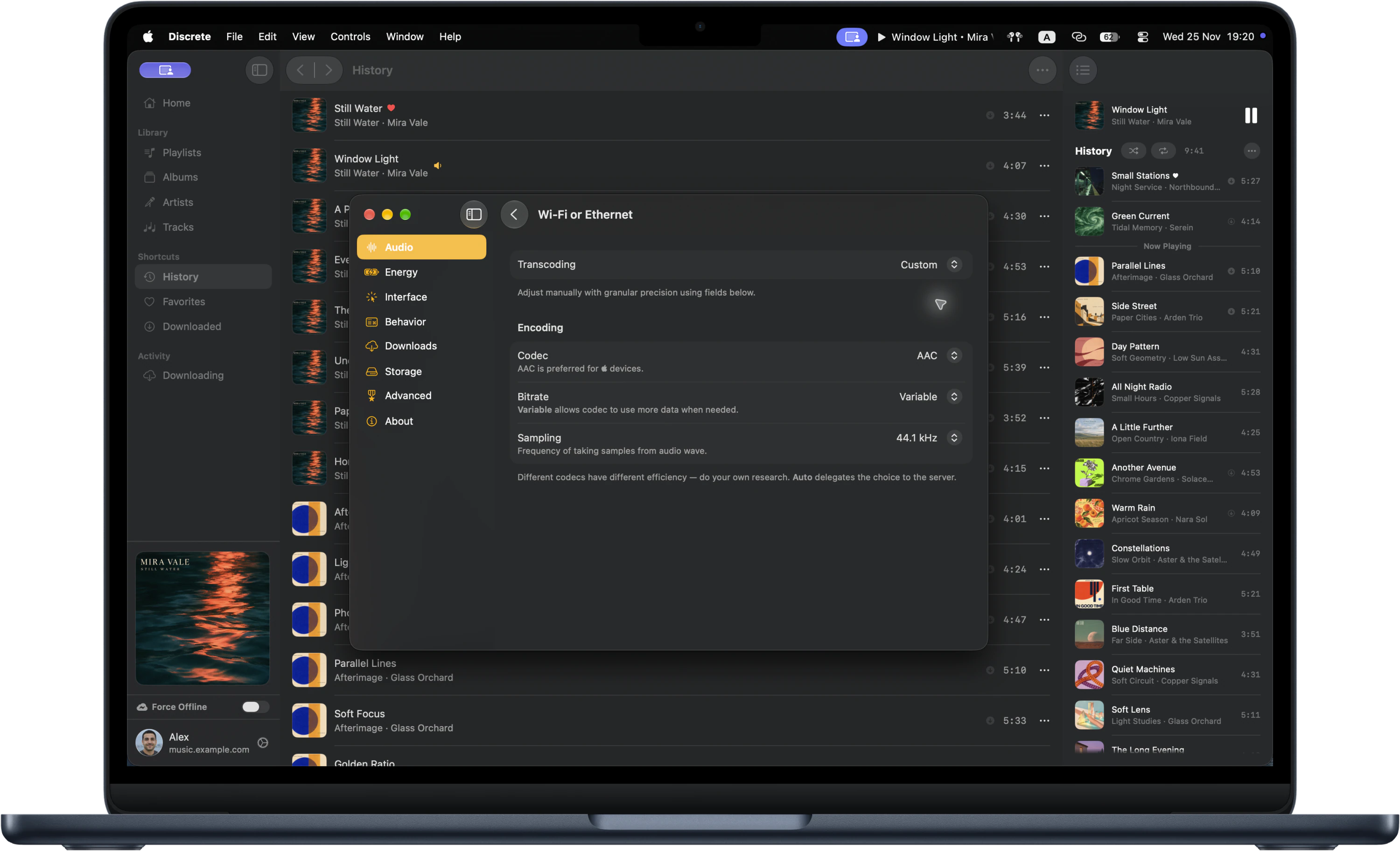
The adaptive streaming, codec, bitrate and sampling settings in the native transcoding form in a full macOS desktop inside an official MacBook bezel.
Custom audio transcoding
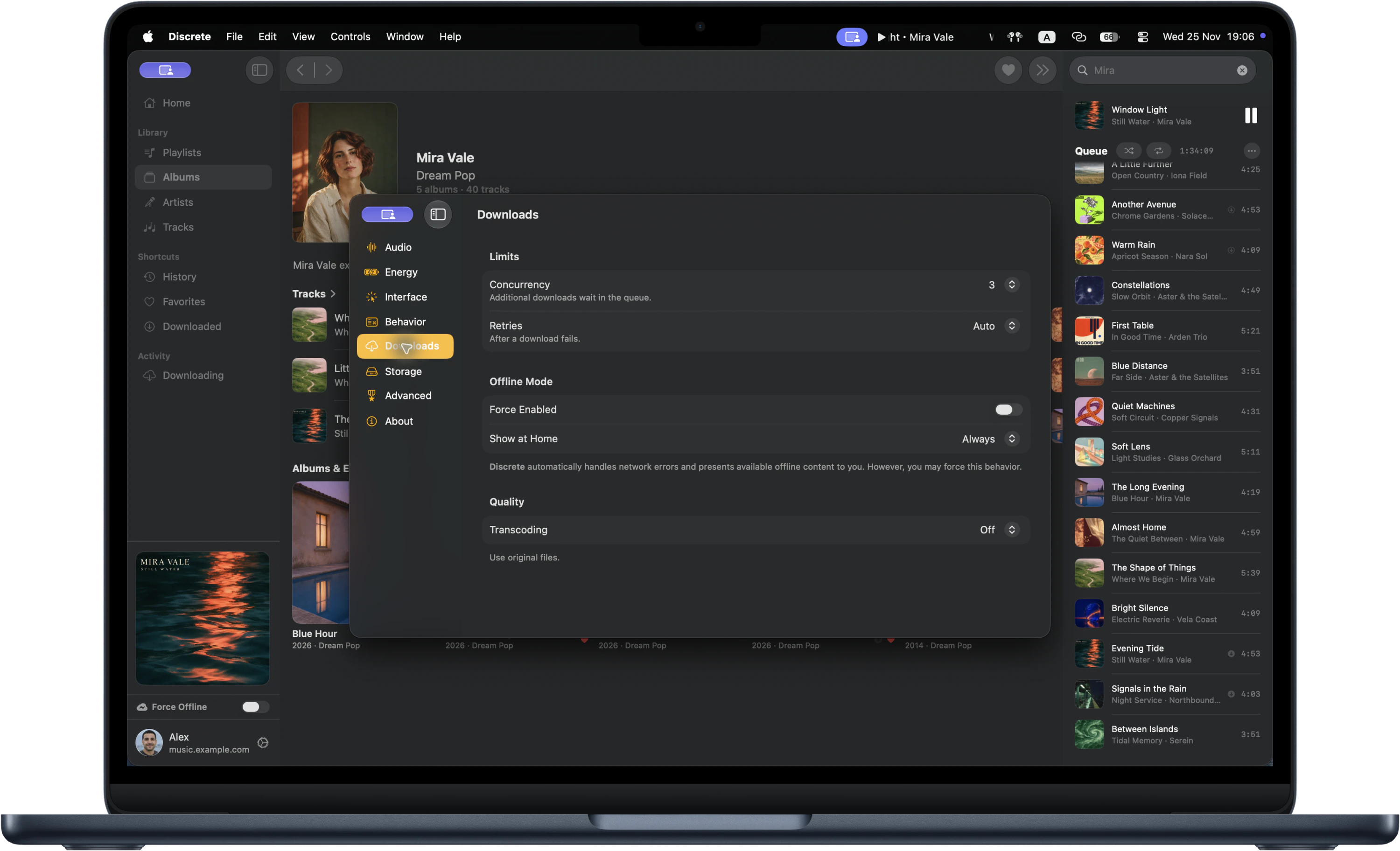
The macOS Downloads settings showing concurrency, retries, offline behavior and download quality in a full macOS desktop inside an official MacBook bezel.
Download settings
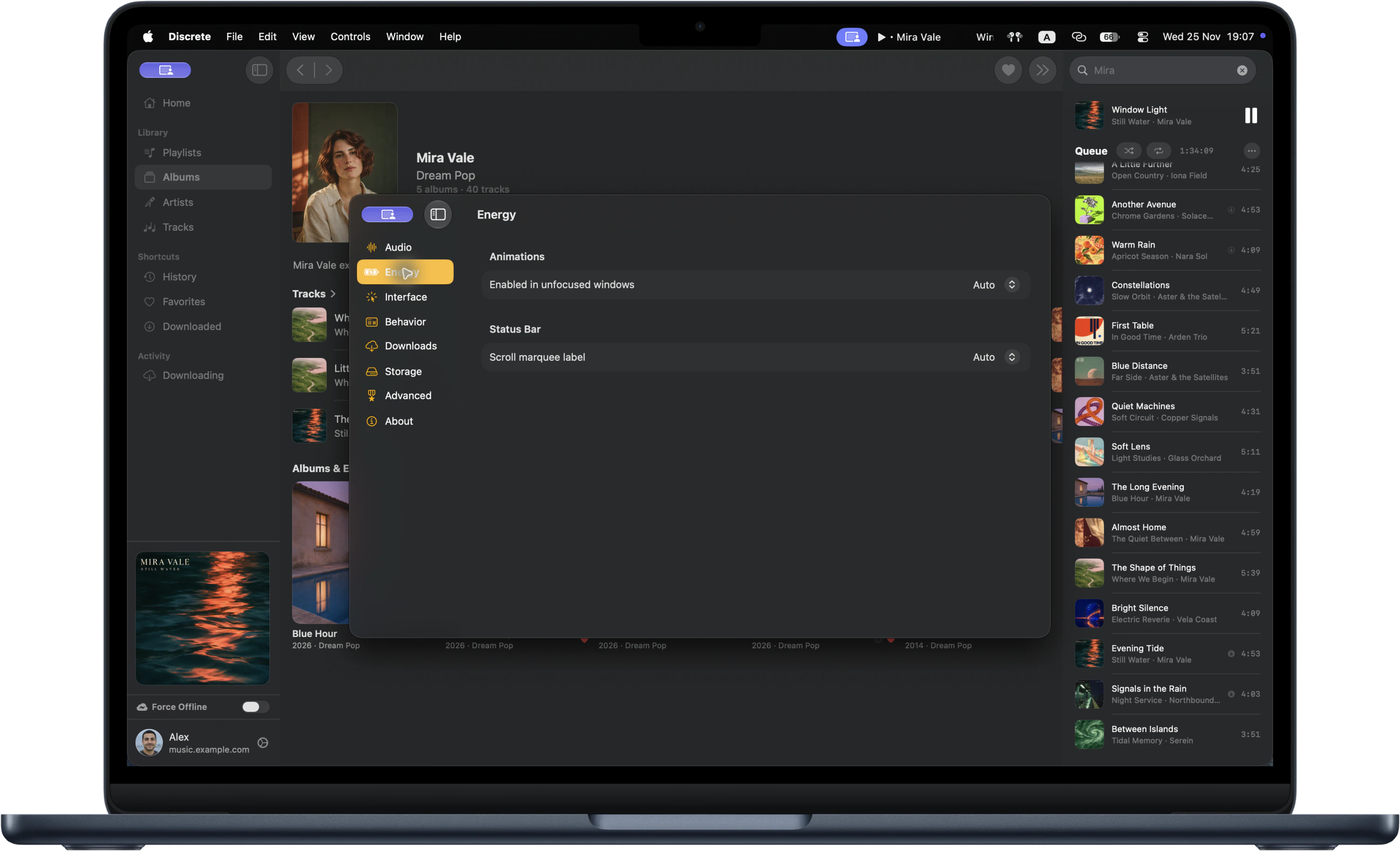
Energy settings showing animation behavior in unfocused windows and the menu bar text in a full macOS desktop inside an official MacBook bezel.
Energy settings
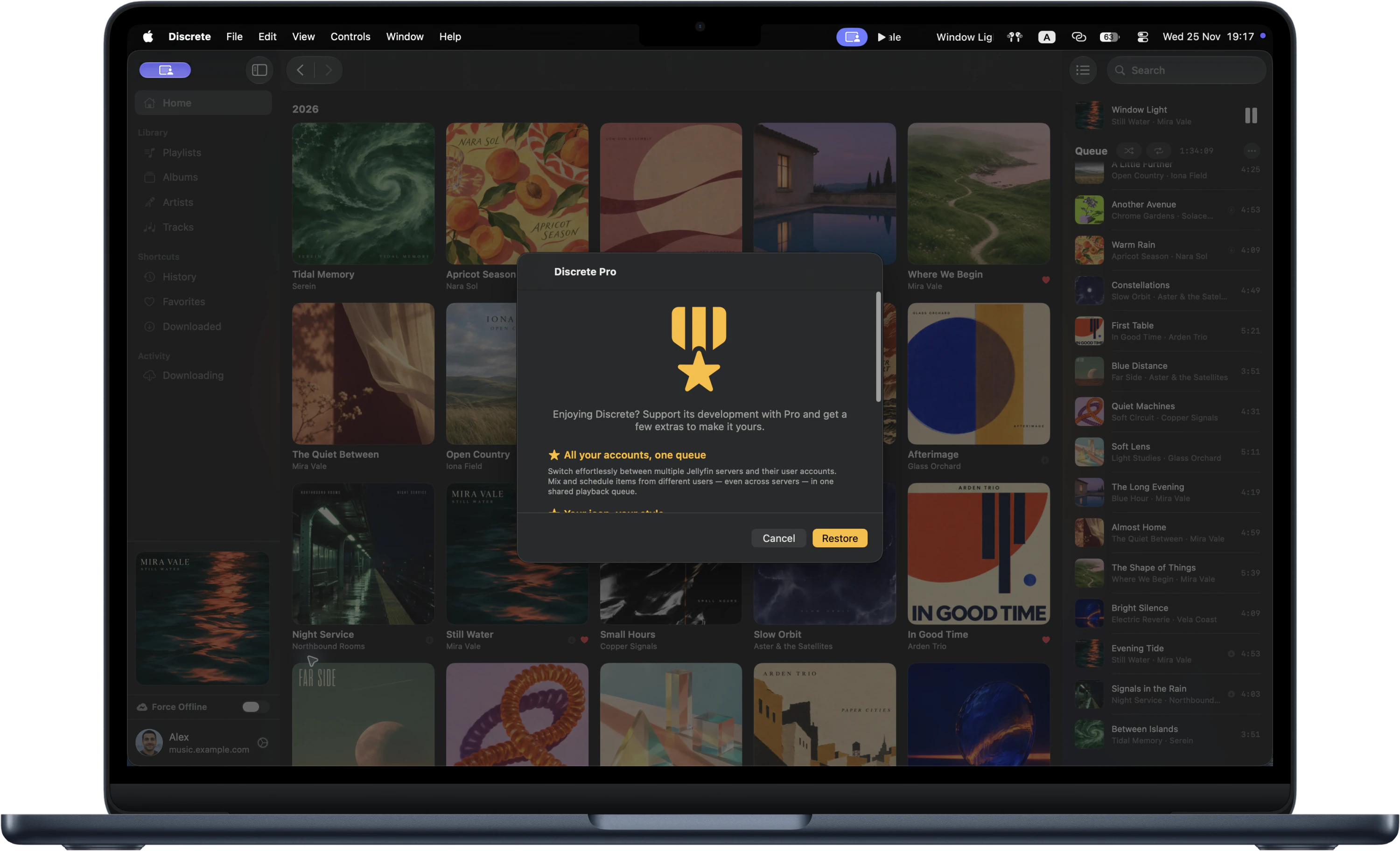
The Discrete Pro introduction showing the shared queue between accounts and the customizable Dock icon in a full macOS desktop inside an official MacBook bezel.
Discrete Pro benefits
The About settings showing contact channels, support links, and release and legal information in a full macOS desktop inside an official MacBook bezel.
Support and about